^BM MSI
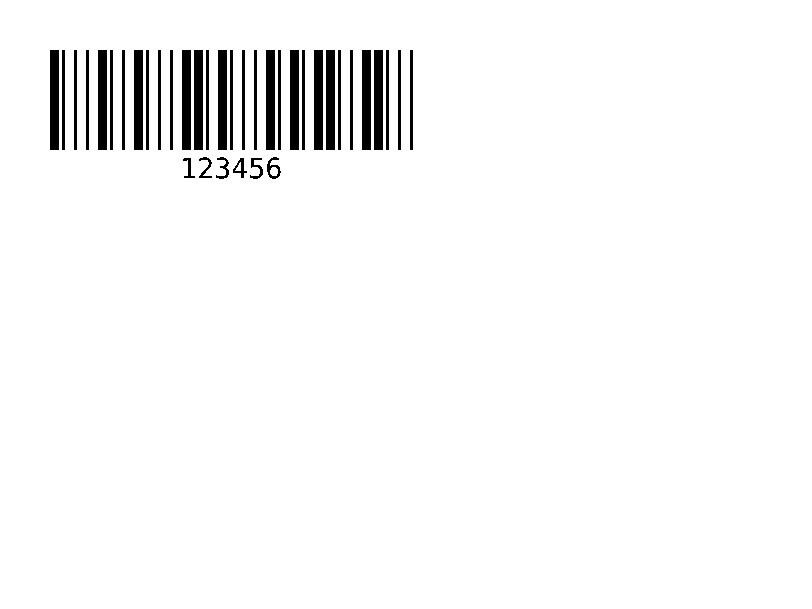
MSI (Modified Plessey) barcode, numeric, used on shelf labels.
^BM prints an MSI barcode for digits, with no check digit, one mod-10, two mod-10 or mod-11 plus mod-10, chosen by the second parameter (A, B, C or D).
Barcodes · Updated 2026-10-20
Syntax
^BMo,e,h,f,g,e2
Parameters
| Parameter | What it does | Values |
|---|---|---|
o | Rotation. | N, R, I, B |
e | Check digits. | A = none, B = one mod 10, C = two mod 10, D = mod 11 and mod 10; default B |
h | Bar height, in dots. | default: ^BY's |
f | Human-readable line. | Y or N; default Y |
g | Put that line above the code. | Y or N; default N |
e2 | Show the check digits in the text line. | Y or N; default N |
Common mistakes
- MSI is digits only.
Example
Edit the code and the label redraws. This is the same engine as the API.
Your file is downloading.
Free, with no daily limit. A free account also saves your designs and gives you an API key.
Questions
What does ^BM do in ZPL?
^BM prints an MSI barcode for digits, with no check digit, one mod-10, two mod-10 or mod-11 plus mod-10, chosen by the second parameter (A, B, C or D).
What is the syntax of ^BM?
^BMo,e,h,f,g,e2
What should I watch out for with ^BM?
MSI is digits only.