Online ZPL editor
Edit ZPL code, open .zpl and .prn files, and see the label as you type.
Place the cursor on a command to see what it does.
Your file is downloading.
It carries the preview watermark. A free account gives you 20 labels a day with only a small corner mark.
About this ZPL editor
To open a ZPL file, press Open file and pick the .zpl, .prn or .txt, or paste its text in the editor: the label draws at once, and you can change any field and see the result before you send it to a printer.
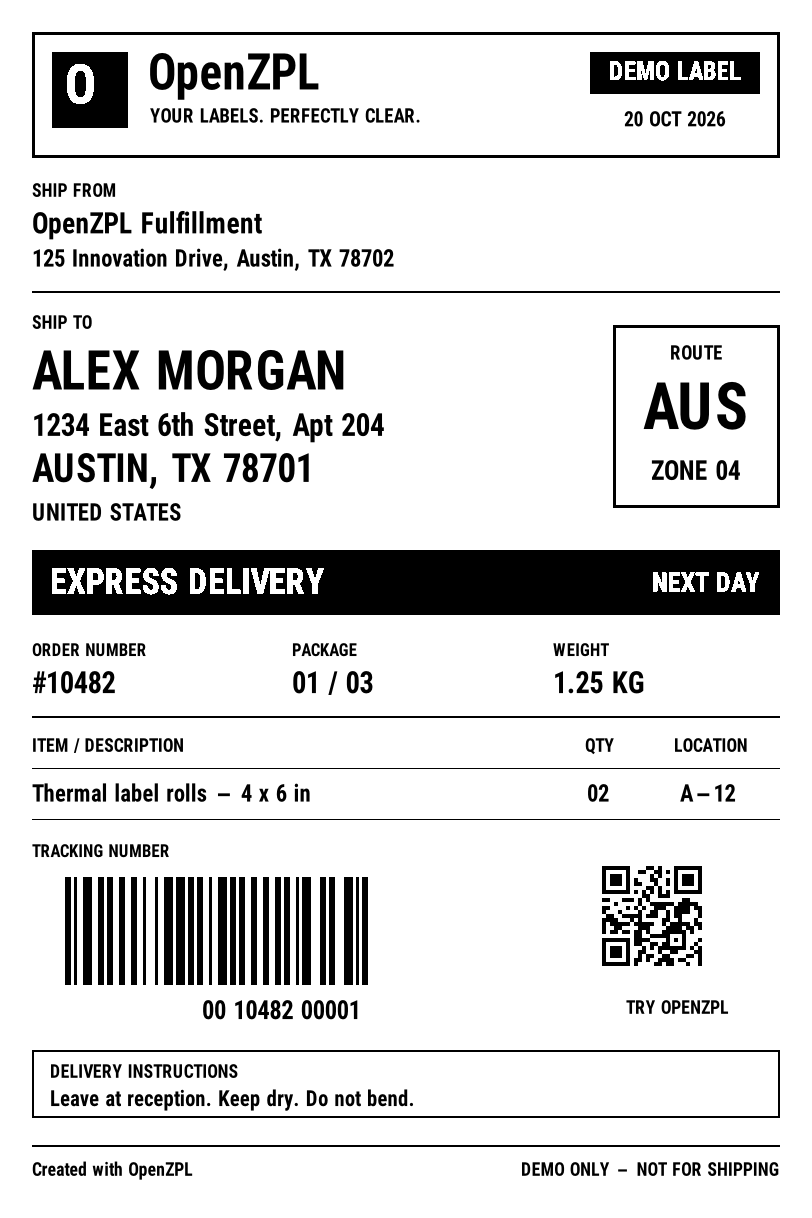
The OpenZPL viewer draws ZPL (Zebra Programming Language) labels as a printer would, while you type. Paste the code or open a .zpl file, pick the label size and the printer's density, and the preview redraws on every change.
Export the label as a PDF (one page per label, ^PQ copies included), as a PNG in grayscale or 1-bit, or as the ZPL file itself. The same engine runs the OpenZPL API, so what you see here is what your code gets back.
Put the cursor on a command to see what it does, or browse the command reference. If a label prints wrong, the ZPL error guides show the usual causes with a render before and after the fix.
Questions
How do I open a .zpl file?
Press Open file and pick the .zpl, .prn or .txt file, or drag its text into the editor. The label draws as soon as the code is in; nothing is uploaded except the ZPL sent to render it.
Which densities and sizes does the viewer support?
152, 203, 300 and 600 dpi (6, 8, 12 and 24 dots per millimetre) and any size up to 15 × 15 inches, in inches, centimetres or millimetres.
Does the preview match the printer?
It uses the same engine as the OpenZPL API, which emulates a Zebra printer. Fonts, darkness and media can change a physical print, so check critical labels on the printer; unsupported commands are listed on the compatibility page.