ZPL to JPG converter
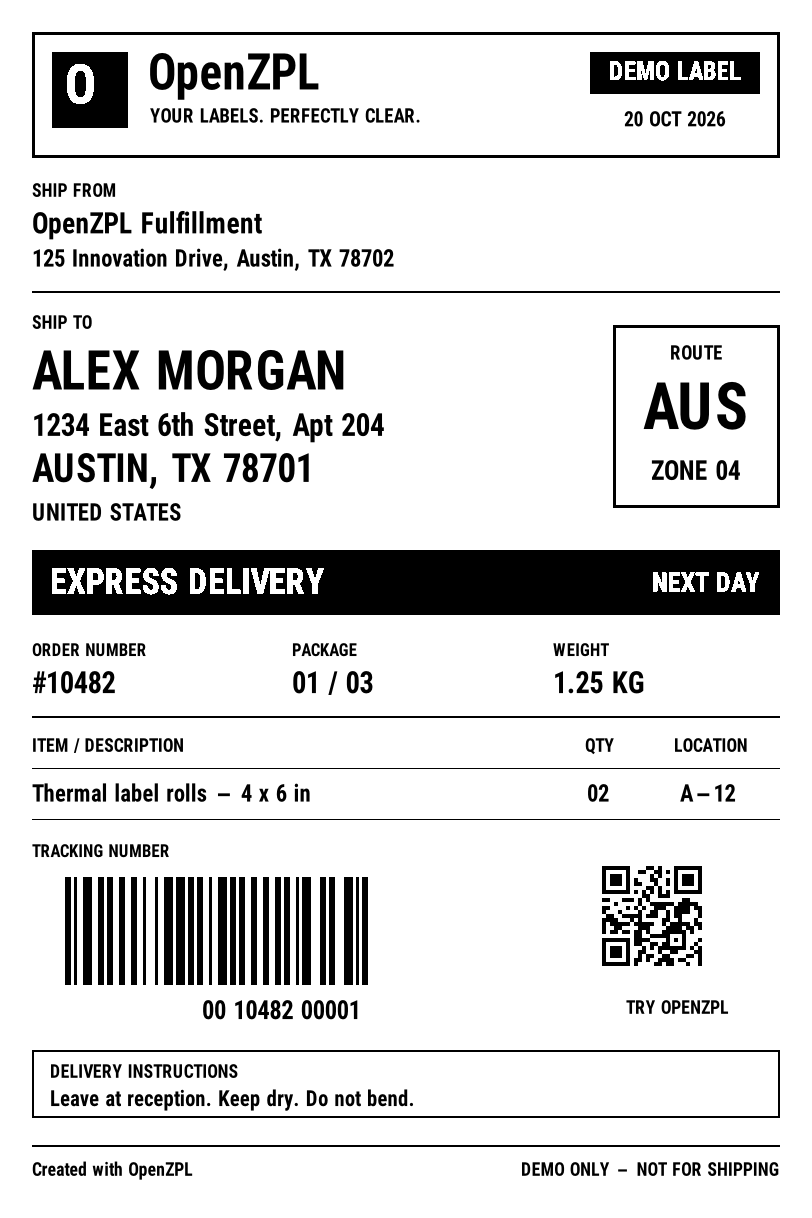
Convert ZPL to a JPG image online: paste your ZPL below and download the label as a JPG, with a white background, at 152, 203, 300 or 600 dpi. Free to try, no account needed.
Your file is downloading.
Free, with no daily limit. A free account also saves your designs and gives you an API key.
How to convert ZPL to JPG
- Paste your ZPL in the editor, or open a .zpl file.
- Pick the label size and the print density of your printer (203 dpi is the most common).
- Check the preview, then download the JPG.
Convert from your code
curl https://api.openzpl.com/v1/printers/8dpmm/labels/4x6/0/ \
  --data-binary @label.zpl > label.png
Questions
Is it free?
Yes. Without an account, preview and download one file at a time with all its labels, with no daily limit and no watermark. Paid plans add batches of files, the API and support.
Is my ZPL stored?
On paid plans and with API keys, never: the label is rendered and returned. Without one, we may keep the ZPL of failed renders and a small sample of the others for up to 24 hours to find rendering bugs, then it is deleted. The editor remembers your last label only in this browser.
JPG or PNG?
PNG keeps every edge sharp and is the better choice for barcodes. JPG is for when a form or a system only accepts JPG files.