ZPL compatibility of the OpenZPL engine
The OpenZPL engine draws the 51 ZPL commands of the command reference, one of them partially, and skips the ones that configure the printer. The barcode and text commands listed under “Not supported yet” don't draw correctly today.
Tested 2026-10-20 with openzpl-api 689632b at 8 dpmm.
How we test
Every example on this site is a fixture: a short synthetic label that the engine renders to a PNG when the site is built. If a fixture's ZPL changes and its image isn't rendered again, the build fails, so the image always shows what the engine does with that exact code.
The 116 fixtures are public in fixtures.json, with their size, density and image, under CC0. Use them to test any ZPL renderer.
A preview isn't a print. Darkness, media, firmware and the fonts installed on a printer change the result, so check critical labels on the printer itself.
Drawn
| Command | Nó thực hiện điều gì | Category | Evidence |
|---|---|---|---|
^XA |
Mở một nhãn. Mọi thứ đến ^XZ là một nhãn. | Định dạng nhãn | Rendered example |
^XZ |
Đóng nhãn đã mở bởi ^XA và in nó. | Định dạng nhãn | Rendered example |
^PW |
Đặt chiều rộng nhãn tính bằng điểm. | Định dạng nhãn | Rendered example |
^LL |
Đặt chiều dài nhãn tính bằng điểm. | Định dạng nhãn | Rendered example |
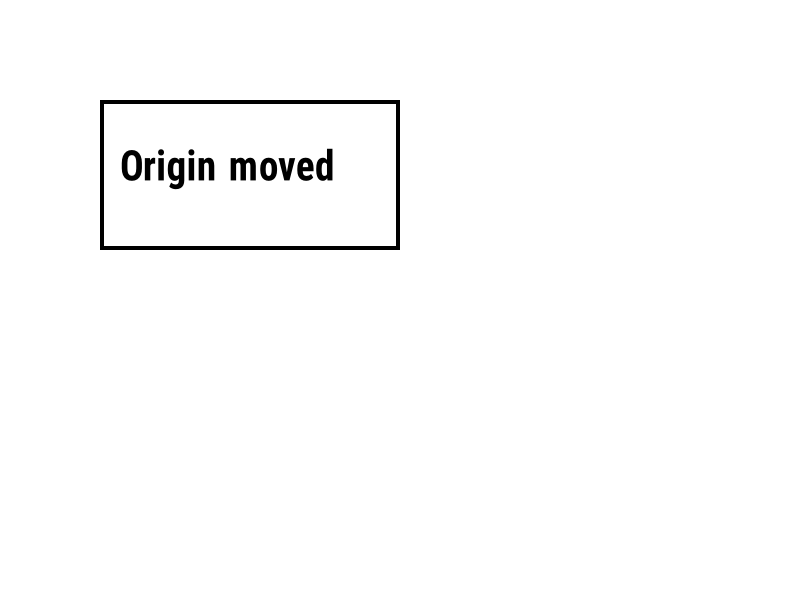
^LH |
Di chuyển điểm gốc mà mọi vị trí trường được đo từ đó. | Định dạng nhãn | Rendered example |
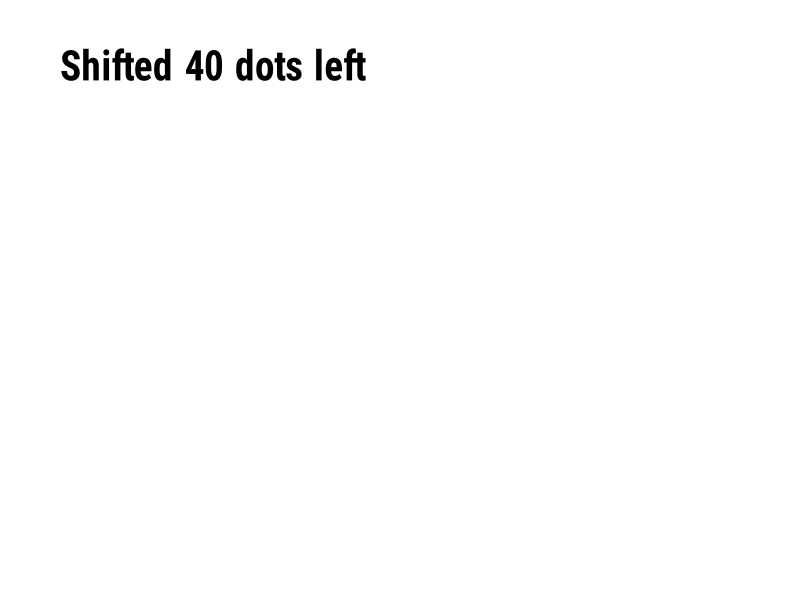
^LS |
Dịch mỗi trường sang trái bằng số điểm đã cho. | Định dạng nhãn | Rendered example |
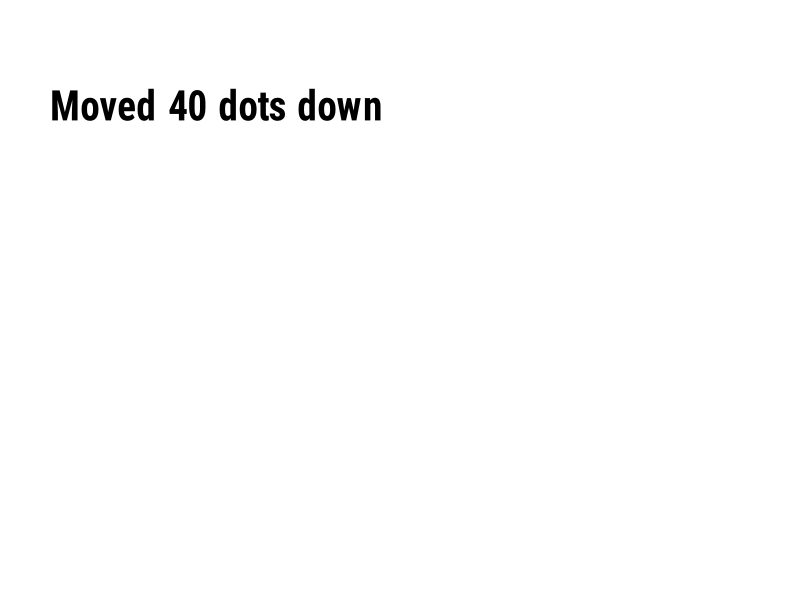
^LT |
Di chuyển toàn bộ nhãn lên hoặc xuống theo số hàng chấm đã cho. | Định dạng nhãn | Rendered example |
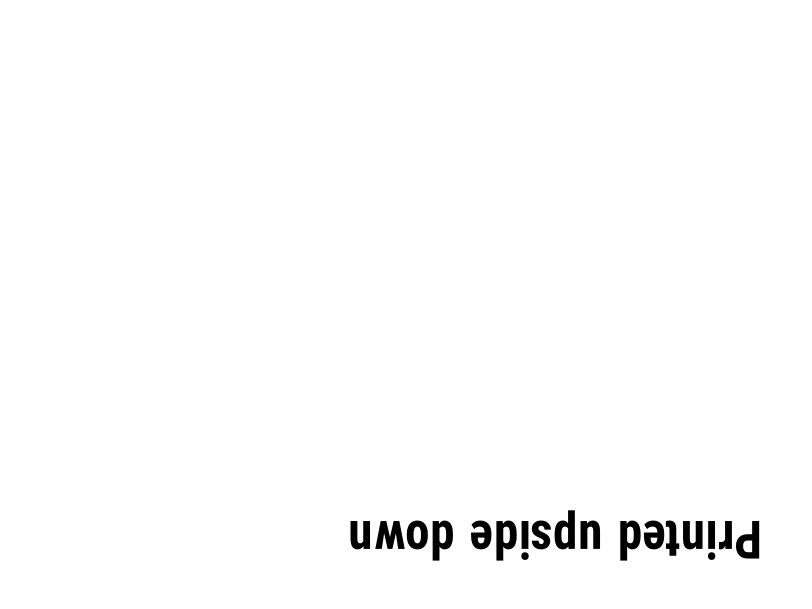
^PO |
In nhãn bình thường (N) hoặc ngược (I). | Định dạng nhãn | Rendered example |
^PM |
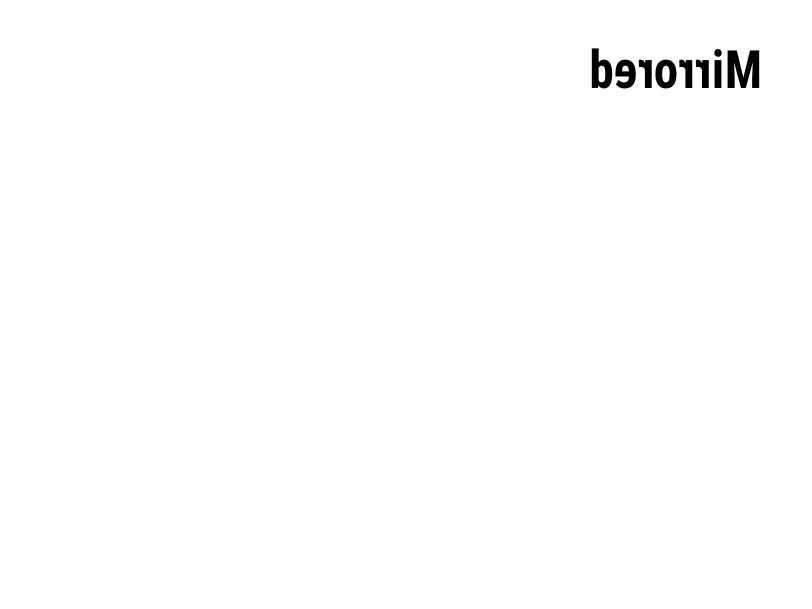
Lật toàn bộ nhãn theo chiều ngang khi thiết lập thành Y. | Định dạng nhãn | Rendered example |
^PQ |
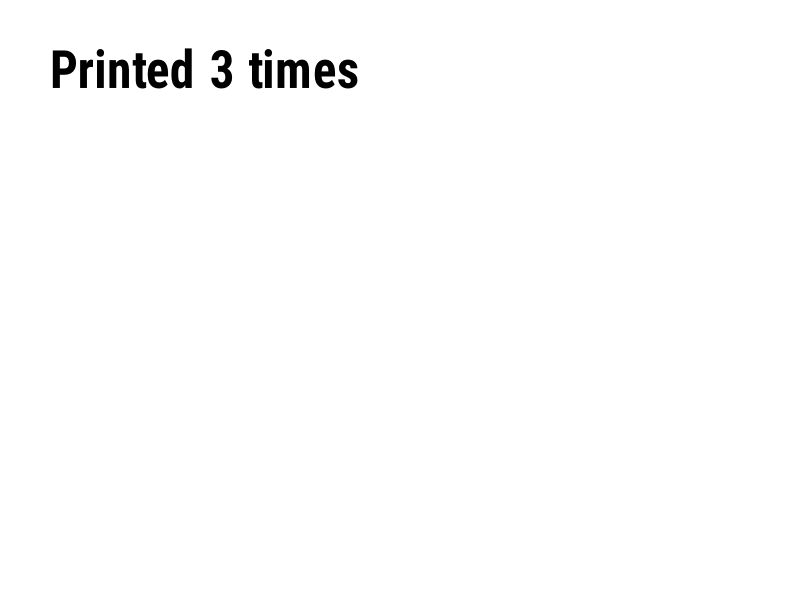
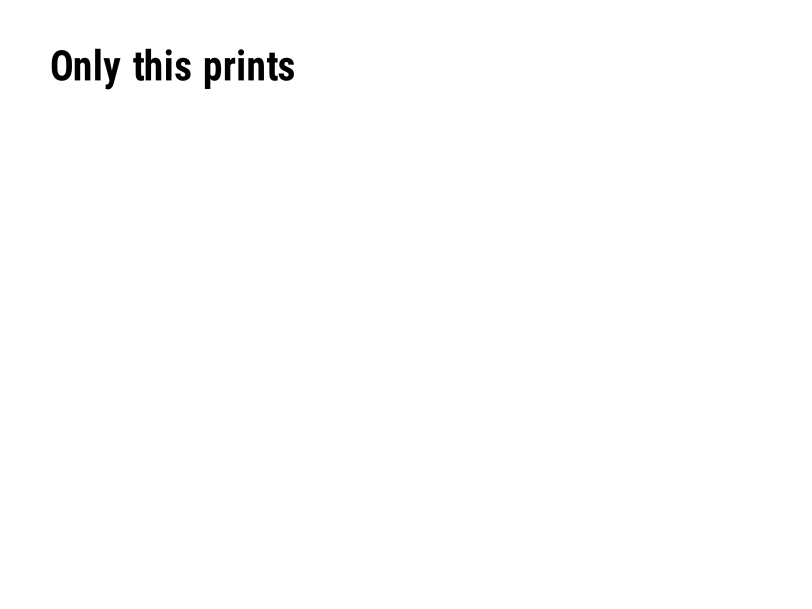
Đặt số lượng nhãn cần in; mỗi cái được tính là một nhãn trong bản xem trước. | Định dạng nhãn | Rendered example |
^MU |
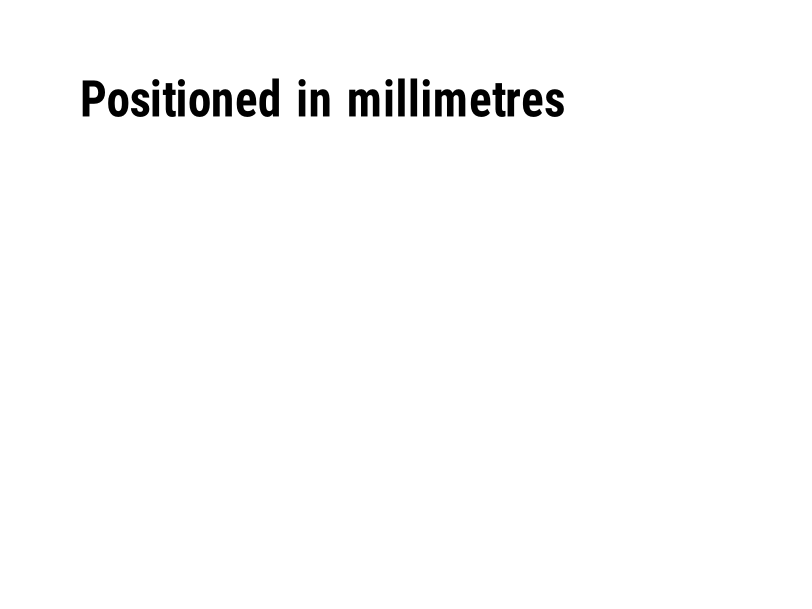
Thay đổi đơn vị đo thành chấm, inch hoặc milimét. | Định dạng nhãn | Rendered example |
^CI |
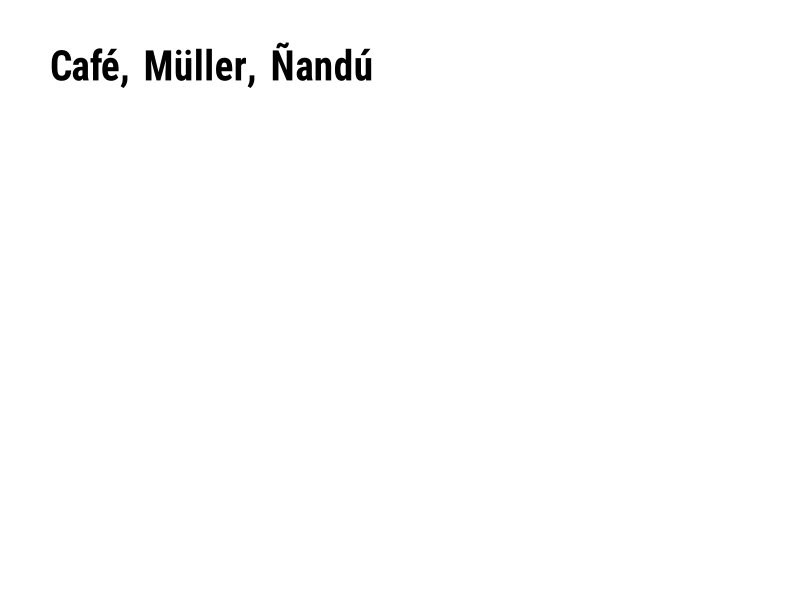
Chọn tập ký tự. ^CI28 là UTF-8. | Định dạng nhãn | Rendered example |
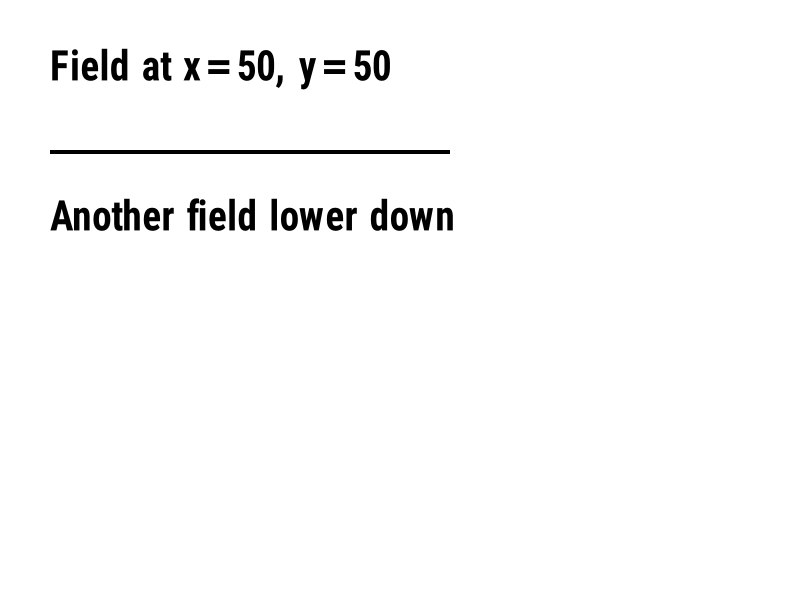
^FO |
Đặt vị trí trường: tọa độ x, y tính bằng điểm từ góc trên bên trái. | Các trường và vị trí | Rendered example |
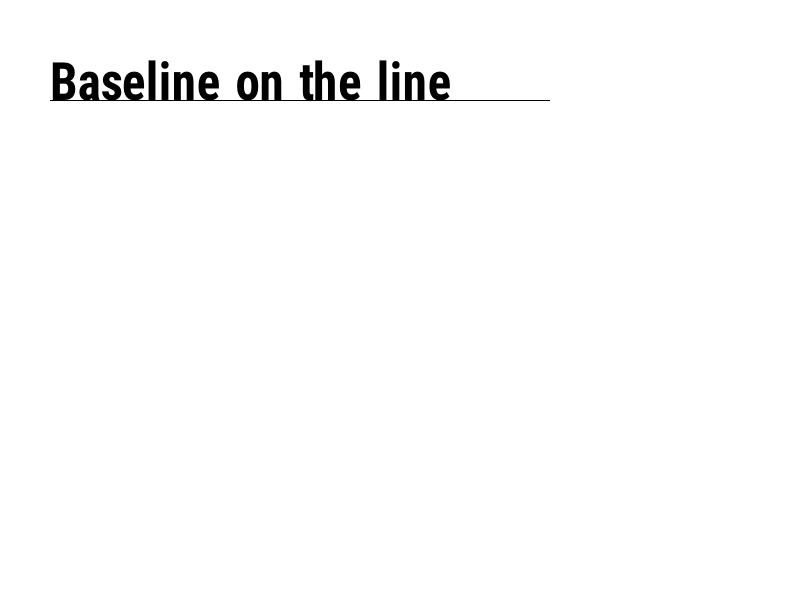
^FT |
Đặt một trường theo đường cơ sở của nó thay vì góc trên bên trái. | Các trường và vị trí | Rendered example |
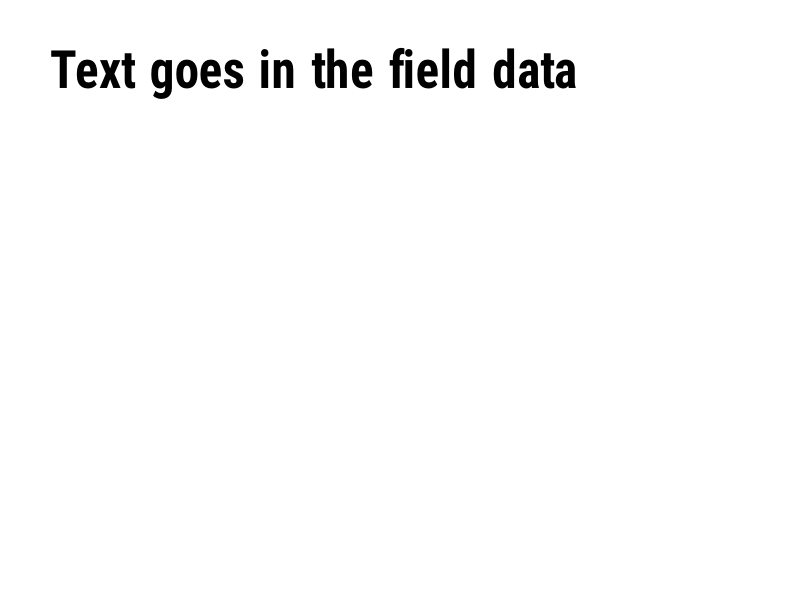
^FD |
Dữ liệu văn bản hoặc mã vạch của trường hiện tại. | Các trường và vị trí | Rendered example |
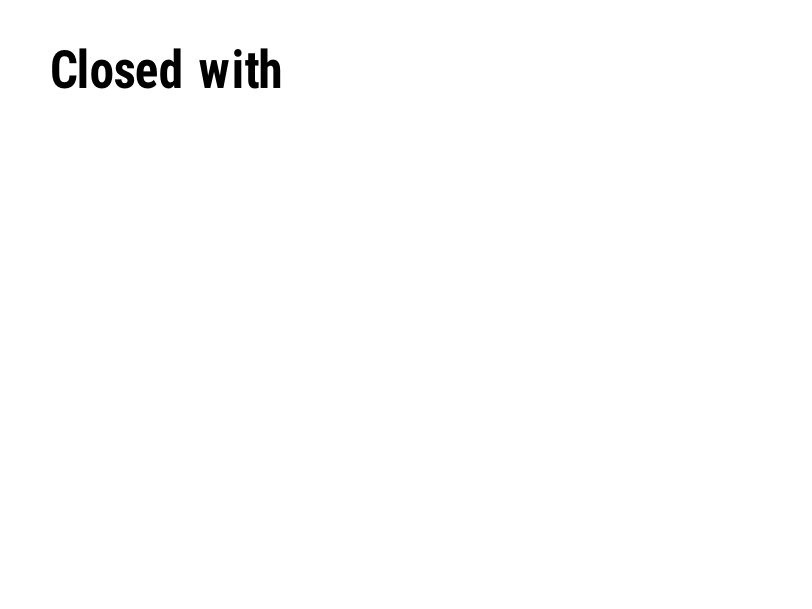
^FS |
Kết thúc trường hiện tại. | Các trường và vị trí | Rendered example |
^FB |
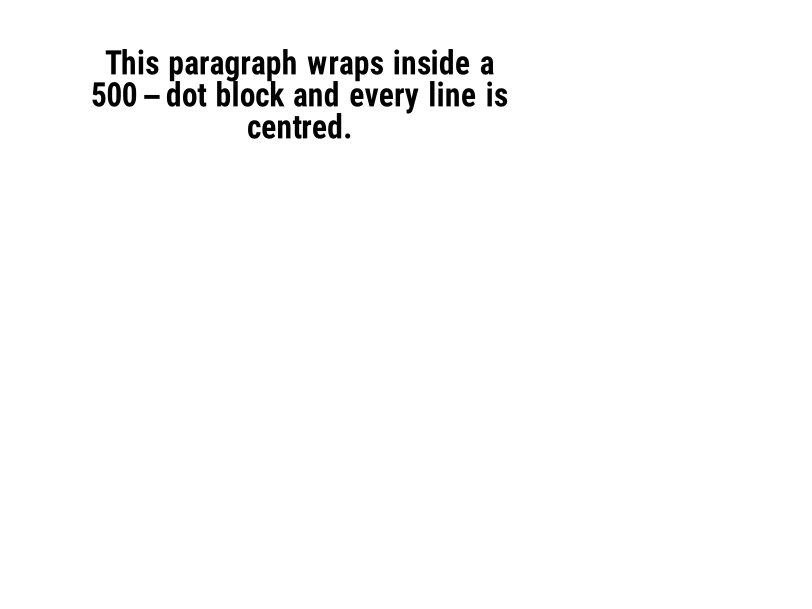
Bao bọc văn bản vào một khối với chiều rộng, số dòng và căn chỉnh. | Các trường và vị trí | Rendered example |
^FR |
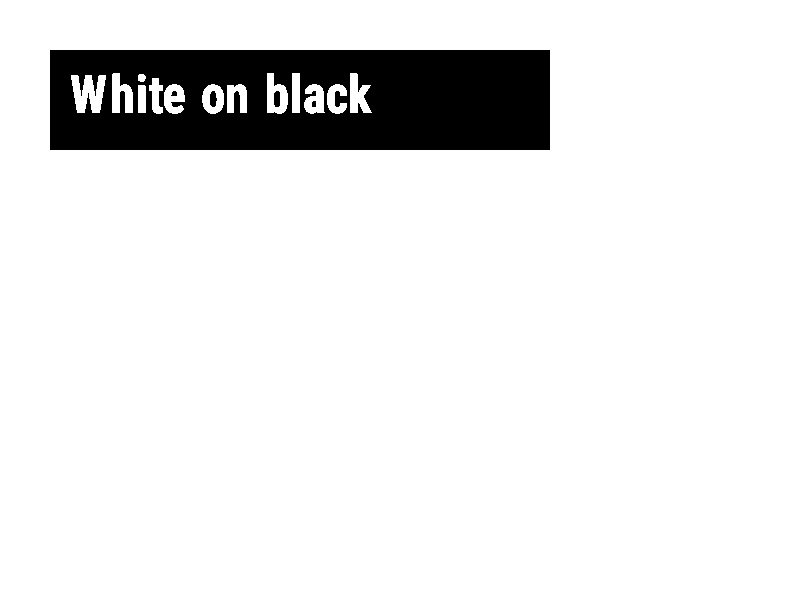
In trường trắng trên nền đen trên bất cứ thứ gì nằm dưới nó. | Các trường và vị trí | Rendered example |
^FH |
Cho phép ^FD chứa các ký tự hex escape như _0D. | Các trường và vị trí | Rendered example |
^FW |
Đặt độ xoay mặc định cho các trường tiếp theo. | Các trường và vị trí | Rendered example |
^FN |
Đặt tên cho một trường biến trong định dạng đã lưu. | Các trường và vị trí | Rendered example |
^FX |
Một chú thích. Máy in sẽ bỏ qua mọi thứ cho đến lệnh tiếp theo. | Các trường và vị trí | Rendered example |
^SN |
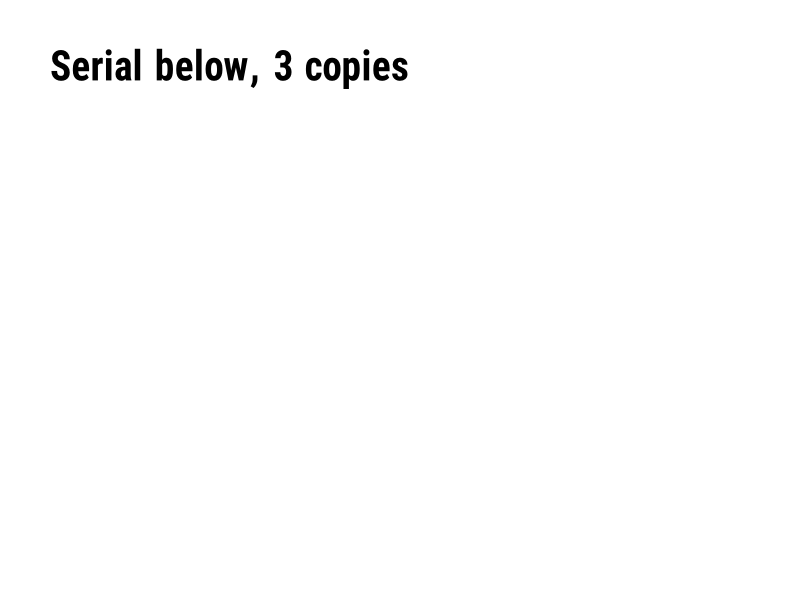
In một số tăng lên cho mỗi nhãn. | Các trường và vị trí | PartialRead but not drawn: the serial field is left out and copies aren't incremented (the same as Labelary's preview). Rendered example |
^A |
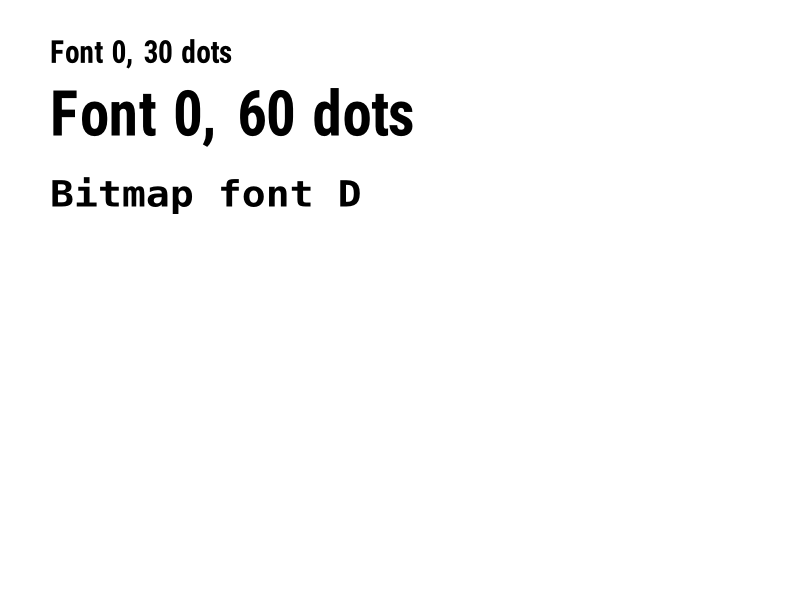
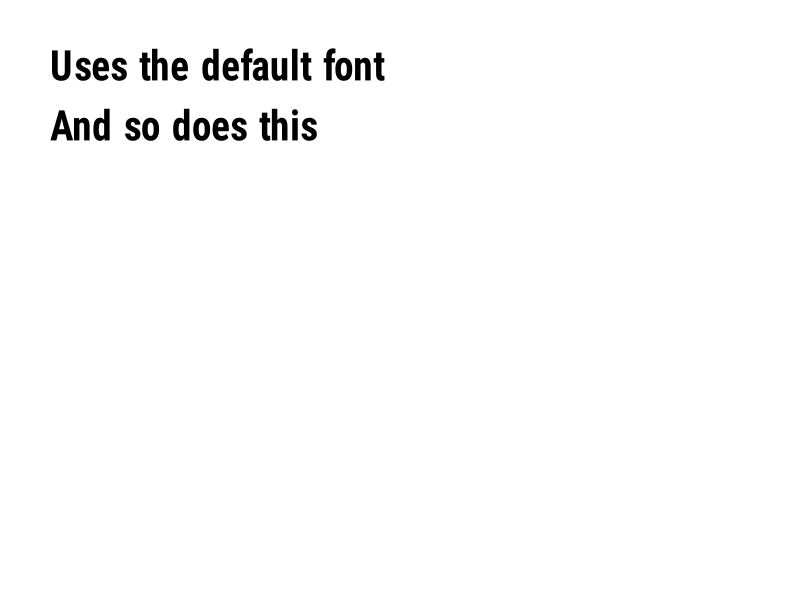
Chọn phông chữ, độ xoay và kích thước cho trường văn bản tiếp theo. | Văn bản và phông chữ | Rendered example |
^A@ |
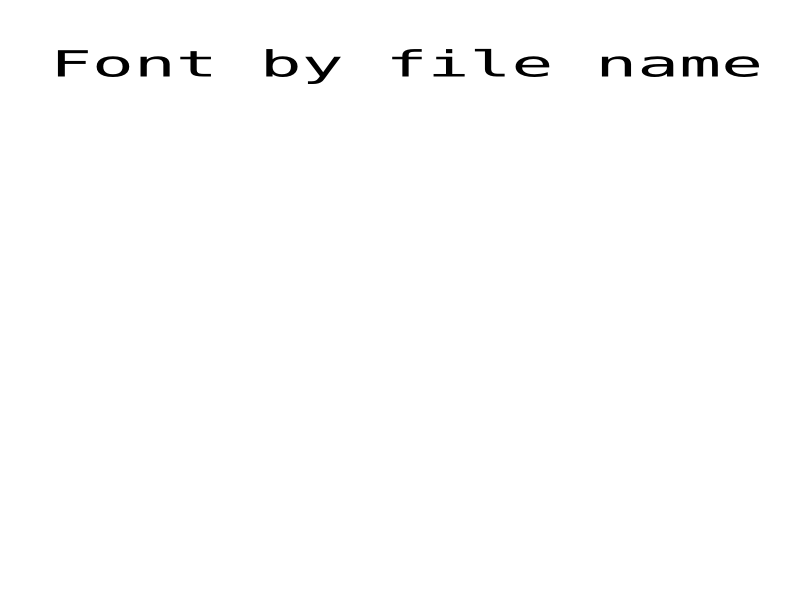
Chọn một phông chữ theo tên tệp của nó trên máy in. | Văn bản và phông chữ | Rendered example |
^CF |
Đặt phông và kích thước được sử dụng khi một trường không có ^A. | Văn bản và phông chữ | Rendered example |
^CW |
Gán một tên có một chữ cái cho một tệp phông chữ. | Văn bản và phông chữ | Stores or recalls data; no image of its own |
^BY |
Đặt chiều rộng mô-đun, tỷ lệ rộng-hẹp và chiều cao cho các mã vạch tiếp theo. | Mã vạch | Rendered example |
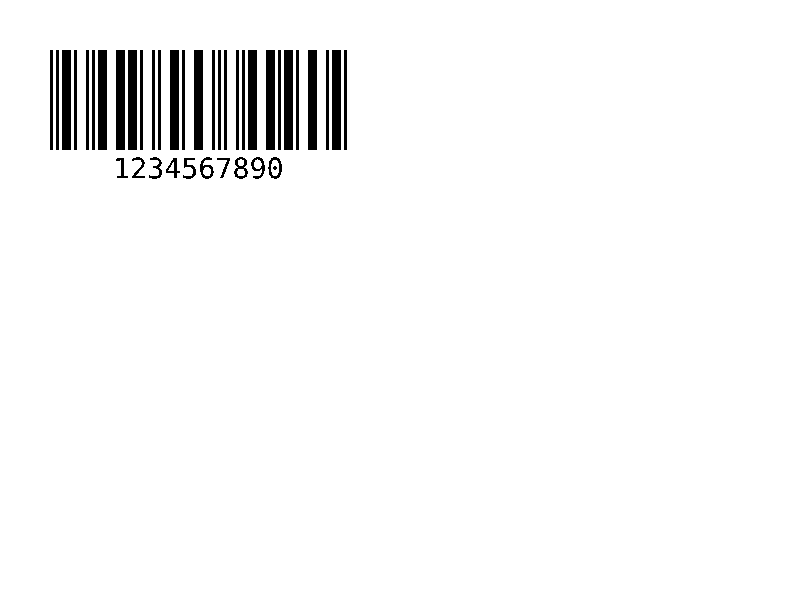
^BC |
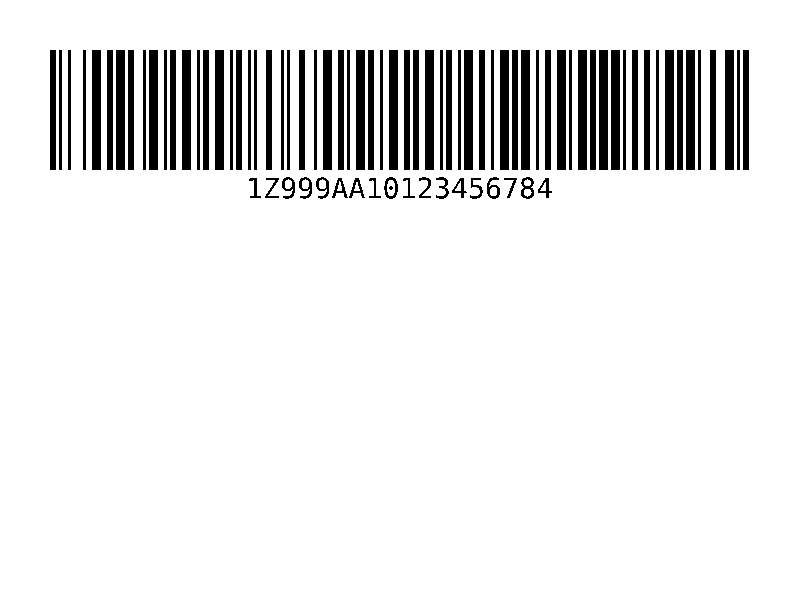
Mã vạch Code 128, loại phổ biến nhất trên nhãn vận chuyển. | Mã vạch | Rendered example |
^B3 |
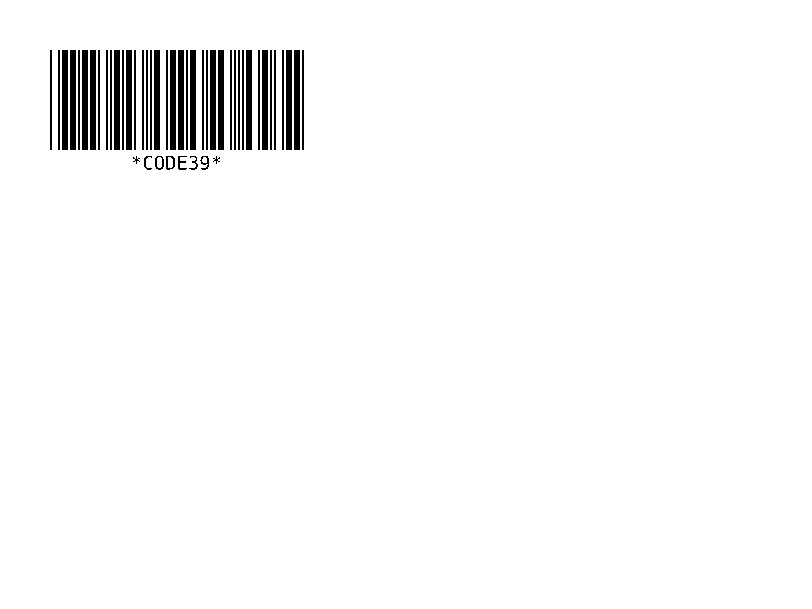
Mã vạch Code 39. | Mã vạch | Rendered example |
^B2 |
Mã vạch Interleaved 2 của 5, chỉ số. | Mã vạch | Rendered example |
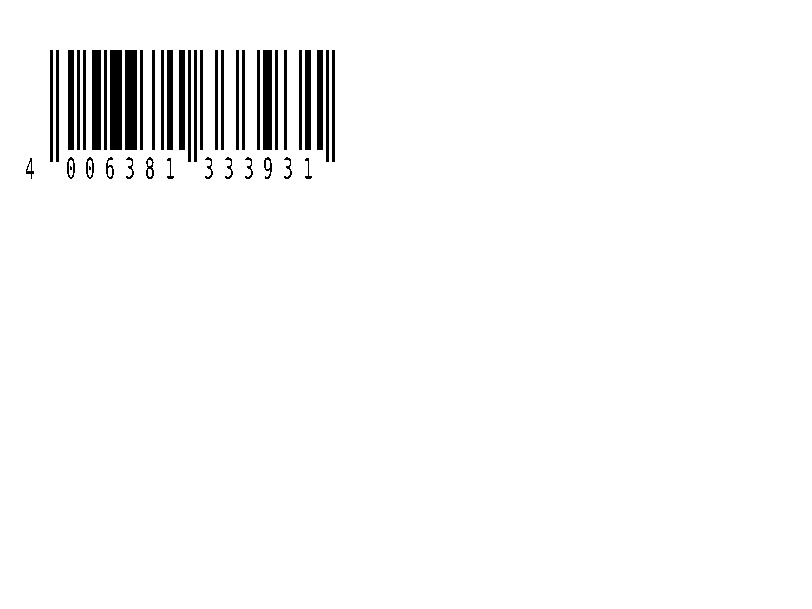
^BE |
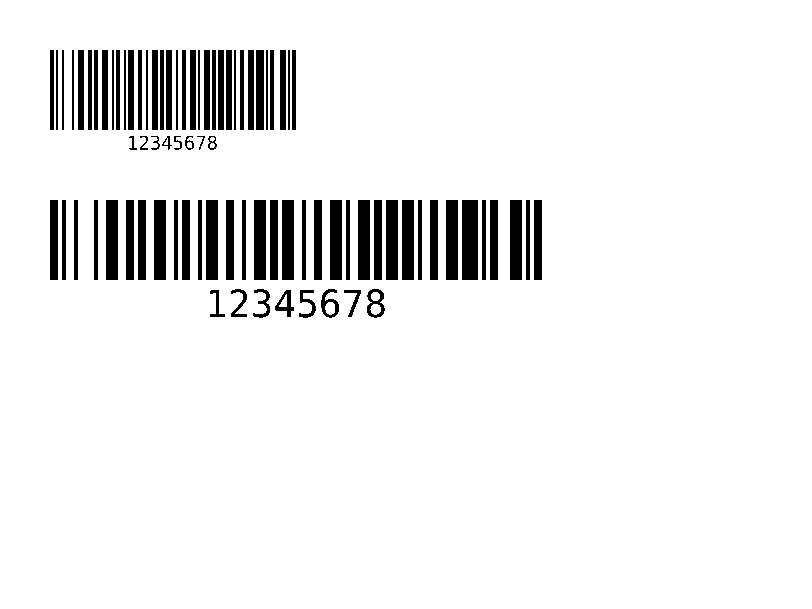
Mã vạch bán lẻ EAN-13. | Mã vạch | Rendered example |
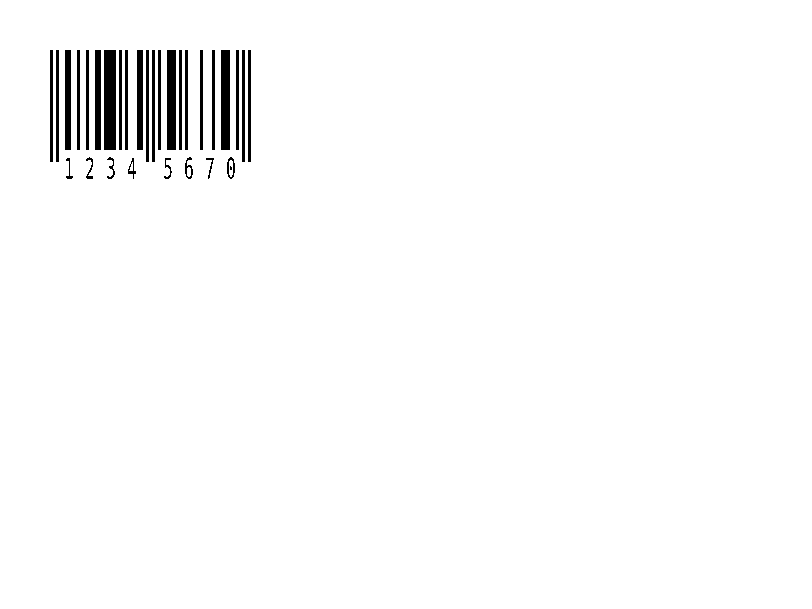
^B8 |
Mã vạch bán lẻ EAN-8. | Mã vạch | Rendered example |
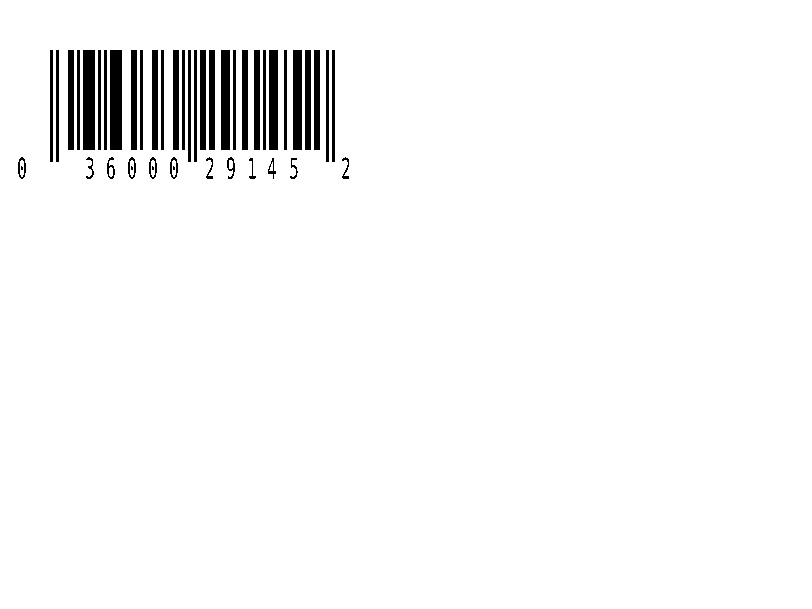
^BU |
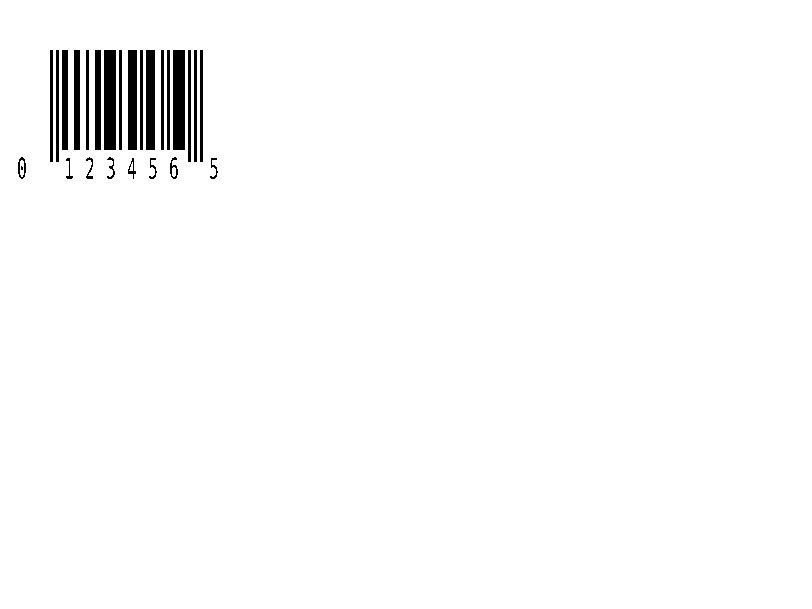
Mã vạch bán lẻ UPC-A. | Mã vạch | Rendered example |
^B9 |
Mã vạch bán lẻ UPC-E. | Mã vạch | Rendered example |
^BQ |
QR Code. Dữ liệu trường bắt đầu bằng mức độ sửa lỗi và chế độ nhập, như trong ^FDQA,text. | Mã vạch | Rendered example |
^BX |
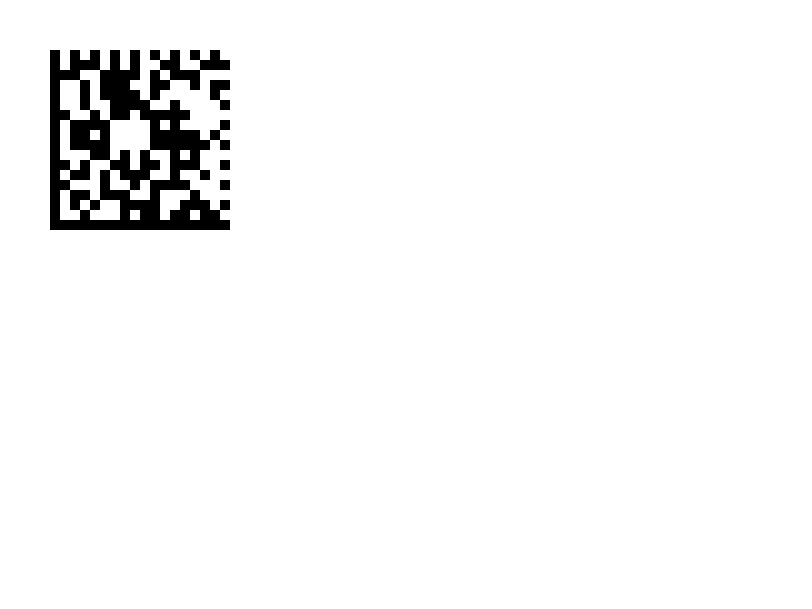
Mã vạch 2D Data Matrix. | Mã vạch | Rendered example |
^B7 |
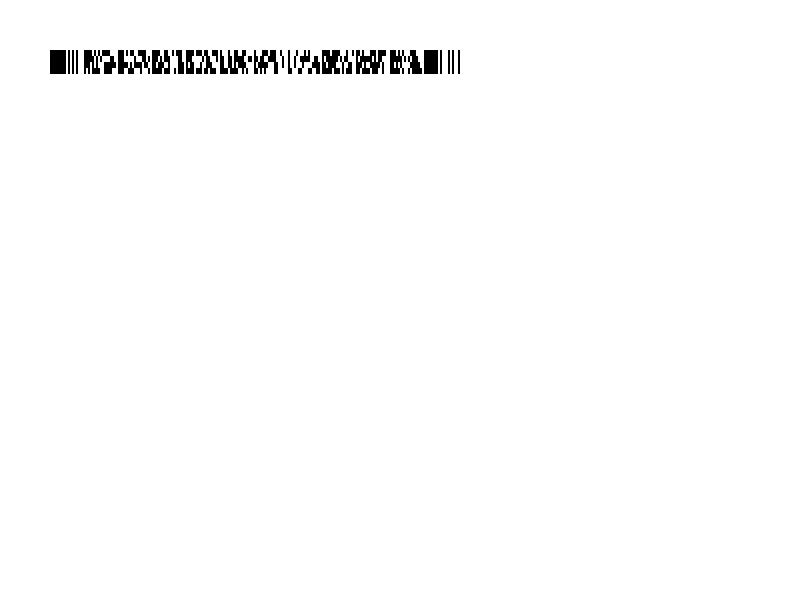
Mã vạch 2D dạng chồng PDF417. | Mã vạch | Rendered example |
^BO |
Mã vạch 2D Aztec. | Mã vạch | Rendered example |
^BD |
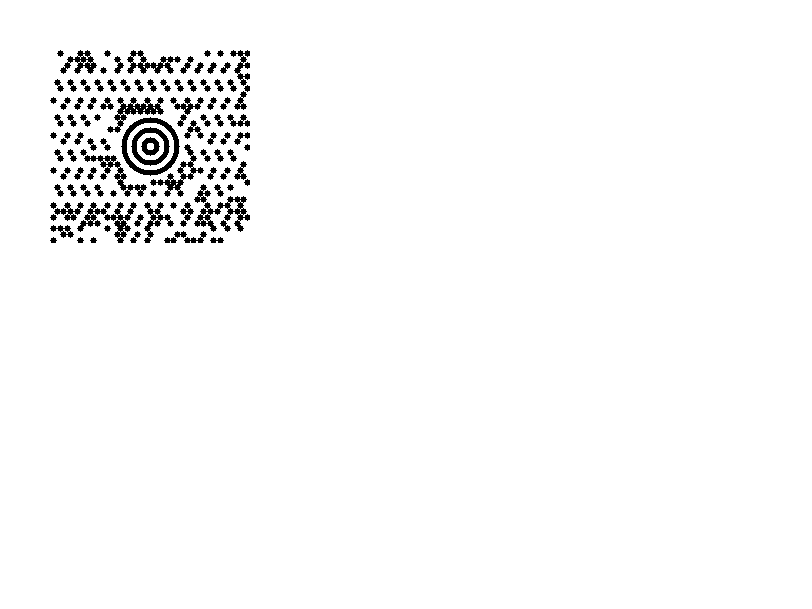
MaxiCode, được sử dụng bởi UPS. | Mã vạch | Rendered example |
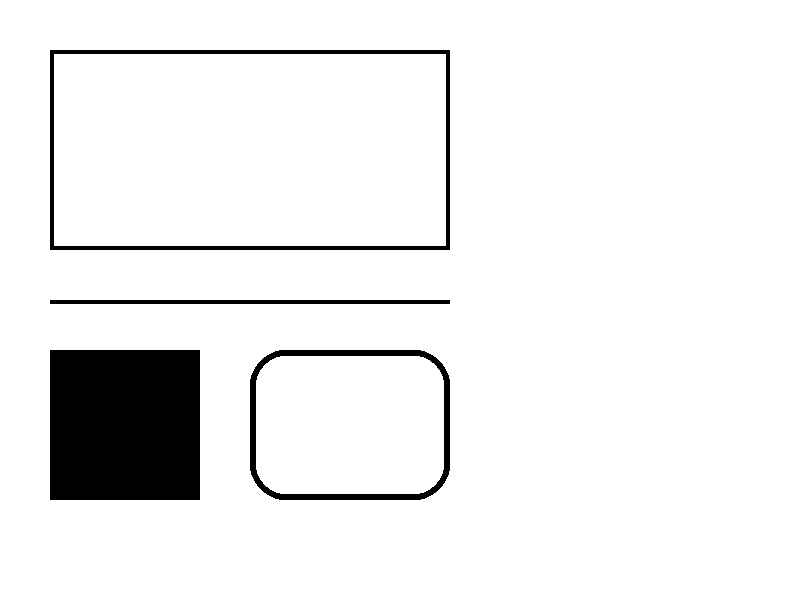
^GB |
Vẽ một hộp hoặc một đường: chiều rộng, chiều cao, độ dày biên, màu sắc và bo tròn. | Đồ họa | Rendered example |
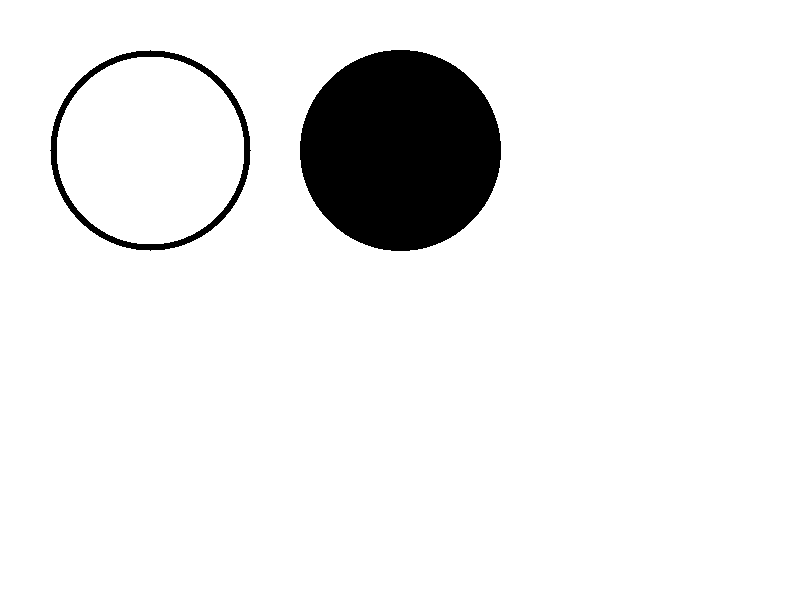
^GC |
Vẽ một hình tròn: đường kính, độ dày biên và màu sắc. | Đồ họa | Rendered example |
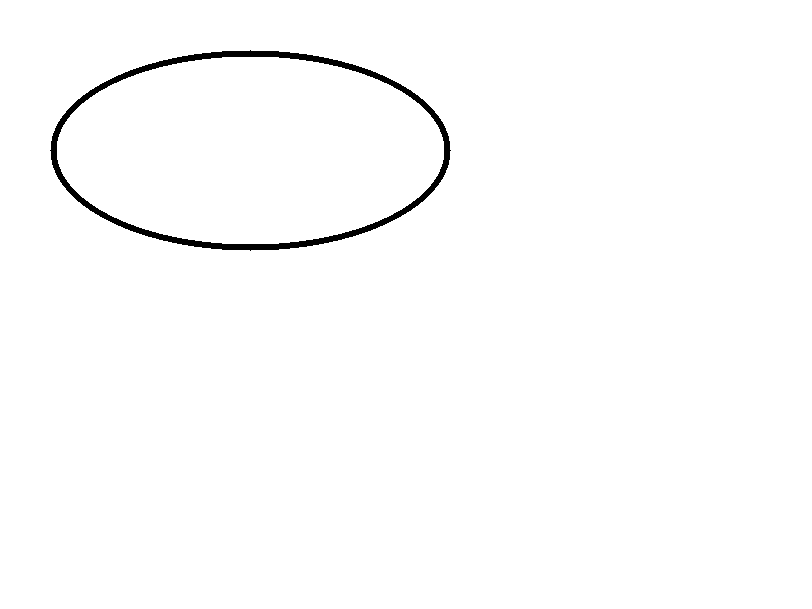
^GE |
Vẽ một hình elip. | Đồ họa | Rendered example |
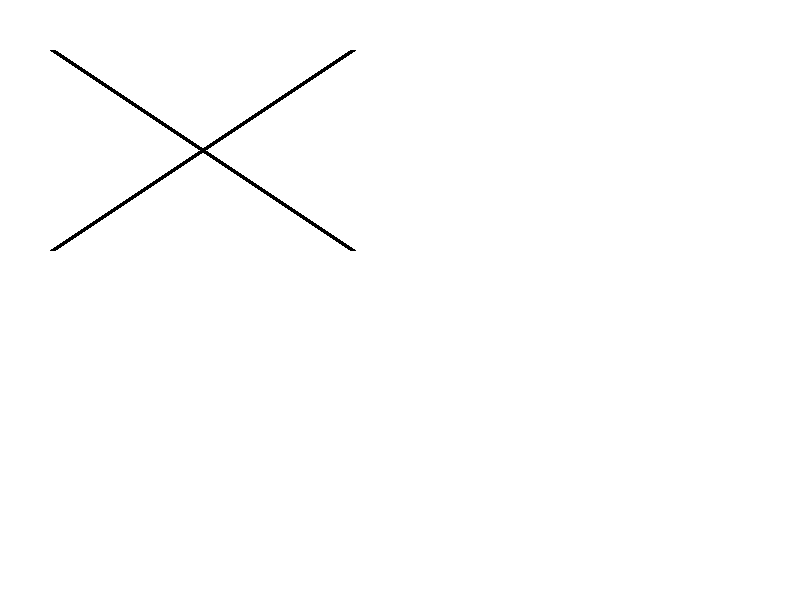
^GD |
Vẽ một đường chéo. | Đồ họa | Rendered example |
^GF |
Nhúng một hình ảnh bitmap vào nhãn (ASCII hex, nhị phân hoặc Z64). | Đồ họa | Rendered example |
^GS |
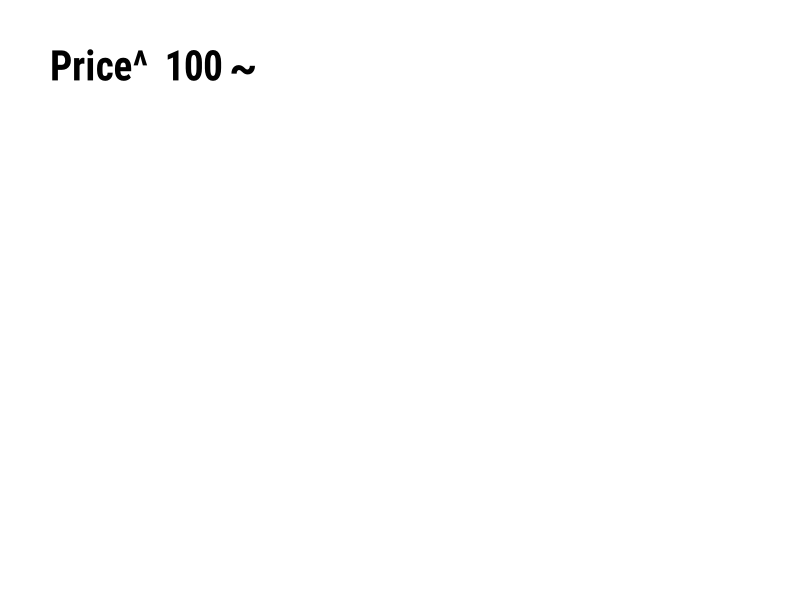
In một ký hiệu đã đăng ký, bản quyền hoặc ký hiệu khác. | Đồ họa | Rendered example |
^DF |
Lưu định dạng nhãn trên máy in dưới một tên. | Các định dạng và hình ảnh đã lưu | Rendered example |
^XF |
Tải lại một định dạng đã lưu để điền vào các trường ^FN của nó. | Các định dạng và hình ảnh đã lưu | Rendered example |
~DG |
Lưu một hình ảnh trên máy in dưới một tên. | Các định dạng và hình ảnh đã lưu | Stores or recalls data; no image of its own |
^XG |
In một hình ảnh đã lưu với ~DG. | Các định dạng và hình ảnh đã lưu | Stores or recalls data; no image of its own |
^IM |
In một hình ảnh đã lưu tại vị trí trường hiện tại. | Các định dạng và hình ảnh đã lưu | Stores or recalls data; no image of its own |





Ignored on purpose
These commands set up the printer, not the label. The API accepts them and renders the label as if they weren't there; we checked that the image is byte-identical without them.
| Group | Commands |
|---|---|
| Media and sensors | ^MM, ^MN, ^MT, ^MF, ~JS |
| Speed, darkness and tear-off | ^PR, ~SD, ^MD, ~TA |
| Calibration and printer state | ~JC, ~JA, ~JR, ^JU, ~HS |
| Network, RFID setup and host queries | ^NC, ^NI, ^RS, ~HI, ~HM |
Not supported yet
Each one was tested by placing it in a label at 8 dpmm. None of them fails the request: the label renders, without the symbol.
| Command | Symbology or feature | What the engine does today |
|---|---|---|
^TB | Text block | Text is drawn on one line; the block doesn't wrap. Use ^FB instead. |
^B0 | Aztec (alias) | No symbol drawn. ^BO, the other Aztec command, is drawn. |
^B1 | Code 11 | No bars; the data is printed as text. |
^B4 | Code 49 | No bars; the data is printed as text. |
^B5 | Planet Code | No bars; the data is printed as text. |
^BA | Code 93 | No bars; the data is printed as text. |
^BB | CODABLOCK | No symbol; the data is printed as text. |
^BF | MicroPDF417 | No symbol; the data is printed as text. |
^BK | ANSI Codabar | No bars; the data is printed as text. |
^BL | LOGMARS | No bars; the data is printed as text. |
^BM | MSI | No bars; the data is printed as text. |
^BP | Plessey | No bars; the data is printed as text. |
^BR | GS1 DataBar | No symbol; the data is printed as text. |
^BS | UPC/EAN extensions | No bars; the data is printed as text. |
^BT | TLC39 | No symbol; the data is printed as text. |
^BZ | POSTAL | No bars; the data is printed as text. |
Known differences
- A format with no fields, such as
^XA^XZ, returns400 ERROR: No labels found in the ZPLinstead of a blank image. - Fonts: Zebra's font 0 (CG Triumvirate Bold Condensed) can't be bundled, so
^A0is drawn with Roboto Condensed Bold, with spacing calibrated per character. The bitmap fonts^AA–^AHare drawn with DejaVu Sans Mono. Text widths can differ by a few dots from a given printer. - An RFID write (
^RFfollowed by^FD…^FS) draws its data as text; a printer encodes it in the tag and prints nothing.
Moving from Labelary
The API keeps Labelary's v1 paths and headers, so most clients only change the host. See Migrate from Labelary for the tested differences and OpenZPL vs Labelary for the comparison.