ZPL compatibility of the OpenZPL engine
The OpenZPL engine draws the 51 ZPL commands of the command reference, one of them partially, and skips the ones that configure the printer. The barcode and text commands listed under “Not supported yet” don't draw correctly today.
Tested 2026-10-20 with openzpl-api 689632b at 8 dpmm.
How we test
Every example on this site is a fixture: a short synthetic label that the engine renders to a PNG when the site is built. If a fixture's ZPL changes and its image isn't rendered again, the build fails, so the image always shows what the engine does with that exact code.
The 115 fixtures are public in fixtures.json, with their size, density and image, under CC0. Use them to test any ZPL renderer.
A preview isn't a print. Darkness, media, firmware and the fonts installed on a printer change the result, so check critical labels on the printer itself.
Drawn
| Command | 它的功能 | Category | Evidence |
|---|---|---|---|
^XA |
打开一个标签。直到 ^XZ 为止的一切都是一个标签。 | 标签格式 | Rendered example |
^XZ |
关闭由 ^XA 打开的标签并打印。 | 标签格式 | Rendered example |
^PW |
设置标签宽度,以点为单位。 | 标签格式 | Rendered example |
^LL |
设置标签长度,以点为单位。 | 标签格式 | Rendered example |
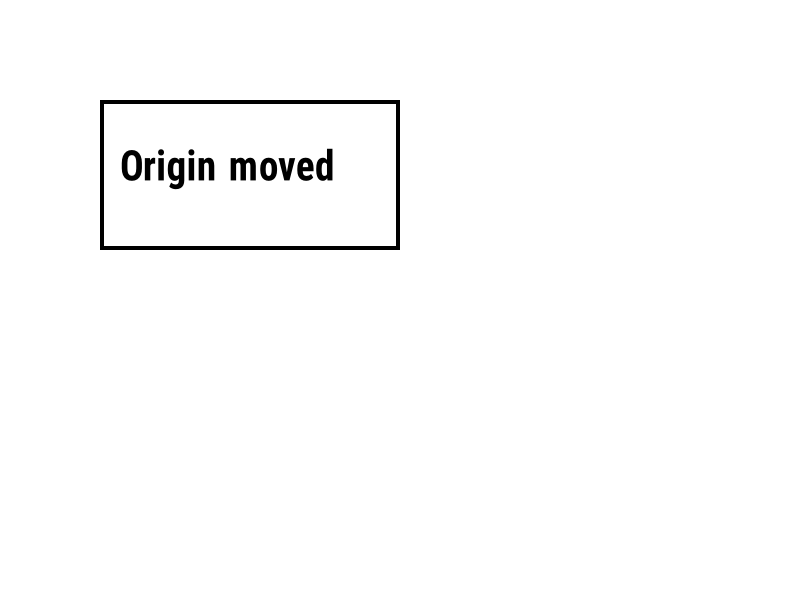
^LH |
移动每个字段位置的测量原点。 | 标签格式 | Rendered example |
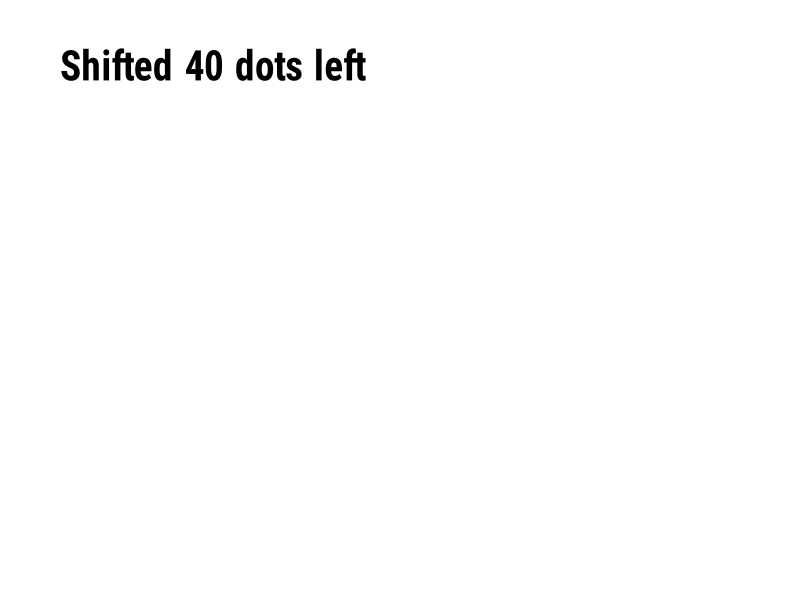
^LS |
将每个字段向左移动指定数量的点。 | 标签格式 | Rendered example |
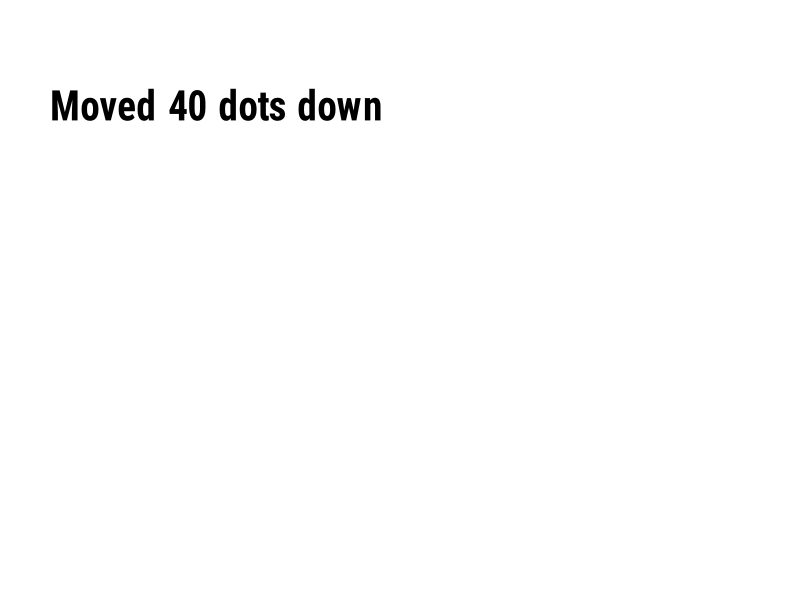
^LT |
将整个标签按给定的点行数向上或向下移动。 | 标签格式 | Rendered example |
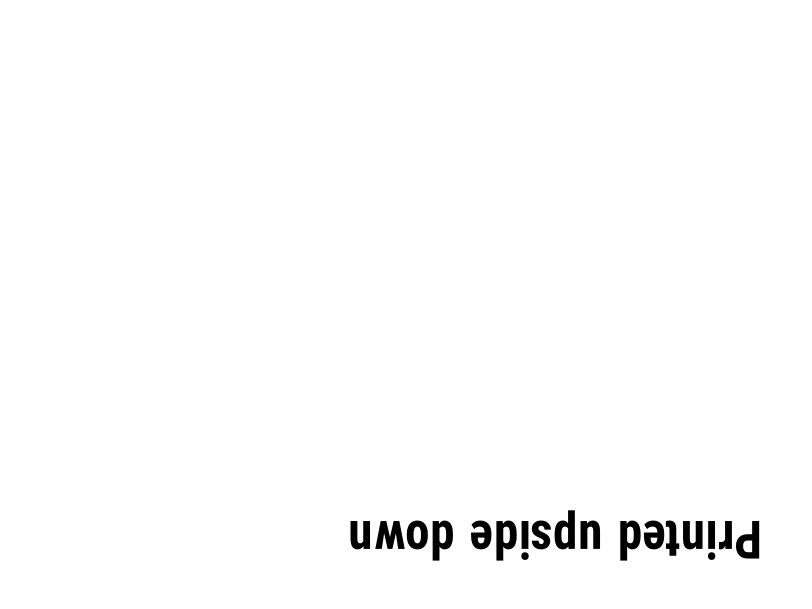
^PO |
正常打印标签 (N) 或倒置 (I)。 | 标签格式 | Rendered example |
^PM |
设置为 Y 时,水平镜像整个标签。 | 标签格式 | Rendered example |
^PQ |
设置要打印的标签数量;每个标签在预览中计为一个标签。 | 标签格式 | Rendered example |
^MU |
将测量单位更改为点、英寸或毫米。 | 标签格式 | Rendered example |
^CI |
选择字符集。^CI28 为 UTF-8。 | 标签格式 | Rendered example |
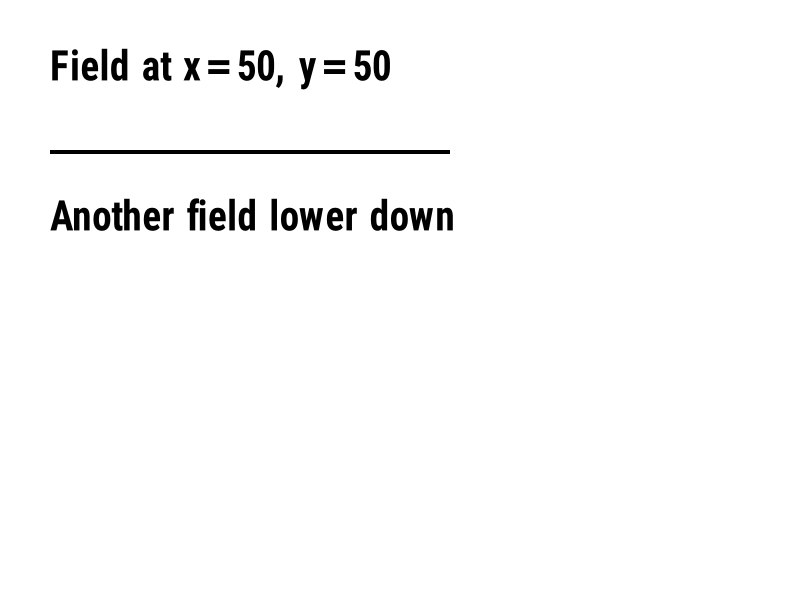
^FO |
设置字段位置:从左上角开始的 x, y 坐标,以点为单位。 | 字段和位置 | Rendered example |
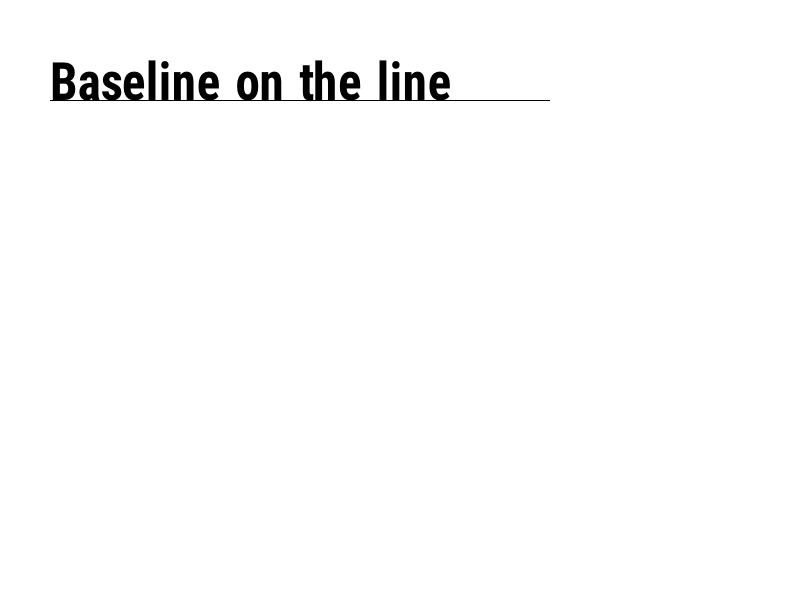
^FT |
根据字段的基线而不是左上角定位字段。 | 字段和位置 | Rendered example |
^FD |
当前字段的文本或条形码数据。 | 字段和位置 | Rendered example |
^FS |
结束当前字段。 | 字段和位置 | Rendered example |
^FB |
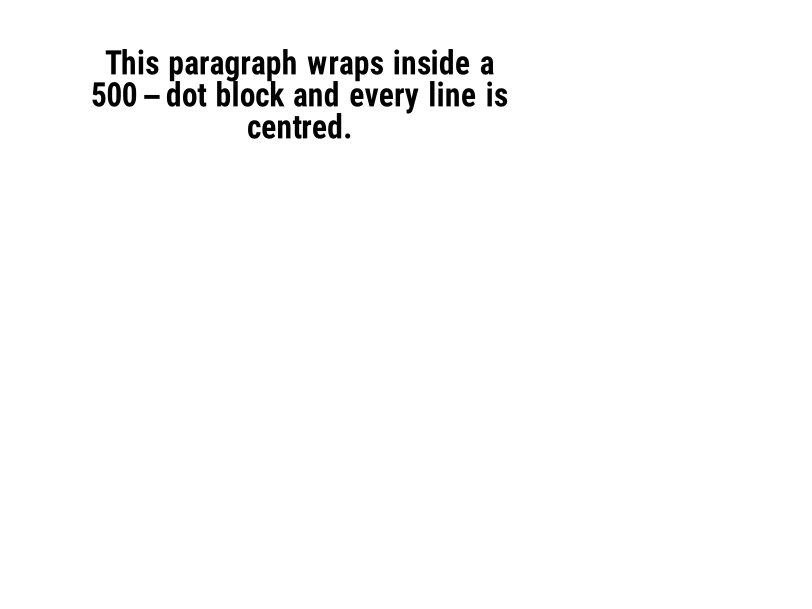
将文本包裹成具有宽度、行数和对齐方式的块。 | 字段和位置 | Rendered example |
^FR |
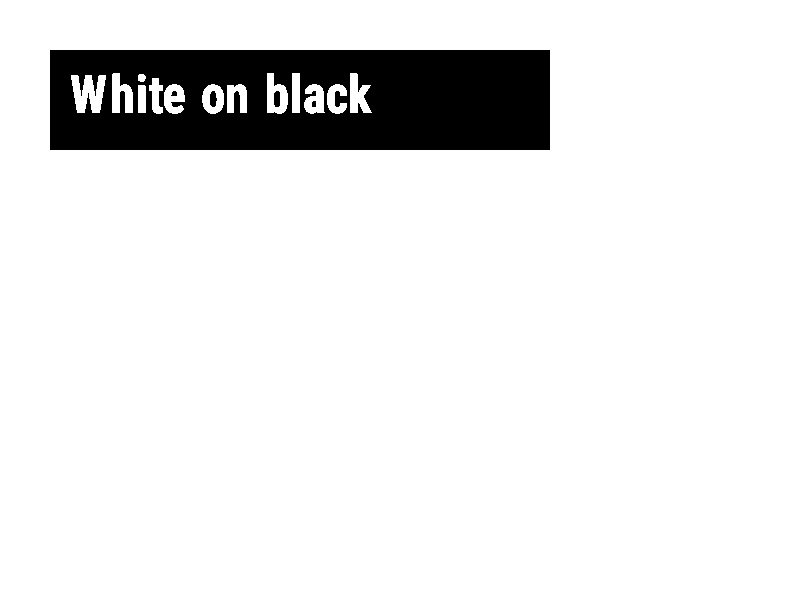
在下面任何内容上打印白色字段在黑色背景上。 | 字段和位置 | Rendered example |
^FH |
允许 ^FD 包含十六进制转义,例如 _0D。 | 字段和位置 | Rendered example |
^FW |
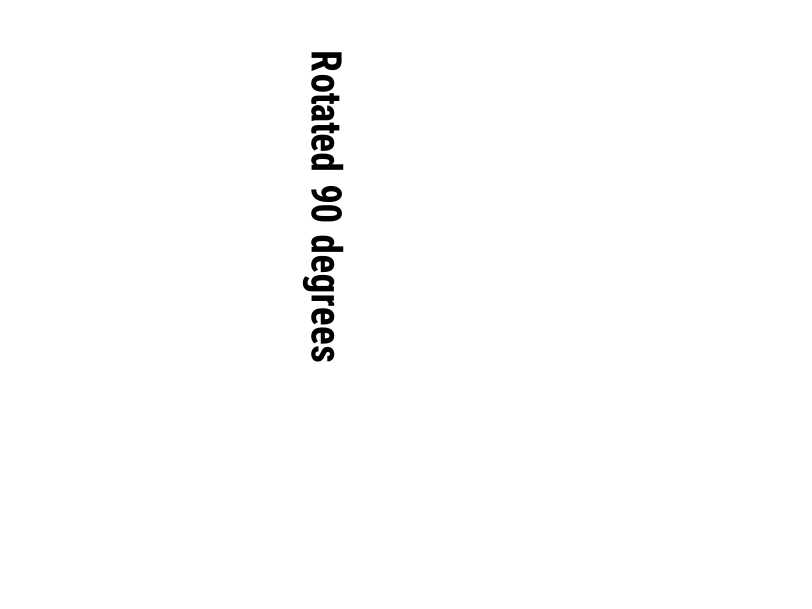
设置后续字段的默认旋转。 | 字段和位置 | Rendered example |
^FN |
以存储格式命名变量字段。 | 字段和位置 | Rendered example |
^FX |
这是一个注释。打印机会忽略直到下一个命令的全部内容。 | 字段和位置 | Rendered example |
^SN |
在每个标签上打印一个递增的数字。 | 字段和位置 | PartialRead but not drawn: the serial field is left out and copies aren't incremented (the same as Labelary's preview). Rendered example |
^A |
为下一个文本字段选择字体、旋转和大小。 | 文本和字体 | Rendered example |
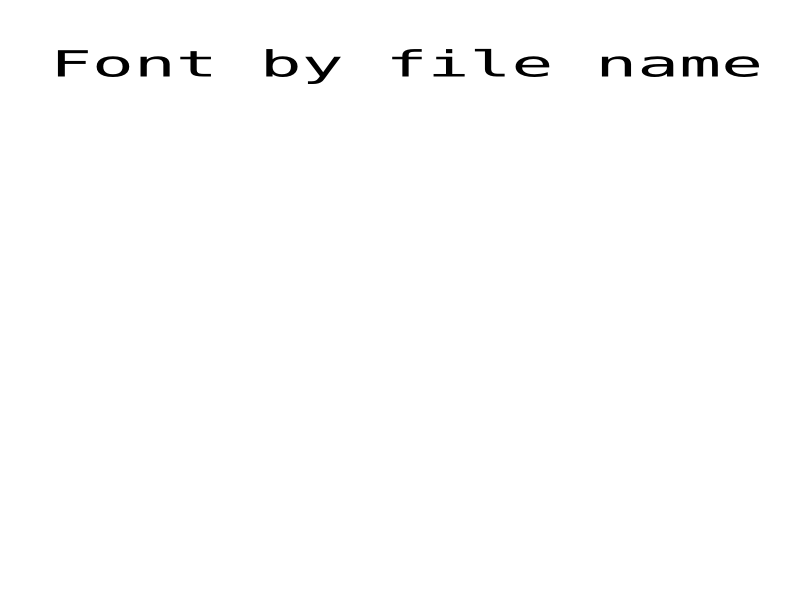
^A@ |
根据打印机上的文件名选择字体。 | 文本和字体 | Rendered example |
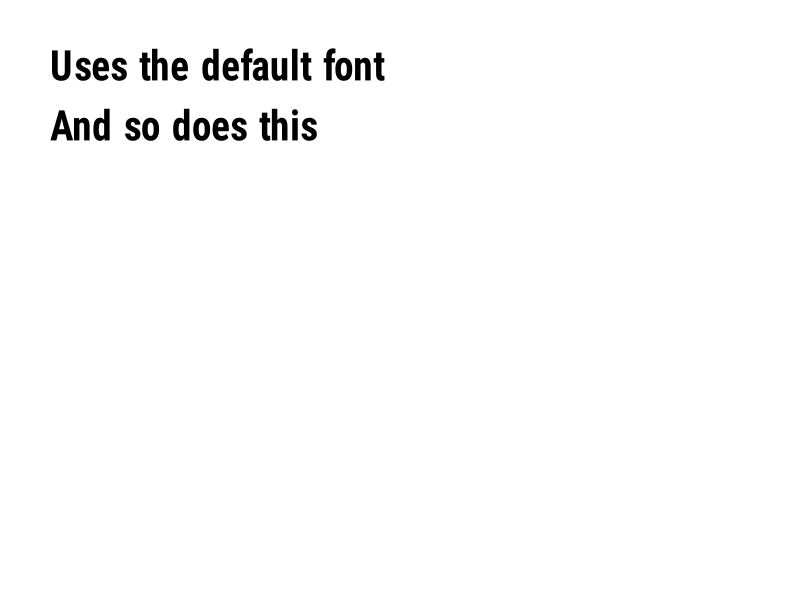
^CF |
设置当字段没有 ^A 时所使用的字体和大小。 | 文本和字体 | Rendered example |
^CW |
为字体文件分配一个字母名称。 | 文本和字体 | Stores or recalls data; no image of its own |
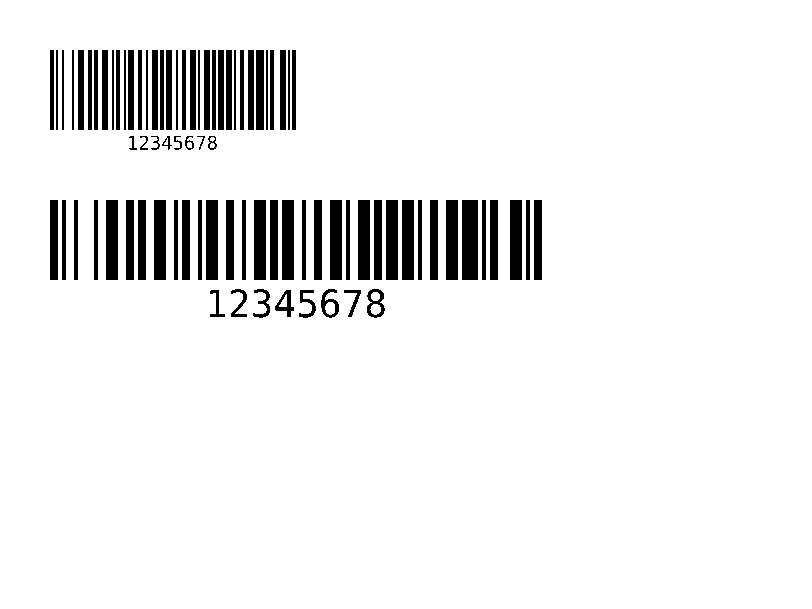
^BY |
设置后续条形码的模块宽度、宽窄比和高度。 | 条形码 | Rendered example |
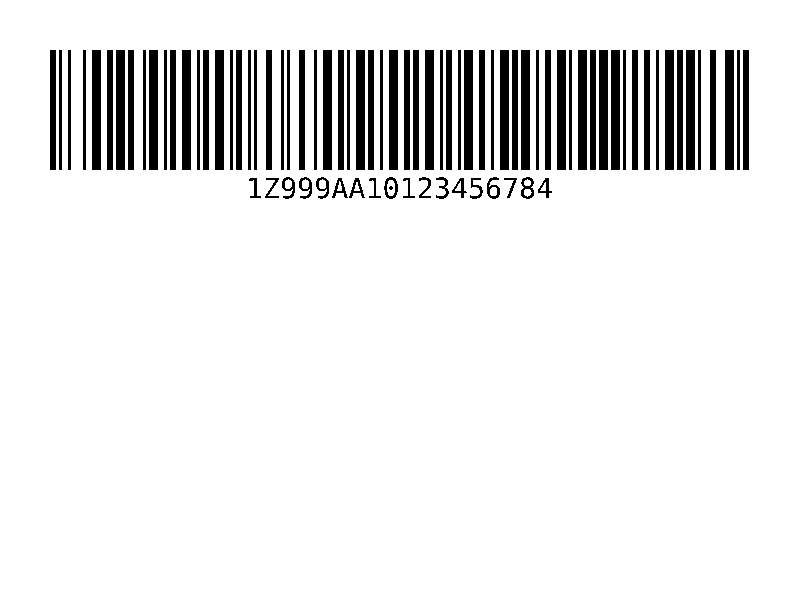
^BC |
代码 128 条形码,是运送标签上最常见的条形码。 | 条形码 | Rendered example |
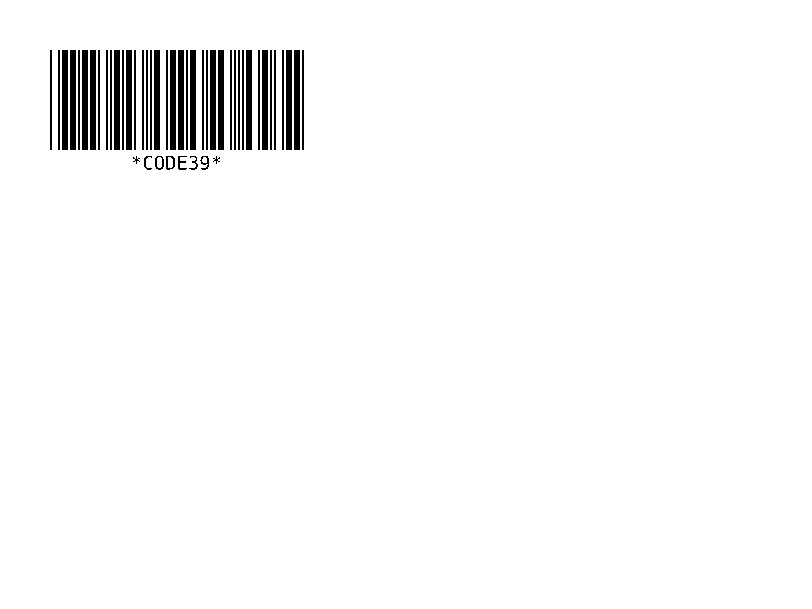
^B3 |
代码 39 条形码。 | 条形码 | Rendered example |
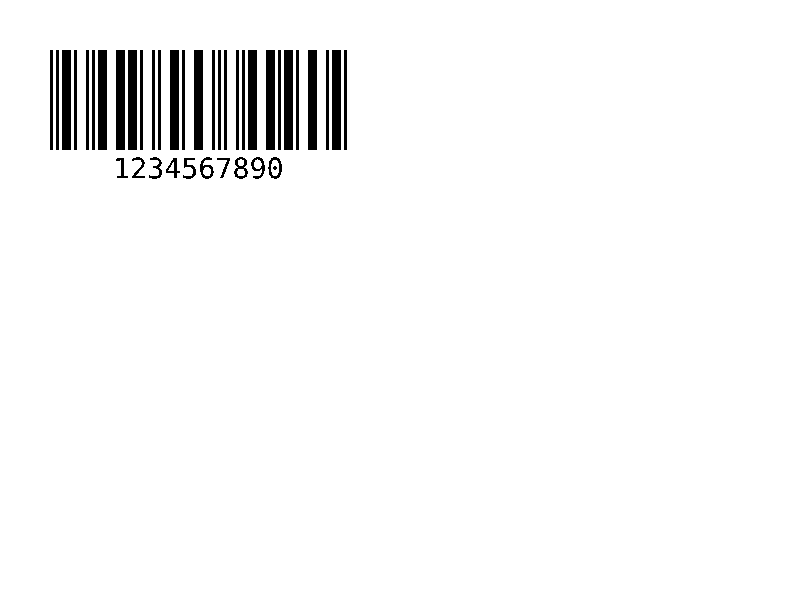
^B2 |
交错 2 的 5 条形码,仅限数字。 | 条形码 | Rendered example |
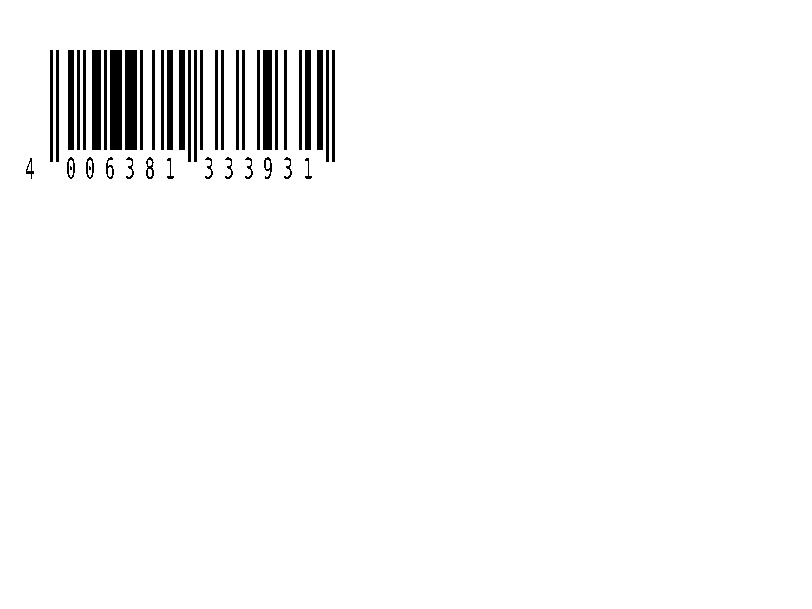
^BE |
EAN-13 零售条形码。 | 条形码 | Rendered example |
^B8 |
EAN-8 零售条形码。 | 条形码 | Rendered example |
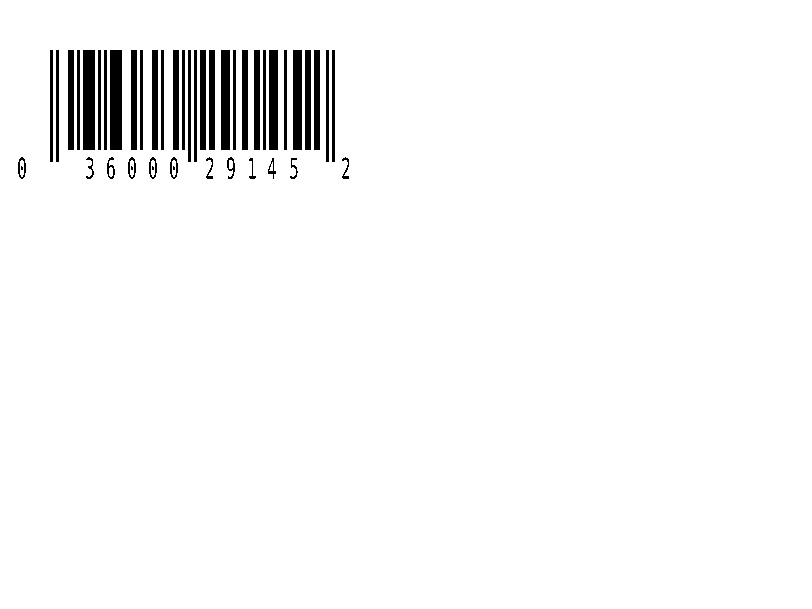
^BU |
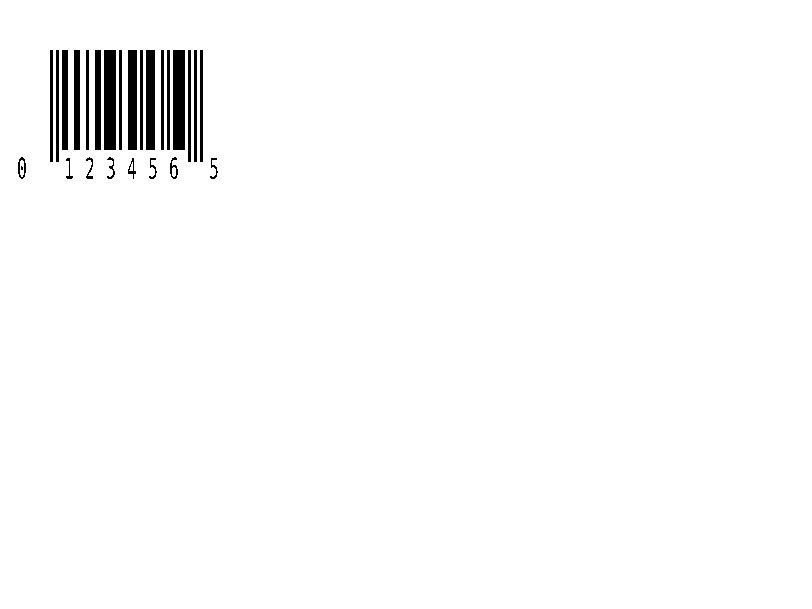
UPC-A 零售条形码。 | 条形码 | Rendered example |
^B9 |
UPC-E 零售条形码。 | 条形码 | Rendered example |
^BQ |
二维码。数据以错误纠正和输入模式开始,例如QA, | 条形码 | Rendered example |
^BX |
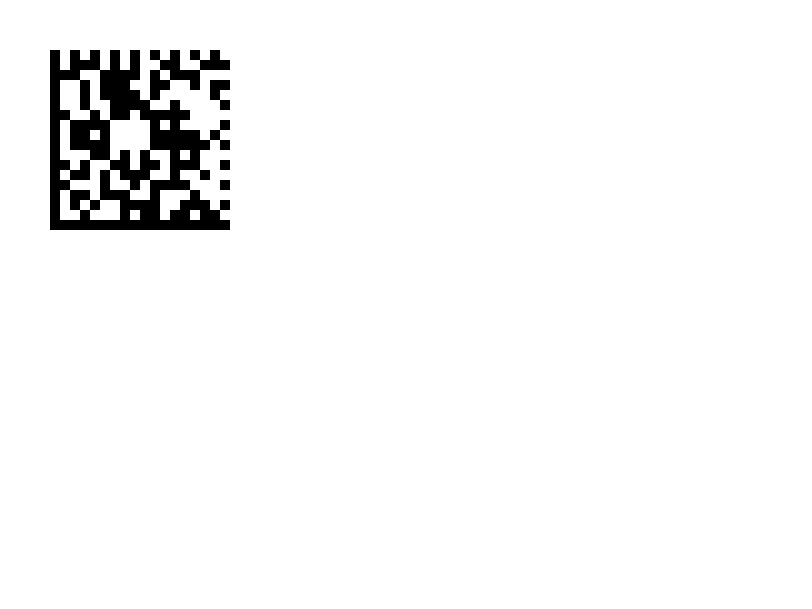
数据矩阵 2D 条形码。 | 条形码 | Rendered example |
^B7 |
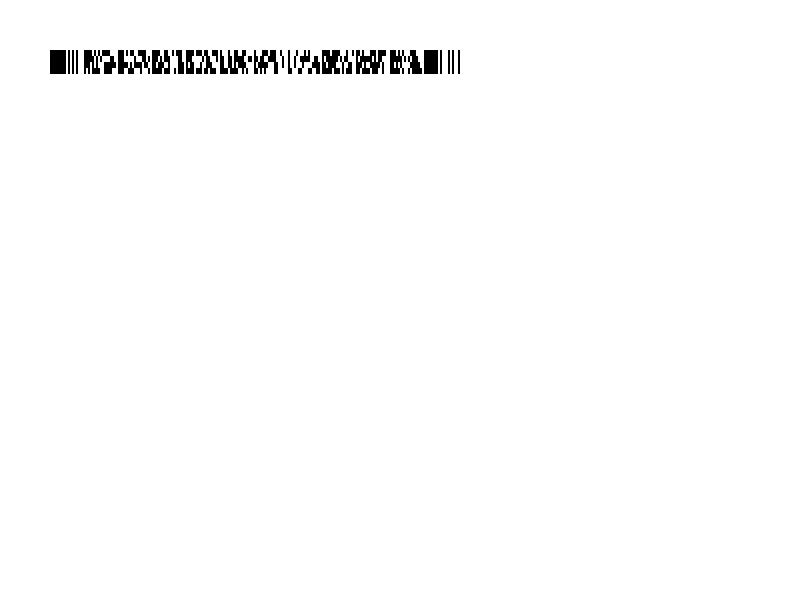
PDF417 堆叠的 2D 条形码。 | 条形码 | Rendered example |
^BO |
阿兹特克 2D 条形码。 | 条形码 | Rendered example |
^BD |
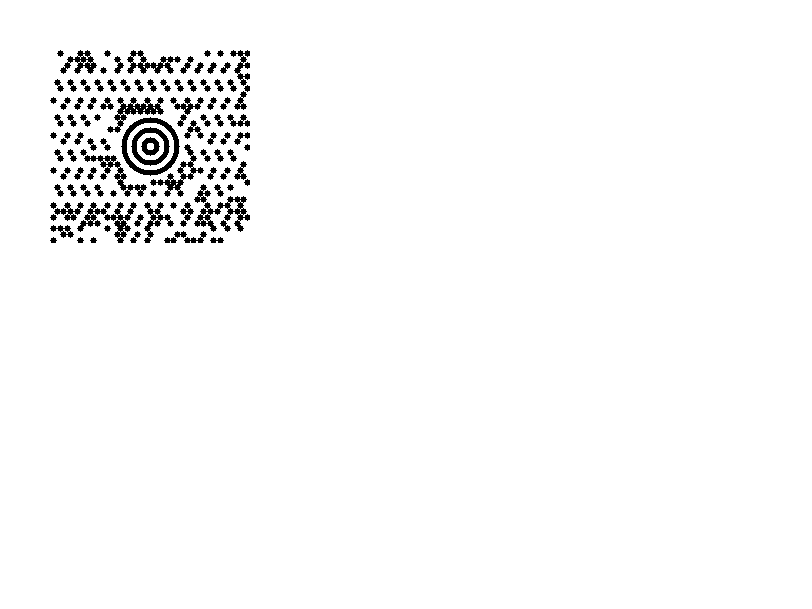
MaxiCode,UPS 使用的。 | 条形码 | Rendered example |
^GB |
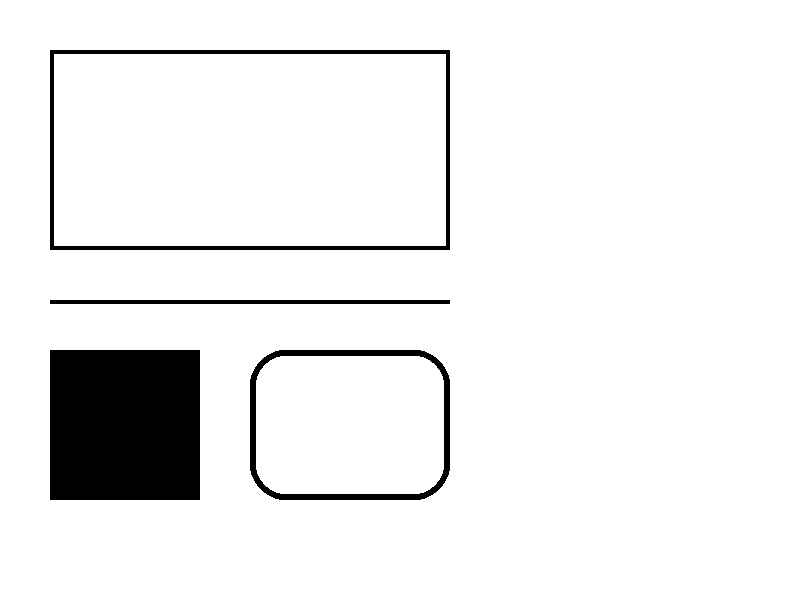
绘制一个框或线:宽度、高度、边框厚度、颜色和圆角。 | 图形 | Rendered example |
^GC |
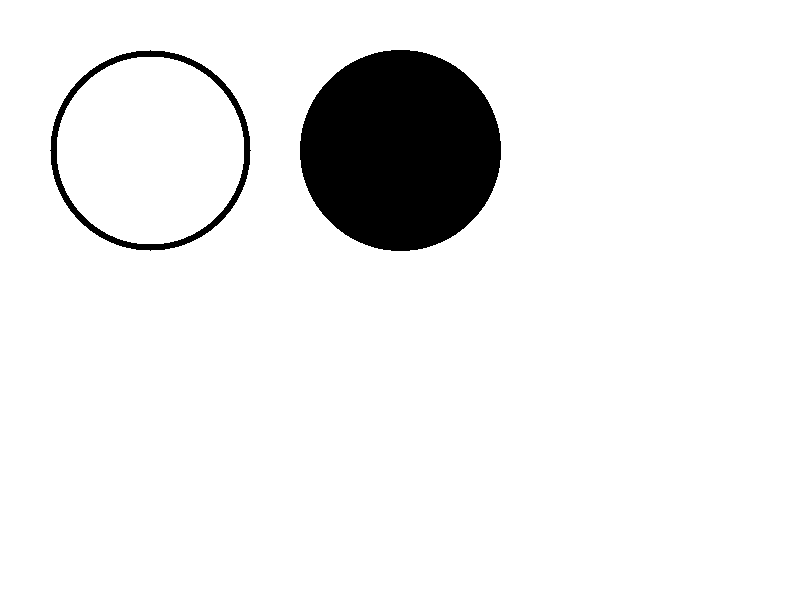
绘制一个圆:直径、边框厚度和颜色。 | 图形 | Rendered example |
^GE |
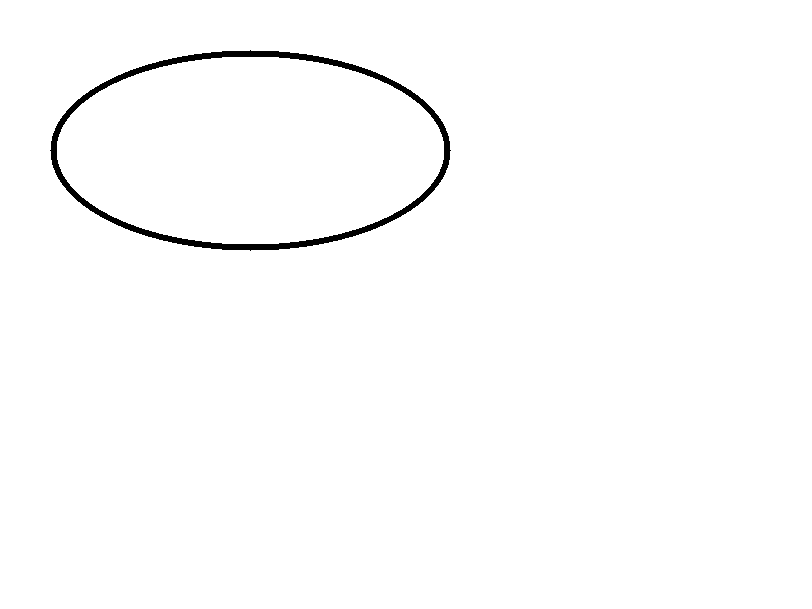
绘制一个椭圆。 | 图形 | Rendered example |
^GD |
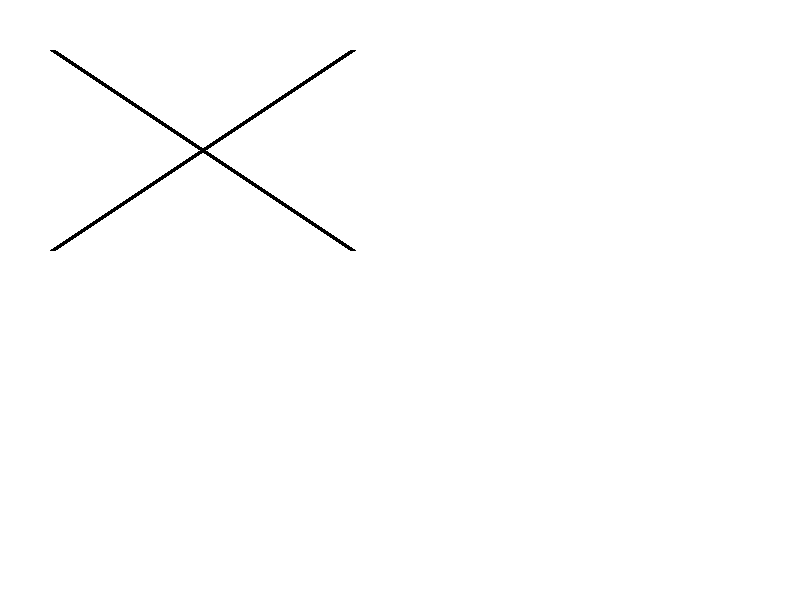
绘制一条对角线。 | 图形 | Rendered example |
^GF |
在标签中嵌入位图图像(ASCII 十六进制、二进制或 Z64)。 | 图形 | Rendered example |
^GS |
打印注册、版权或其他符号。 | 图形 | Rendered example |
^DF |
在打印机上以名称存储标签格式。 | 存储的格式和图像 | Rendered example |
^XF |
召回一个存储的格式以填充其^FN字段。 | 存储的格式和图像 | Rendered example |
~DG |
在打印机上以名称存储图像。 | 存储的格式和图像 | Stores or recalls data; no image of its own |
^XG |
打印使用~DG存储的图像。 | 存储的格式和图像 | Stores or recalls data; no image of its own |
^IM |
在当前字段原点打印存储的图像。 | 存储的格式和图像 | Stores or recalls data; no image of its own |





Ignored on purpose
These commands set up the printer, not the label. The API accepts them and renders the label as if they weren't there; we checked that the image is byte-identical without them.
| Group | Commands |
|---|---|
| Media and sensors | ^MM, ^MN, ^MT, ^MF, ~JS |
| Speed, darkness and tear-off | ^PR, ~SD, ^MD, ~TA |
| Calibration and printer state | ~JC, ~JA, ~JR, ^JU, ~HS |
| Network, RFID setup and host queries | ^NC, ^NI, ^RS, ~HI, ~HM |
Not supported yet
Each one was tested by placing it in a label at 8 dpmm. None of them fails the request: the label renders, without the symbol.
| Command | Symbology or feature | What the engine does today |
|---|---|---|
^TB | Text block | Text is drawn on one line; the block doesn't wrap. Use ^FB instead. |
^B0 | Aztec (alias) | No symbol drawn. ^BO, the other Aztec command, is drawn. |
^B1 | Code 11 | No bars; the data is printed as text. |
^B4 | Code 49 | No bars; the data is printed as text. |
^B5 | Planet Code | No bars; the data is printed as text. |
^BA | Code 93 | No bars; the data is printed as text. |
^BB | CODABLOCK | No symbol; the data is printed as text. |
^BF | MicroPDF417 | No symbol; the data is printed as text. |
^BK | ANSI Codabar | No bars; the data is printed as text. |
^BL | LOGMARS | No bars; the data is printed as text. |
^BM | MSI | No bars; the data is printed as text. |
^BP | Plessey | No bars; the data is printed as text. |
^BR | GS1 DataBar | No symbol; the data is printed as text. |
^BS | UPC/EAN extensions | No bars; the data is printed as text. |
^BT | TLC39 | No symbol; the data is printed as text. |
^BZ | POSTAL | No bars; the data is printed as text. |
Known differences
- A format with no fields, such as
^XA^XZ, returns400 ERROR: No labels found in the ZPLinstead of a blank image. - Fonts: Zebra's font 0 (CG Triumvirate Bold Condensed) can't be bundled, so
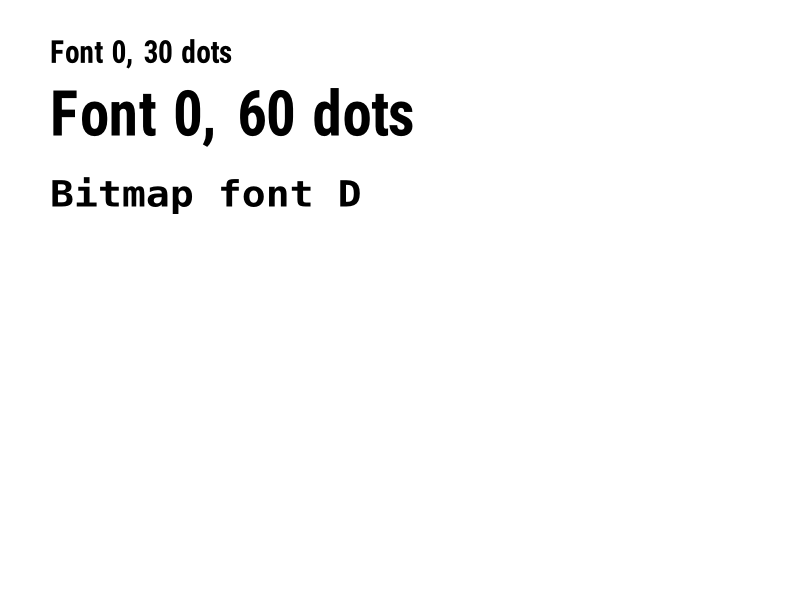
^A0is drawn with Roboto Condensed Bold, with spacing calibrated per character. The bitmap fonts^AA–^AHare drawn with DejaVu Sans Mono. Text widths can differ by a few dots from a given printer. - An RFID write (
^RFfollowed by^FD…^FS) draws its data as text; a printer encodes it in the tag and prints nothing.
Moving from Labelary
The API keeps Labelary's v1 paths and headers, so most clients only change the host. See Migrate from Labelary for the tested differences and OpenZPL vs Labelary for the comparison.