ZPL compatibility of the OpenZPL engine
The OpenZPL engine draws the 51 ZPL commands of the command reference, one of them partially, and skips the ones that configure the printer. The barcode and text commands listed under “Not supported yet” don't draw correctly today.
Tested 2026-10-20 with openzpl-api 689632b at 8 dpmm.
How we test
Every example on this site is a fixture: a short synthetic label that the engine renders to a PNG when the site is built. If a fixture's ZPL changes and its image isn't rendered again, the build fails, so the image always shows what the engine does with that exact code.
The 116 fixtures are public in fixtures.json, with their size, density and image, under CC0. Use them to test any ZPL renderer.
A preview isn't a print. Darkness, media, firmware and the fonts installed on a printer change the result, so check critical labels on the printer itself.
Drawn
| Command | Ne yaptığı | Category | Evidence |
|---|---|---|---|
^XA |
Bir etiketi açar. ^XZ'ye kadar her şey bir etikettir. | Etiket biçimi | Rendered example |
^XZ |
^XA ile açılan etiketi kapatır ve yazdırır. | Etiket biçimi | Rendered example |
^PW |
Etiket genişliğini nokta cinsinden ayarlar. | Etiket biçimi | Rendered example |
^LL |
Etiket uzunluğunu nokta cinsinden ayarlar. | Etiket biçimi | Rendered example |
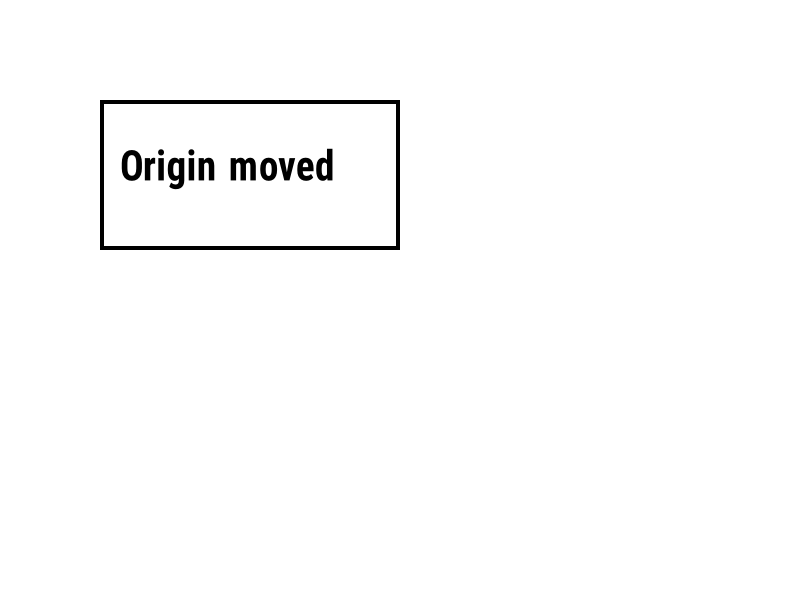
^LH |
Her alan konumunun ölçüldüğü başlangıç noktasını hareket ettirir. | Etiket biçimi | Rendered example |
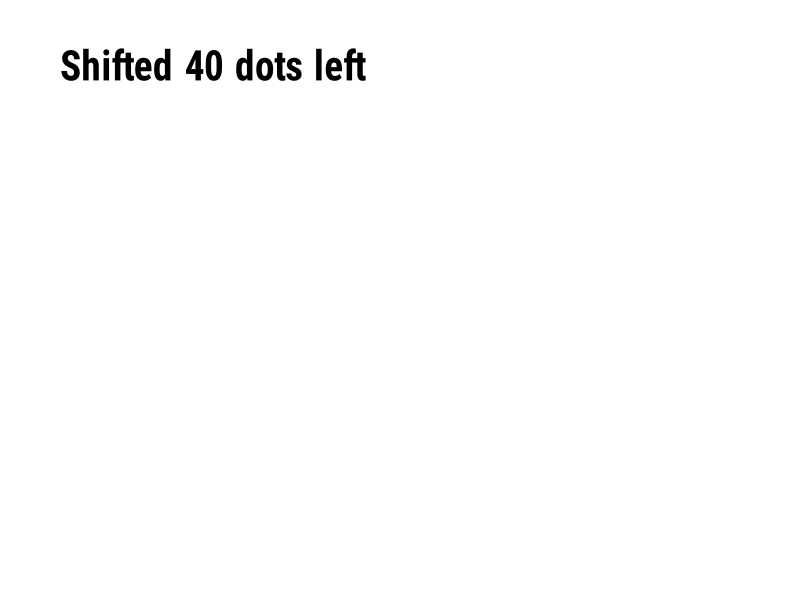
^LS |
Her alanı verilen nokta sayısı kadar sola kaydırır. | Etiket biçimi | Rendered example |
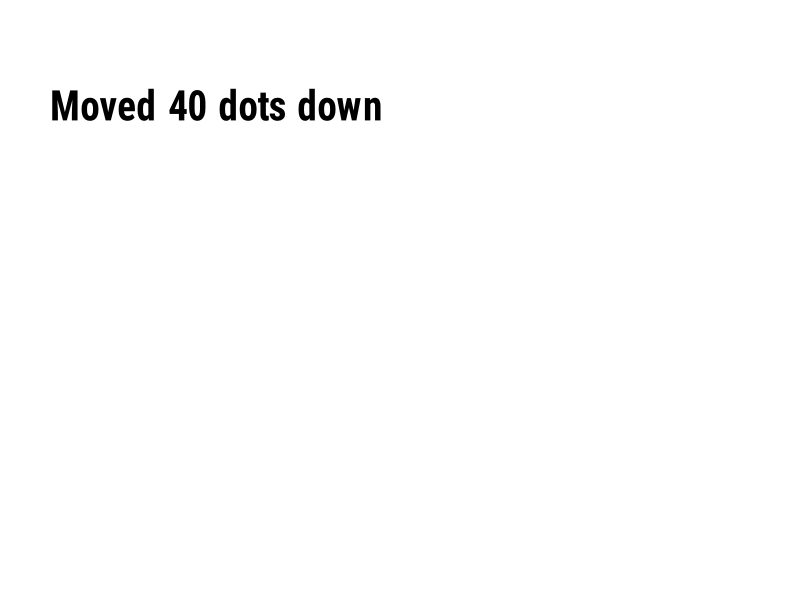
^LT |
Tüm etiketi verilen nokta satırı sayısı kadar yukarı veya aşağı hareket ettirir. | Etiket biçimi | Rendered example |
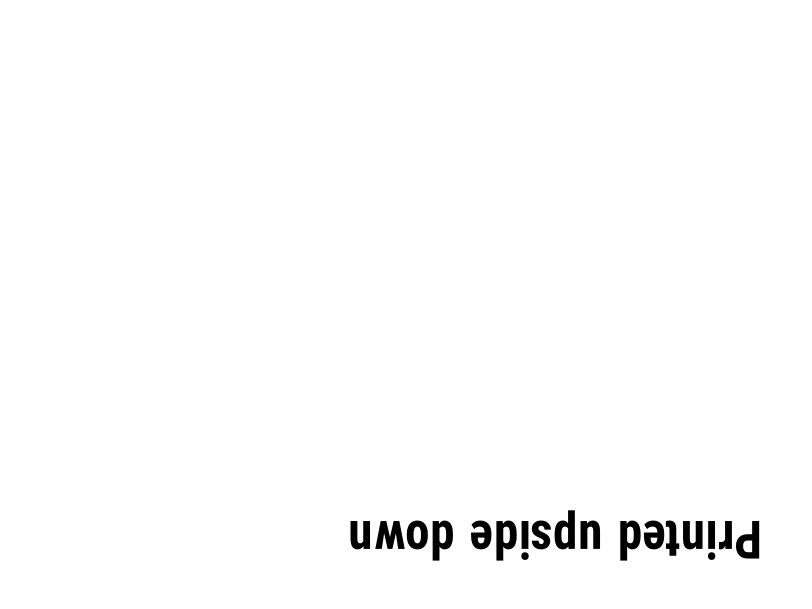
^PO |
Etiketi normal (N) veya ters (I) olarak yazdırır. | Etiket biçimi | Rendered example |
^PM |
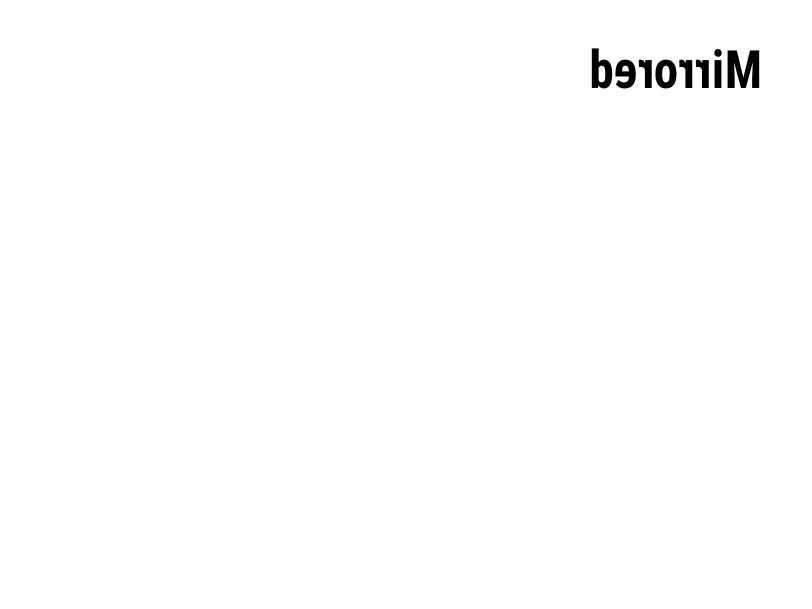
Y olarak ayarlandığında tüm etiketi yatay olarak yansıtır. | Etiket biçimi | Rendered example |
^PQ |
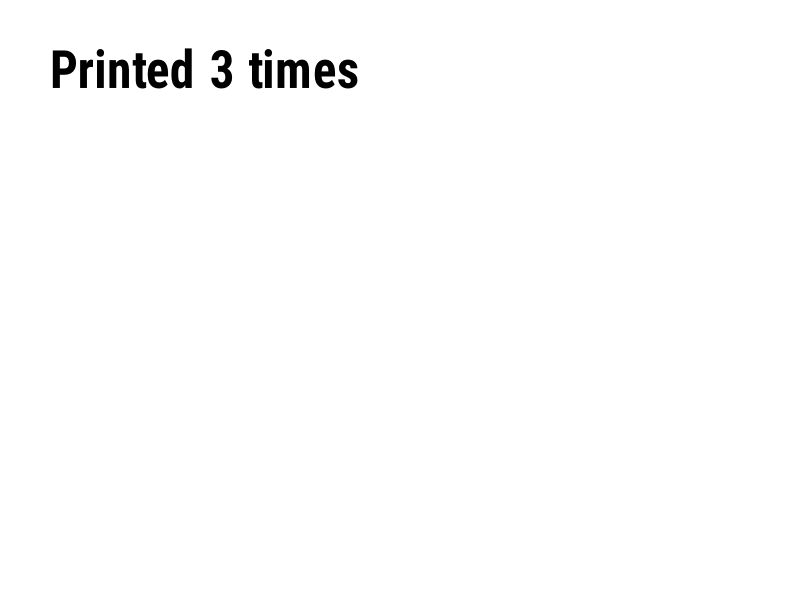
Kaç etiket basılacağını ayarlar; her biri önizlemede etiket olarak sayılır. | Etiket biçimi | Rendered example |
^MU |
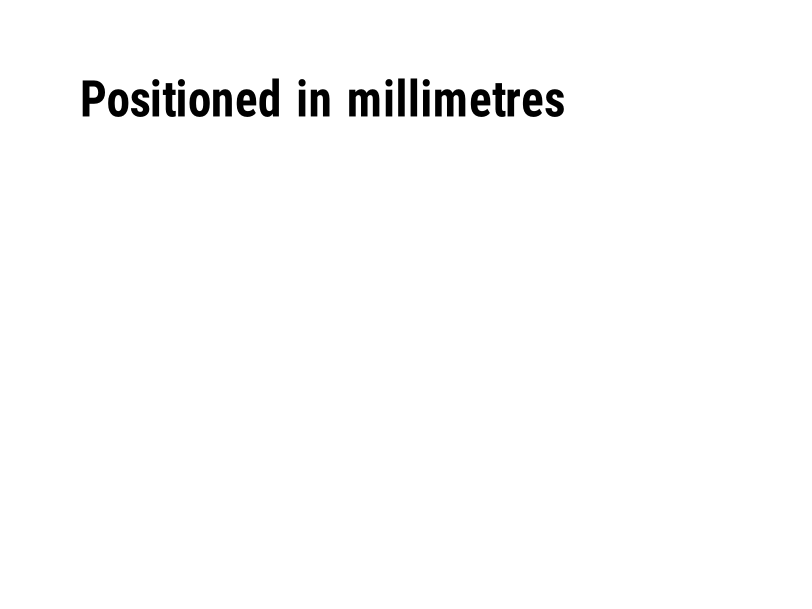
Ölçü birimini nokta, inç veya milimetre olarak değiştirir. | Etiket biçimi | Rendered example |
^CI |
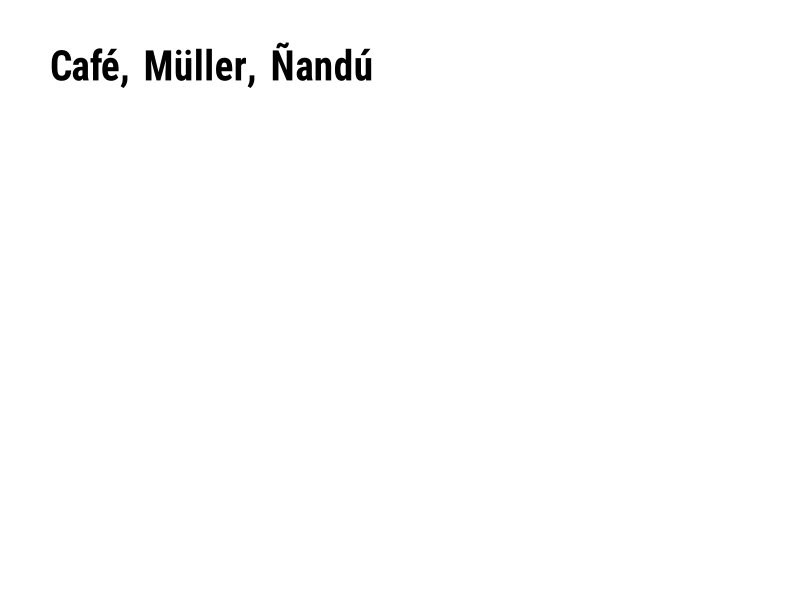
Karakter setini seçer. ^CI28, UTF-8'dir. | Etiket biçimi | Rendered example |
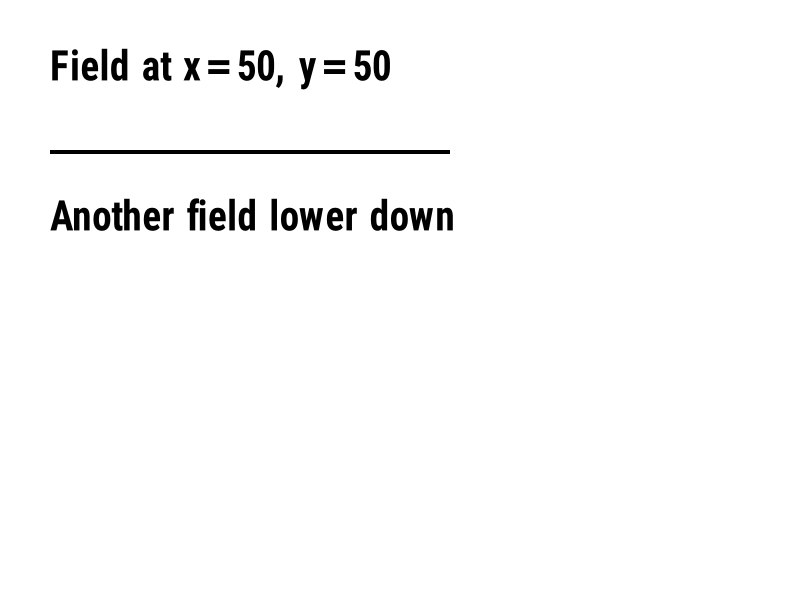
^FO |
Alan konumunu ayarlar: sol üst köşeden itibaren nokta cinsinden x, y koordinatları. | Alanlar ve konum | Rendered example |
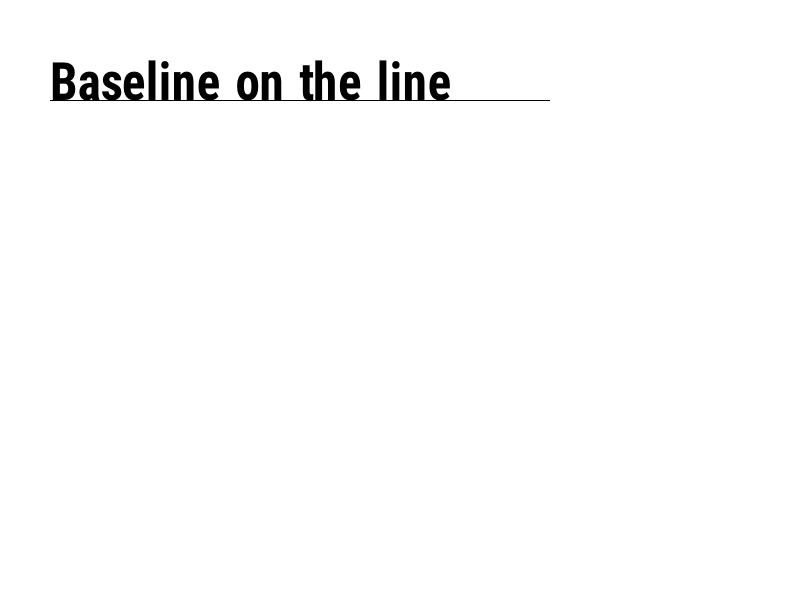
^FT |
Bir alanı, sol üst köşesi yerine taban çizgisine göre konumlandırır. | Alanlar ve konum | Rendered example |
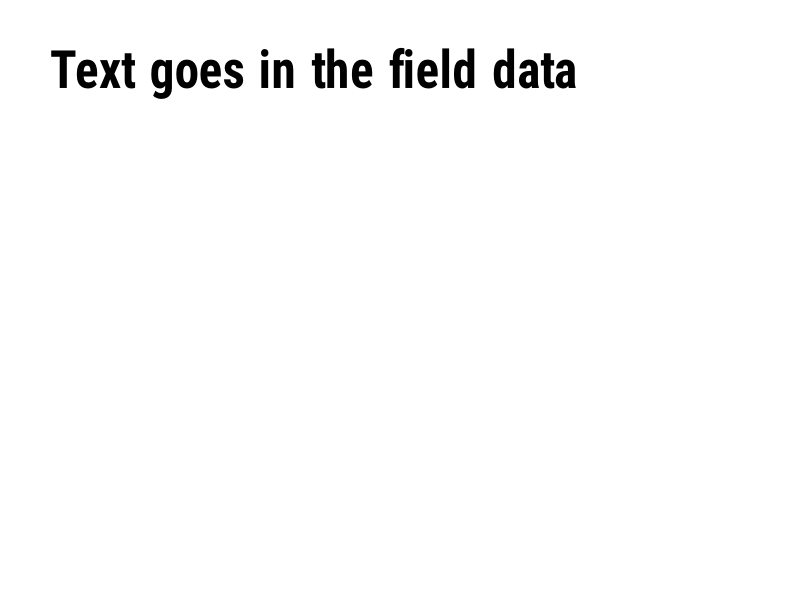
^FD |
Mevcut alanın metin veya barkod verisi. | Alanlar ve konum | Rendered example |
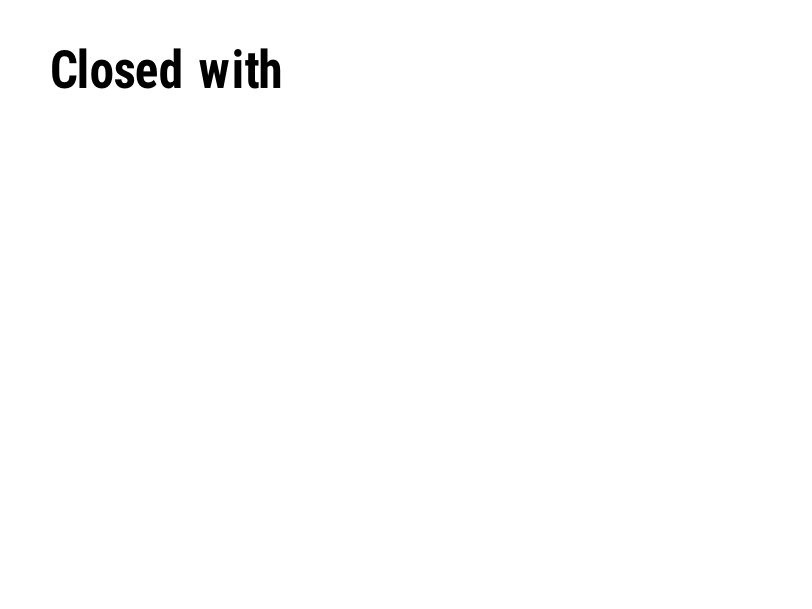
^FS |
Geçerli alanı sonlandırır. | Alanlar ve konum | Rendered example |
^FB |
Metni bir genişlikte, satır sayısıyla ve hizalamayla bir bloğa sarar. | Alanlar ve konum | Rendered example |
^FR |
Alanı, altındaki her şeyin üzerine siyah üstünde beyaz olarak yazdırır. | Alanlar ve konum | Rendered example |
^FH |
Lets ^FD, _0D gibi onaltılık kaçışlar içersin. | Alanlar ve konum | Rendered example |
^FW |
Takip eden alanlar için varsayılan döndürme açısını ayarlar. | Alanlar ve konum | Rendered example |
^FN |
Saklanan formatta bir değişken alanını adlandırır. | Alanlar ve konum | Rendered example |
^FX |
Bir yorum. Yazıcı, bir sonraki komuta kadar her şeyi göz ardı eder. | Alanlar ve konum | Rendered example |
^SN |
Her etiket için artan bir sayı yazdırır. | Alanlar ve konum | PartialRead but not drawn: the serial field is left out and copies aren't incremented (the same as Labelary's preview). Rendered example |
^A |
Sonraki metin alanı için yazı tipi, döndürme ve boyutu seçer. | Metin ve yazı tipleri | Rendered example |
^A@ |
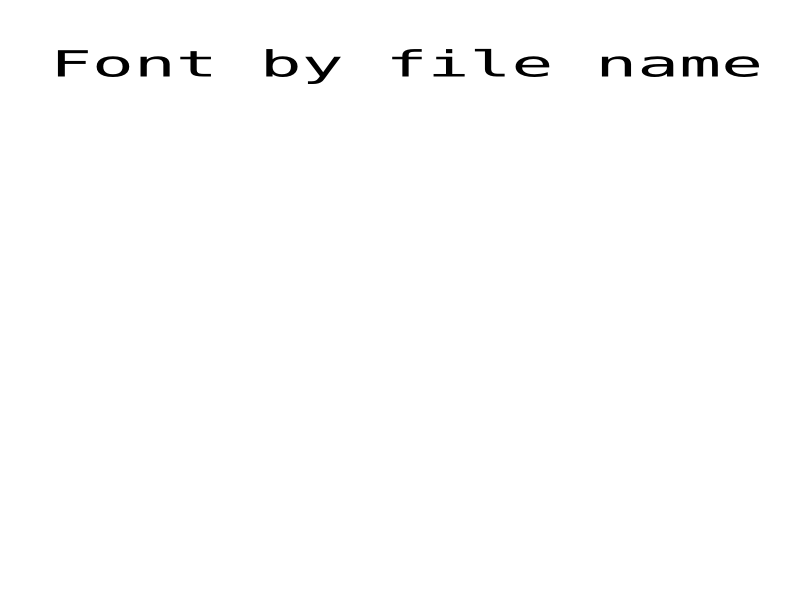
Yazıcıda dosya adıyla bir yazı tipi seçer. | Metin ve yazı tipleri | Rendered example |
^CF |
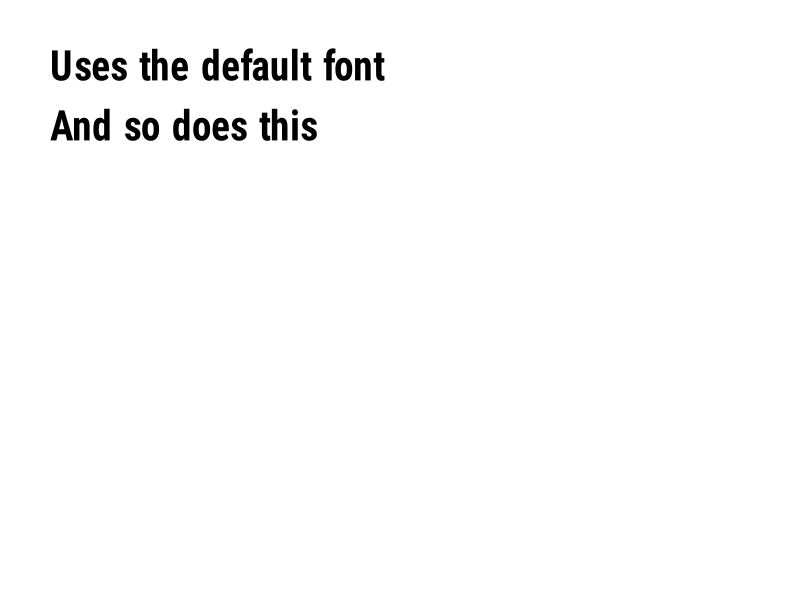
Bir alan ^A yoksa kullanılan yazı tipi ve boyutunu ayarlar. | Metin ve yazı tipleri | Rendered example |
^CW |
Bir yazı tipi dosyasına bir harfli isim atar. | Metin ve yazı tipleri | Stores or recalls data; no image of its own |
^BY |
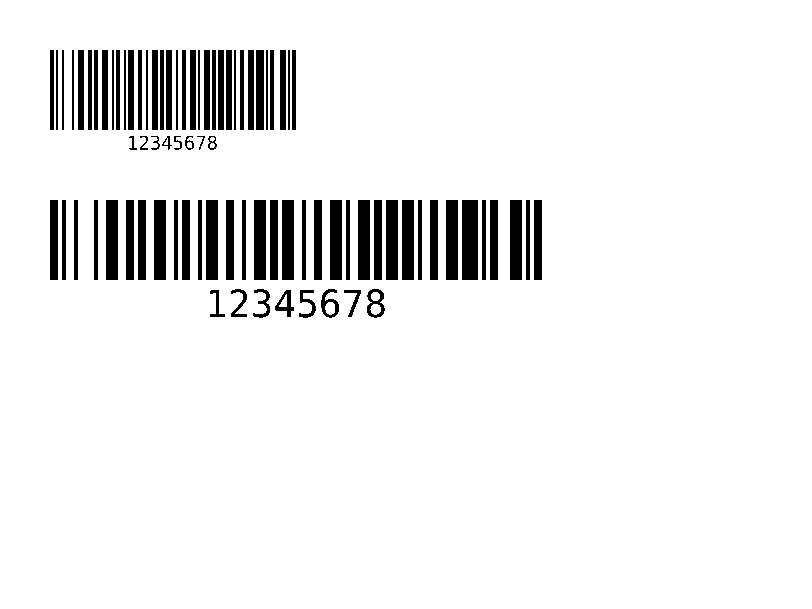
Takip eden barkodlar için modül genişliğini, genişten dar orantısını ve yüksekliğini ayarlar. | Barkodlar | Rendered example |
^BC |
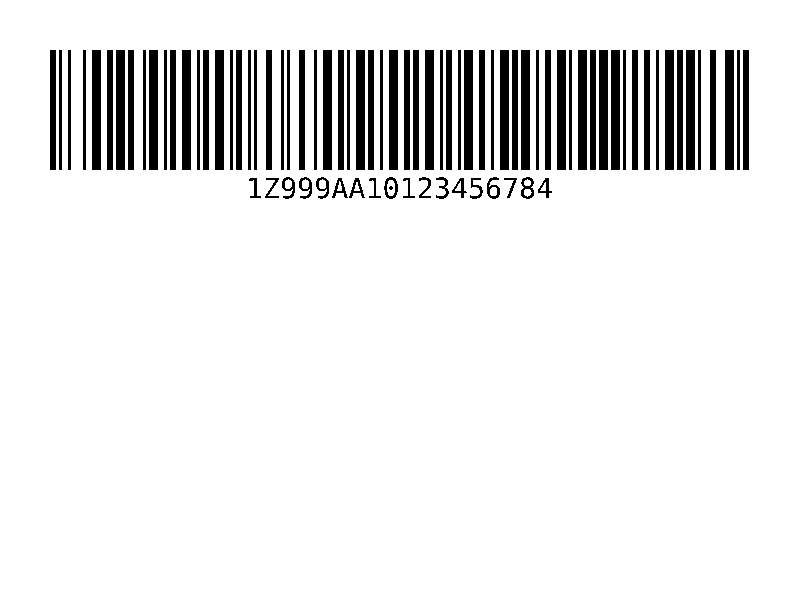
Code 128 barkodu, sevkiyat etiketlerinde en yaygın olanıdır. | Barkodlar | Rendered example |
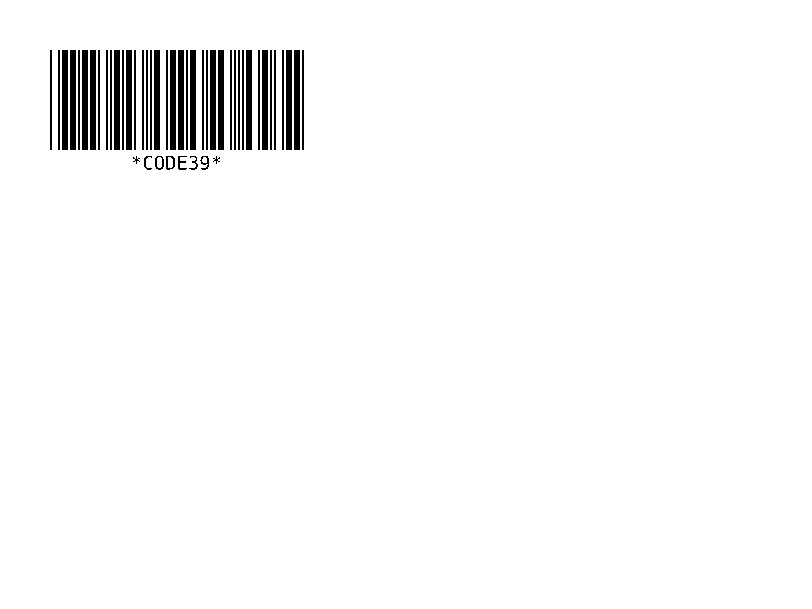
^B3 |
Code 39 barkodu. | Barkodlar | Rendered example |
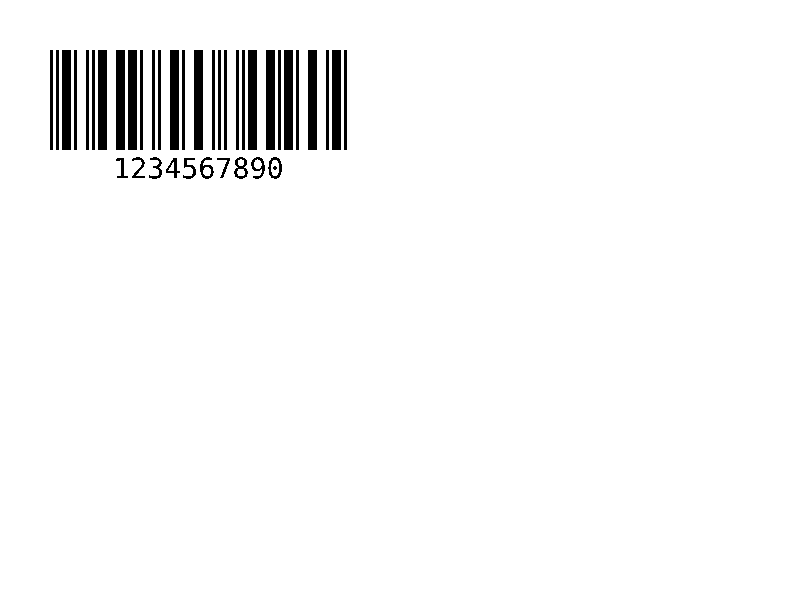
^B2 |
Interleaved 2 of 5 barkodu, yalnızca sayısal. | Barkodlar | Rendered example |
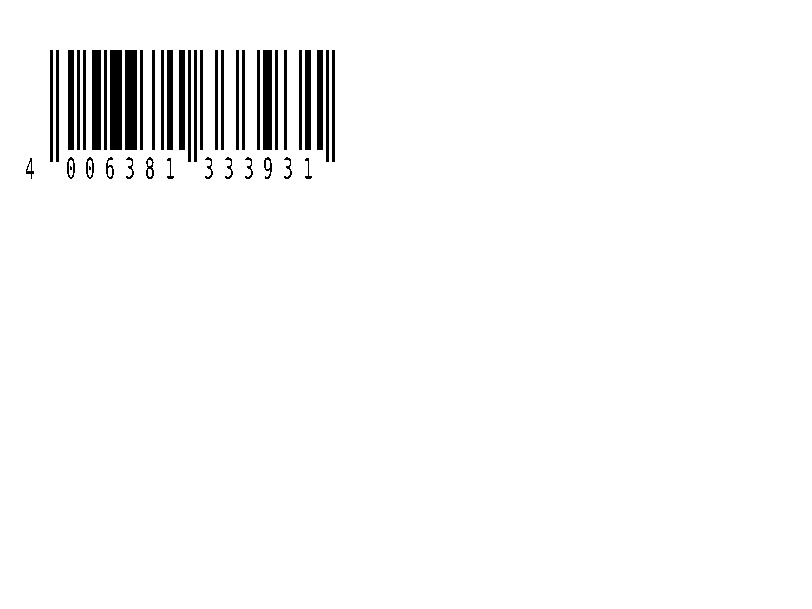
^BE |
EAN-13 perakende barkodu. | Barkodlar | Rendered example |
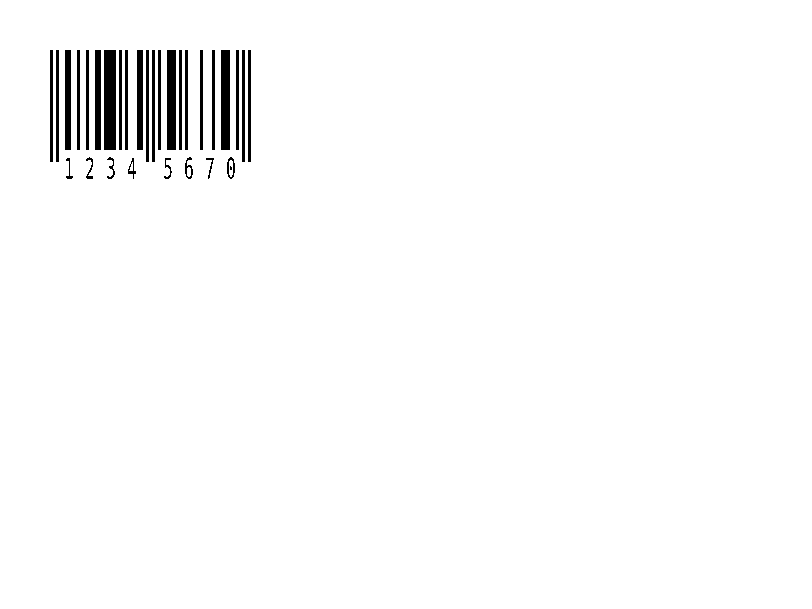
^B8 |
EAN-8 perakende barkodu. | Barkodlar | Rendered example |
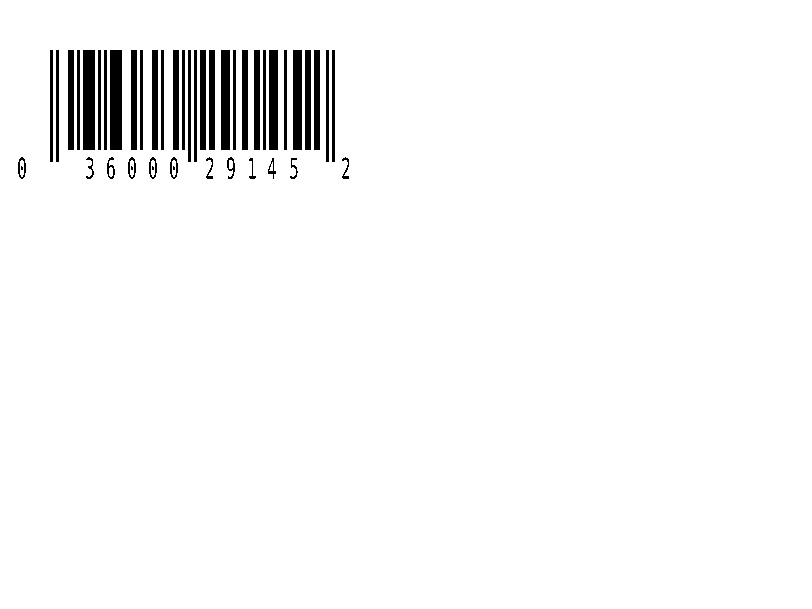
^BU |
UPC-A perakende barkodu. | Barkodlar | Rendered example |
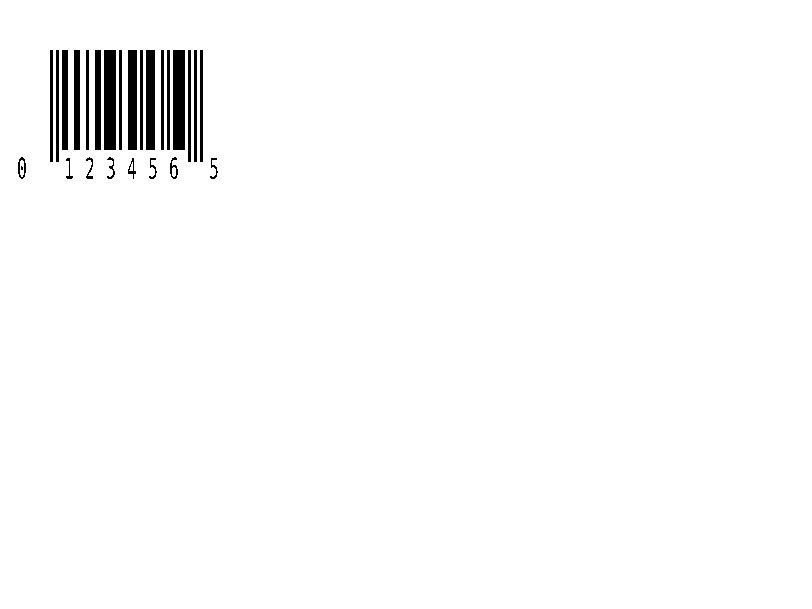
^B9 |
UPC-E perakende barkodu. | Barkodlar | Rendered example |
^BQ |
QR Kod. Alan verisi hata düzeltme seviyesi ve girdi modu ile başlar, örneğin ^FDQA,text. | Barkodlar | Rendered example |
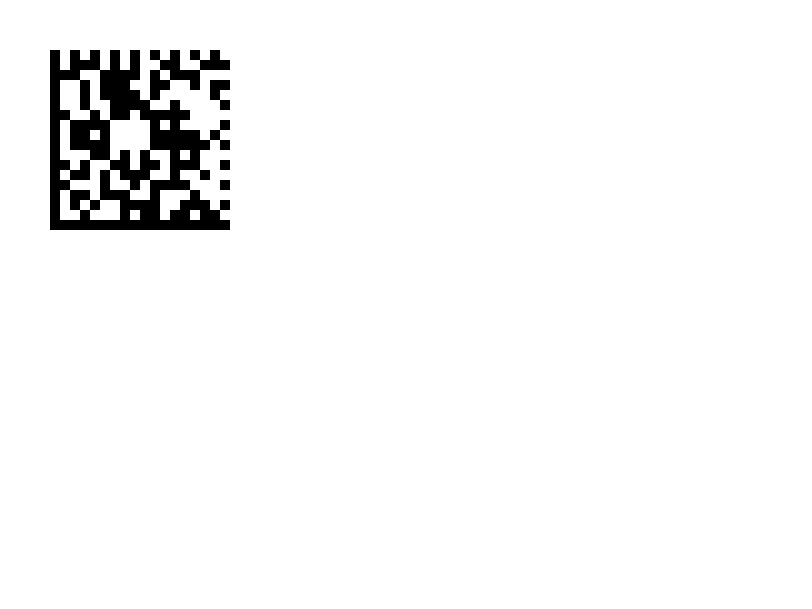
^BX |
Data Matrix 2D barkodu. | Barkodlar | Rendered example |
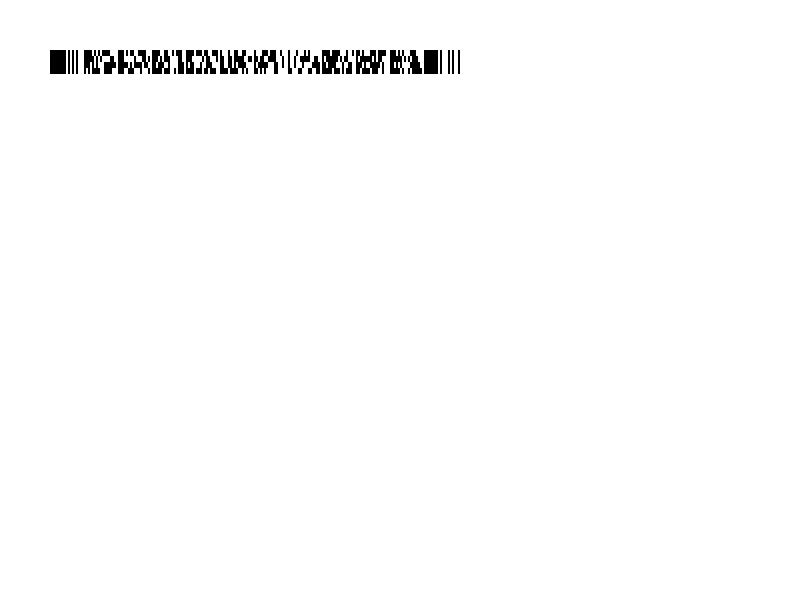
^B7 |
PDF417 yığılmış 2D barkod. | Barkodlar | Rendered example |
^BO |
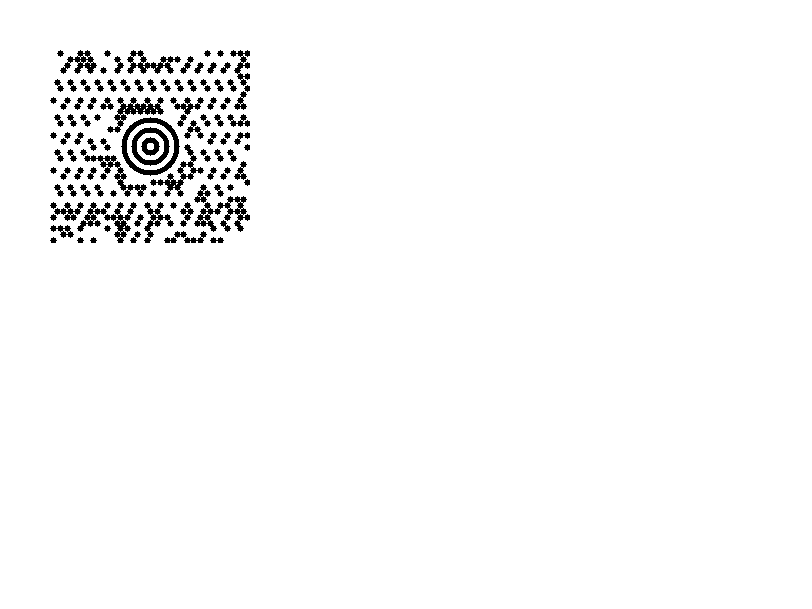
Aztek 2B barkod. | Barkodlar | Rendered example |
^BD |
MaxiCode, UPS tarafından kullanılır. | Barkodlar | Rendered example |
^GB |
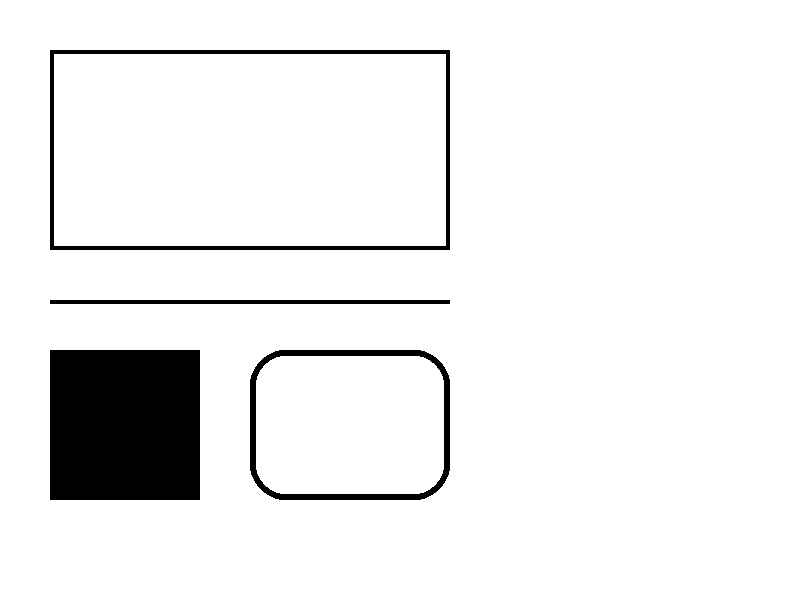
Bir kutu veya çizgi çizer: genişlik, yükseklik, kenar kalınlığı, renk ve köşeleri yuvarlama. | Grafikler | Rendered example |
^GC |
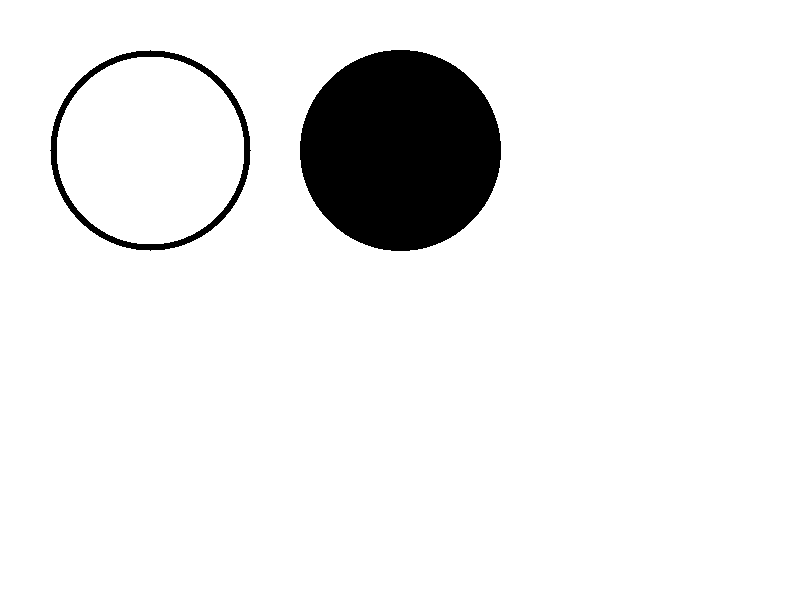
Bir daire çizer: çap, kenar kalınlığı ve renk. | Grafikler | Rendered example |
^GE |
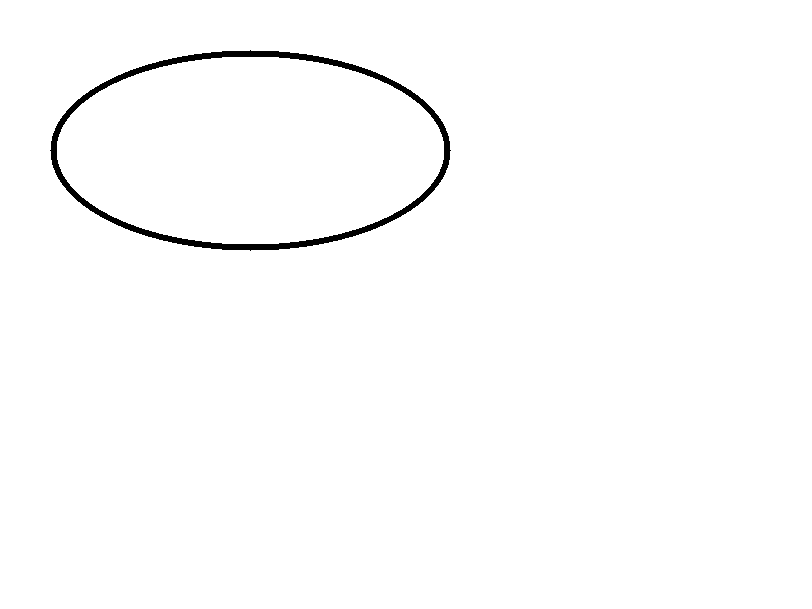
Bir elips çizer. | Grafikler | Rendered example |
^GD |
Bir çapraz çizgi çizer. | Grafikler | Rendered example |
^GF |
Etikete bir bitmap görüntüsü gömülü (ASCII hex, ikili veya Z64). | Grafikler | Rendered example |
^GS |
Tescillenmiş, telif hakkı veya diğer bir simge yazdırır. | Grafikler | Rendered example |
^DF |
Yazıcıda bir ismin altında etiket formatını saklar. | Saklanan formatlar ve görüntüler | Rendered example |
^XF |
^FN alanlarını doldurmak için saklanan bir formatı hatırlar. | Saklanan formatlar ve görüntüler | Rendered example |
~DG |
Yazıcıda bir ismin altında bir görüntü saklar. | Saklanan formatlar ve görüntüler | Stores or recalls data; no image of its own |
^XG |
~DG ile saklanmış bir resmi yazdırır. | Saklanan formatlar ve görüntüler | Stores or recalls data; no image of its own |
^IM |
Geçerli alan orijini üzerinde saklanmış bir resmi yazdırır. | Saklanan formatlar ve görüntüler | Stores or recalls data; no image of its own |




Ignored on purpose
These commands set up the printer, not the label. The API accepts them and renders the label as if they weren't there; we checked that the image is byte-identical without them.
| Group | Commands |
|---|---|
| Media and sensors | ^MM, ^MN, ^MT, ^MF, ~JS |
| Speed, darkness and tear-off | ^PR, ~SD, ^MD, ~TA |
| Calibration and printer state | ~JC, ~JA, ~JR, ^JU, ~HS |
| Network, RFID setup and host queries | ^NC, ^NI, ^RS, ~HI, ~HM |
Not supported yet
Each one was tested by placing it in a label at 8 dpmm. None of them fails the request: the label renders, without the symbol.
| Command | Symbology or feature | What the engine does today |
|---|---|---|
^TB | Text block | Text is drawn on one line; the block doesn't wrap. Use ^FB instead. |
^B0 | Aztec (alias) | No symbol drawn. ^BO, the other Aztec command, is drawn. |
^B1 | Code 11 | No bars; the data is printed as text. |
^B4 | Code 49 | No bars; the data is printed as text. |
^B5 | Planet Code | No bars; the data is printed as text. |
^BA | Code 93 | No bars; the data is printed as text. |
^BB | CODABLOCK | No symbol; the data is printed as text. |
^BF | MicroPDF417 | No symbol; the data is printed as text. |
^BK | ANSI Codabar | No bars; the data is printed as text. |
^BL | LOGMARS | No bars; the data is printed as text. |
^BM | MSI | No bars; the data is printed as text. |
^BP | Plessey | No bars; the data is printed as text. |
^BR | GS1 DataBar | No symbol; the data is printed as text. |
^BS | UPC/EAN extensions | No bars; the data is printed as text. |
^BT | TLC39 | No symbol; the data is printed as text. |
^BZ | POSTAL | No bars; the data is printed as text. |
Known differences
- A format with no fields, such as
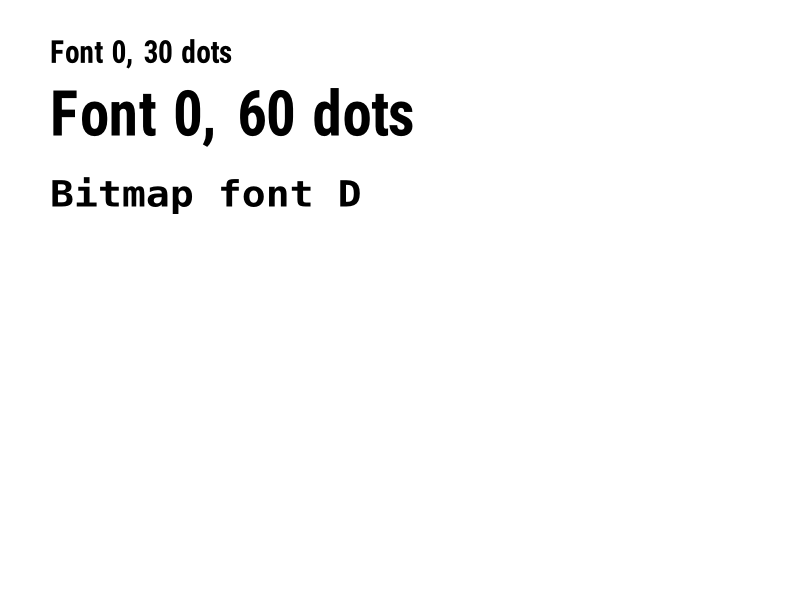
^XA^XZ, returns400 ERROR: No labels found in the ZPLinstead of a blank image. - Fonts: Zebra's font 0 (CG Triumvirate Bold Condensed) can't be bundled, so
^A0is drawn with Roboto Condensed Bold, with spacing calibrated per character. The bitmap fonts^AA–^AHare drawn with DejaVu Sans Mono. Text widths can differ by a few dots from a given printer. - An RFID write (
^RFfollowed by^FD…^FS) draws its data as text; a printer encodes it in the tag and prints nothing.
Moving from Labelary
The API keeps Labelary's v1 paths and headers, so most clients only change the host. See Migrate from Labelary for the tested differences and OpenZPL vs Labelary for the comparison.