ZPL compatibility of the OpenZPL engine
The OpenZPL engine draws the 64 ZPL commands of the command reference, one of them partially, and skips the ones that configure the printer. The barcode and text commands listed under “Not supported yet” don't draw correctly today.
Tested 2026-10-26 with openzpl-api 10d0497 at 8 dpmm.
How we test
Every example on this site is a fixture: a short synthetic label that the engine renders to a PNG when the site is built. If a fixture's ZPL changes and its image isn't rendered again, the build fails, so the image always shows what the engine does with that exact code.
The 140 fixtures are public in fixtures.json, with their size, density and image, under CC0. Use them to test any ZPL renderer.
A preview isn't a print. Darkness, media, firmware and the fonts installed on a printer change the result, so check critical labels on the printer itself.
Drawn
| Command | Ano ang ginagawa nito | Category | Evidence |
|---|---|---|---|
^XA |
Bumubukas ng isang label. Lahat hanggang ^XZ ay isang label. | Format ng Label | Rendered example |
^XZ |
Isinasara ang label na binuksan ng ^XA at pinapagana ito. | Format ng Label | Rendered example |
^PW |
Itinatakda ang lapad ng label sa mga tuldok. | Format ng Label | Rendered example |
^LL |
Itinatakda ang haba ng label sa mga tuldok. | Format ng Label | Rendered example |
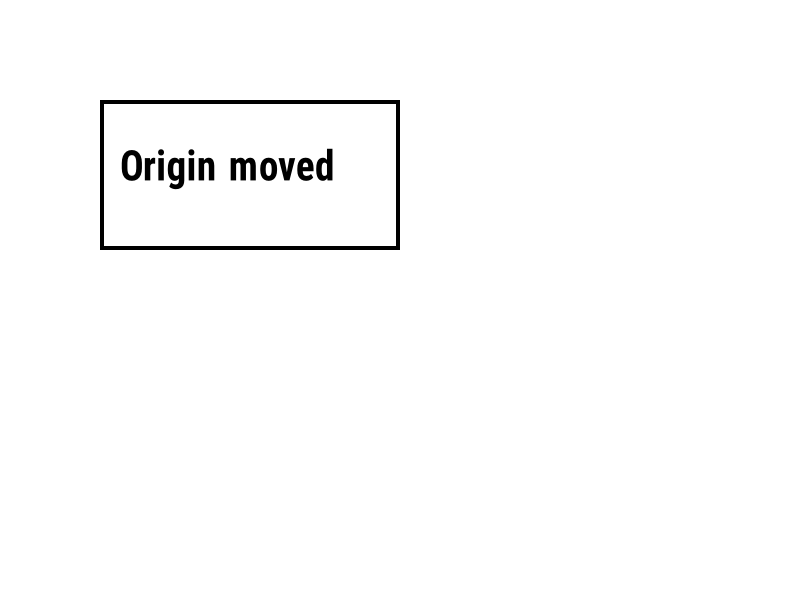
^LH |
Iginagalaw ang pinagmulan kung saan sinusukat ang bawat posisyon ng field. | Format ng Label | Rendered example |
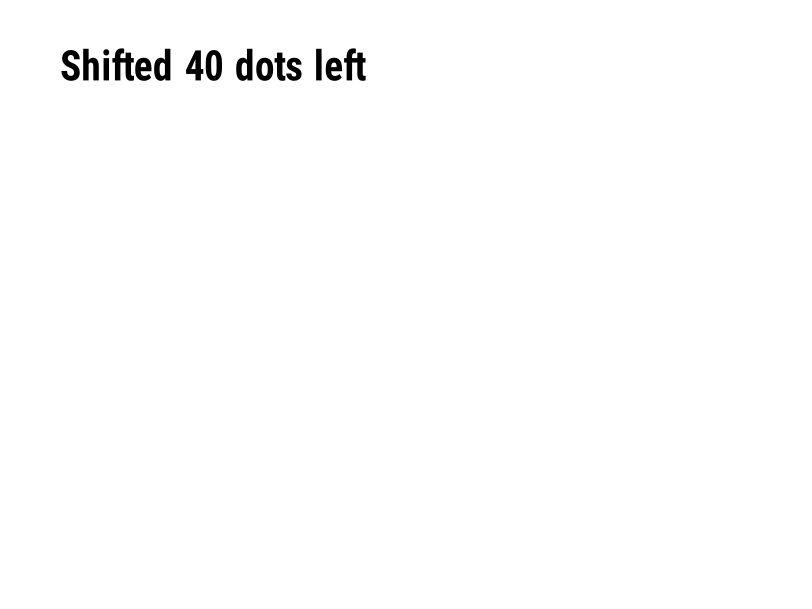
^LS |
Inililipat ang bawat field pakaliwa ng ibinigay na bilang ng mga tuldok. | Format ng Label | Rendered example |
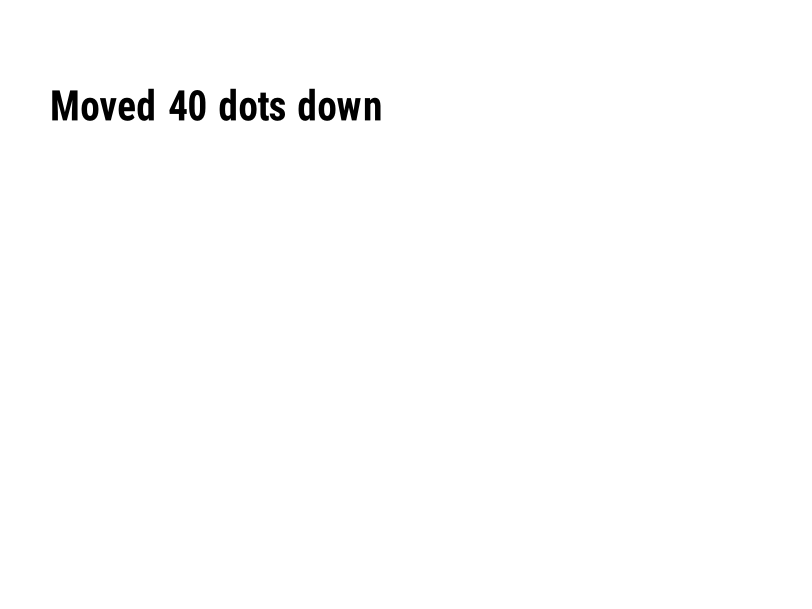
^LT |
Iginagalaw ang buong label pataas o pababa ayon sa ibinigay na bilang ng mga hilera ng tuldok. | Format ng Label | Rendered example |
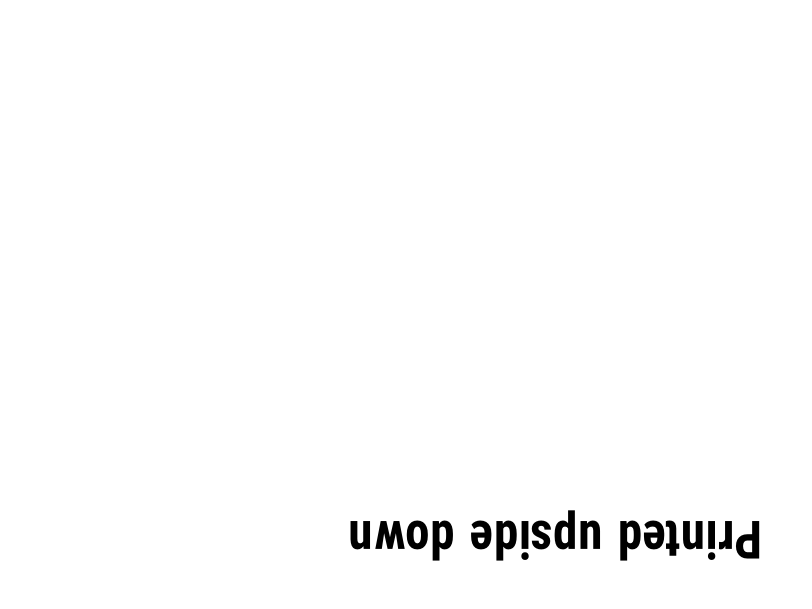
^PO |
Nagpi-print ng label nang normal (N) o pataliko (I). | Format ng Label | Rendered example |
^PM |
I-mirror ang buong label nang pahalang kapag itinakda sa Y. | Format ng Label | Rendered example |
^PQ |
Itinatakda kung ilang label ang ipapprint; ang bawat isa ay binibilang na label sa preview. | Format ng Label | Rendered example |
^MU |
Binabago ang yunit ng pagsukat sa mga tuldok, pulgada o milimetro. | Format ng Label | Rendered example |
^CI |
Pumipili ng set ng karakter. ^CI28 ay UTF-8. | Format ng Label | Rendered example |
^FO |
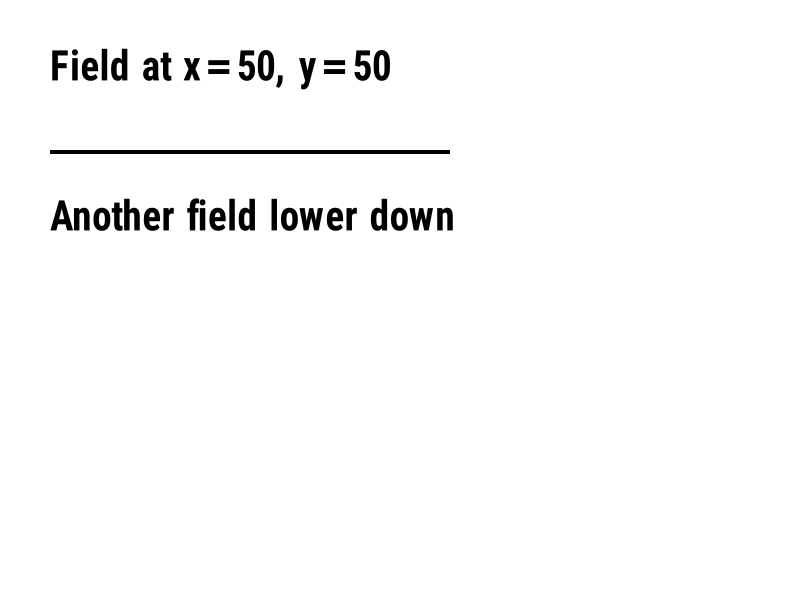
Itinatakda ang posisyon ng field: x, y na mga coordinate sa mga tuldok mula sa itaas-kaliwa na sulok. | Mga Patlang at Posisyon | Rendered example |
^FT |
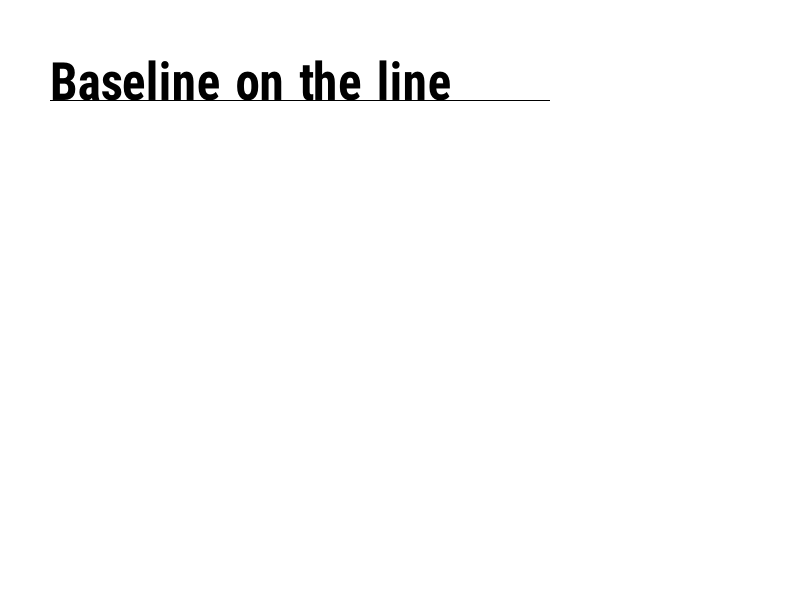
Naglilipat ng field batay sa baseline nito sa halip na sa itaas-kitang kaliwang sulok. | Mga Patlang at Posisyon | Rendered example |
^FD |
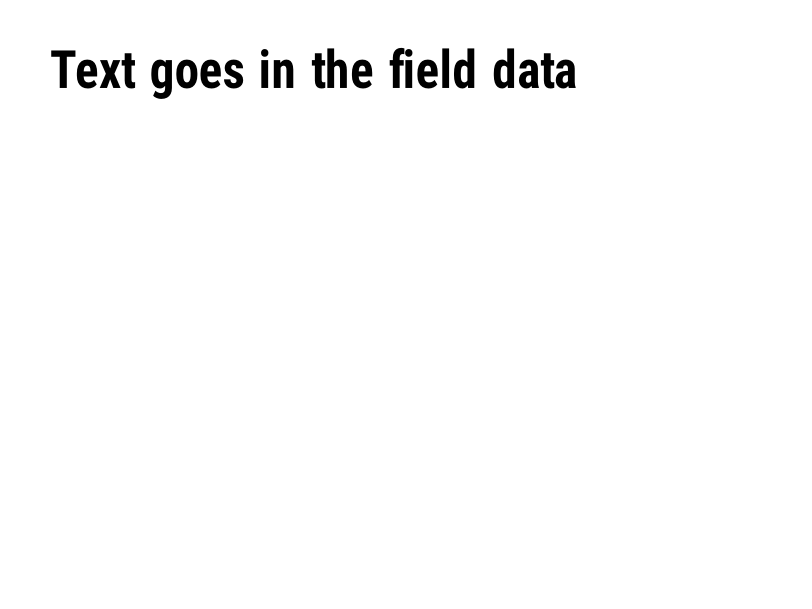
Ang teksto o barcode data ng kasalukuyang patlang. | Mga Patlang at Posisyon | Rendered example |
^FS |
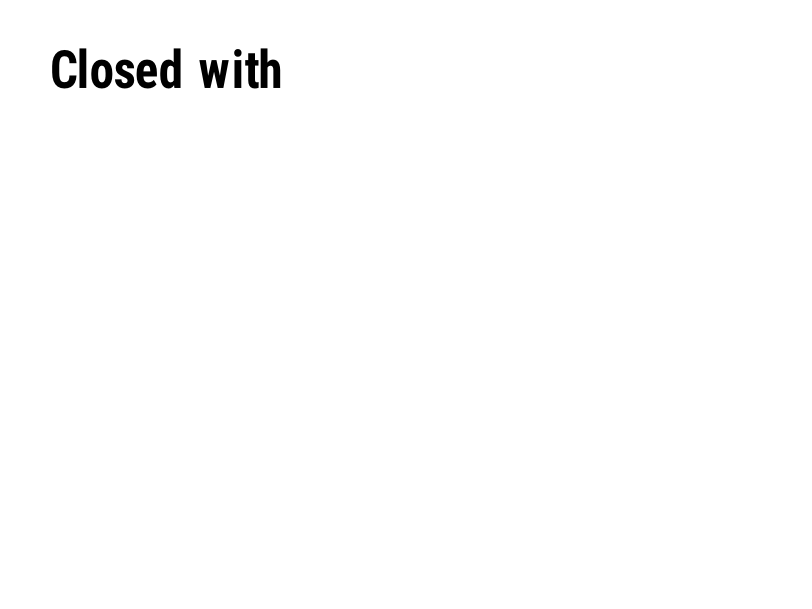
Nagtatapos sa kasalukuyang patlang. | Mga Patlang at Posisyon | Rendered example |
^FB |
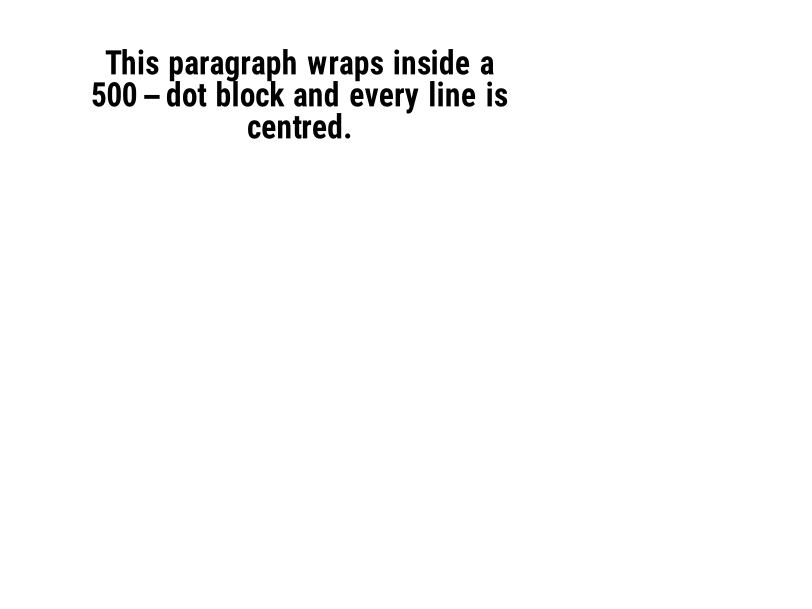
Ipinapalibot ang teksto sa isang bloke na may lapad, bilang ng linya at pag-aayos. | Mga Patlang at Posisyon | Rendered example |
^FR |
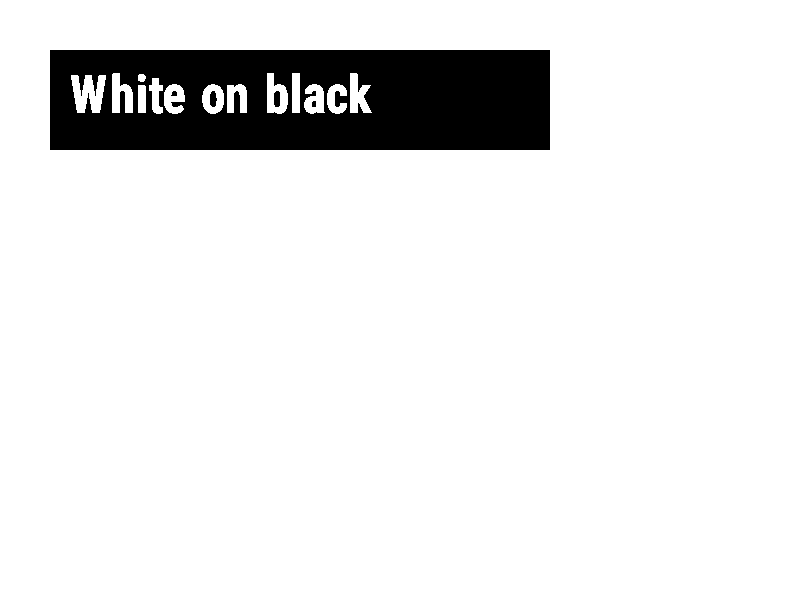
Nagpi-print ang field ng puti sa itim sa ibabaw ng anumang naroon. | Mga Patlang at Posisyon | Rendered example |
^FH |
Pinapayagan ang ^FD na maglaman ng hex escapes gaya ng _0D. | Mga Patlang at Posisyon | Rendered example |
^FW |
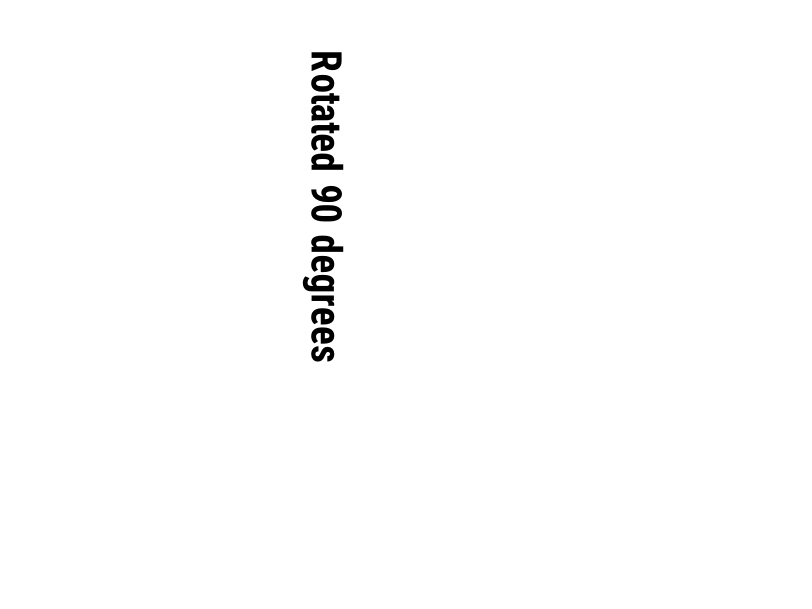
Itinatakda ang default na pag-ikot para sa mga field na susunod. | Mga Patlang at Posisyon | Rendered example |
^FN |
Nagbibigay ng pangalan sa isang variable field sa isang naka-imbak na format. | Mga Patlang at Posisyon | Rendered example |
^FX |
Isang komento. Iginigiit ng printer ang lahat hanggang sa susunod na utos. | Mga Patlang at Posisyon | Rendered example |
^SN |
Nagpi-print ng numero na tumataas sa bawat label. | Mga Patlang at Posisyon | PartialRead but not drawn: the serial field is left out and copies aren't incremented (the same as Labelary's preview). Rendered example |
^A |
Pumipili ng font, pag-ikot at sukat para sa susunod na text field. | Teksto at mga font | Rendered example |
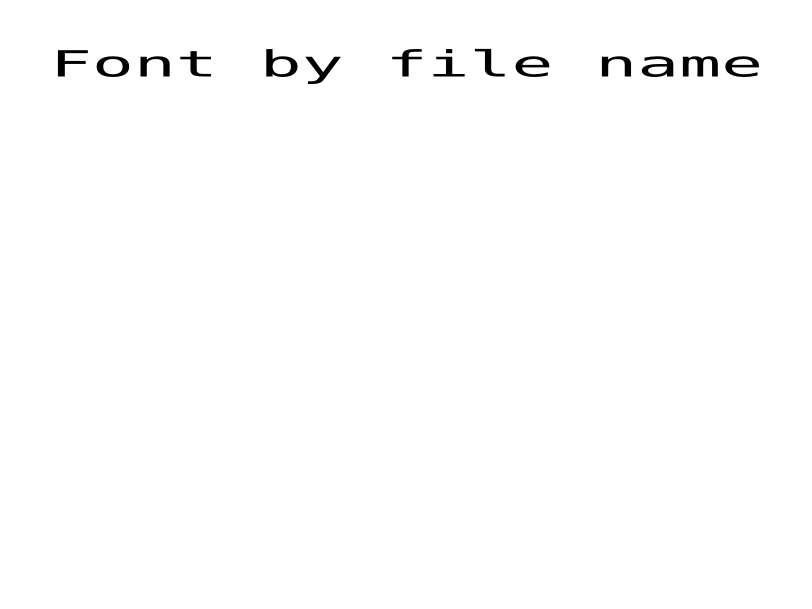
^A@ |
Pumipili ng font batay sa pangalan ng file nito sa printer. | Teksto at mga font | Rendered example |
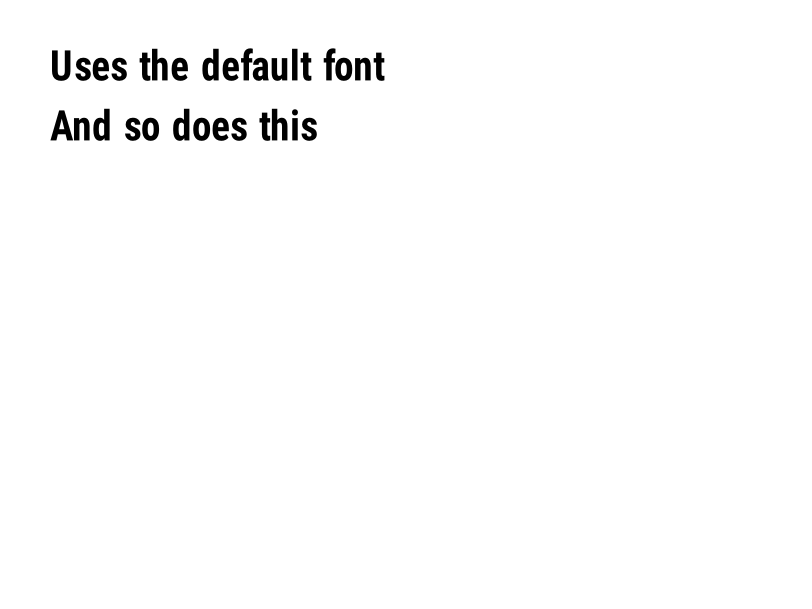
^CF |
Itinatakda ang font at sukat na ginagamit kapag ang field ay walang ^A. | Teksto at mga font | Rendered example |
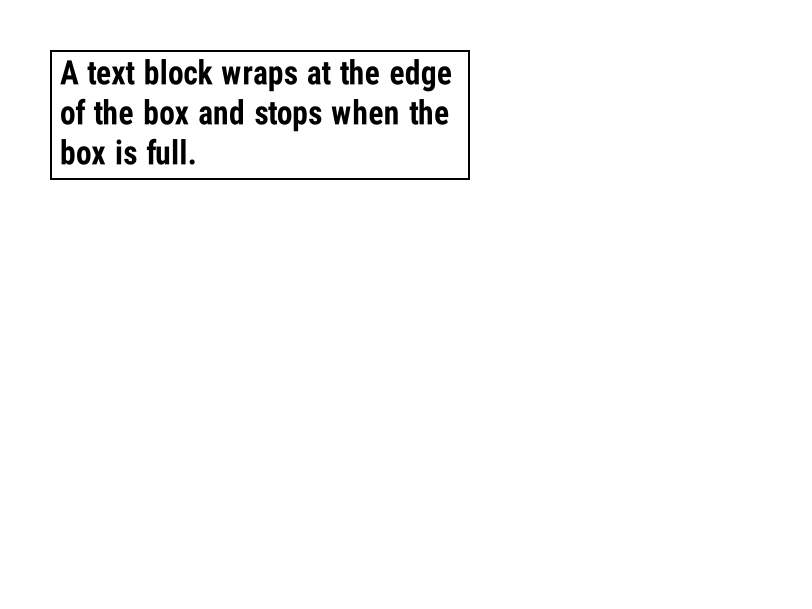
^TB |
Binalot ang isang text field sa loob ng kahon na may ibinigay na lapad at taas. | Teksto at mga font | Rendered example |
^CW |
Nagtatalaga ng isang sulat na pangalan sa isang font file. | Teksto at mga font | Stores or recalls data; no image of its own |
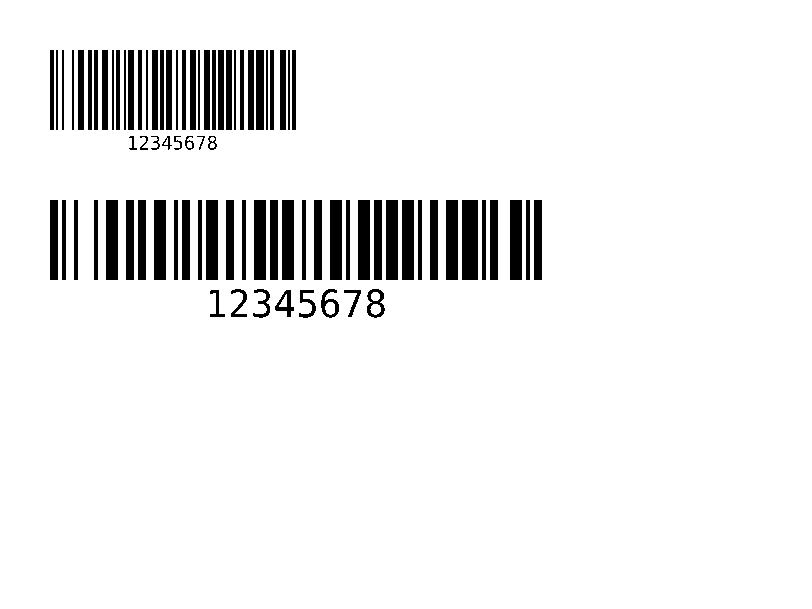
^BY |
Itinatakda ang lapad ng module, ratio ng malapad hanggang makitid at taas para sa mga barcode na susunod. | Mga Barcode | Rendered example |
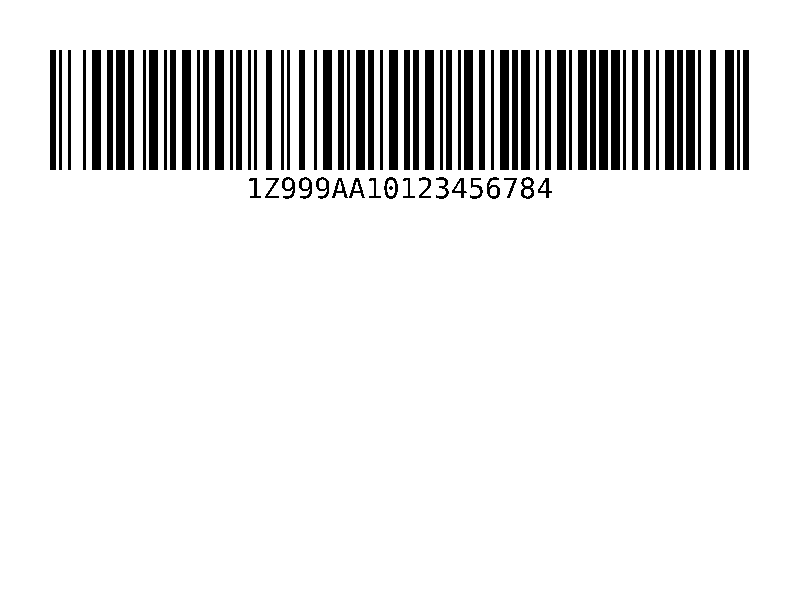
^BC |
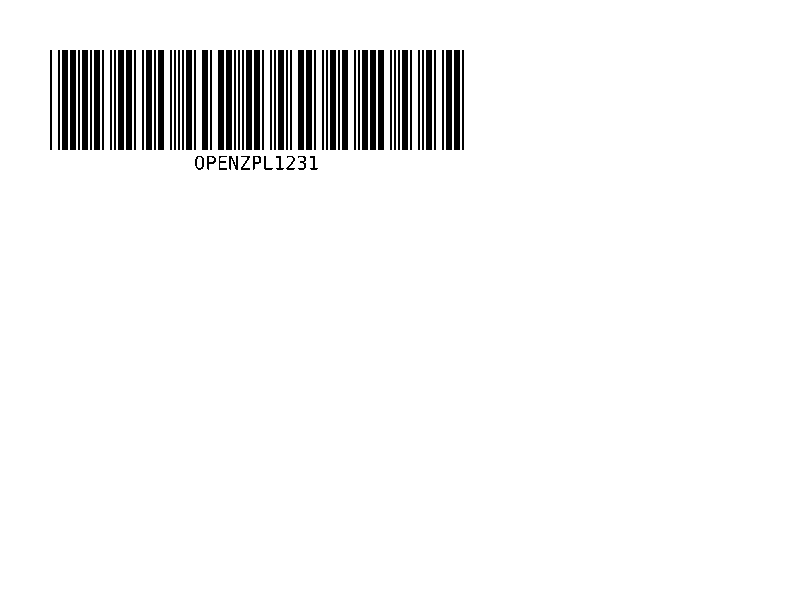
Code 128 barcode, ang pinaka-karaniwan sa mga shipping label. | Mga Barcode | Rendered example |
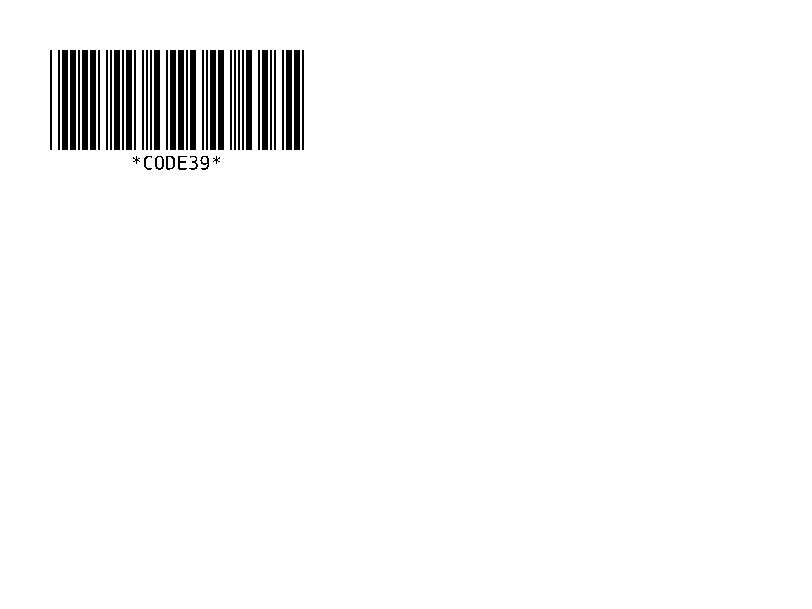
^B3 |
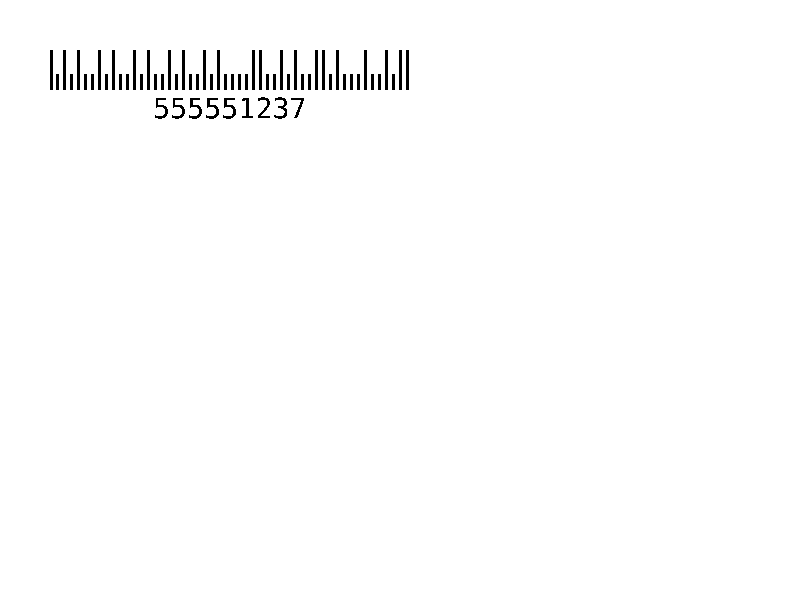
Barcode ng Code 39. | Mga Barcode | Rendered example |
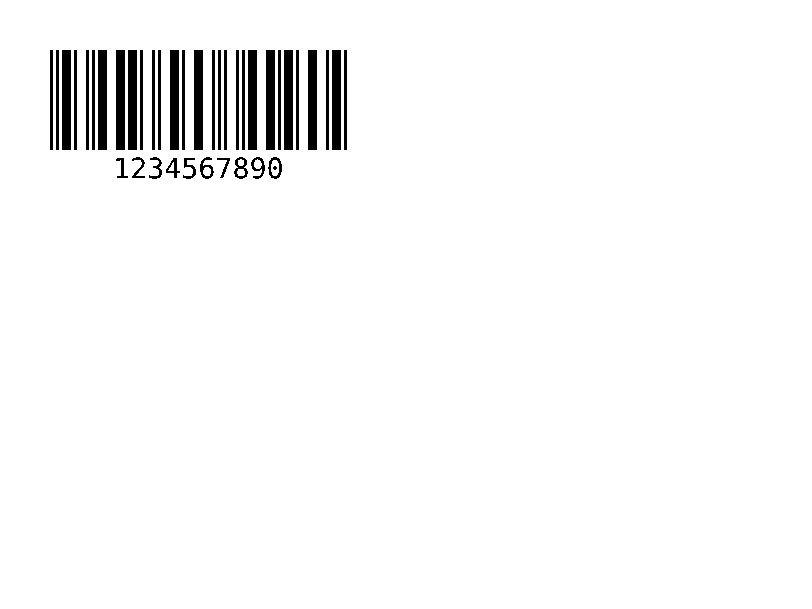
^B2 |
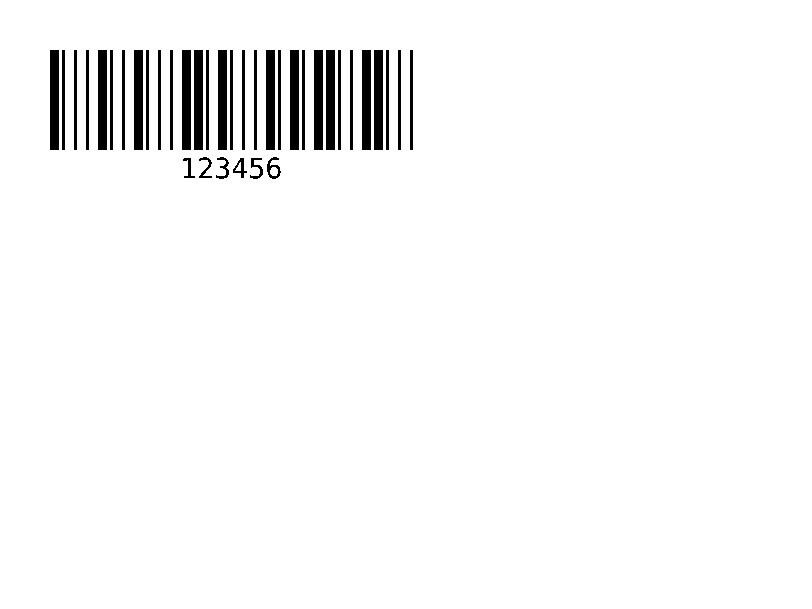
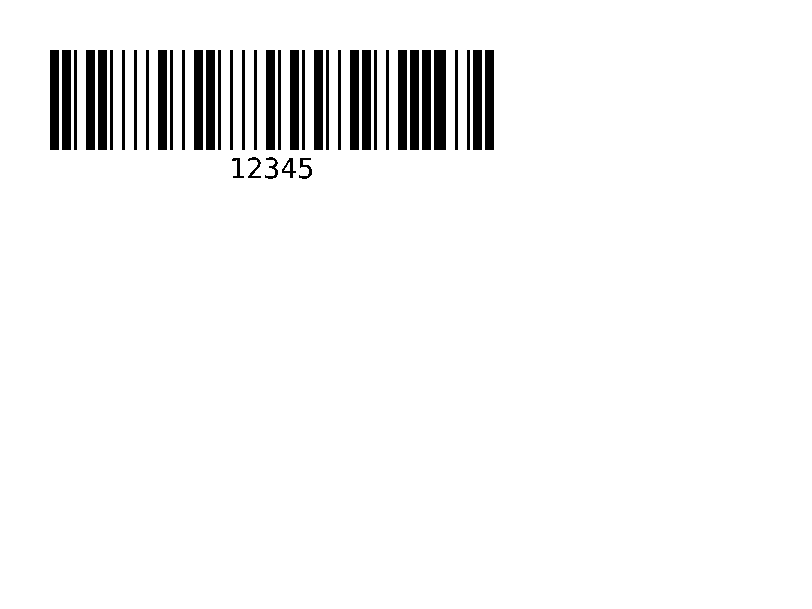
Interleaved 2 ng 5 barcode, numeriko lamang. | Mga Barcode | Rendered example |
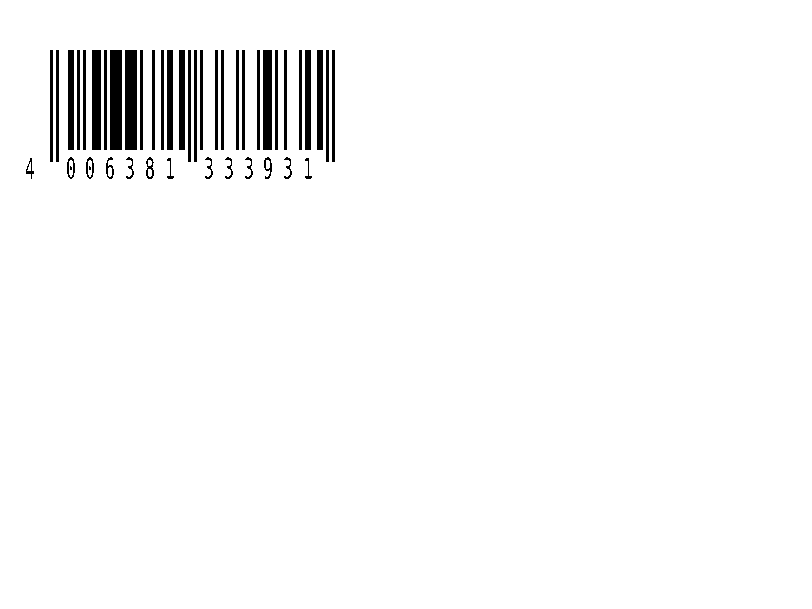
^BE |
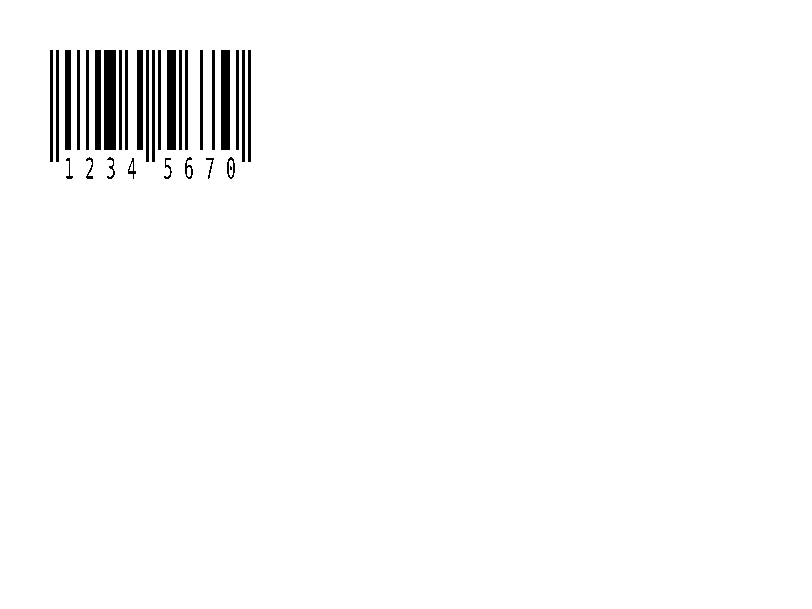
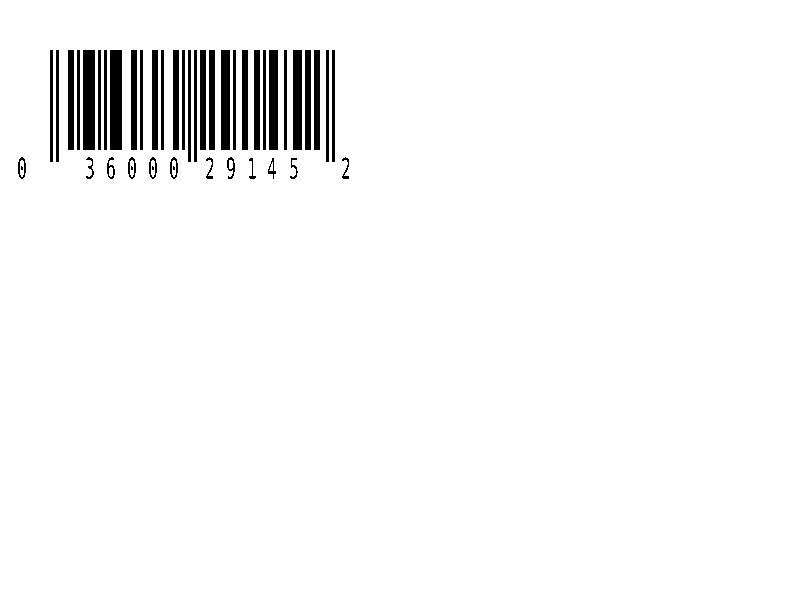
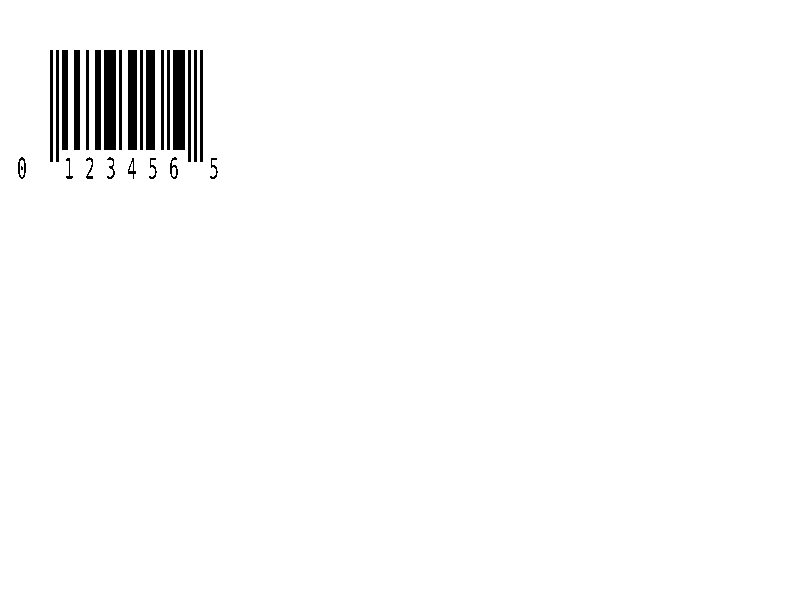
EAN-13 na retail na barcode. | Mga Barcode | Rendered example |
^B8 |
EAN-8 na retail na barcode. | Mga Barcode | Rendered example |
^BU |
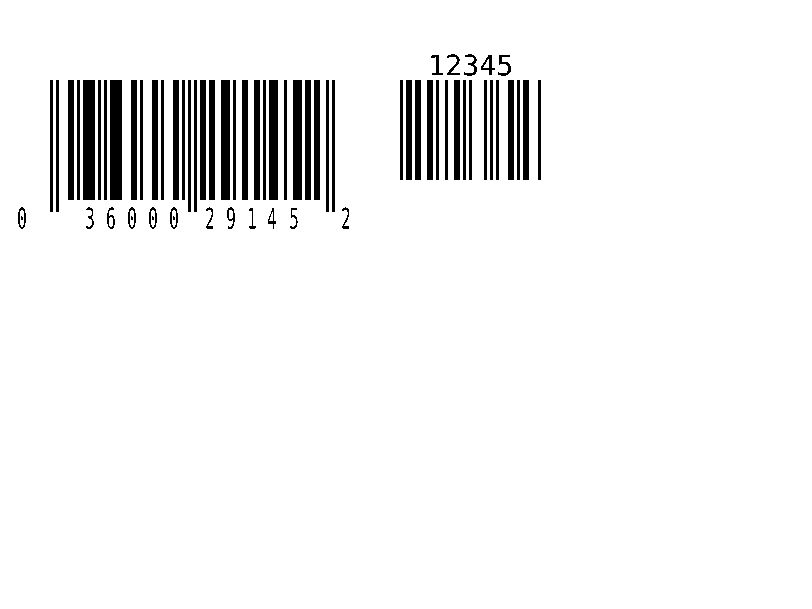
UPC-A retail na barcode. | Mga Barcode | Rendered example |
^B9 |
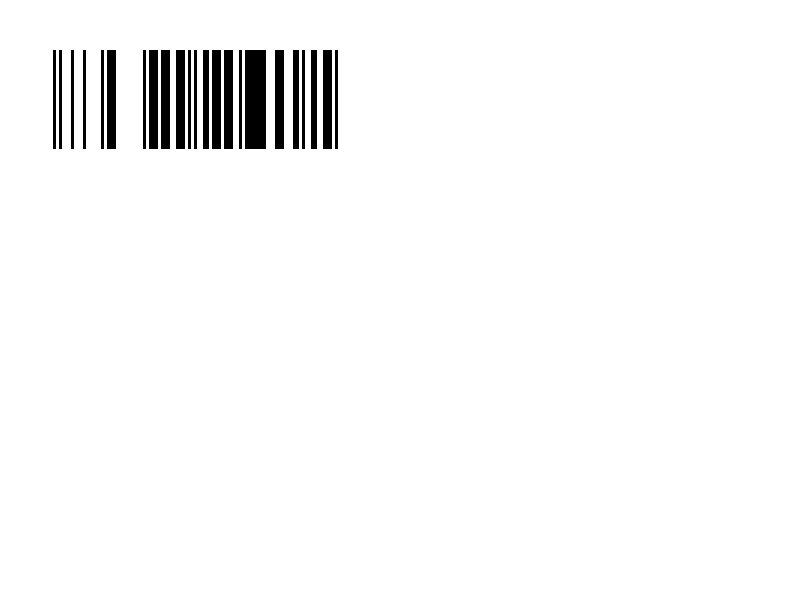
UPC-E retail na barcode. | Mga Barcode | Rendered example |
^BQ |
QR Code. Ang field data ay nagsisimula sa error correction level at input mode, gaya ng sa ^FDQA,text. | Mga Barcode | Rendered example |
^BX |
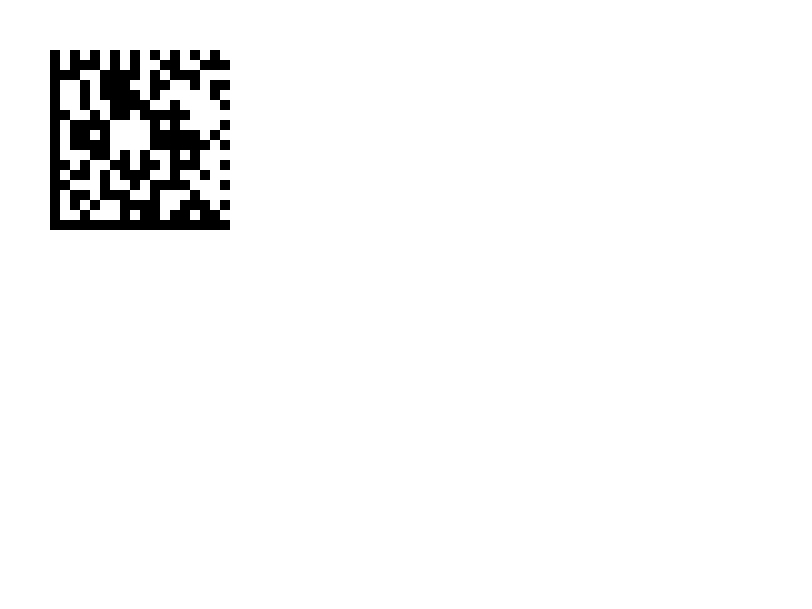
Data Matrix 2D na barcode. | Mga Barcode | Rendered example |
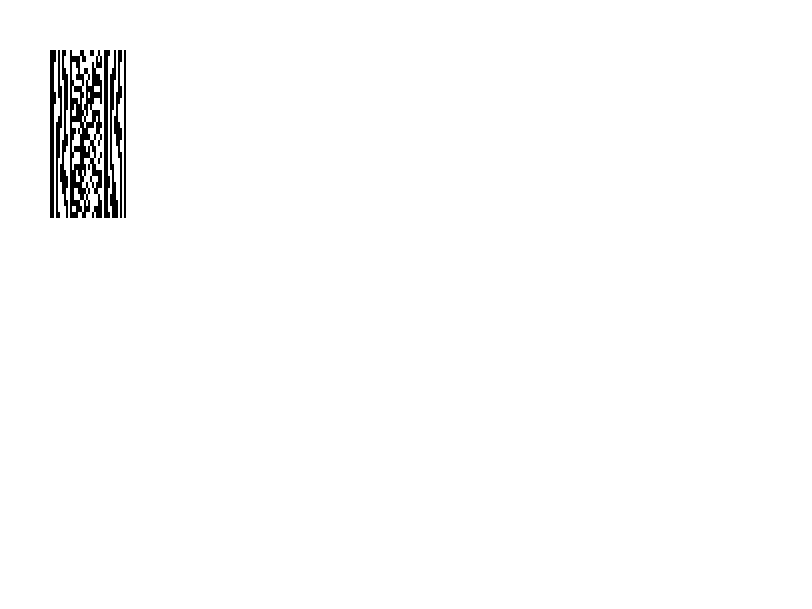
^B7 |
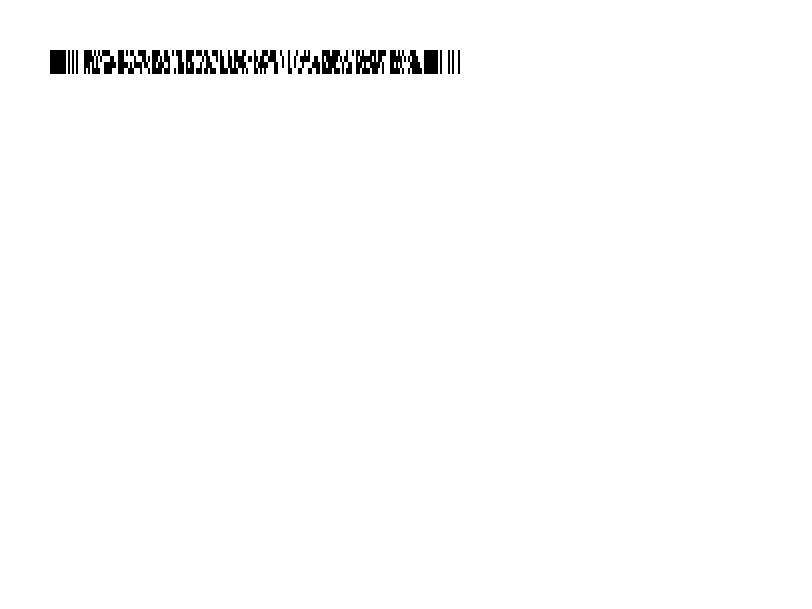
PDF417 na nakasalansan na 2D barcode. | Mga Barcode | Rendered example |
^BO |
Aztec 2D na barcode. | Mga Barcode | Rendered example |
^BD |
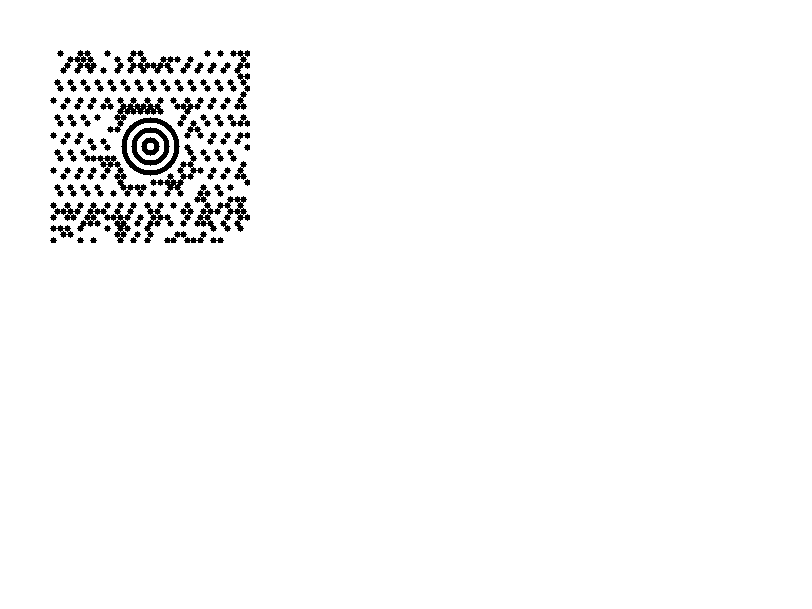
MaxiCode, ginagamit ng UPS. | Mga Barcode | Rendered example |
^B0 |
Aztec 2D barcode; ang parehong utos tulad ng ^BO. | Mga Barcode | Rendered example |
^BA |
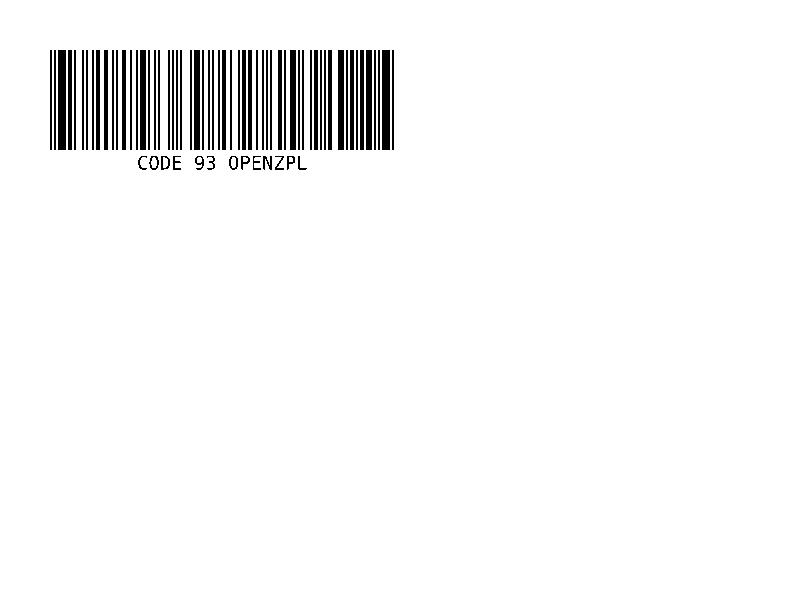
Code 93 barcode: mas siksik kaysa sa Code 39, na may dalawang nakabuilt-in na check na karakter. | Mga Barcode | Rendered example |
^BK |
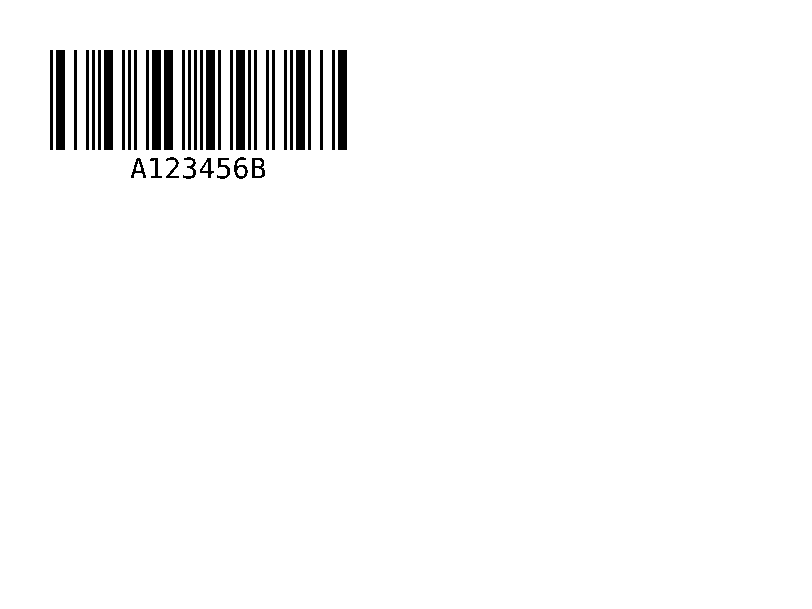
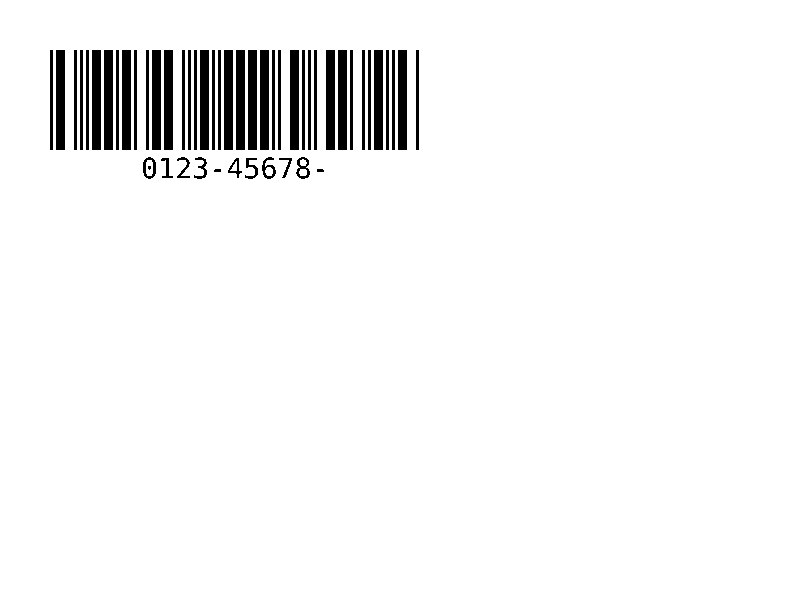
Codabar barcode, ginagamit ng mga aklatan, blood bank at ilang couriers. | Mga Barcode | Rendered example |
^BL |
LOGMARS barcode, ang Code 39 ng militar ng US na may mandatory check digit. | Mga Barcode | Rendered example |
^B1 |
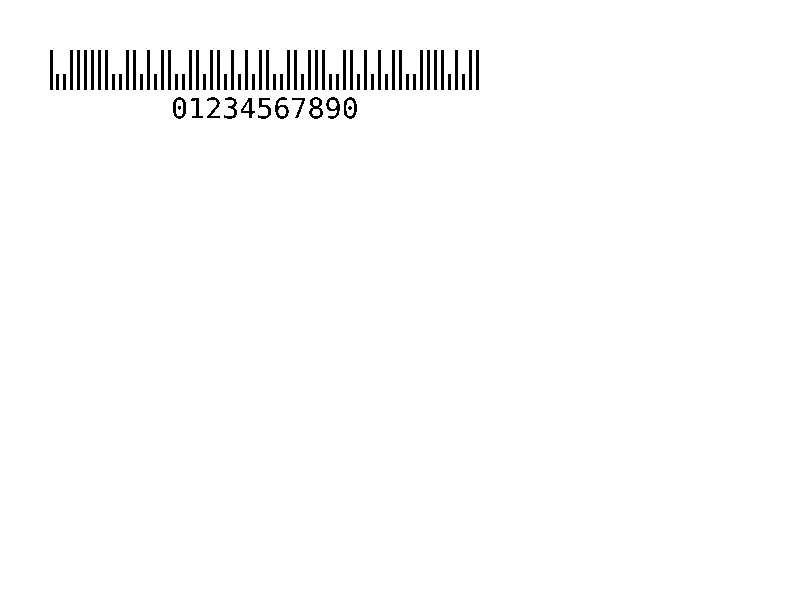
Code 11 barcode, numeriko, ginagamit sa kagamitan ng telecom. | Mga Barcode | Rendered example |
^BM |
MSI (Modified Plessey) barcode, numeriko, ginamit sa mga shelf label. | Mga Barcode | Rendered example |
^BP |
Plessey barcode, numeriko, na may CRC check digit. | Mga Barcode | Rendered example |
^BS |
Ang 2 o 5-digit na karagdagan na naka-print sa tabi ng UPC o EAN code. | Mga Barcode | Rendered example |
^BZ |
Mga postal barcode ng US: POSTNET, PLANET at Intelligent Mail. | Mga Barcode | Rendered example |
^B5 |
USPS PLANET baradong. | Mga Barcode | Rendered example |
^BR |
GS1 DataBar (dating RSS): compact GTIN barcodes para sa mga produkto at kupon. | Mga Barcode | PartialGS1 DataBar types 1 to 6 are drawn. Type 6 (Expanded) encodes the data as written and scans the same as Labelary's, but its last characters can differ; types 7 to 12 (UPC/EAN composites) print the data as text. Rendered example |
^BF |
MicroPDF417, isang mas maliit na PDF417 para sa maliliit na label. | Mga Barcode | Rendered example |
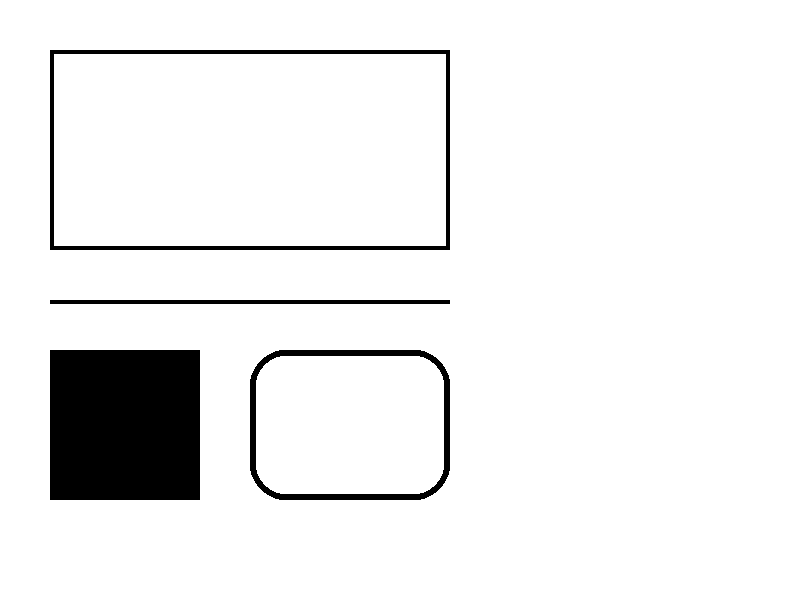
^GB |
Nagmumukha ng isang kahon o linya: lapad, taas, kapal ng hangganan, kulay at pag-ikot. | Graphics | Rendered example |
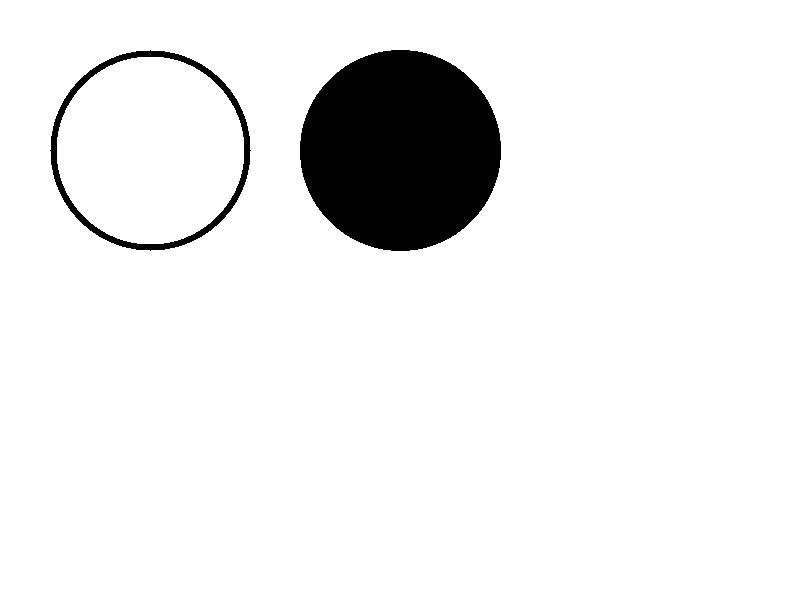
^GC |
Nagmumukha ng bilog: diyametro, kapal ng hangganan at kulay. | Graphics | Rendered example |
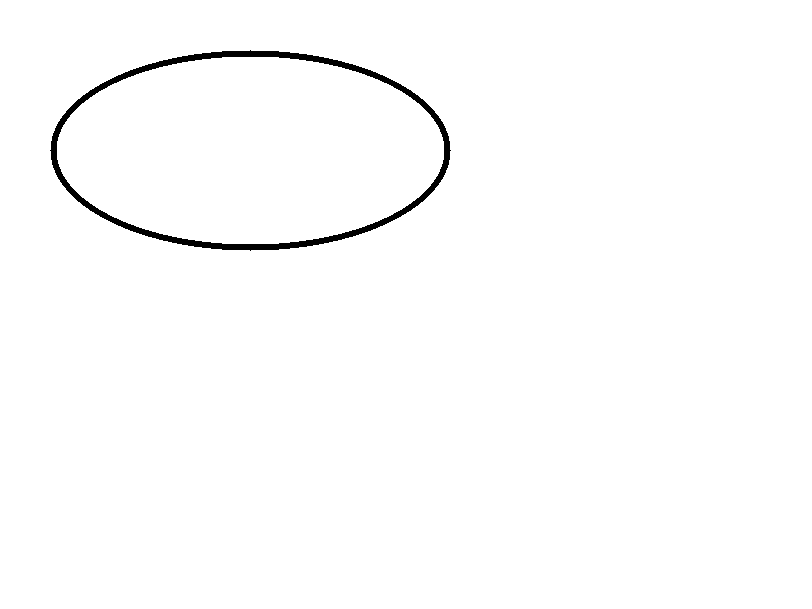
^GE |
Nagmumukha ng ellipse. | Graphics | Rendered example |
^GD |
Nagmumukha ng pahilis na linya. | Graphics | Rendered example |
^GF |
Isinasama ang isang bitmap na imahe sa label (ASCII hex, binary o Z64). | Graphics | Rendered example |
^GS |
Nagpi-print ng rehistradong simbolo, copyright o iba pa. | Graphics | Rendered example |
^DF |
Nagaimbak ng format ng label sa printer sa ilalim ng isang pangalan. | Naka-save na mga format at larawan | Rendered example |
^XF |
I-recall ang isang naka-imbak na format upang punan ang mga ^FN field nito. | Naka-save na mga format at larawan | Rendered example |
~DG |
Nagaimbak ng isang larawan sa printer sa ilalim ng isang pangalan. | Naka-save na mga format at larawan | Stores or recalls data; no image of its own |
^XG |
Nagpi-print ng isang imahe na naka-imbak gamit ang ~DG. | Naka-save na mga format at larawan | Stores or recalls data; no image of its own |
^IM |
Nagpi-print ng naka-imbak na imahe sa kasalukuyang pinagmulan ng field. | Naka-save na mga format at larawan | Stores or recalls data; no image of its own |





Ignored on purpose
These commands set up the printer, not the label. The API accepts them and renders the label as if they weren't there; we checked that the image is byte-identical without them.
| Group | Commands |
|---|---|
| Media and sensors | ^MM, ^MN, ^MT, ^MF, ~JS |
| Speed, darkness and tear-off | ^PR, ~SD, ^MD, ~TA |
| Calibration and printer state | ~JC, ~JA, ~JR, ^JU, ~HS |
| Network, RFID setup and host queries | ^NC, ^NI, ^RS, ~HI, ~HM |
Not supported yet
Each one was tested by placing it in a label at 8 dpmm. None of them fails the request: the label renders, without the symbol.
| Command | Symbology or feature | What the engine does today |
|---|---|---|
^B4 | Code 49 | No bars; the data is printed as text (Labelary doesn't draw it either). |
^BB | CODABLOCK | No symbol; the data is printed as text (Labelary doesn't draw it either). |
^BT | TLC39 | No symbol; the data is printed as text (Labelary doesn't draw it either). |
Known differences
- A format with no fields, such as
^XA^XZ, returns400 ERROR: No labels found in the ZPLinstead of a blank image. - Fonts: Zebra's font 0 (CG Triumvirate Bold Condensed) can't be bundled, so
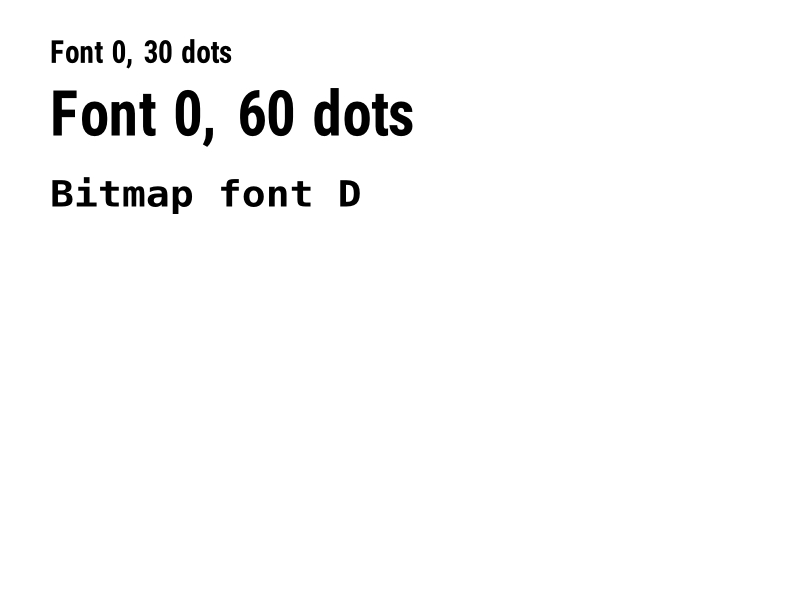
^A0is drawn with Roboto Condensed Bold, with spacing calibrated per character. The bitmap fonts^AA–^AHare drawn with DejaVu Sans Mono. Text widths can differ by a few dots from a given printer. - An RFID write (
^RFfollowed by^FD…^FS) draws its data as text; a printer encodes it in the tag and prints nothing. - EPL reverse text (the
Rflag ofA) gets a black box the size of the character cells, as on the printer; it can run past the last character because the substitute font is narrower than EPL's bitmap fonts.
Lumilipat mula sa Labelary
The API keeps Labelary's v1 paths and headers, so most clients only change the host. See Migrate from Labelary for the tested differences and OpenZPL vs Labelary for the comparison.