ZPL compatibility of the OpenZPL engine
The OpenZPL engine draws the 51 ZPL commands of the command reference, one of them partially, and skips the ones that configure the printer. The barcode and text commands listed under “Not supported yet” don't draw correctly today.
Tested 2026-10-20 with openzpl-api 689632b at 8 dpmm.
How we test
Every example on this site is a fixture: a short synthetic label that the engine renders to a PNG when the site is built. If a fixture's ZPL changes and its image isn't rendered again, the build fails, so the image always shows what the engine does with that exact code.
The 116 fixtures are public in fixtures.json, with their size, density and image, under CC0. Use them to test any ZPL renderer.
A preview isn't a print. Darkness, media, firmware and the fonts installed on a printer change the result, so check critical labels on the printer itself.
Drawn
| Command | Co to robi | Category | Evidence |
|---|---|---|---|
^XA |
Otwiera etykietę. Wszystko do ^XZ to jedna etykieta. | Format etykiety | Rendered example |
^XZ |
Zamyka etykietę otwartą przez ^XA i ją drukuje. | Format etykiety | Rendered example |
^PW |
Ustala szerokość etykiety w punktach. | Format etykiety | Rendered example |
^LL |
Ustala długość etykiety w punktach. | Format etykiety | Rendered example |
^LH |
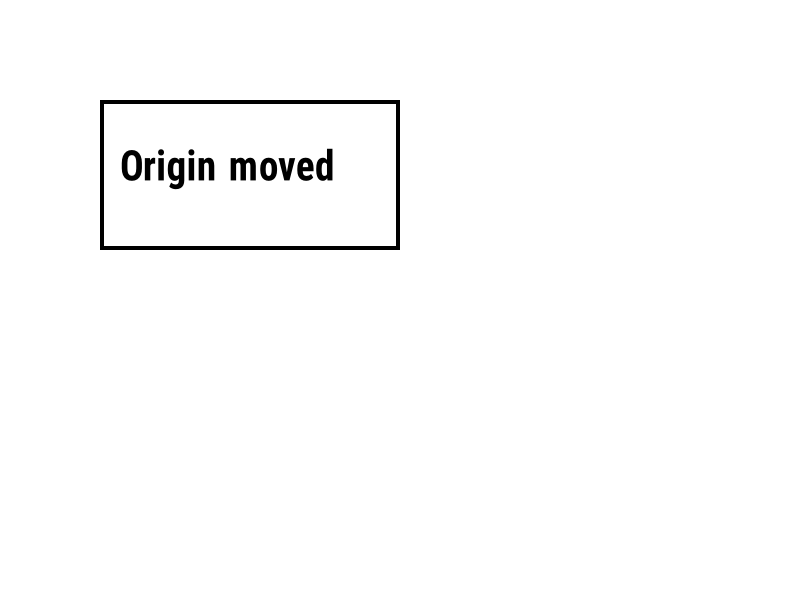
Przesuwa punkt odniesienia, od którego mierzone są pozycje wszystkich pól. | Format etykiety | Rendered example |
^LS |
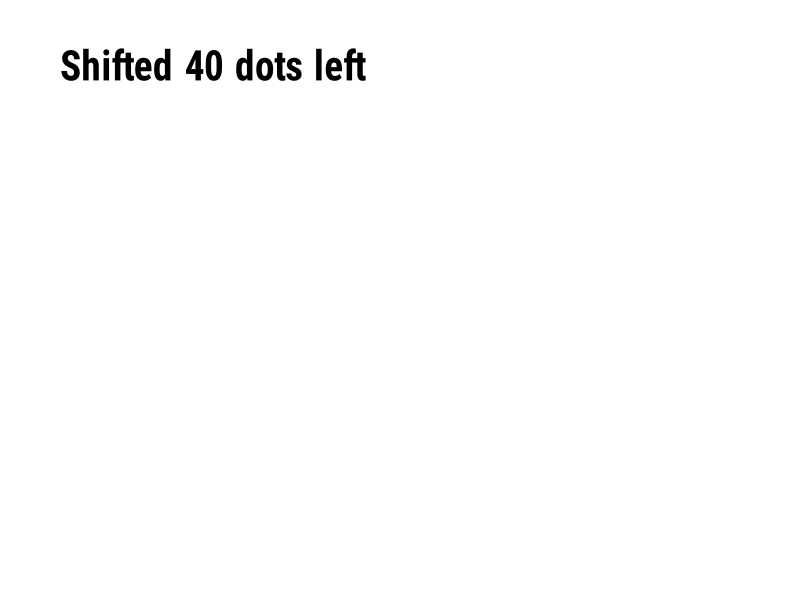
Przesuwa każde pole w lewo o podaną liczbę punktów. | Format etykiety | Rendered example |
^LT |
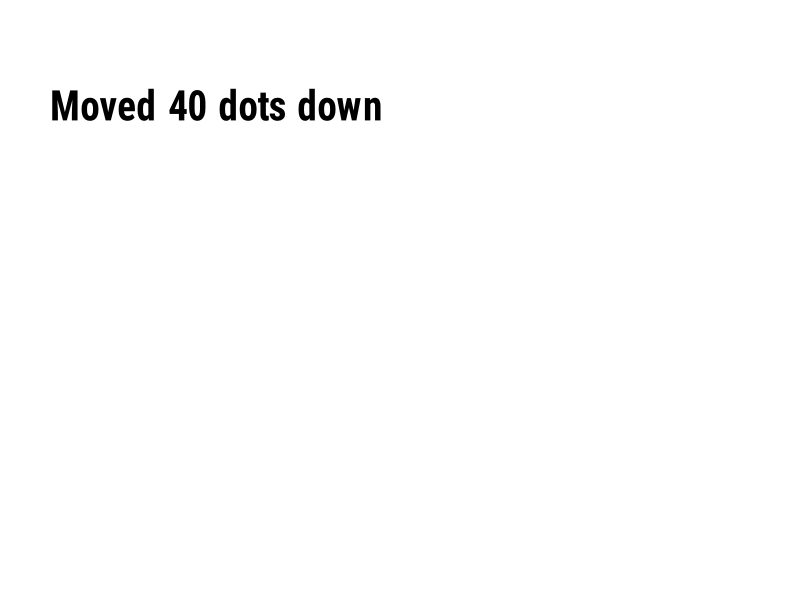
Przesuwa całą etykietę w górę lub w dół o podaną liczbę rzędów punktów. | Format etykiety | Rendered example |
^PO |
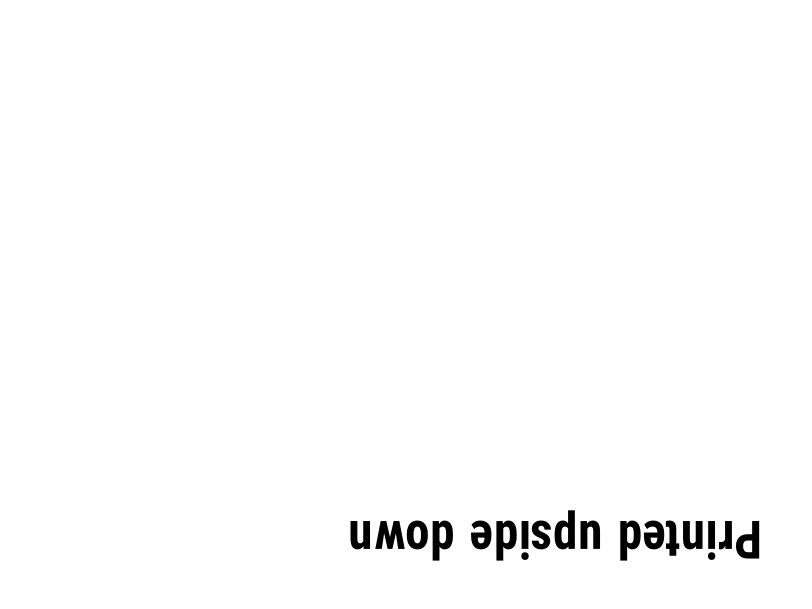
Drukuje etykietę normalnie (N) lub do góry nogami (I). | Format etykiety | Rendered example |
^PM |
Odbija całą etykietę poziomo, gdy ustawione na Y. | Format etykiety | Rendered example |
^PQ |
Ustala, ile etykiet ma być wydrukowanych; każda liczy się jako etykieta w podglądzie. | Format etykiety | Rendered example |
^MU |
Zmienia jednostkę miary na punkty, cale lub milimetry. | Format etykiety | Rendered example |
^CI |
Wybiera zestaw znaków. ^CI28 to UTF-8. | Format etykiety | Rendered example |
^FO |
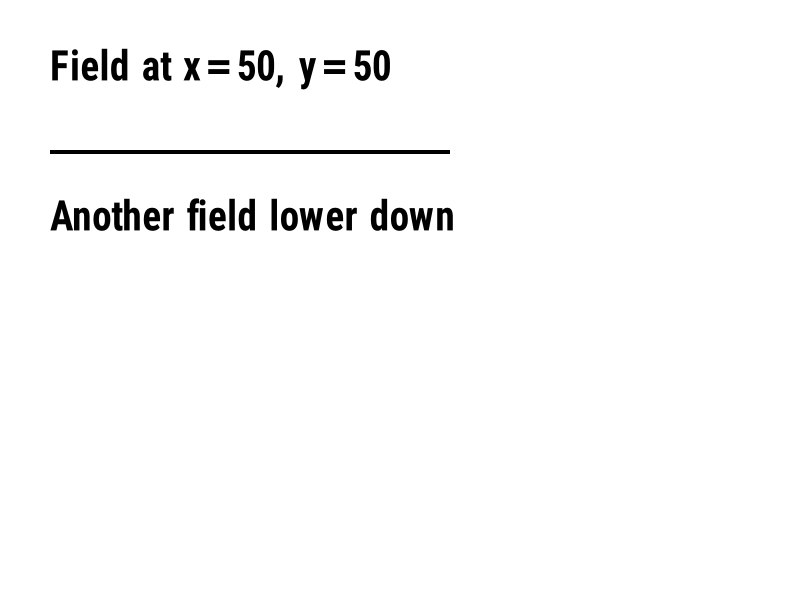
Ustala pozycję pola: współrzędne x, y w punktach od lewego górnego rogu. | Pola i pozycja | Rendered example |
^FT |
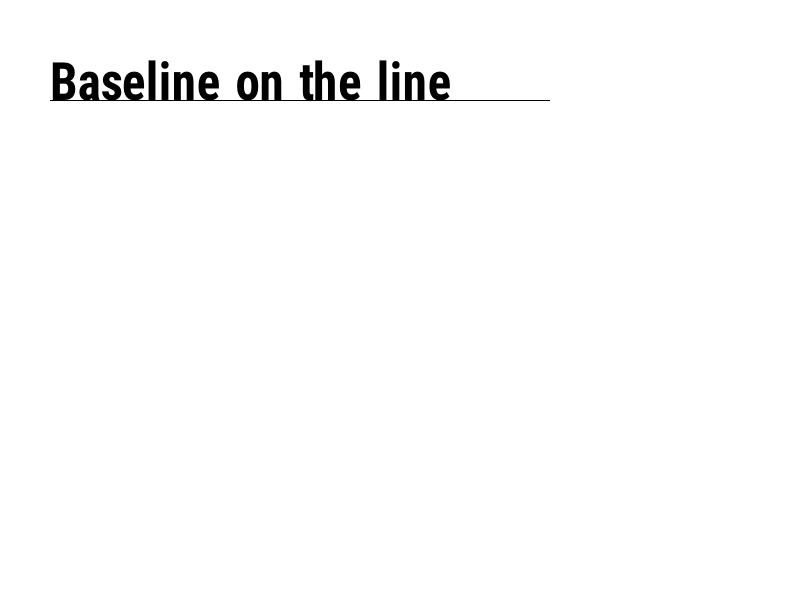
Ustawia pole według jego linii bazowej zamiast lewego górnego rogu. | Pola i pozycja | Rendered example |
^FD |
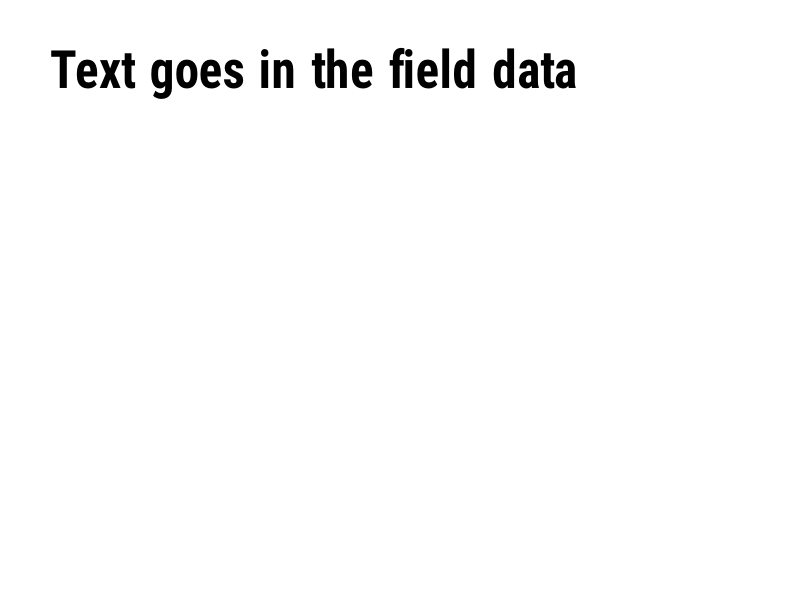
Dane tekstowe lub kodu kreskowego bieżącego pola. | Pola i pozycja | Rendered example |
^FS |
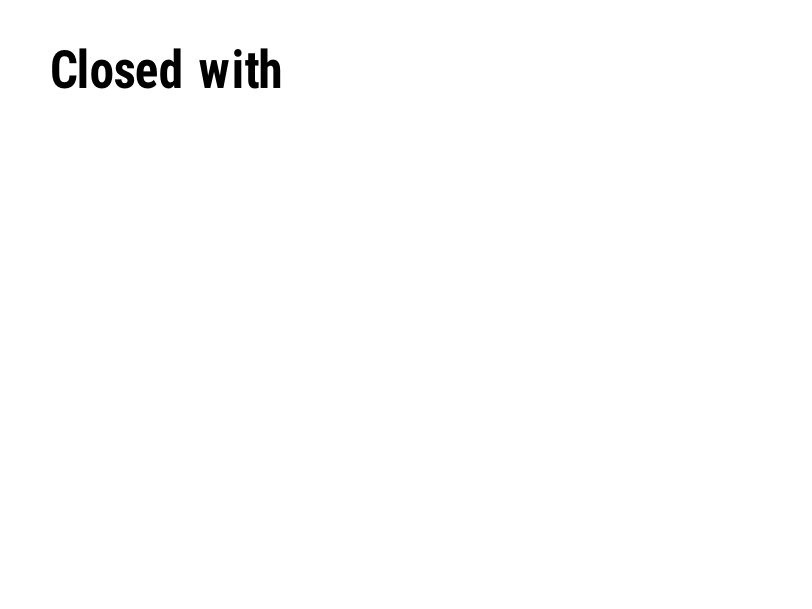
Kończy bieżące pole. | Pola i pozycja | Rendered example |
^FB |
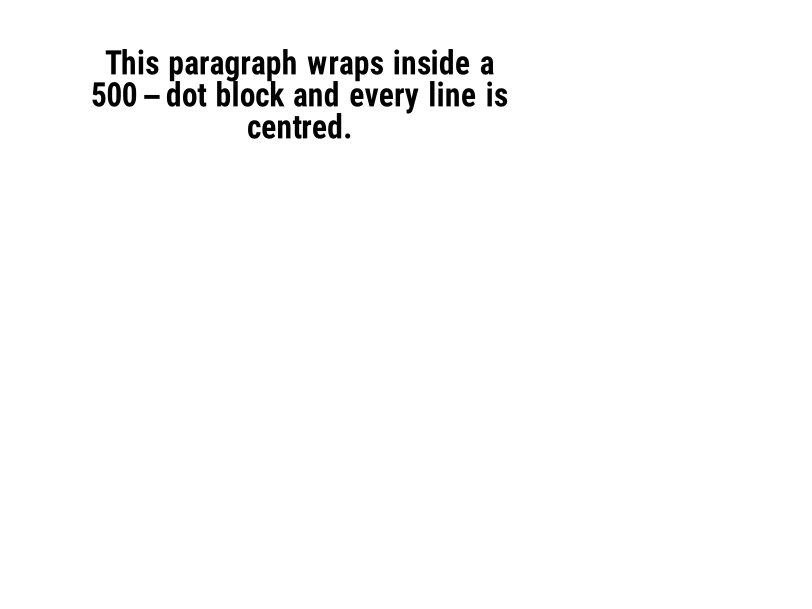
Owijanie tekstu w blok o szerokości, liczbie linii i wyrównaniu. | Pola i pozycja | Rendered example |
^FR |
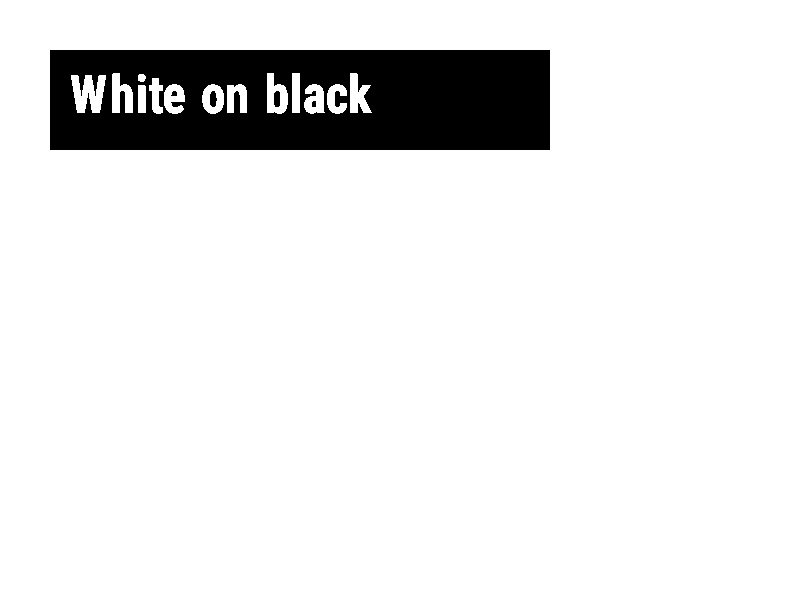
Drukuje pole białe na czarnym nad tym, co jest pod nim. | Pola i pozycja | Rendered example |
^FH |
Pozwala, aby ^FD zawierało escape'y hex, takie jak _0D. | Pola i pozycja | Rendered example |
^FW |
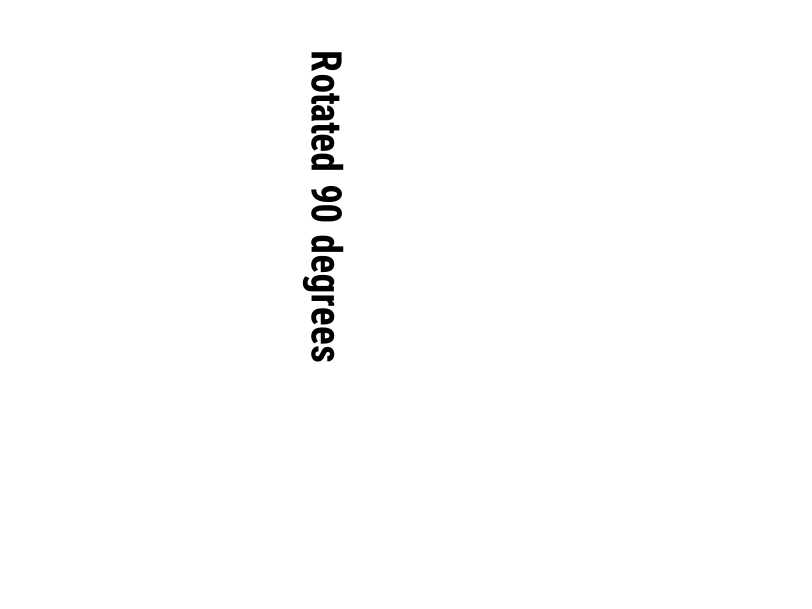
Ustala domyślny obrót dla kolejnych pól. | Pola i pozycja | Rendered example |
^FN |
Nadaje zmiennej polu przechowywaną nazwę. | Pola i pozycja | Rendered example |
^FX |
Komentarz. Drukarka ignoruje wszystko do następnej komendy. | Pola i pozycja | Rendered example |
^SN |
Drukuje numer, który zwiększa się na każdej etykiecie. | Pola i pozycja | PartialRead but not drawn: the serial field is left out and copies aren't incremented (the same as Labelary's preview). Rendered example |
^A |
Wybiera czcionkę, obrót i rozmiar dla następnego pola tekstowego. | Tekst i czcionki | Rendered example |
^A@ |
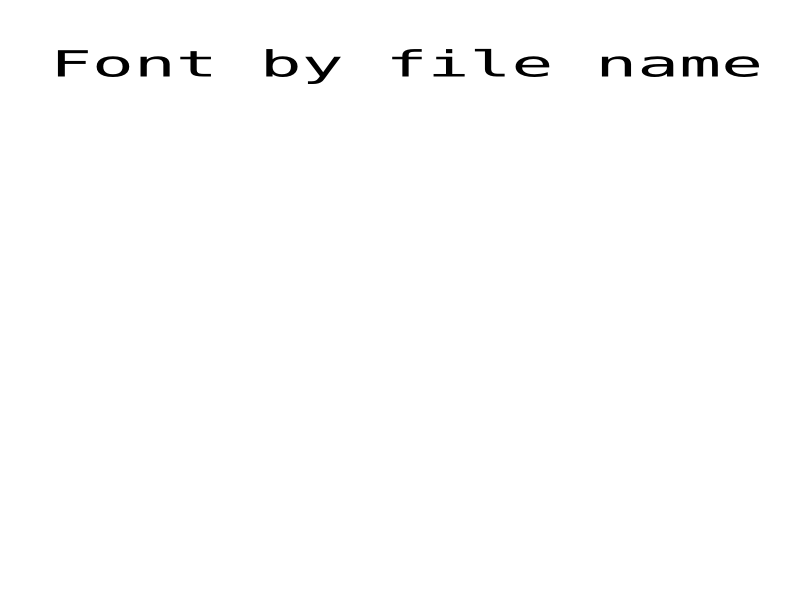
Wybiera czcionkę według nazwy pliku na drukarce. | Tekst i czcionki | Rendered example |
^CF |
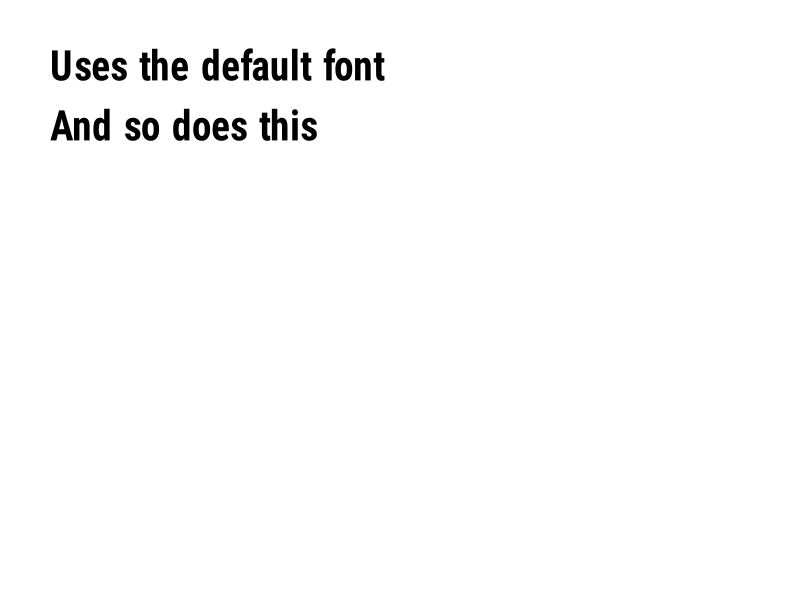
Ustala czcionkę i rozmiar używane, gdy pole nie ma ^A. | Tekst i czcionki | Rendered example |
^CW |
Przypisuje jednoznakową nazwę do pliku czcionki. | Tekst i czcionki | Stores or recalls data; no image of its own |
^BY |
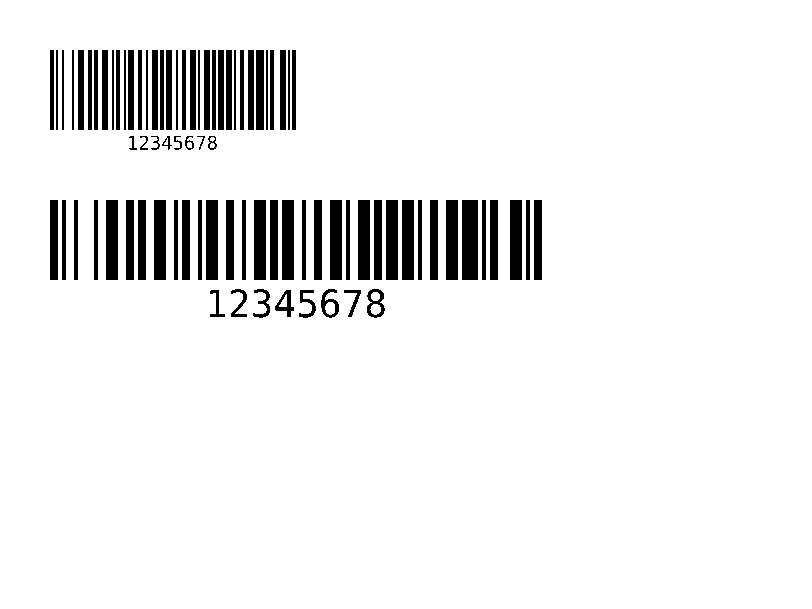
Ustala szerokość modułu, proporcje szerokie-do-wąskiego i wysokość dla następujących kodów kreskowych. | Kody kreskowe | Rendered example |
^BC |
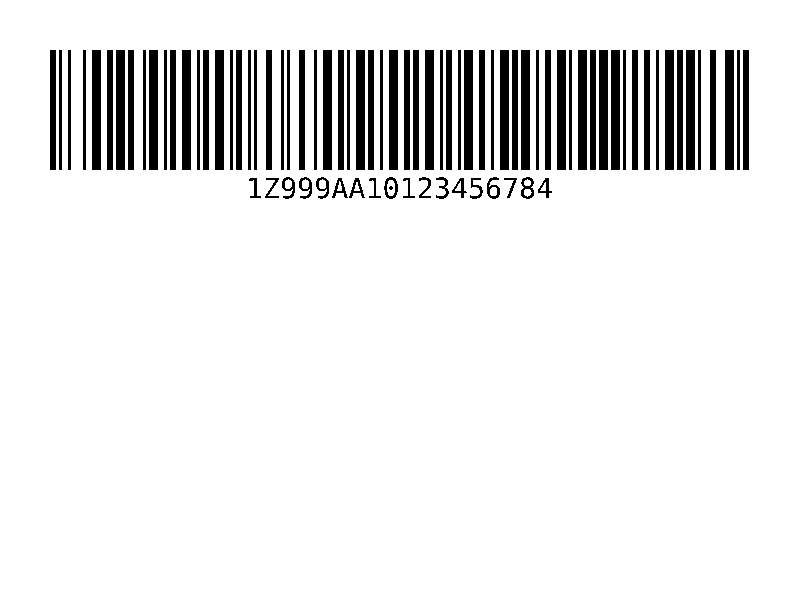
Kod kreskowy Code 128, najczęściej spotykany na etykietach wysyłkowych. | Kody kreskowe | Rendered example |
^B3 |
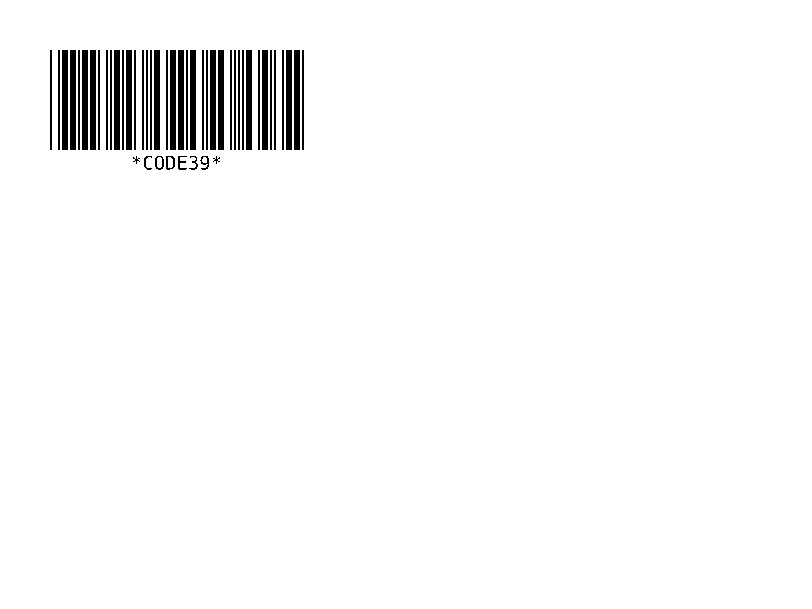
Kod kreskowy Code 39. | Kody kreskowe | Rendered example |
^B2 |
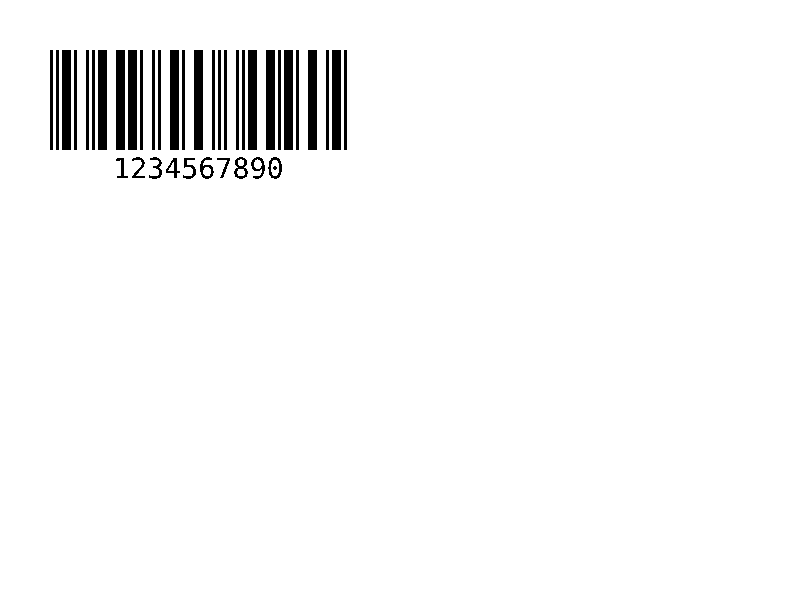
Kod kreskowy Interleaved 2 of 5, tylko numeryczny. | Kody kreskowe | Rendered example |
^BE |
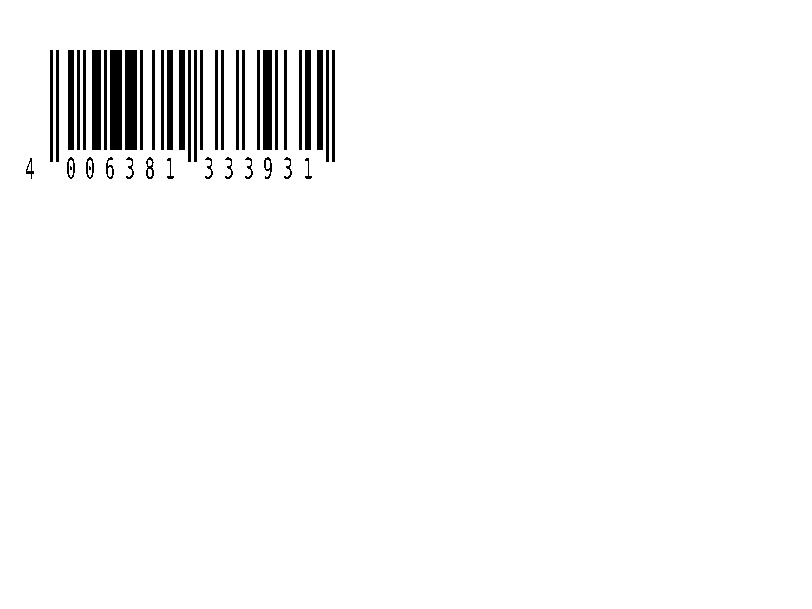
Kod kreskowy detaliczny EAN-13. | Kody kreskowe | Rendered example |
^B8 |
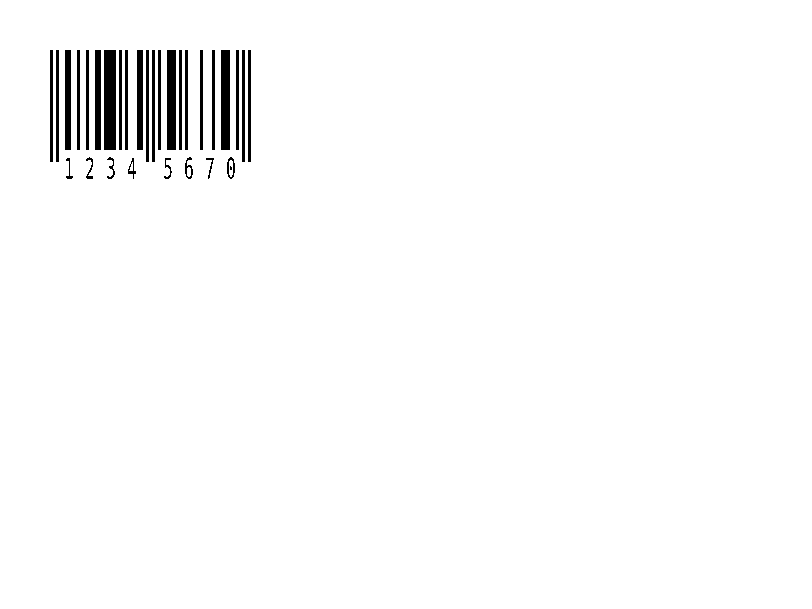
Kod kreskowy detaliczny EAN-8. | Kody kreskowe | Rendered example |
^BU |
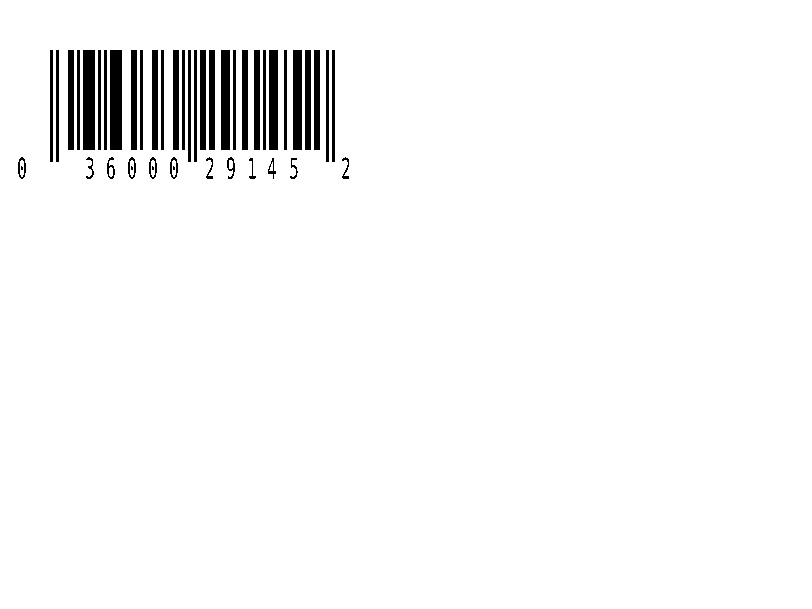
Kod kreskowy UPC-A dla sprzedaży detalicznej. | Kody kreskowe | Rendered example |
^B9 |
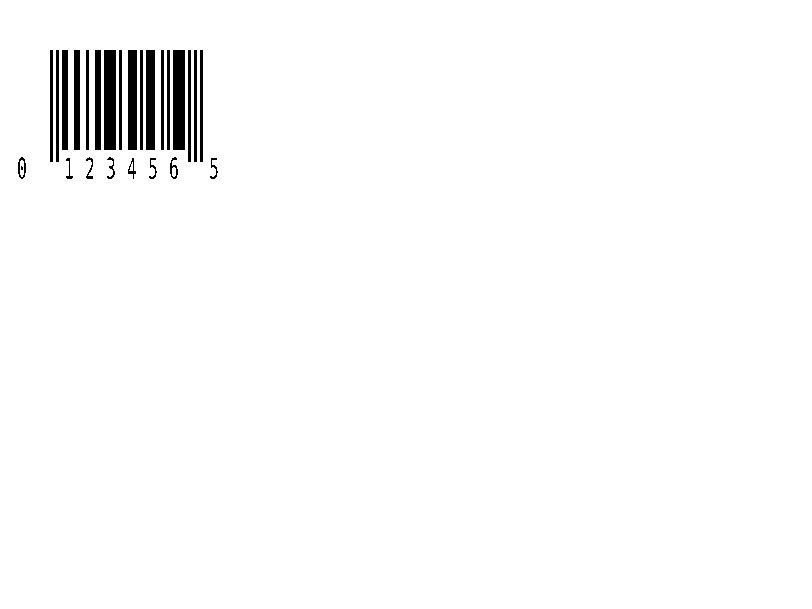
Kod kreskowy UPC-E dla sprzedaży detalicznej. | Kody kreskowe | Rendered example |
^BQ |
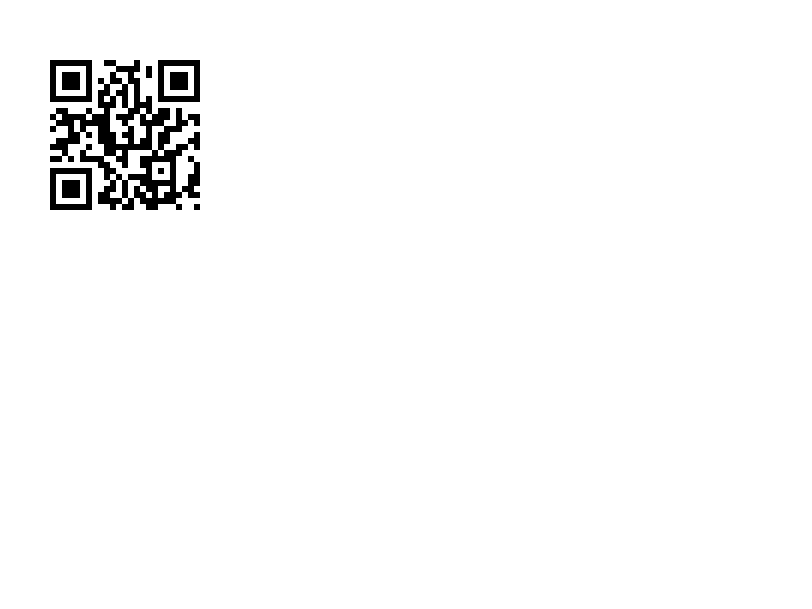
Kod QR. Dane zaczynają się od korekty błędów i trybu wejścia, np. QA, | Kody kreskowe | Rendered example |
^BX |
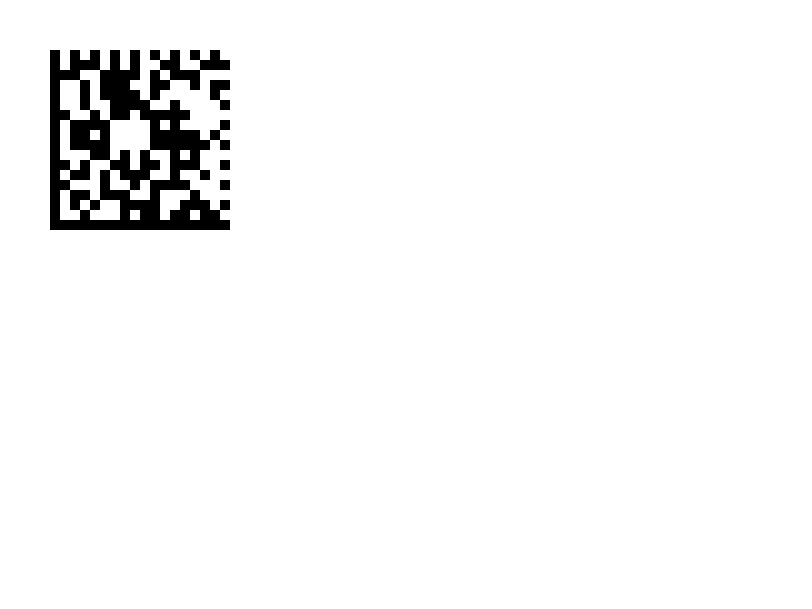
Kod kreskowy 2D Data Matrix. | Kody kreskowe | Rendered example |
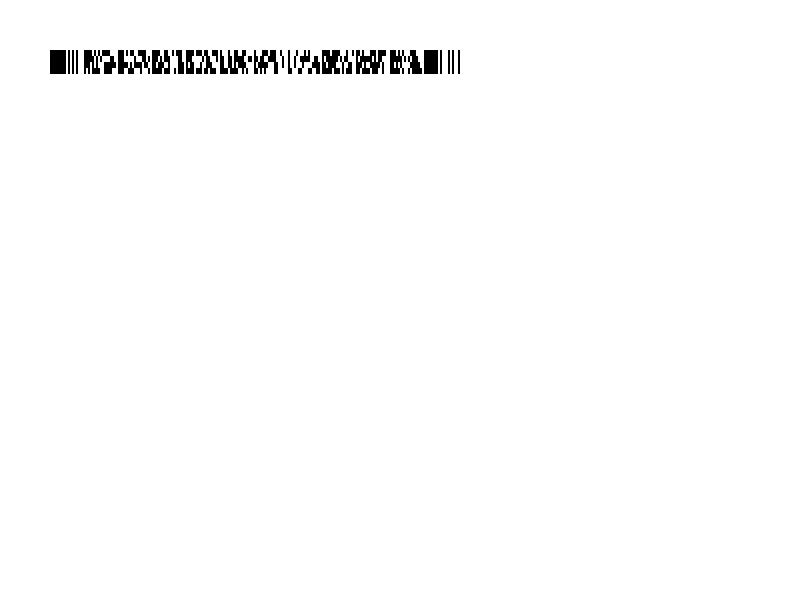
^B7 |
Złożony kod kreskowy 2D PDF417. | Kody kreskowe | Rendered example |
^BO |
Kod kreskowy 2D Aztek. | Kody kreskowe | Rendered example |
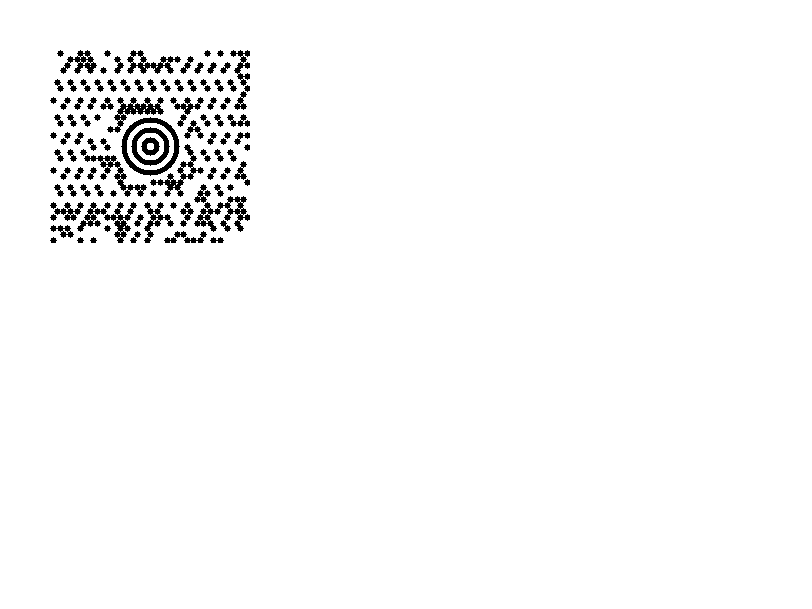
^BD |
MaxiCode, używany przez UPS. | Kody kreskowe | Rendered example |
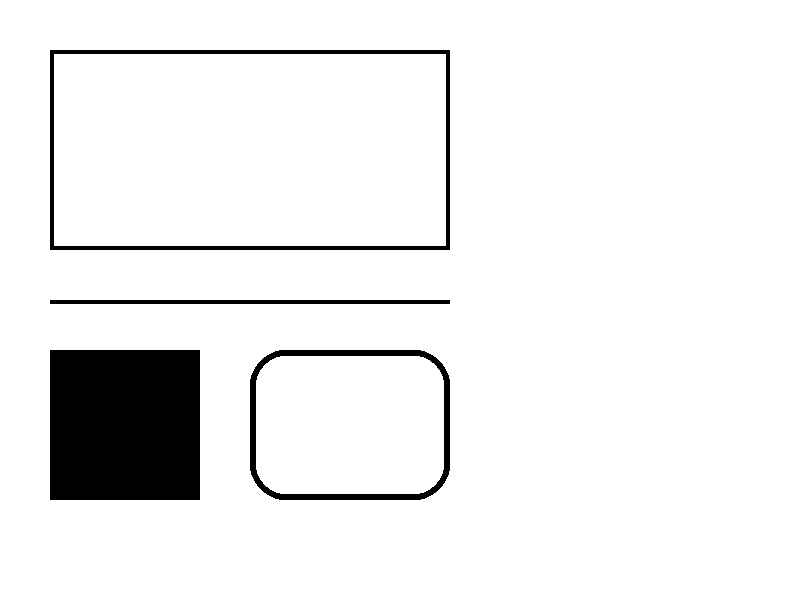
^GB |
Rysuje prostokąt lub linię: szerokość, wysokość, grubość obramowania, kolor i zaokrąglenie. | Grafiki | Rendered example |
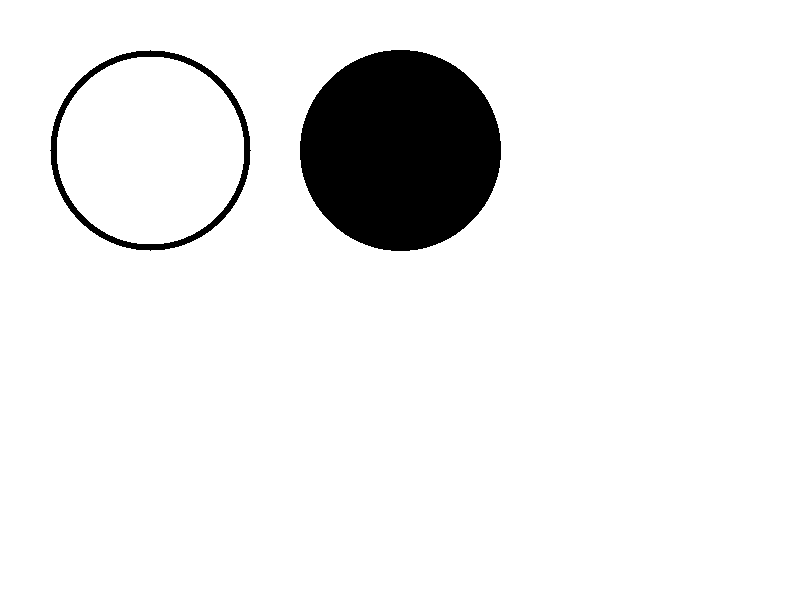
^GC |
Rysuje okrąg: średnica, grubość obramowania i kolor. | Grafiki | Rendered example |
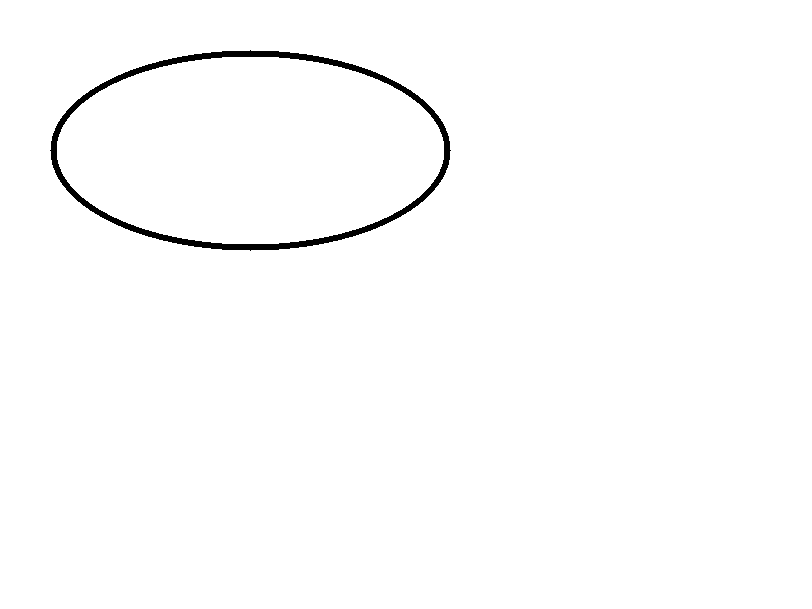
^GE |
Rysuje elipsę. | Grafiki | Rendered example |
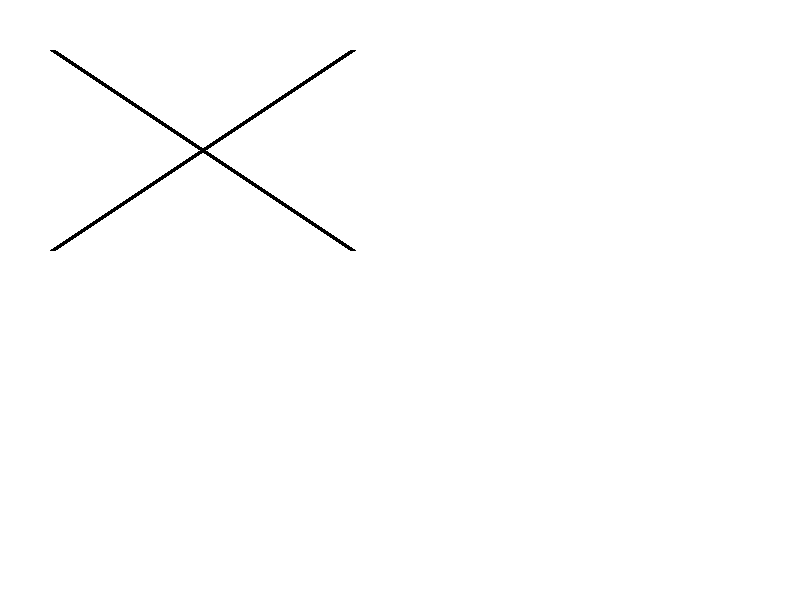
^GD |
Rysuje linię ukośną. | Grafiki | Rendered example |
^GF |
Osadza obraz bitmapowy w etykiecie (ASCII hex, binarny lub Z64). | Grafiki | Rendered example |
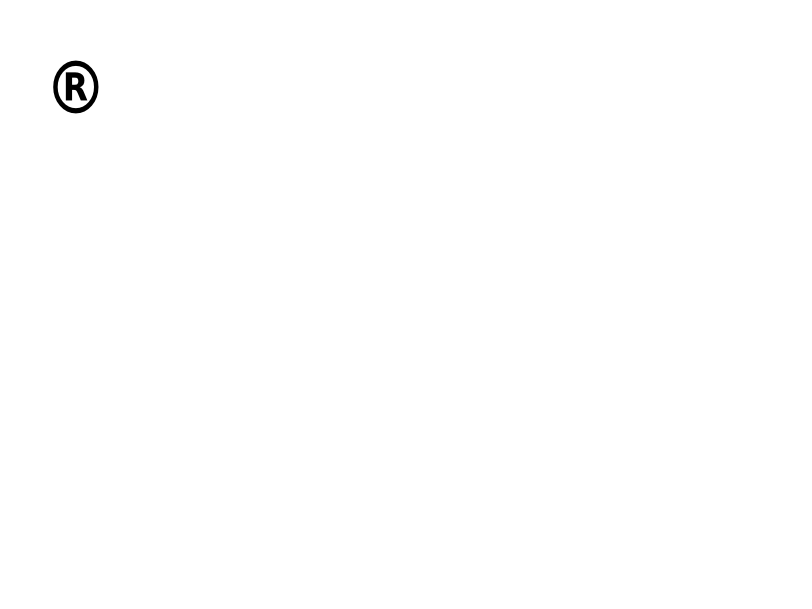
^GS |
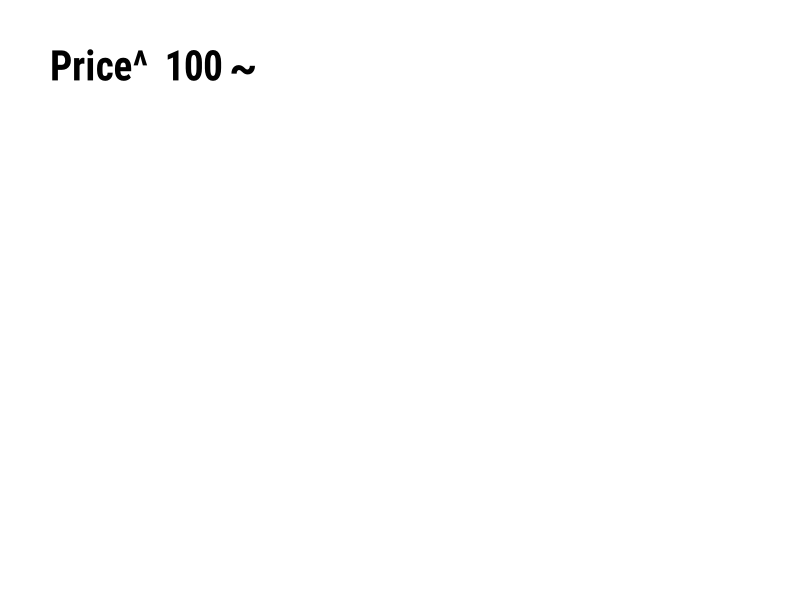
Drukuje zarejestrowany symbol, znak towarowy lub inny symbol. | Grafiki | Rendered example |
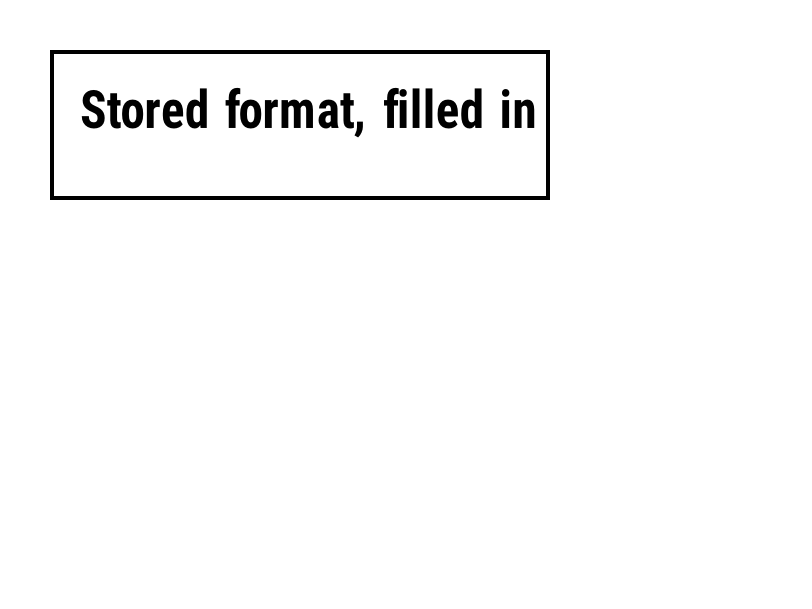
^DF |
Zapisuje format etykiety na drukarce pod nazwą. | Zapisane formaty i obrazy | Rendered example |
^XF |
Przywołuje zapisany format, aby wypełnić jego pola ^FN. | Zapisane formaty i obrazy | Rendered example |
~DG |
Zapisuje obraz na drukarce pod nazwą. | Zapisane formaty i obrazy | Stores or recalls data; no image of its own |
^XG |
Drukuje obraz zapisany z ~DG. | Zapisane formaty i obrazy | Stores or recalls data; no image of its own |
^IM |
Drukuje zapisany obraz w bieżącym punkcie początkowym pola. | Zapisane formaty i obrazy | Stores or recalls data; no image of its own |


Ignored on purpose
These commands set up the printer, not the label. The API accepts them and renders the label as if they weren't there; we checked that the image is byte-identical without them.
| Group | Commands |
|---|---|
| Media and sensors | ^MM, ^MN, ^MT, ^MF, ~JS |
| Speed, darkness and tear-off | ^PR, ~SD, ^MD, ~TA |
| Calibration and printer state | ~JC, ~JA, ~JR, ^JU, ~HS |
| Network, RFID setup and host queries | ^NC, ^NI, ^RS, ~HI, ~HM |
Not supported yet
Each one was tested by placing it in a label at 8 dpmm. None of them fails the request: the label renders, without the symbol.
| Command | Symbology or feature | What the engine does today |
|---|---|---|
^TB | Text block | Text is drawn on one line; the block doesn't wrap. Use ^FB instead. |
^B0 | Aztec (alias) | No symbol drawn. ^BO, the other Aztec command, is drawn. |
^B1 | Code 11 | No bars; the data is printed as text. |
^B4 | Code 49 | No bars; the data is printed as text. |
^B5 | Planet Code | No bars; the data is printed as text. |
^BA | Code 93 | No bars; the data is printed as text. |
^BB | CODABLOCK | No symbol; the data is printed as text. |
^BF | MicroPDF417 | No symbol; the data is printed as text. |
^BK | ANSI Codabar | No bars; the data is printed as text. |
^BL | LOGMARS | No bars; the data is printed as text. |
^BM | MSI | No bars; the data is printed as text. |
^BP | Plessey | No bars; the data is printed as text. |
^BR | GS1 DataBar | No symbol; the data is printed as text. |
^BS | UPC/EAN extensions | No bars; the data is printed as text. |
^BT | TLC39 | No symbol; the data is printed as text. |
^BZ | POSTAL | No bars; the data is printed as text. |
Known differences
- A format with no fields, such as
^XA^XZ, returns400 ERROR: No labels found in the ZPLinstead of a blank image. - Fonts: Zebra's font 0 (CG Triumvirate Bold Condensed) can't be bundled, so
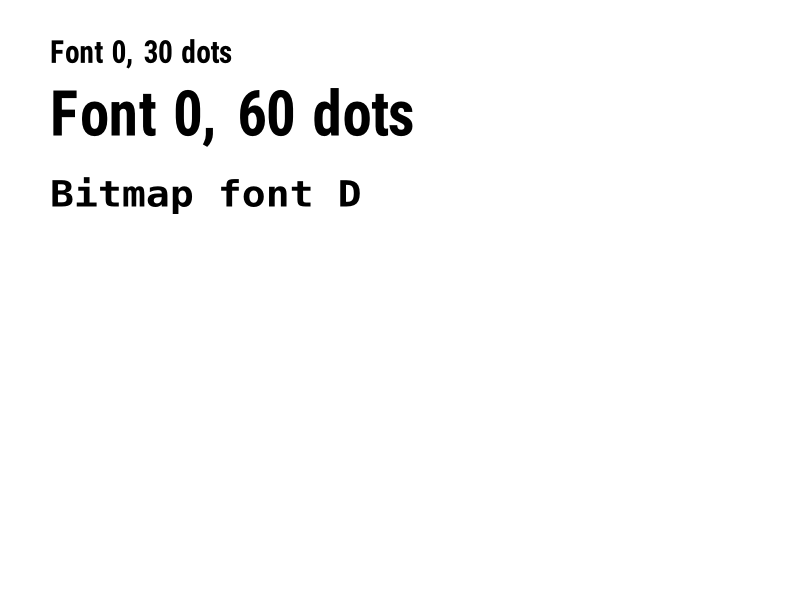
^A0is drawn with Roboto Condensed Bold, with spacing calibrated per character. The bitmap fonts^AA–^AHare drawn with DejaVu Sans Mono. Text widths can differ by a few dots from a given printer. - An RFID write (
^RFfollowed by^FD…^FS) draws its data as text; a printer encodes it in the tag and prints nothing.
Moving from Labelary
The API keeps Labelary's v1 paths and headers, so most clients only change the host. See Migrate from Labelary for the tested differences and OpenZPL vs Labelary for the comparison.