ZPL compatibility of the OpenZPL engine
The OpenZPL engine draws the 51 ZPL commands of the command reference, one of them partially, and skips the ones that configure the printer. The barcode and text commands listed under “Not supported yet” don't draw correctly today.
Tested 2026-10-20 with openzpl-api 689632b at 8 dpmm.
How we test
Every example on this site is a fixture: a short synthetic label that the engine renders to a PNG when the site is built. If a fixture's ZPL changes and its image isn't rendered again, the build fails, so the image always shows what the engine does with that exact code.
The 116 fixtures are public in fixtures.json, with their size, density and image, under CC0. Use them to test any ZPL renderer.
A preview isn't a print. Darkness, media, firmware and the fonts installed on a printer change the result, so check critical labels on the printer itself.
Drawn
| Command | 그 기능 | Category | Evidence |
|---|---|---|---|
^XA |
레이블을 엽니다. ^XZ까지의 모든 것이 하나의 레이블입니다. | 라벨 형식 | Rendered example |
^XZ |
^XA로 열려 있는 레이블을 닫고 인쇄합니다. | 라벨 형식 | Rendered example |
^PW |
레이블 너비를 점 단위로 설정합니다. | 라벨 형식 | Rendered example |
^LL |
레이블 길이를 점 단위로 설정합니다. | 라벨 형식 | Rendered example |
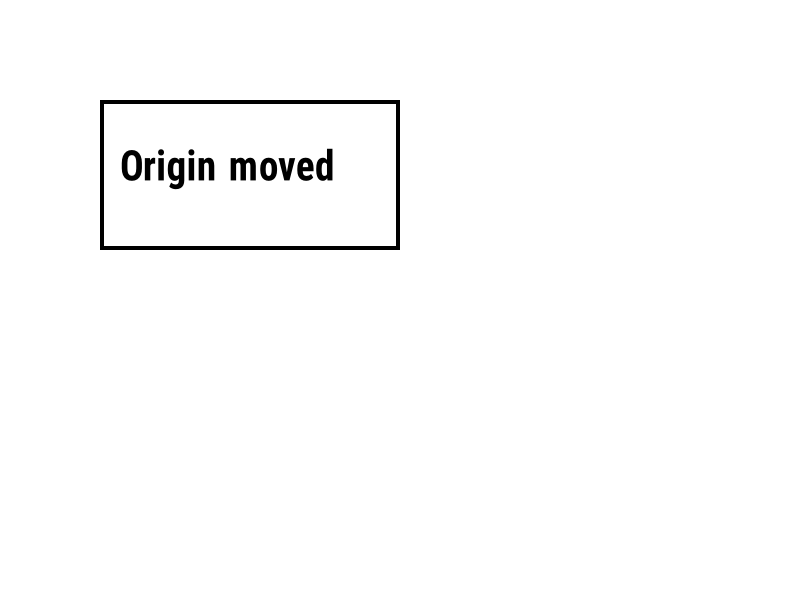
^LH |
모든 필드 위치가 측정되는 원점을 이동합니다. | 라벨 형식 | Rendered example |
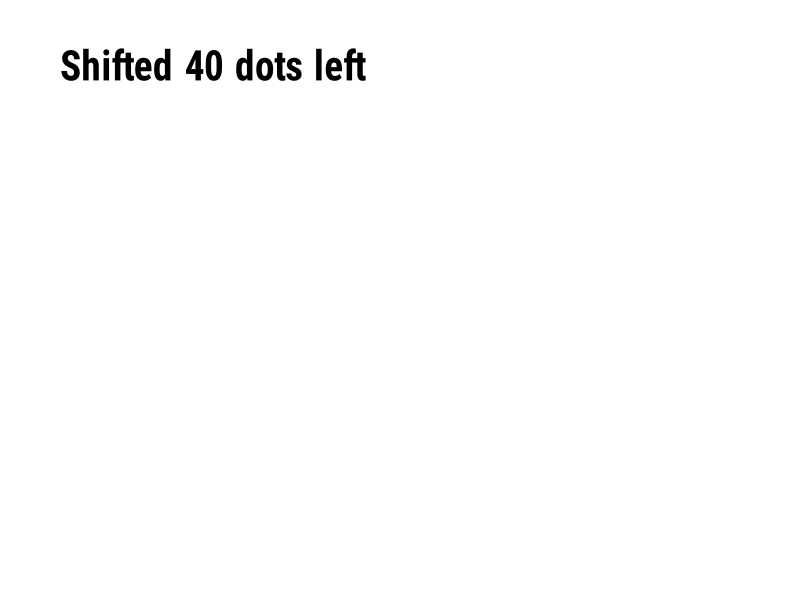
^LS |
주어진 수의 점만큼 모든 필드를 왼쪽으로 이동합니다. | 라벨 형식 | Rendered example |
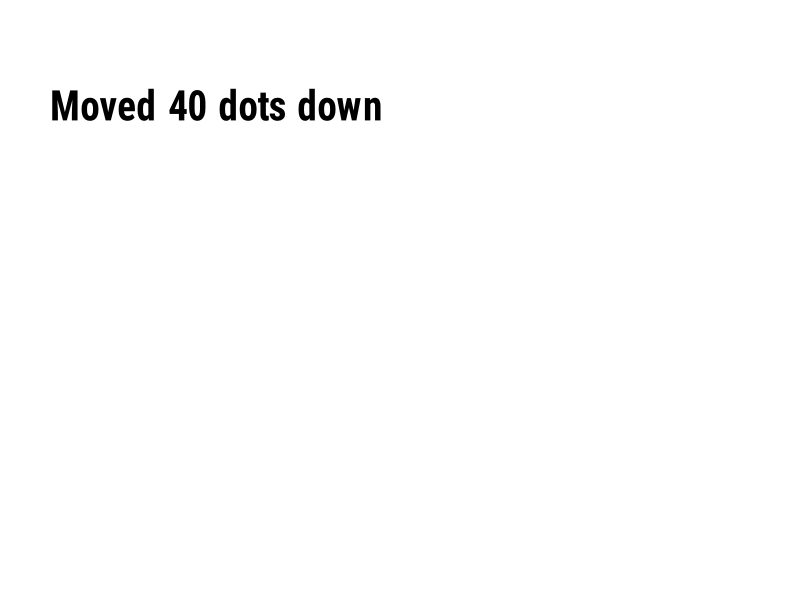
^LT |
주어진 점 행 수만큼 전체 레이블을 위 또는 아래로 이동합니다. | 라벨 형식 | Rendered example |
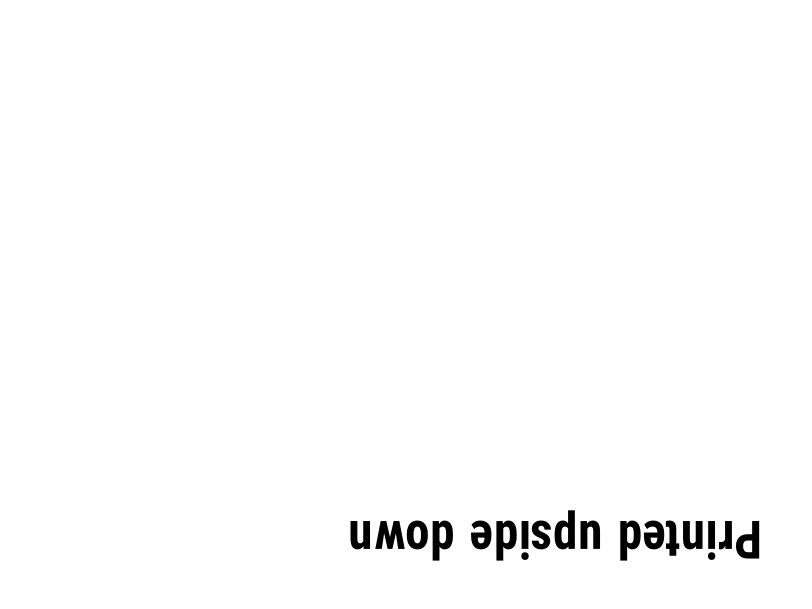
^PO |
라벨을 정상(N) 또는 거꾸로(I) 인쇄합니다. | 라벨 형식 | Rendered example |
^PM |
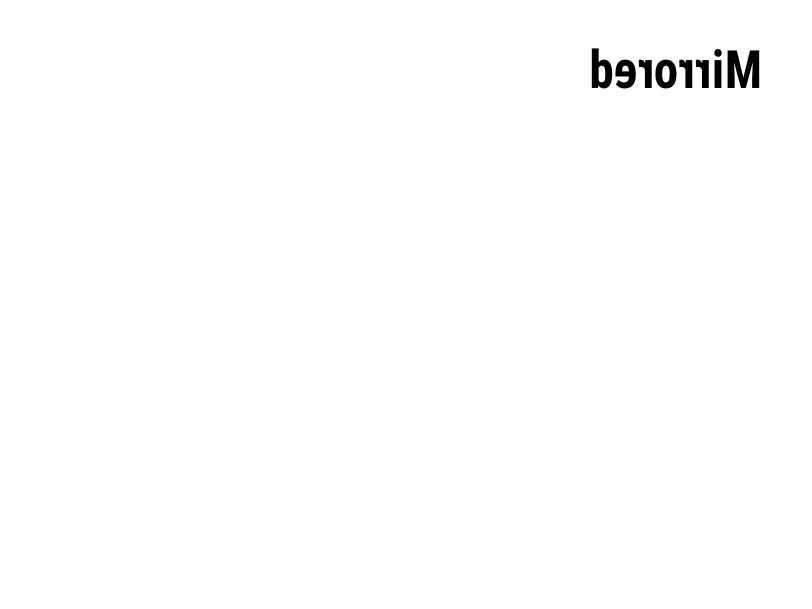
Y로 설정하면 전체 레이블을 수평으로 반전시킵니다. | 라벨 형식 | Rendered example |
^PQ |
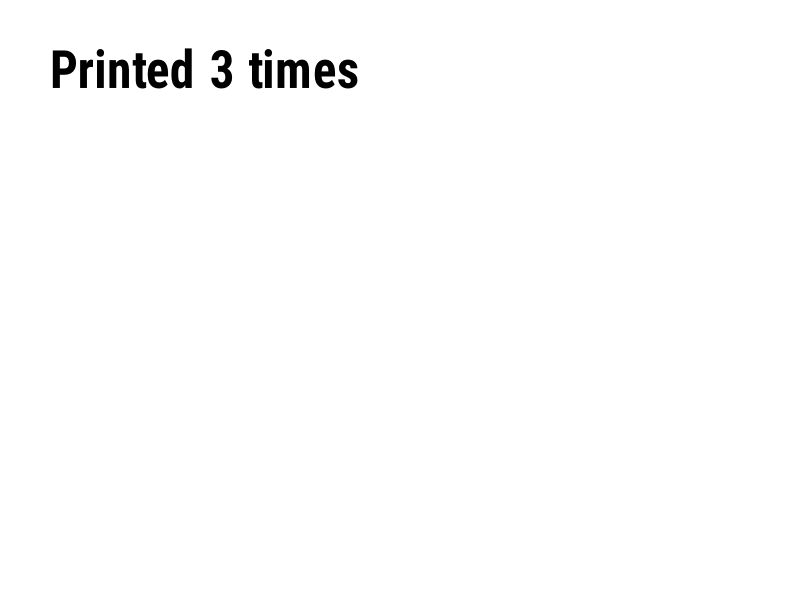
인쇄할 레이블 수를 설정합니다; 각 레이블은 미리보기에서 하나의 레이블로 계산됩니다. | 라벨 형식 | Rendered example |
^MU |
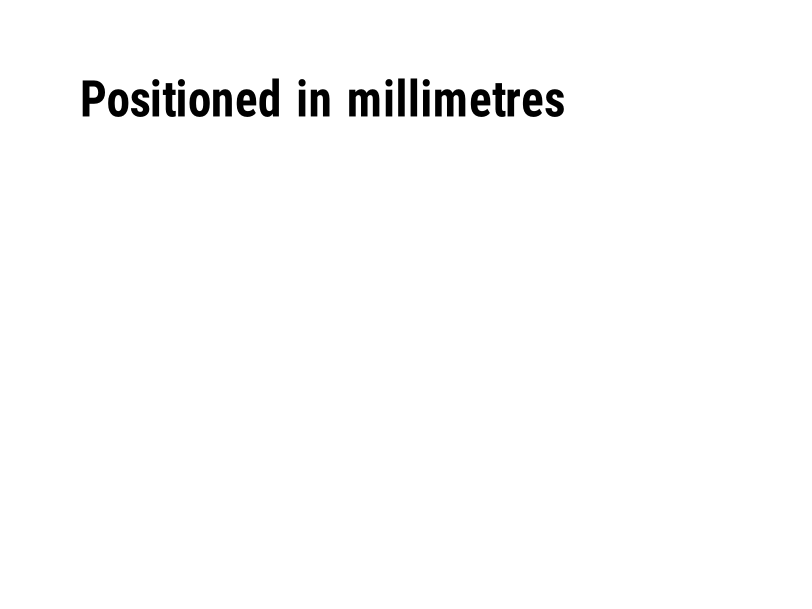
측정 단위를 점, 인치 또는 밀리미터로 변경합니다. | 라벨 형식 | Rendered example |
^CI |
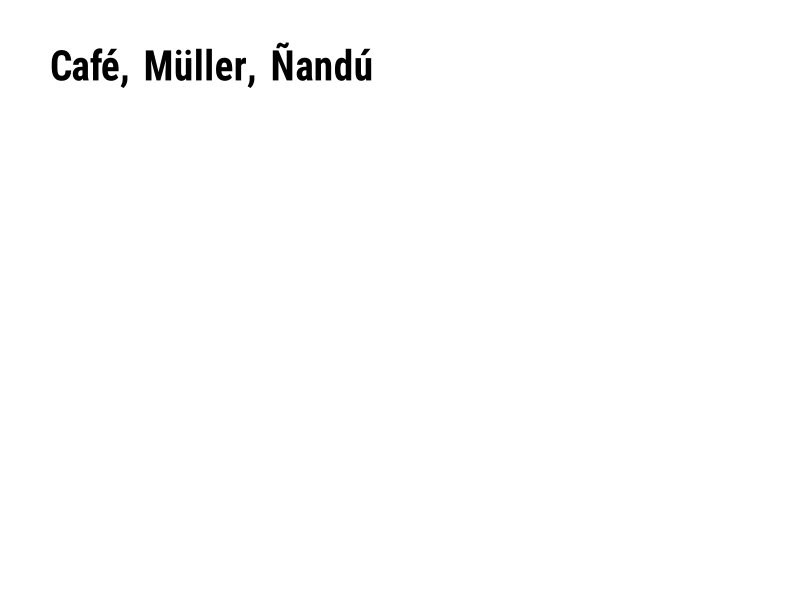
문자 집합을 선택합니다. ^CI28은 UTF-8입니다. | 라벨 형식 | Rendered example |
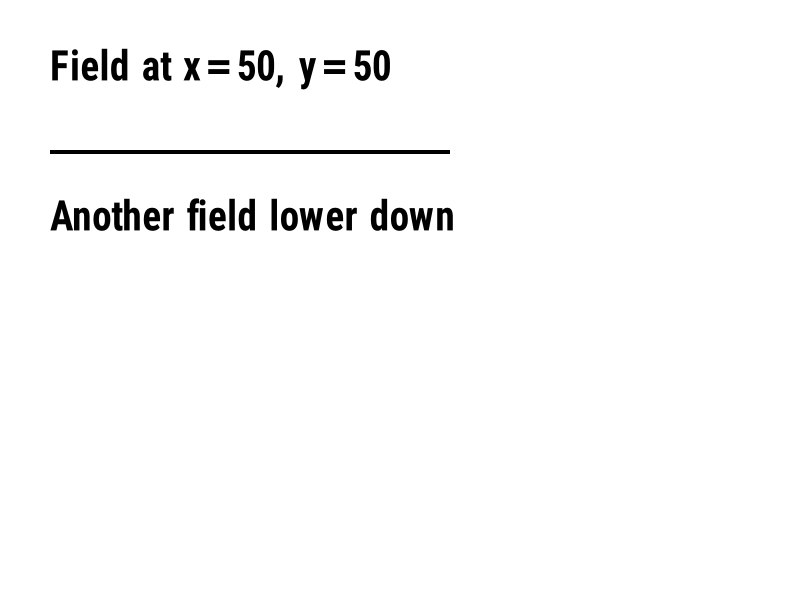
^FO |
필드 위치를 설정합니다: 왼쪽 상단 모서리로부터 점 단위의 x, y 좌표. | 필드 및 위치 | Rendered example |
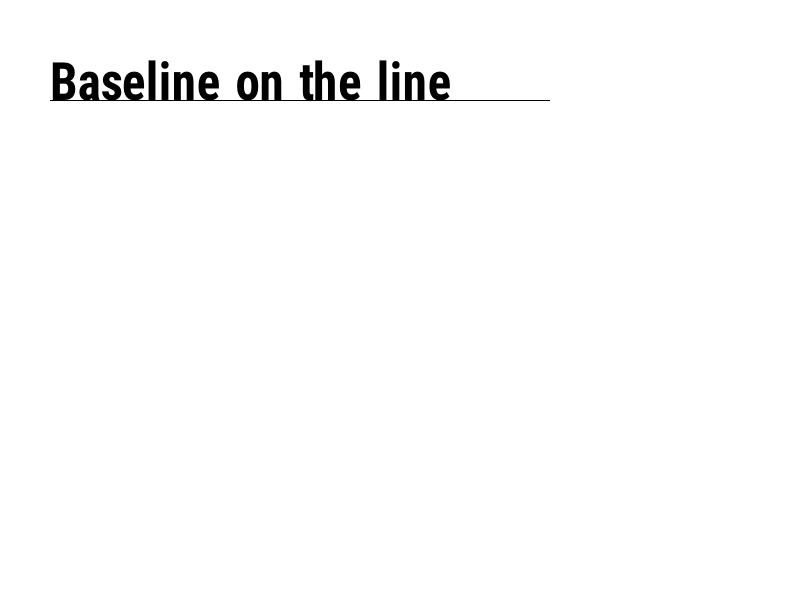
^FT |
필드를 왼쪽 상단 모서리가 아닌 기준선에 따라 배치합니다. | 필드 및 위치 | Rendered example |
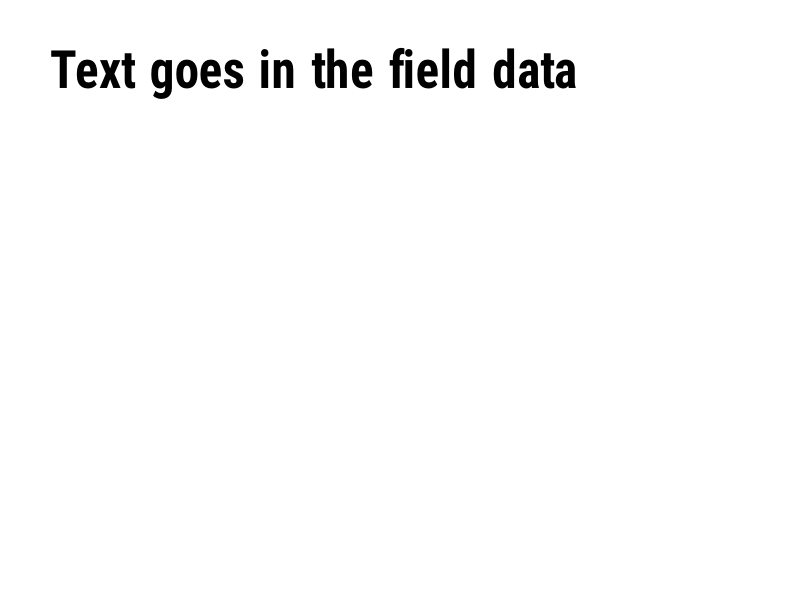
^FD |
현재 필드의 텍스트 또는 바코드 데이터입니다. | 필드 및 위치 | Rendered example |
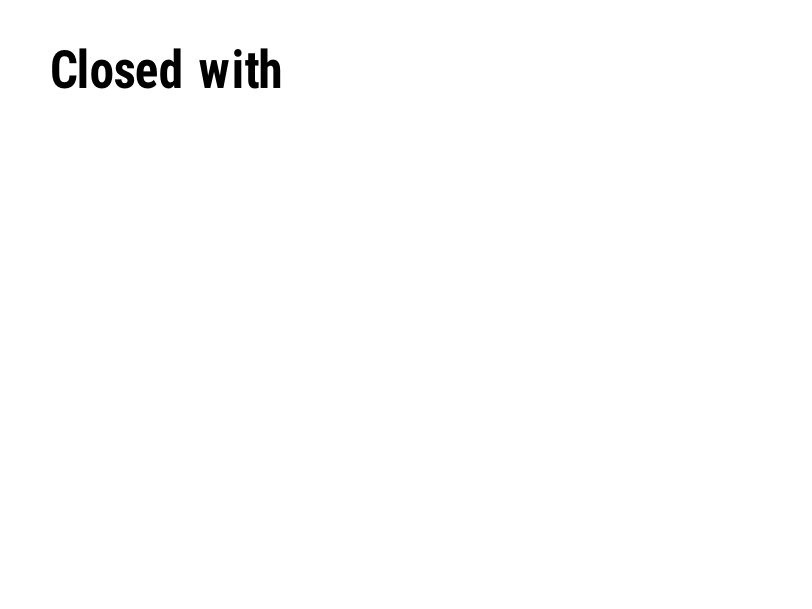
^FS |
현재 필드를 종료합니다. | 필드 및 위치 | Rendered example |
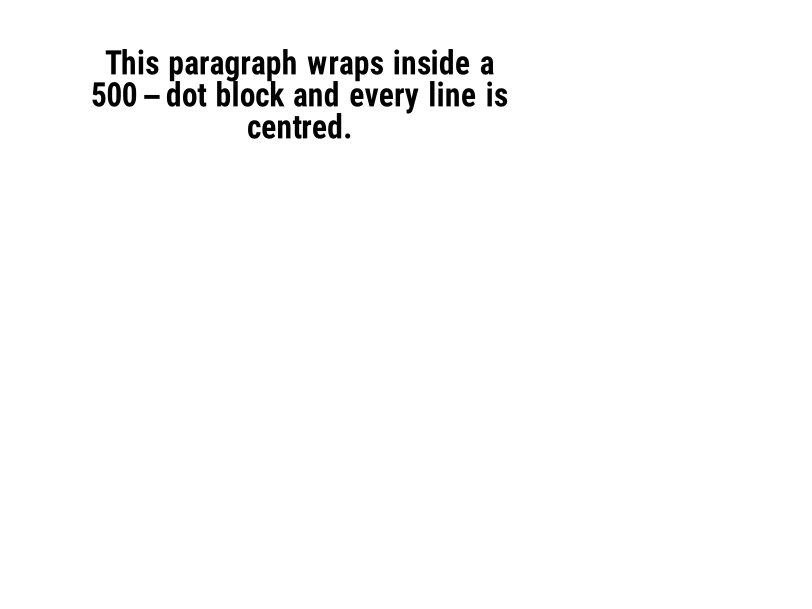
^FB |
너비, 줄 수 및 정렬을 가진 블록으로 텍스트를 감쌉니다. | 필드 및 위치 | Rendered example |
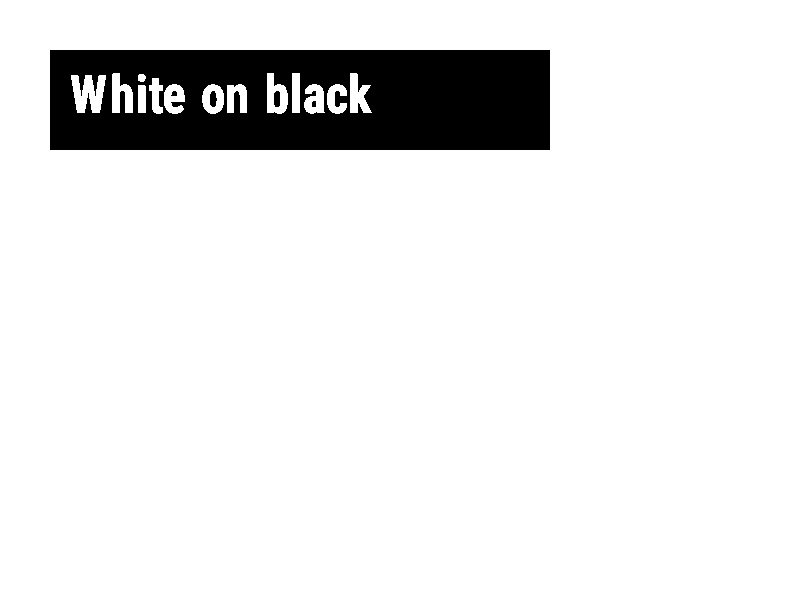
^FR |
필드를 검정 배경에 흰색으로 인쇄합니다. | 필드 및 위치 | Rendered example |
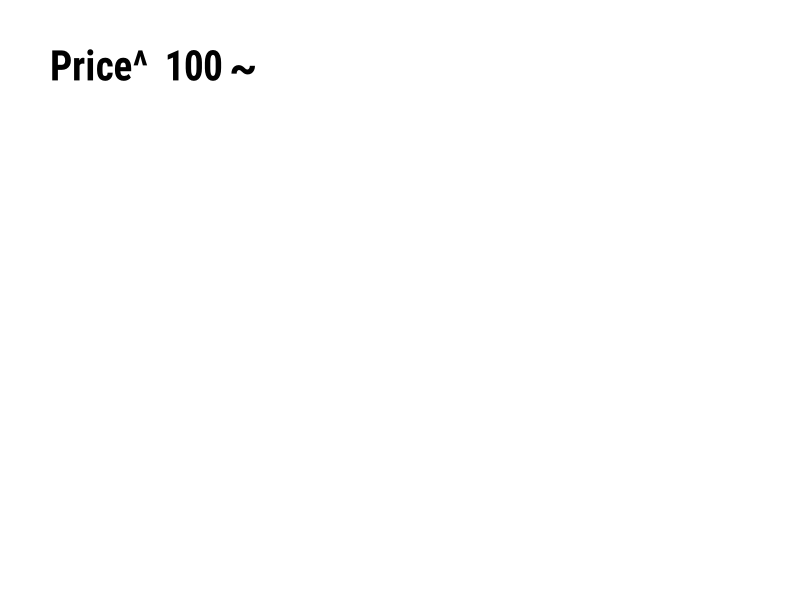
^FH |
^FD에 _0D와 같은 16진수 이스케이프 포함 허용. | 필드 및 위치 | Rendered example |
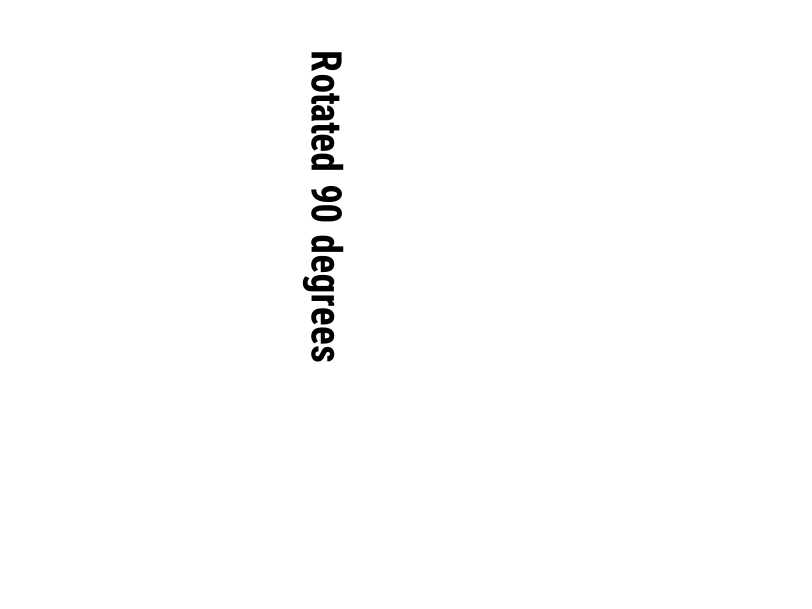
^FW |
이후 필드의 기본 회전을 설정합니다. | 필드 및 위치 | Rendered example |
^FN |
저장된 형식에서 변수 필드의 이름을 지정합니다. | 필드 및 위치 | Rendered example |
^FX |
주석입니다. 프린터는 다음 명령까지의 모든 내용을 무시합니다. | 필드 및 위치 | Rendered example |
^SN |
각 라벨마다 증가하는 번호를 인쇄합니다. | 필드 및 위치 | PartialRead but not drawn: the serial field is left out and copies aren't incremented (the same as Labelary's preview). Rendered example |
^A |
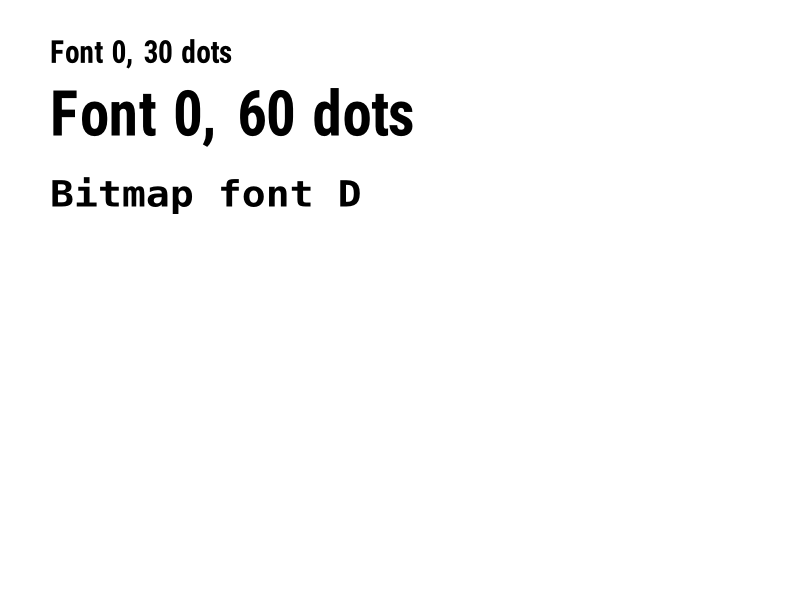
다음 텍스트 필드에 대한 글꼴, 회전 및 크기를 선택합니다. | 텍스트 및 글꼴 | Rendered example |
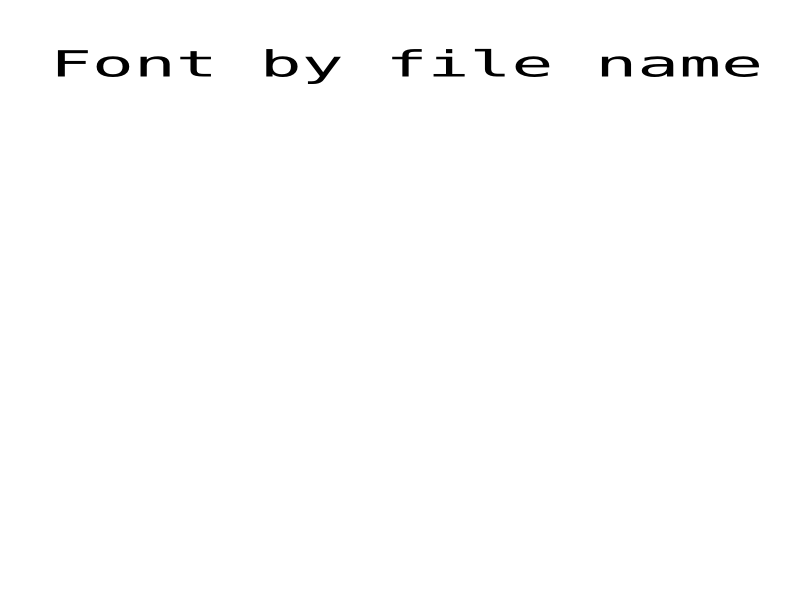
^A@ |
프린터의 파일 이름으로 글꼴 선택. | 텍스트 및 글꼴 | Rendered example |
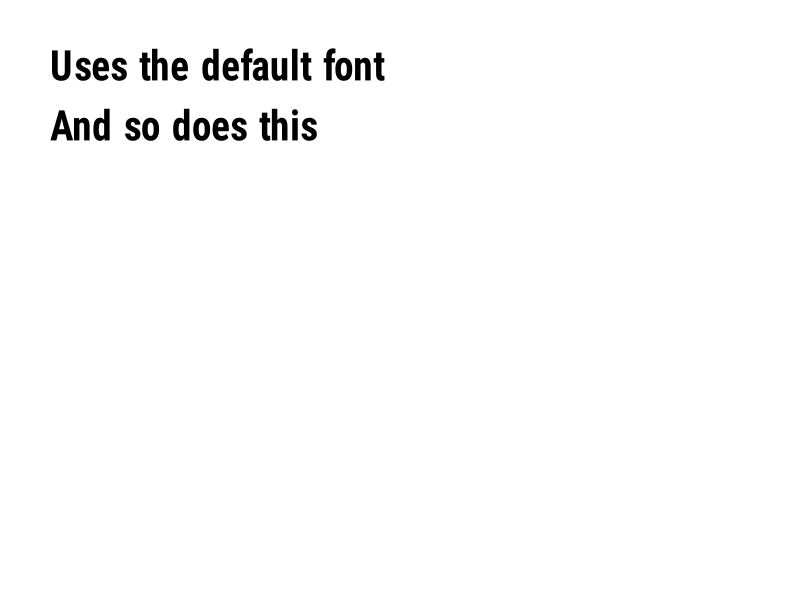
^CF |
필드에 ^A가 없을 때 사용될 글꼴 및 크기를 설정합니다. | 텍스트 및 글꼴 | Rendered example |
^CW |
폰트 파일에 한 글자 이름을 부여합니다. | 텍스트 및 글꼴 | Stores or recalls data; no image of its own |
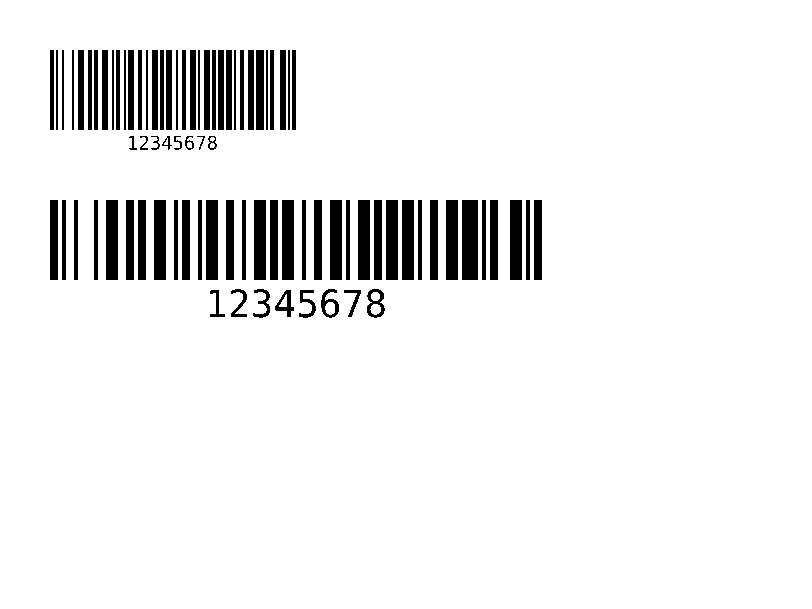
^BY |
이후 바코드의 모듈 너비, 넓고 좁은 비율 및 높이를 설정합니다. | 바코드 | Rendered example |
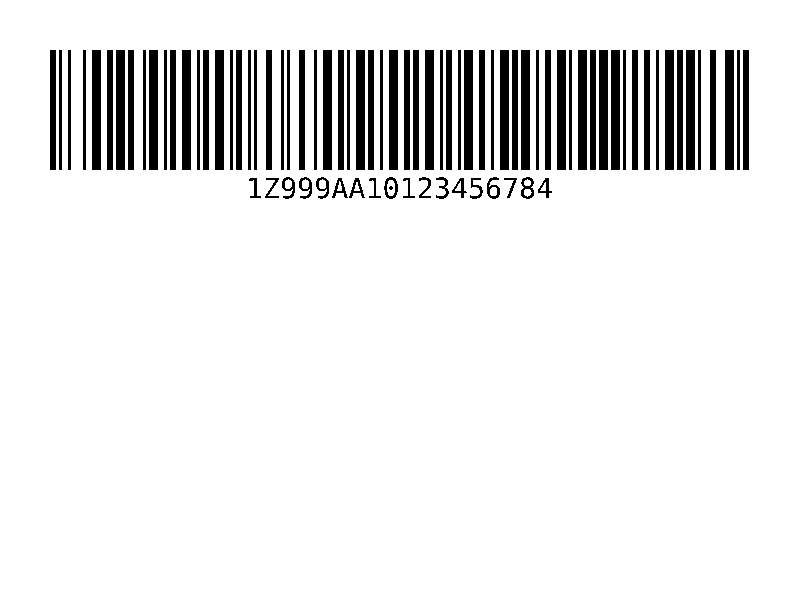
^BC |
코드 128 바코드, 배송 라벨에서 가장 일반적인 것. | 바코드 | Rendered example |
^B3 |
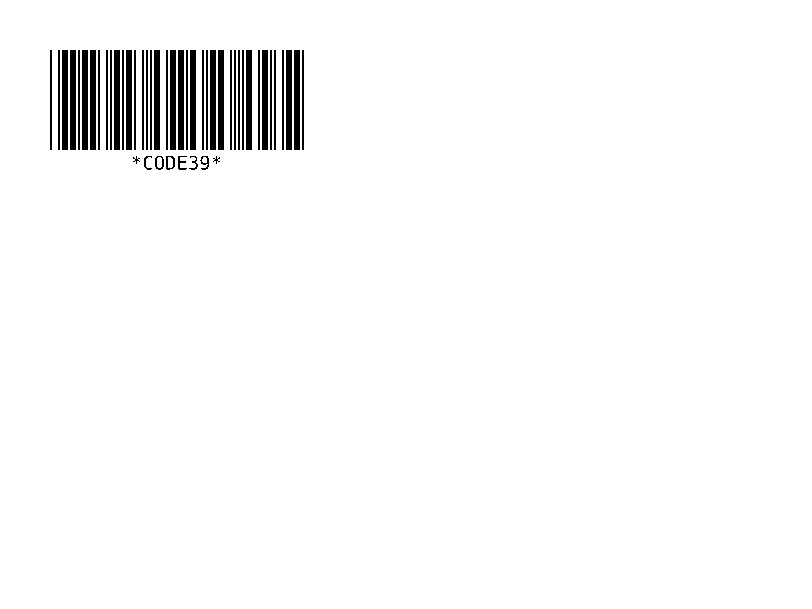
코드 39 바코드. | 바코드 | Rendered example |
^B2 |
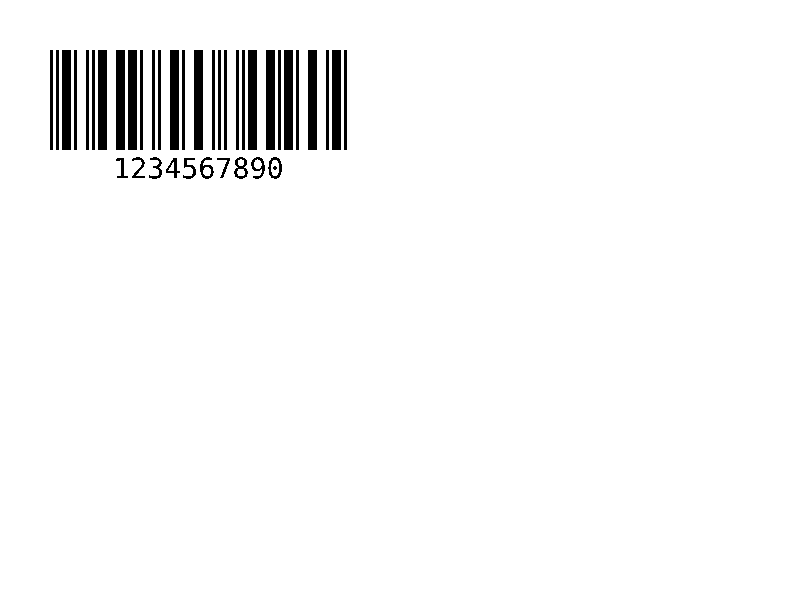
인터리브드 2의 5 바코드, 숫자만 해당. | 바코드 | Rendered example |
^BE |
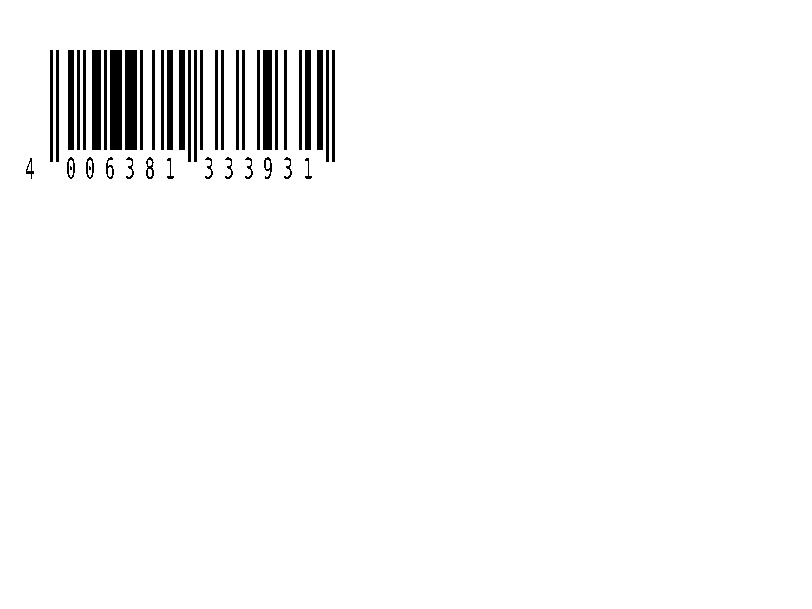
EAN-13 소매 바코드. | 바코드 | Rendered example |
^B8 |
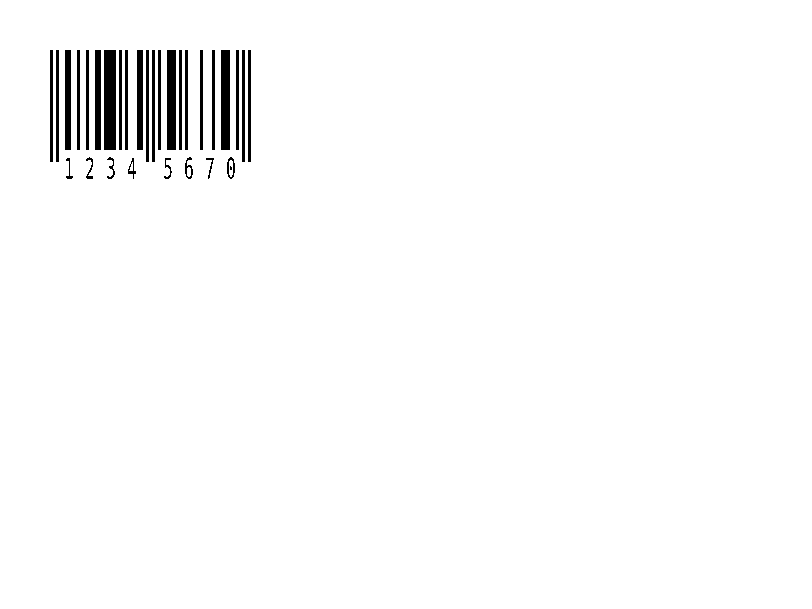
EAN-8 소매 바코드. | 바코드 | Rendered example |
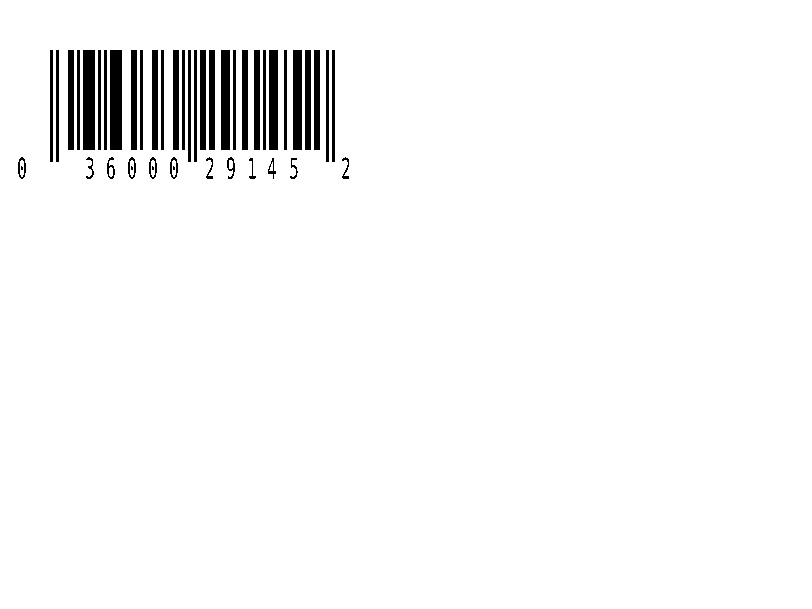
^BU |
UPC-A 소매 바코드. | 바코드 | Rendered example |
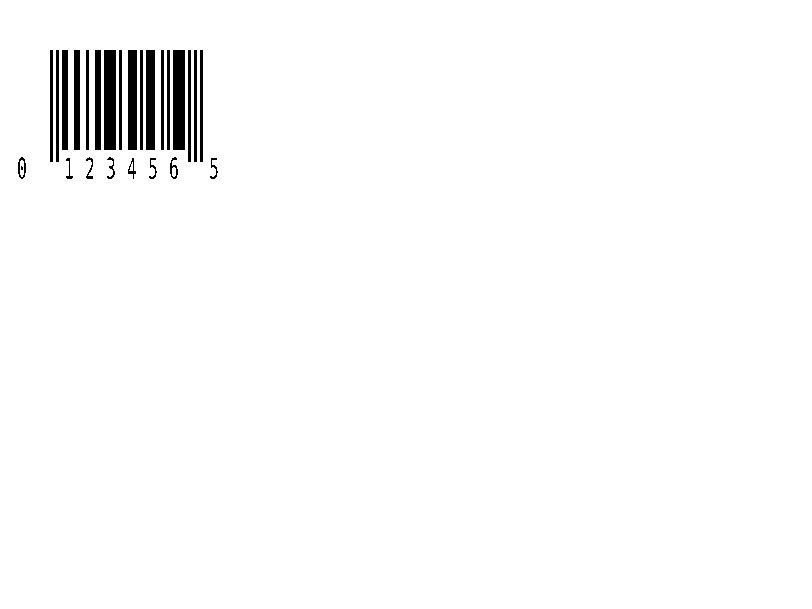
^B9 |
UPC-E 소매 바코드. | 바코드 | Rendered example |
^BQ |
QR 코드. 데이터는 오류 수정 및 입력 모드로 시작합니다. 예: QA, | 바코드 | Rendered example |
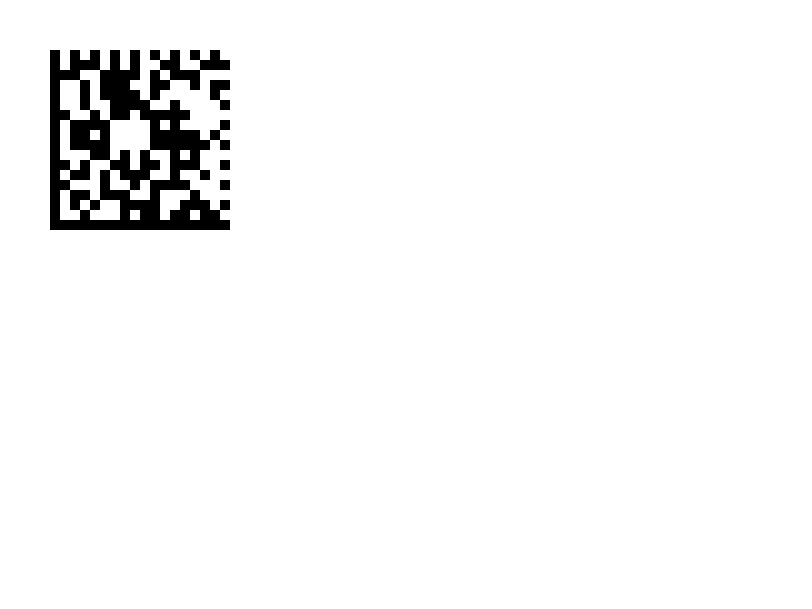
^BX |
데이터 매트릭스 2D 바코드. | 바코드 | Rendered example |
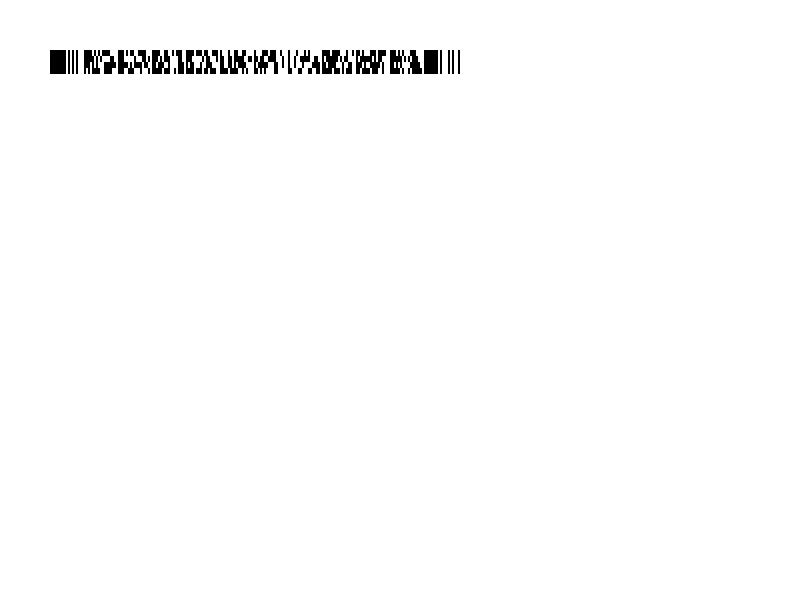
^B7 |
PDF417 스택형 2D 바코드. | 바코드 | Rendered example |
^BO |
아스텍 2D 바코드. | 바코드 | Rendered example |
^BD |
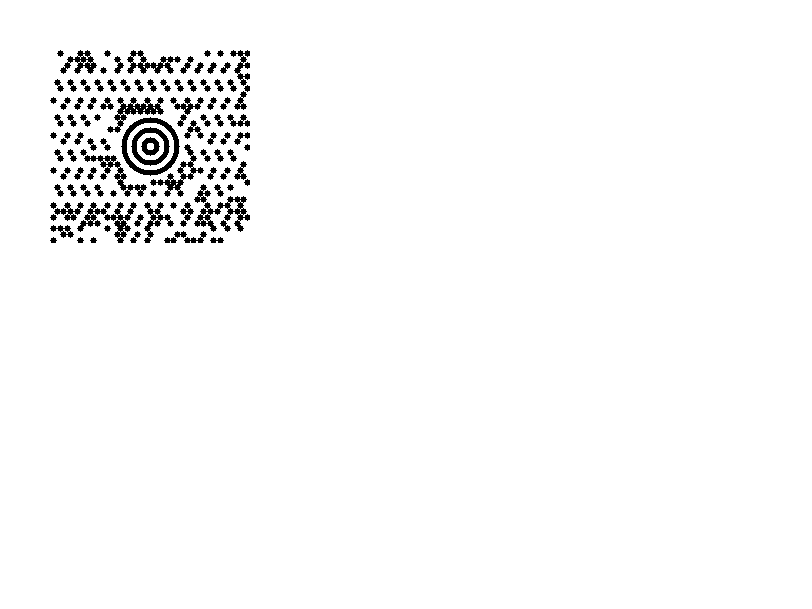
UPS에서 사용되는 맥시코드. | 바코드 | Rendered example |
^GB |
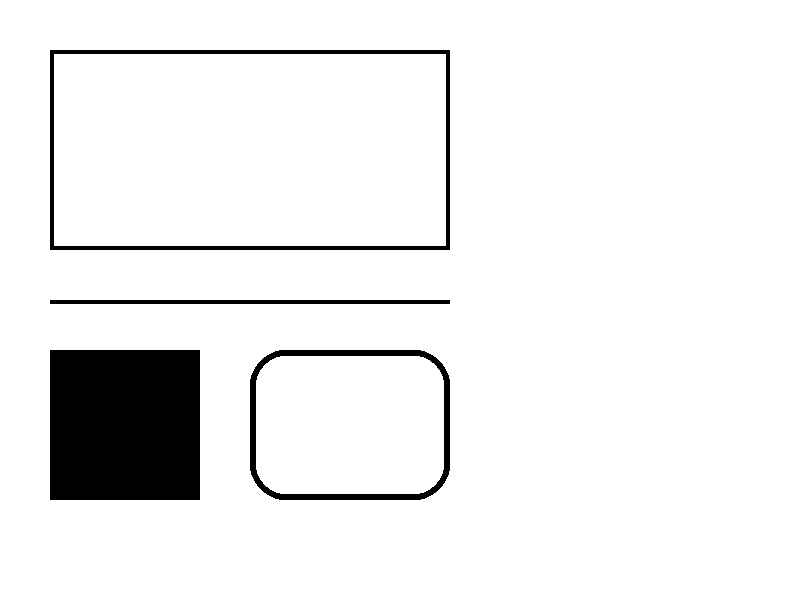
상자 또는 선을 그립니다: 너비, 높이, 테두리 두께, 색상 및 둥글기. | 그래픽 | Rendered example |
^GC |
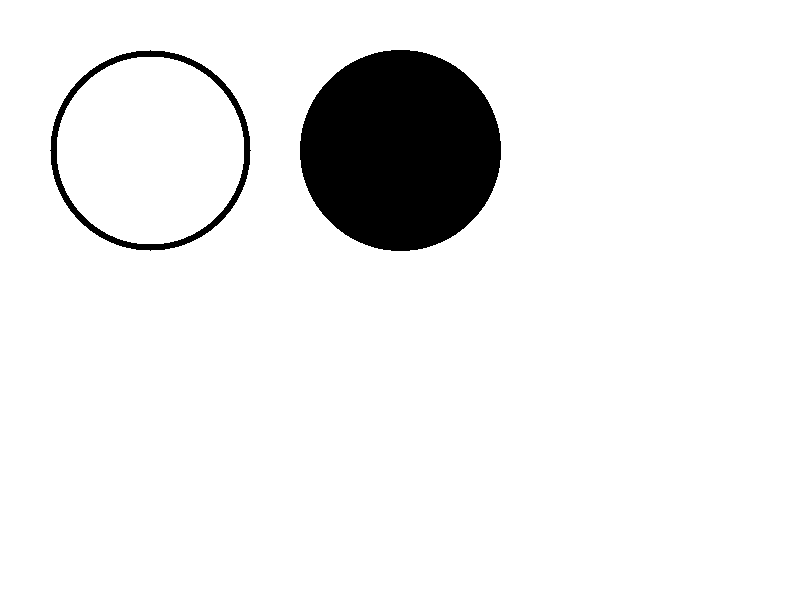
원을 그립니다: 지름, 테두리 두께 및 색상. | 그래픽 | Rendered example |
^GE |
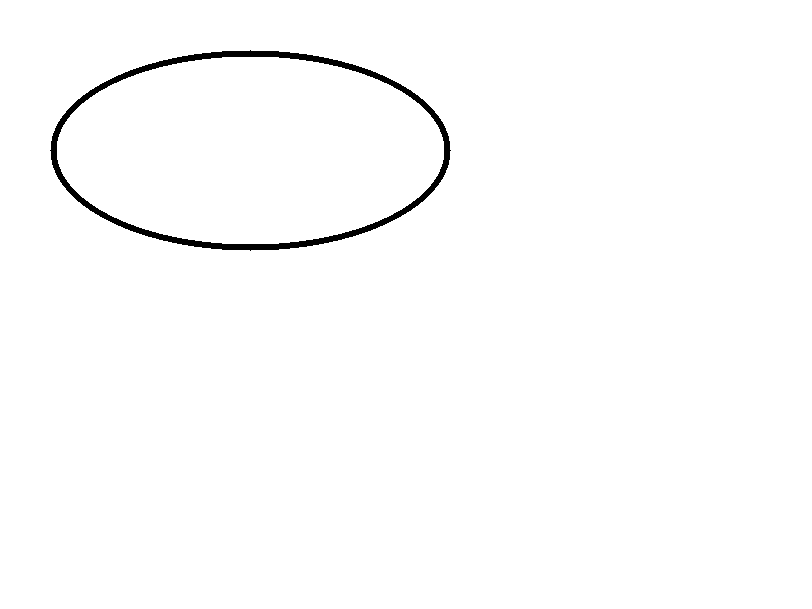
타원을 그립니다. | 그래픽 | Rendered example |
^GD |
대각선을 그립니다. | 그래픽 | Rendered example |
^GF |
라벨에 비트맵 이미지를 포함합니다 (ASCII hex, 바이너리 또는 Z64). | 그래픽 | Rendered example |
^GS |
등록된, 저작권 또는 기타 기호를 인쇄합니다. | 그래픽 | Rendered example |
^DF |
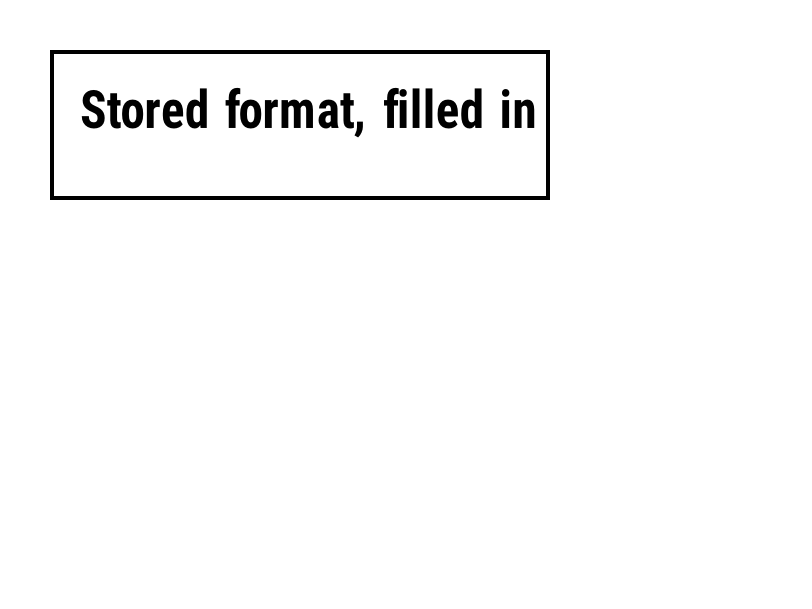
프린터에 이름으로 레이블 형식을 저장합니다. | 저장된 형식 및 이미지 | Rendered example |
^XF |
^FN 필드를 채우기 위해 저장된 형식을 불러옵니다. | 저장된 형식 및 이미지 | Rendered example |
~DG |
프린터에 이름으로 이미지를 저장합니다. | 저장된 형식 및 이미지 | Stores or recalls data; no image of its own |
^XG |
~DG로 저장된 이미지를 인쇄합니다. | 저장된 형식 및 이미지 | Stores or recalls data; no image of its own |
^IM |
현재 필드 원점에 저장된 이미지를 인쇄합니다. | 저장된 형식 및 이미지 | Stores or recalls data; no image of its own |




Ignored on purpose
These commands set up the printer, not the label. The API accepts them and renders the label as if they weren't there; we checked that the image is byte-identical without them.
| Group | Commands |
|---|---|
| Media and sensors | ^MM, ^MN, ^MT, ^MF, ~JS |
| Speed, darkness and tear-off | ^PR, ~SD, ^MD, ~TA |
| Calibration and printer state | ~JC, ~JA, ~JR, ^JU, ~HS |
| Network, RFID setup and host queries | ^NC, ^NI, ^RS, ~HI, ~HM |
Not supported yet
Each one was tested by placing it in a label at 8 dpmm. None of them fails the request: the label renders, without the symbol.
| Command | Symbology or feature | What the engine does today |
|---|---|---|
^TB | Text block | Text is drawn on one line; the block doesn't wrap. Use ^FB instead. |
^B0 | Aztec (alias) | No symbol drawn. ^BO, the other Aztec command, is drawn. |
^B1 | Code 11 | No bars; the data is printed as text. |
^B4 | Code 49 | No bars; the data is printed as text. |
^B5 | Planet Code | No bars; the data is printed as text. |
^BA | Code 93 | No bars; the data is printed as text. |
^BB | CODABLOCK | No symbol; the data is printed as text. |
^BF | MicroPDF417 | No symbol; the data is printed as text. |
^BK | ANSI Codabar | No bars; the data is printed as text. |
^BL | LOGMARS | No bars; the data is printed as text. |
^BM | MSI | No bars; the data is printed as text. |
^BP | Plessey | No bars; the data is printed as text. |
^BR | GS1 DataBar | No symbol; the data is printed as text. |
^BS | UPC/EAN extensions | No bars; the data is printed as text. |
^BT | TLC39 | No symbol; the data is printed as text. |
^BZ | POSTAL | No bars; the data is printed as text. |
Known differences
- A format with no fields, such as
^XA^XZ, returns400 ERROR: No labels found in the ZPLinstead of a blank image. - Fonts: Zebra's font 0 (CG Triumvirate Bold Condensed) can't be bundled, so
^A0is drawn with Roboto Condensed Bold, with spacing calibrated per character. The bitmap fonts^AA–^AHare drawn with DejaVu Sans Mono. Text widths can differ by a few dots from a given printer. - An RFID write (
^RFfollowed by^FD…^FS) draws its data as text; a printer encodes it in the tag and prints nothing.
Moving from Labelary
The API keeps Labelary's v1 paths and headers, so most clients only change the host. See Migrate from Labelary for the tested differences and OpenZPL vs Labelary for the comparison.