ZPL compatibility of the OpenZPL engine
The OpenZPL engine draws the 51 ZPL commands of the command reference, one of them partially, and skips the ones that configure the printer. The barcode and text commands listed under “Not supported yet” don't draw correctly today.
Tested 2026-10-20 with openzpl-api 689632b at 8 dpmm.
How we test
Every example on this site is a fixture: a short synthetic label that the engine renders to a PNG when the site is built. If a fixture's ZPL changes and its image isn't rendered again, the build fails, so the image always shows what the engine does with that exact code.
The 116 fixtures are public in fixtures.json, with their size, density and image, under CC0. Use them to test any ZPL renderer.
A preview isn't a print. Darkness, media, firmware and the fonts installed on a printer change the result, so check critical labels on the printer itself.
Drawn
| Command | それが何をするか | Category | Evidence |
|---|---|---|---|
^XA |
ラベルを開きます。^XZまでのすべてが1つのラベルです。 | ラベルフォーマット | Rendered example |
^XZ |
^XAで開かれたラベルを閉じて印刷します。 | ラベルフォーマット | Rendered example |
^PW |
ラベルの幅をドット単位で設定します。 | ラベルフォーマット | Rendered example |
^LL |
ラベルの長さをドット単位で設定します。 | ラベルフォーマット | Rendered example |
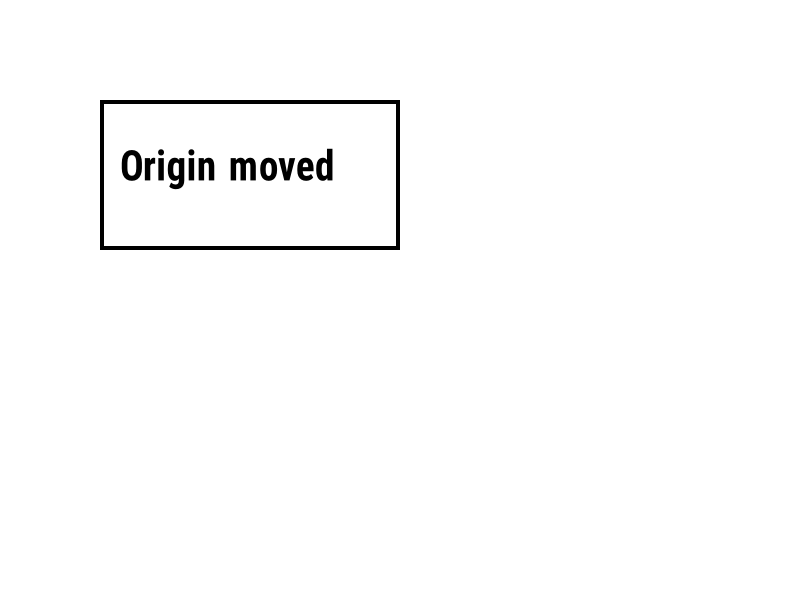
^LH |
すべてのフィールド位置の基準点を移動します。 | ラベルフォーマット | Rendered example |
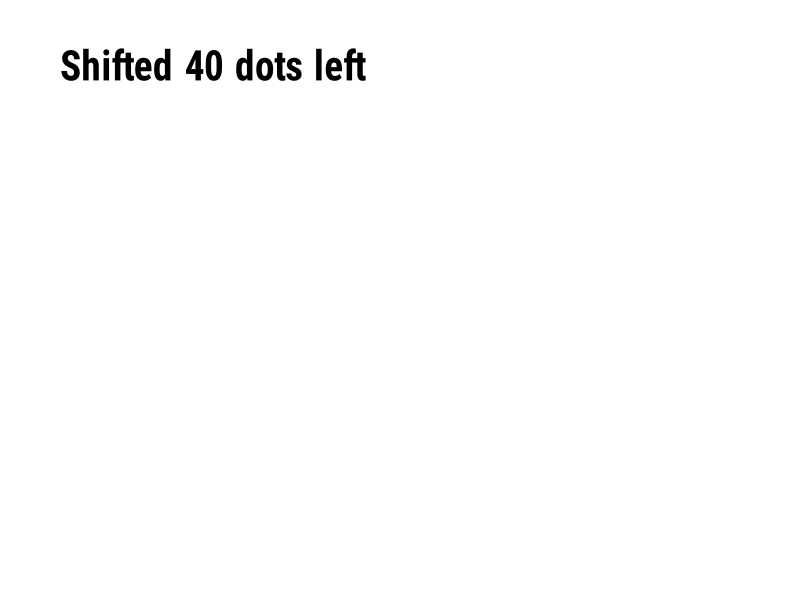
^LS |
指定されたドット数だけすべてのフィールドを左にシフトします。 | ラベルフォーマット | Rendered example |
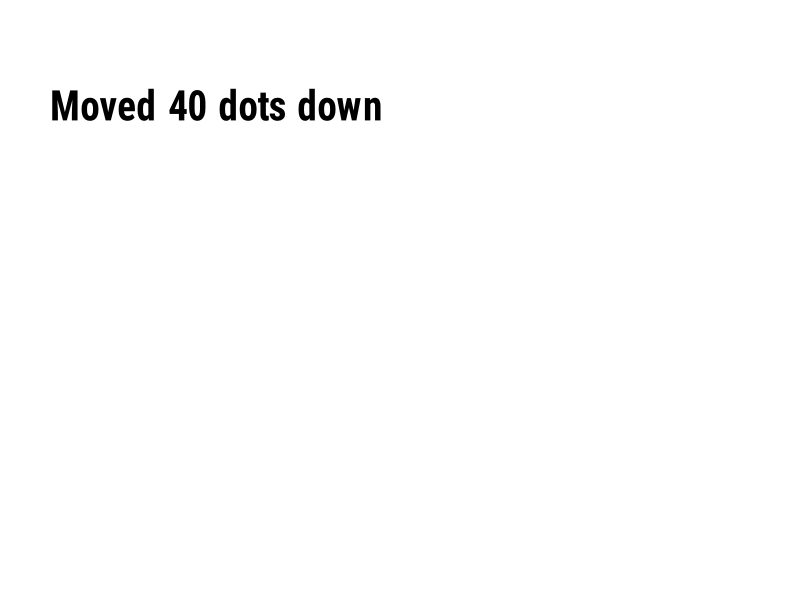
^LT |
指定されたドットの行数だけラベル全体を上下に移動します。 | ラベルフォーマット | Rendered example |
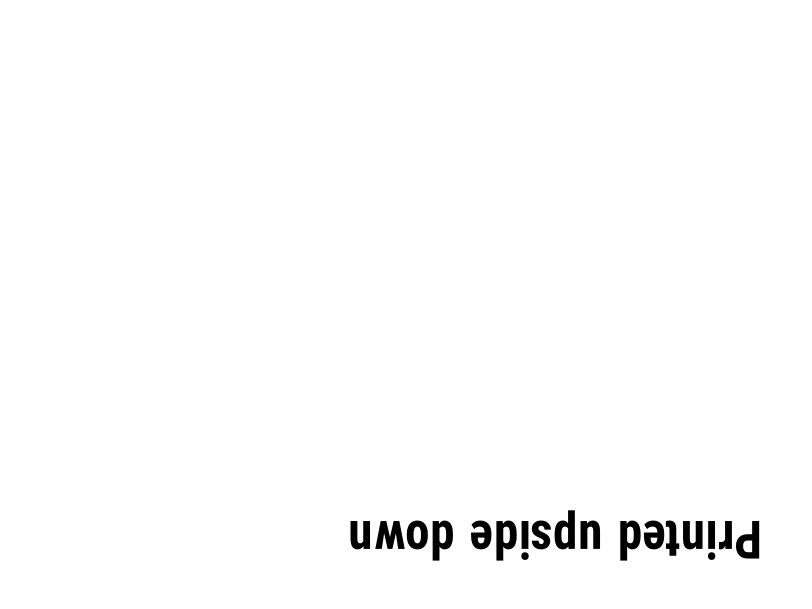
^PO |
ラベルを通常(N)または逆さ(I)に印刷します。 | ラベルフォーマット | Rendered example |
^PM |
Yに設定された場合、ラベル全体を水平方向に反転します。 | ラベルフォーマット | Rendered example |
^PQ |
印刷するラベルの数を設定します。各ラベルはプレビューでもラベルとしてカウントされます。 | ラベルフォーマット | Rendered example |
^MU |
測定単位をドット、インチ、またはミリメートルに変更します。 | ラベルフォーマット | Rendered example |
^CI |
文字セットを選択します。 ^CI28 は UTF-8 です。 | ラベルフォーマット | Rendered example |
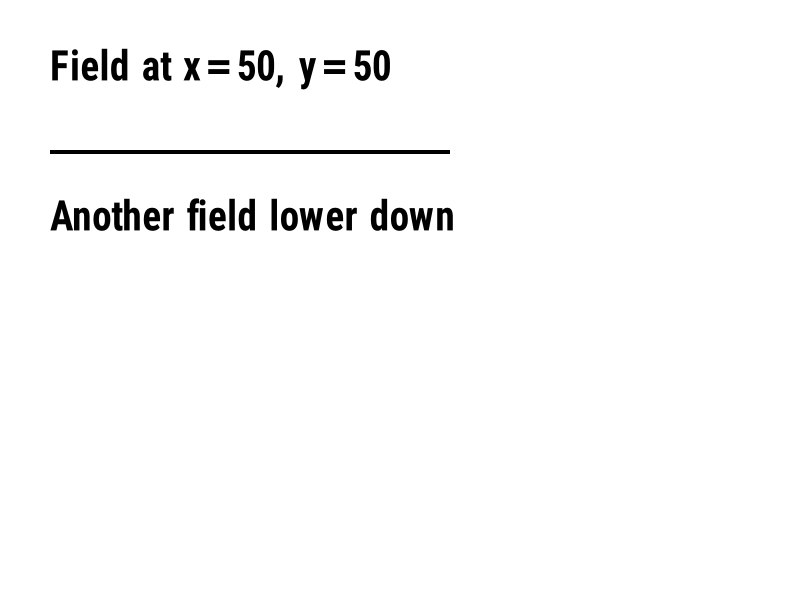
^FO |
フィールドの位置を設定します: 左上隅からのドットでの x, y 座標。 | フィールドと位置 | Rendered example |
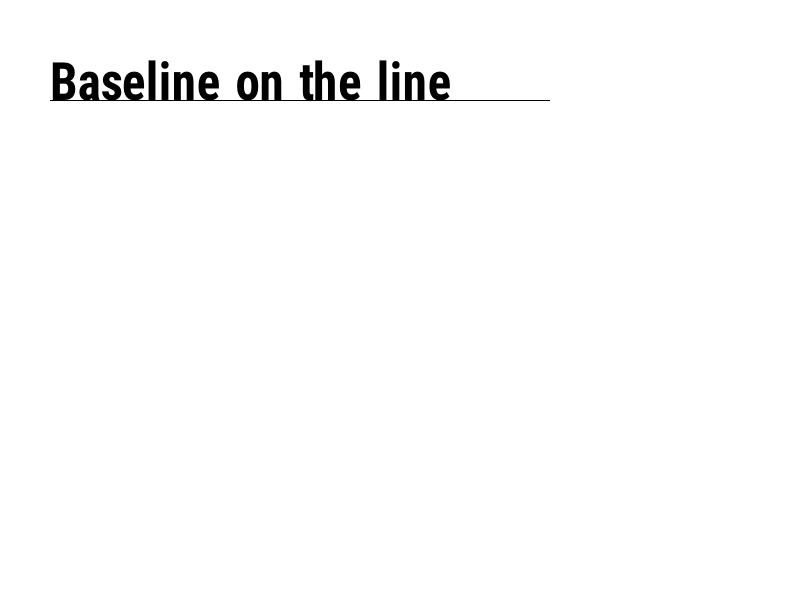
^FT |
フィールドを左上隅ではなくベースラインに基づいて配置します。 | フィールドと位置 | Rendered example |
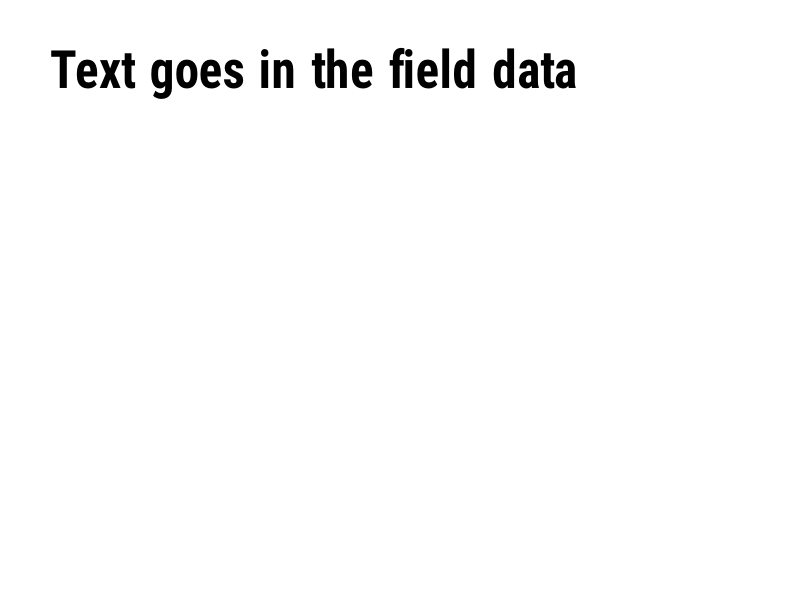
^FD |
現在のフィールドのテキストまたはバーコードデータ。 | フィールドと位置 | Rendered example |
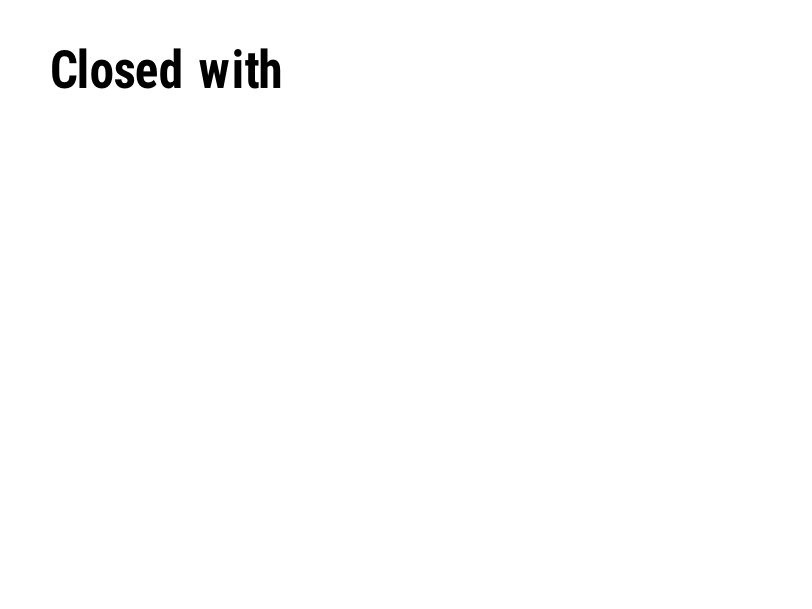
^FS |
現在のフィールドを終了します。 | フィールドと位置 | Rendered example |
^FB |
テキストを幅、行数、配置を指定してブロックにまとめます。 | フィールドと位置 | Rendered example |
^FR |
下にあるものの上に白いフィールドを黒で印刷します。 | フィールドと位置 | Rendered example |
^FH |
^FDに_0Dのような16進エスケープを含めることができます。 | フィールドと位置 | Rendered example |
^FW |
次に続くフィールドのデフォルトの回転を設定します。 | フィールドと位置 | Rendered example |
^FN |
保存された形式で変数フィールドに名前を付けます。 | フィールドと位置 | Rendered example |
^FX |
コメントです。プリンターは次のコマンドまでのすべてを無視します。 | フィールドと位置 | Rendered example |
^SN |
各ラベルに対してインクリメントされる番号を印刷します。 | フィールドと位置 | PartialRead but not drawn: the serial field is left out and copies aren't incremented (the same as Labelary's preview). Rendered example |
^A |
次のテキストフィールドのためにフォント、回転、サイズを選択します。 | テキストとフォント | Rendered example |
^A@ |
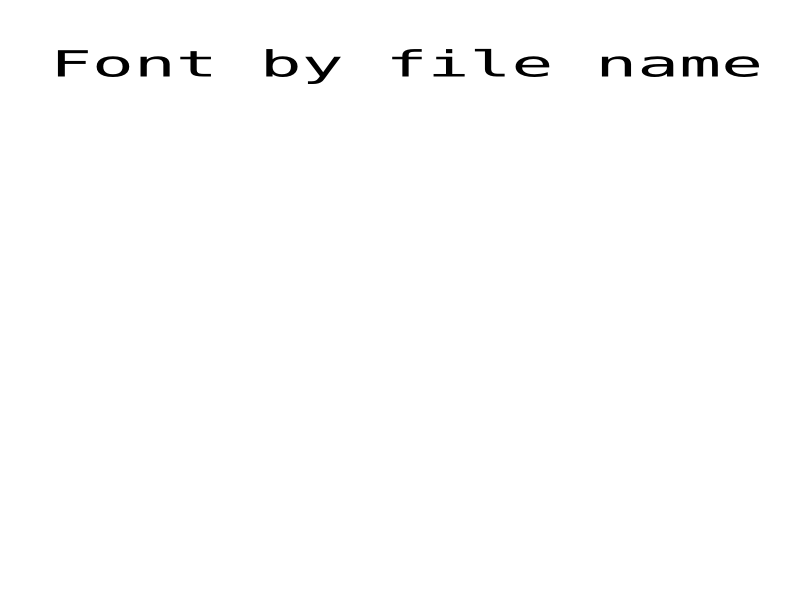
プリンター上のファイル名でフォントを選択します。 | テキストとフォント | Rendered example |
^CF |
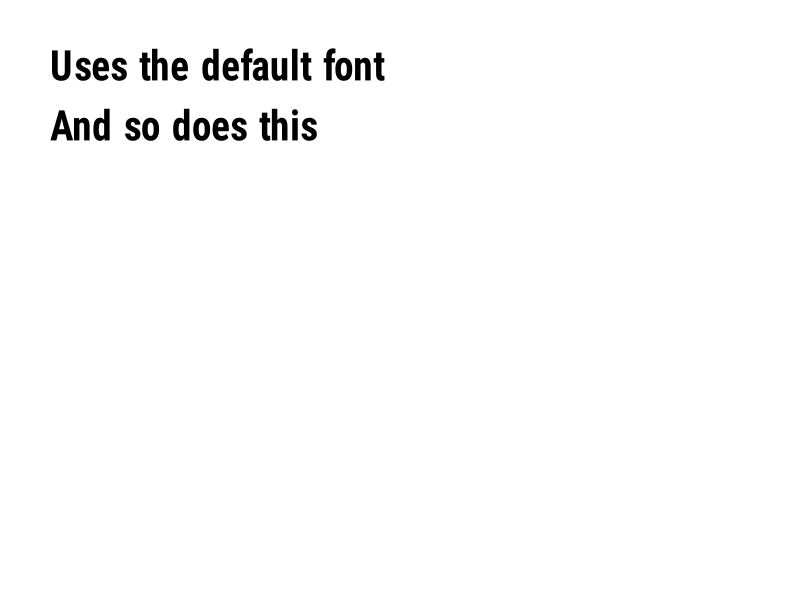
フィールドに ^A がない場合に使用されるフォントとサイズを設定します。 | テキストとフォント | Rendered example |
^CW |
フォントファイルに1文字の名前を割り当てます。 | テキストとフォント | Stores or recalls data; no image of its own |
^BY |
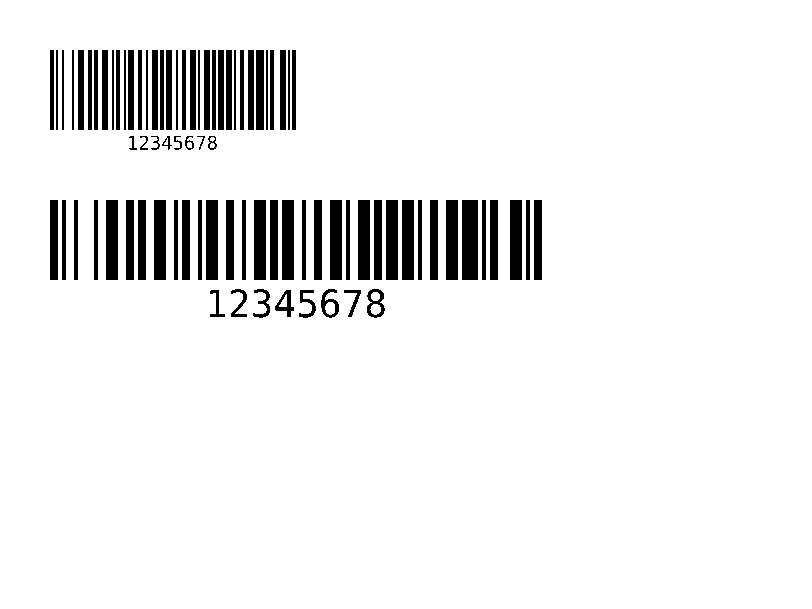
次に続くバーコードのモジュール幅、太さの比率、高さを設定します。 | バーコード | Rendered example |
^BC |
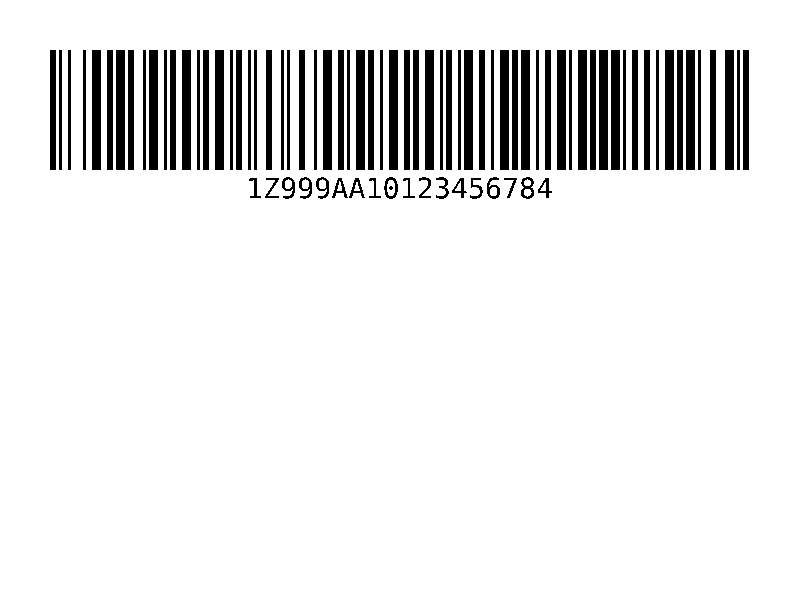
コード128バーコード、配送ラベルで最も一般的なもの。 | バーコード | Rendered example |
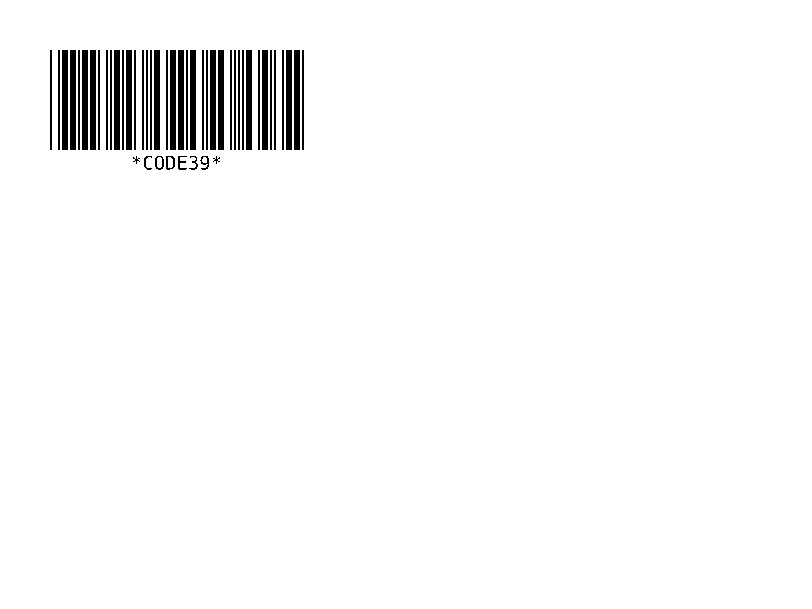
^B3 |
コード39バーコード。 | バーコード | Rendered example |
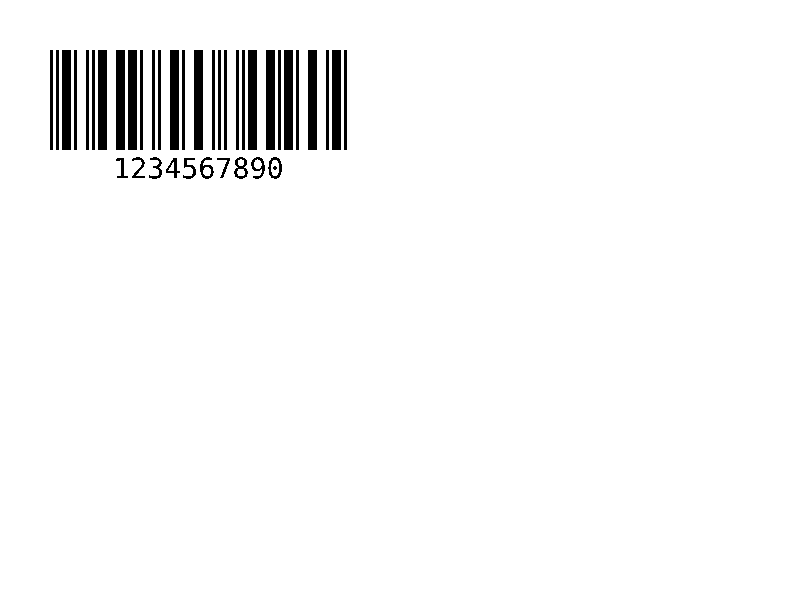
^B2 |
インタリーブ2 of 5バーコード、数字のみ。 | バーコード | Rendered example |
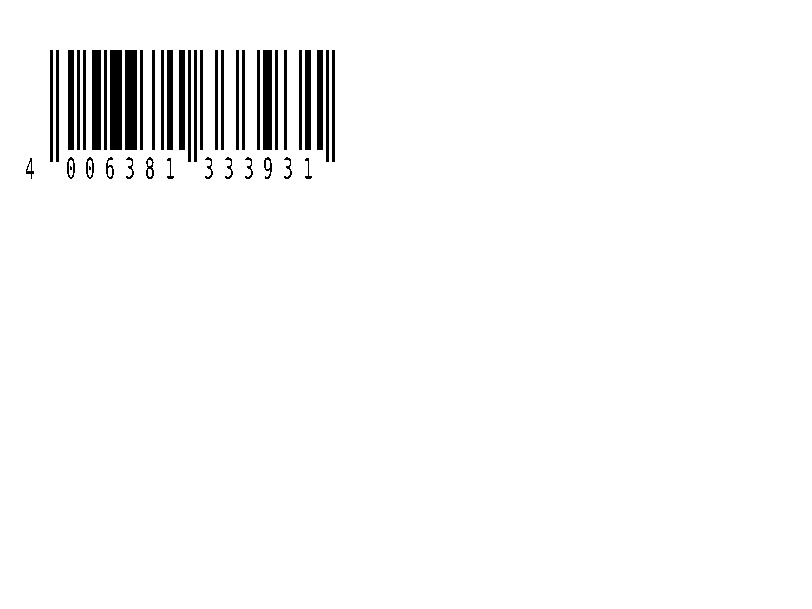
^BE |
EAN-13小売バーコード。 | バーコード | Rendered example |
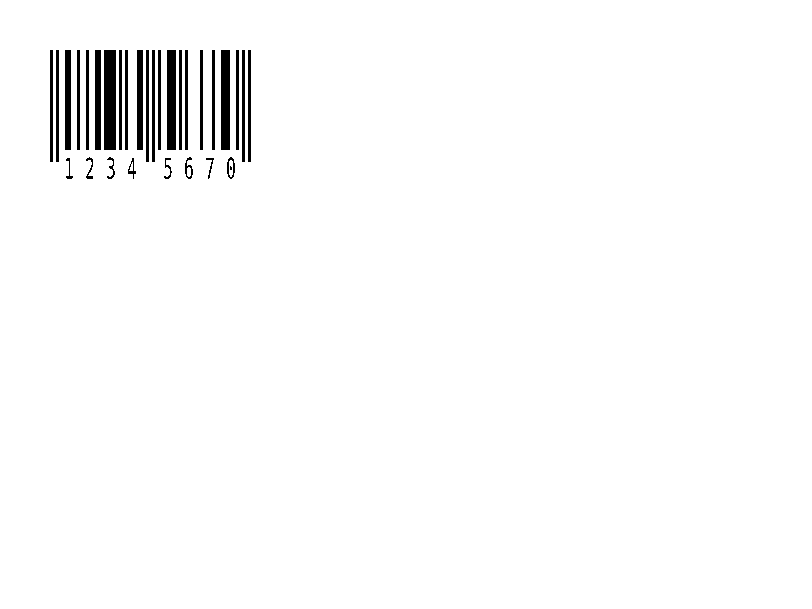
^B8 |
EAN-8小売バーコード。 | バーコード | Rendered example |
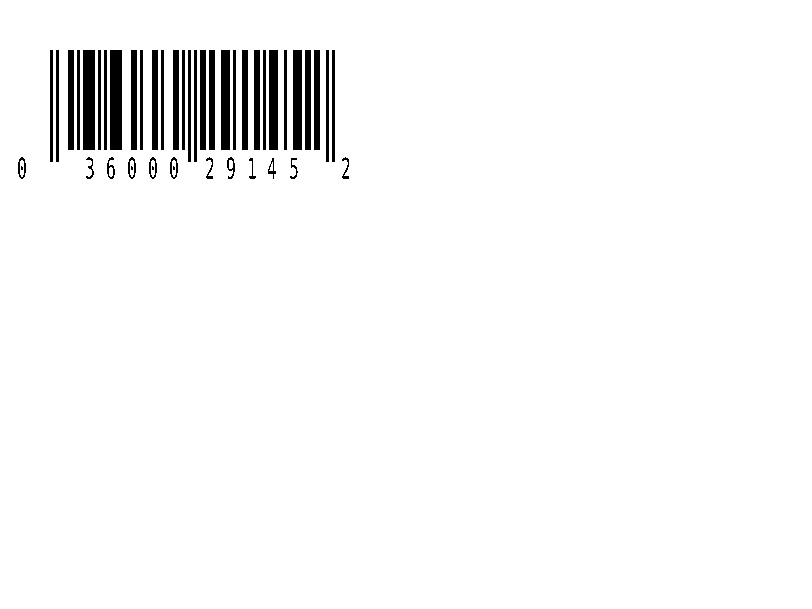
^BU |
UPC-A小売バーコード。 | バーコード | Rendered example |
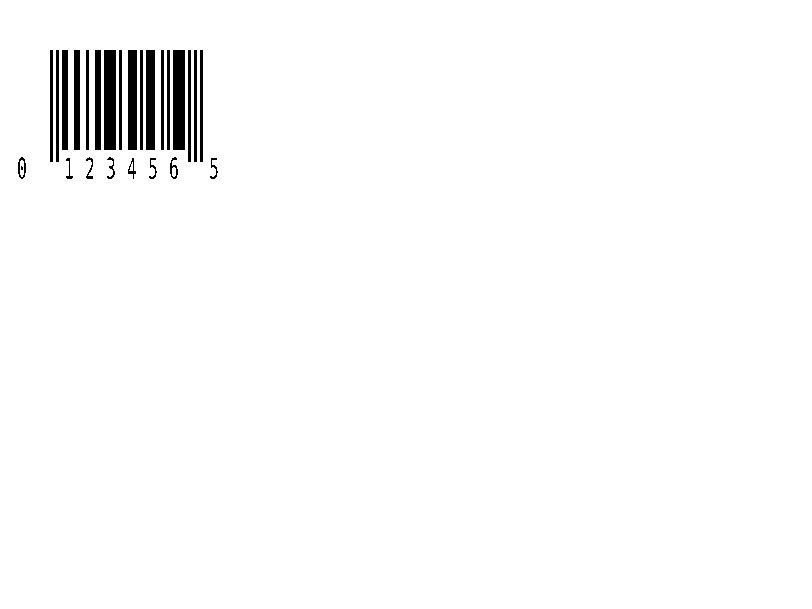
^B9 |
UPC-E小売バーコード。 | バーコード | Rendered example |
^BQ |
QRコード。データは誤り訂正と入力モードで始まります。例: QA、 | バーコード | Rendered example |
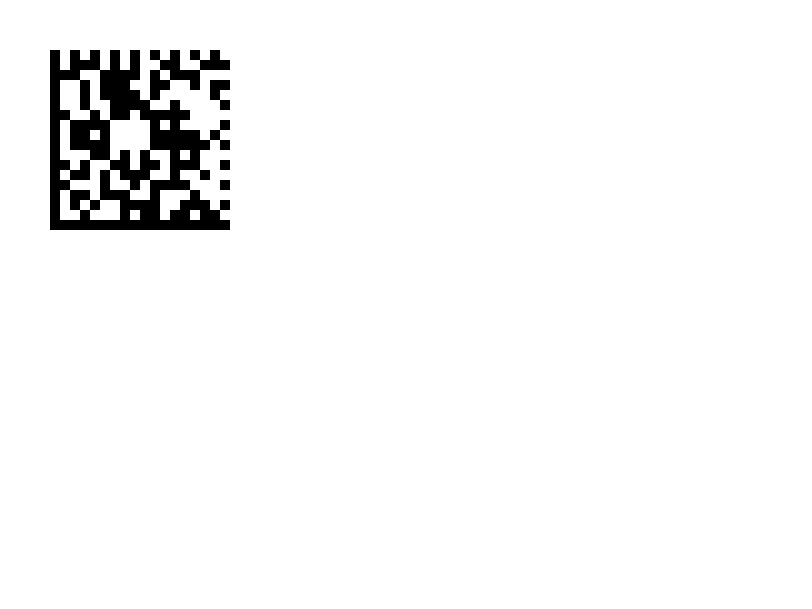
^BX |
データマトリックス2Dバーコード。 | バーコード | Rendered example |
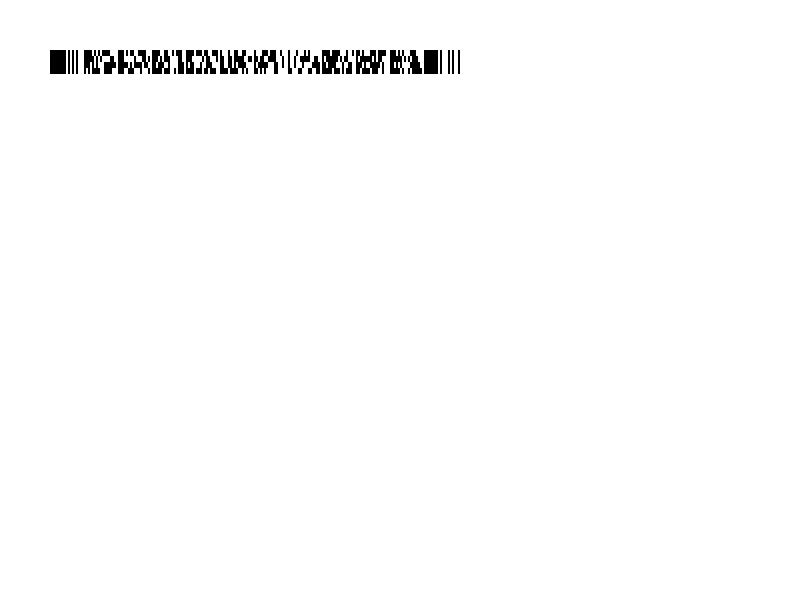
^B7 |
PDF417スタック型2Dバーコード。 | バーコード | Rendered example |
^BO |
アステカ2Dバーコード。 | バーコード | Rendered example |
^BD |
UPSが使用するMaxiCode。 | バーコード | Rendered example |
^GB |
ボックスまたは線を描画します:幅、高さ、境界線の太さ、色、および角の丸み。 | グラフィックス | Rendered example |
^GC |
円を描画します:直径、境界線の太さ、色。 | グラフィックス | Rendered example |
^GE |
楕円を描画します。 | グラフィックス | Rendered example |
^GD |
対角線を描画します。 | グラフィックス | Rendered example |
^GF |
ラベルにビットマップ画像を埋め込みます(ASCII hex、バイナリ、またはZ64)。 | グラフィックス | Rendered example |
^GS |
登録商標、著作権またはその他のシンボルを印刷します。 | グラフィックス | Rendered example |
^DF |
プリンターに名前でラベルフォーマットを保存します。 | 保存されたフォーマットと画像 | Rendered example |
^XF |
保存されたフォーマットを呼び出し、その^FNフィールドを埋めます。 | 保存されたフォーマットと画像 | Rendered example |
~DG |
プリンターに名前で画像を保存します。 | 保存されたフォーマットと画像 | Stores or recalls data; no image of its own |
^XG |
〜DGで保存された画像を印刷します。 | 保存されたフォーマットと画像 | Stores or recalls data; no image of its own |
^IM |
現在のフィールドオリジンに保存された画像を印刷します。 | 保存されたフォーマットと画像 | Stores or recalls data; no image of its own |




Ignored on purpose
These commands set up the printer, not the label. The API accepts them and renders the label as if they weren't there; we checked that the image is byte-identical without them.
| Group | Commands |
|---|---|
| Media and sensors | ^MM, ^MN, ^MT, ^MF, ~JS |
| Speed, darkness and tear-off | ^PR, ~SD, ^MD, ~TA |
| Calibration and printer state | ~JC, ~JA, ~JR, ^JU, ~HS |
| Network, RFID setup and host queries | ^NC, ^NI, ^RS, ~HI, ~HM |
Not supported yet
Each one was tested by placing it in a label at 8 dpmm. None of them fails the request: the label renders, without the symbol.
| Command | Symbology or feature | What the engine does today |
|---|---|---|
^TB | Text block | Text is drawn on one line; the block doesn't wrap. Use ^FB instead. |
^B0 | Aztec (alias) | No symbol drawn. ^BO, the other Aztec command, is drawn. |
^B1 | Code 11 | No bars; the data is printed as text. |
^B4 | Code 49 | No bars; the data is printed as text. |
^B5 | Planet Code | No bars; the data is printed as text. |
^BA | Code 93 | No bars; the data is printed as text. |
^BB | CODABLOCK | No symbol; the data is printed as text. |
^BF | MicroPDF417 | No symbol; the data is printed as text. |
^BK | ANSI Codabar | No bars; the data is printed as text. |
^BL | LOGMARS | No bars; the data is printed as text. |
^BM | MSI | No bars; the data is printed as text. |
^BP | Plessey | No bars; the data is printed as text. |
^BR | GS1 DataBar | No symbol; the data is printed as text. |
^BS | UPC/EAN extensions | No bars; the data is printed as text. |
^BT | TLC39 | No symbol; the data is printed as text. |
^BZ | POSTAL | No bars; the data is printed as text. |
Known differences
- A format with no fields, such as
^XA^XZ, returns400 ERROR: No labels found in the ZPLinstead of a blank image. - Fonts: Zebra's font 0 (CG Triumvirate Bold Condensed) can't be bundled, so
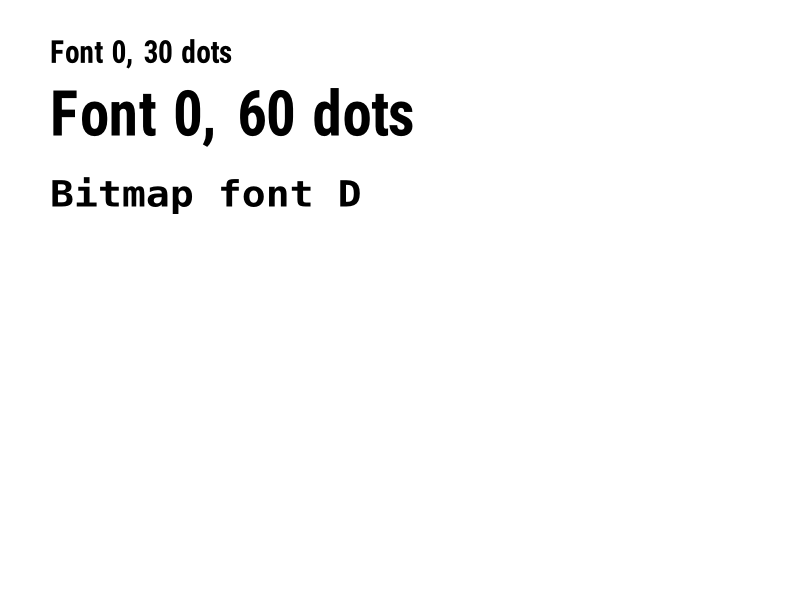
^A0is drawn with Roboto Condensed Bold, with spacing calibrated per character. The bitmap fonts^AA–^AHare drawn with DejaVu Sans Mono. Text widths can differ by a few dots from a given printer. - An RFID write (
^RFfollowed by^FD…^FS) draws its data as text; a printer encodes it in the tag and prints nothing.
Moving from Labelary
The API keeps Labelary's v1 paths and headers, so most clients only change the host. See Migrate from Labelary for the tested differences and OpenZPL vs Labelary for the comparison.