ZPL compatibility of the OpenZPL engine
The OpenZPL engine draws the 51 ZPL commands of the command reference, one of them partially, and skips the ones that configure the printer. The barcode and text commands listed under “Not supported yet” don't draw correctly today.
Tested 2026-10-20 with openzpl-api 689632b at 8 dpmm.
How we test
Every example on this site is a fixture: a short synthetic label that the engine renders to a PNG when the site is built. If a fixture's ZPL changes and its image isn't rendered again, the build fails, so the image always shows what the engine does with that exact code.
The 116 fixtures are public in fixtures.json, with their size, density and image, under CC0. Use them to test any ZPL renderer.
A preview isn't a print. Darkness, media, firmware and the fonts installed on a printer change the result, so check critical labels on the printer itself.
Drawn
| Command | Cosa fa | Category | Evidence |
|---|---|---|---|
^XA |
Apre un'etichetta. Tutto fino a ^XZ è un'etichetta. | Formato Etichetta | Rendered example |
^XZ |
Chiude l'etichetta aperta da ^XA e la stampa. | Formato Etichetta | Rendered example |
^PW |
Imposta la larghezza dell'etichetta in punti. | Formato Etichetta | Rendered example |
^LL |
Imposta la lunghezza dell'etichetta in punti. | Formato Etichetta | Rendered example |
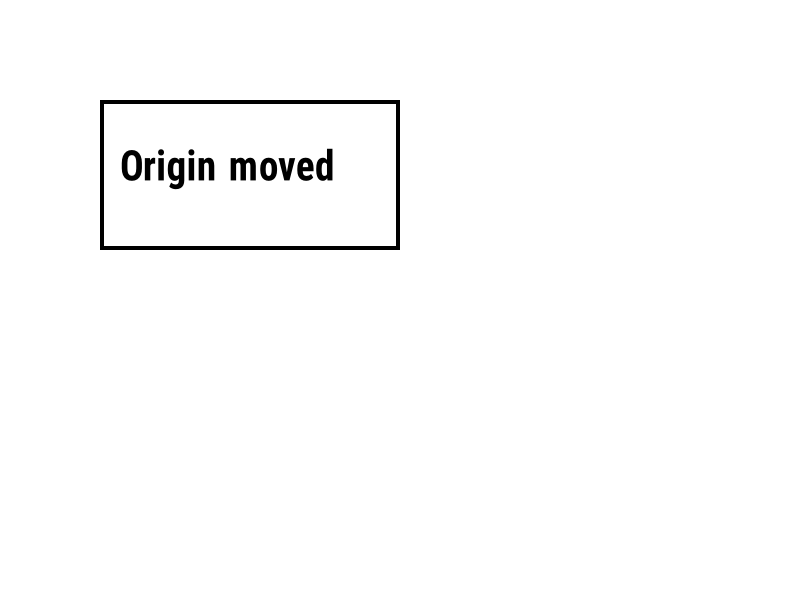
^LH |
Sposta l'origine da cui viene misurata ogni posizione di campo. | Formato Etichetta | Rendered example |
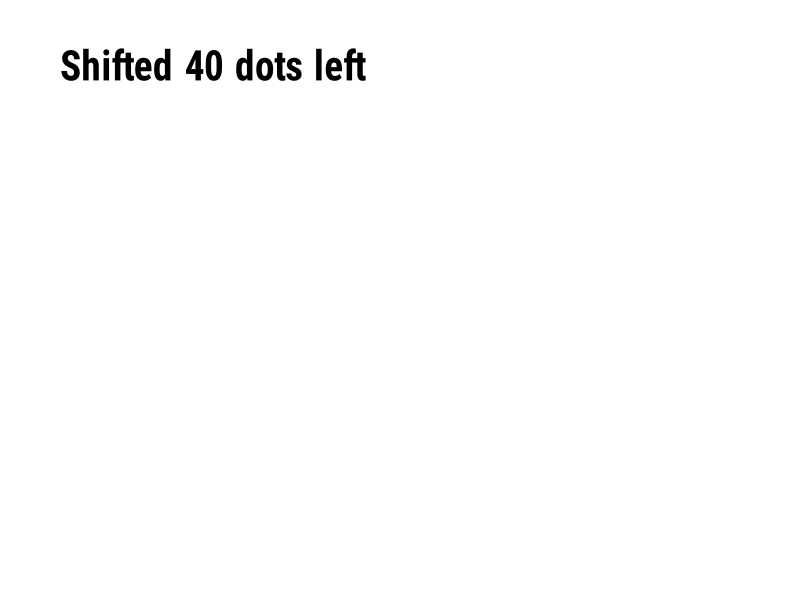
^LS |
Sposta ogni campo a sinistra del numero di punti specificato. | Formato Etichetta | Rendered example |
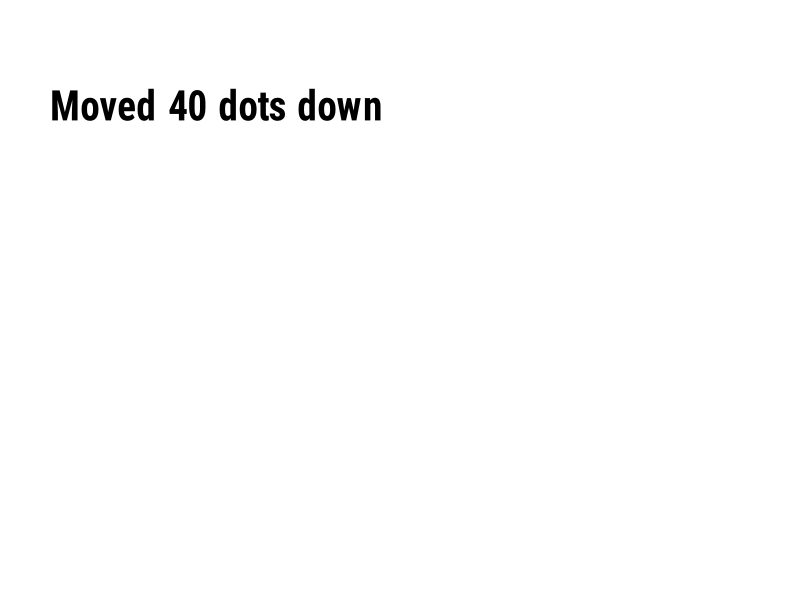
^LT |
Sposta l'intera etichetta in alto o in basso del numero dato di righe di punti. | Formato Etichetta | Rendered example |
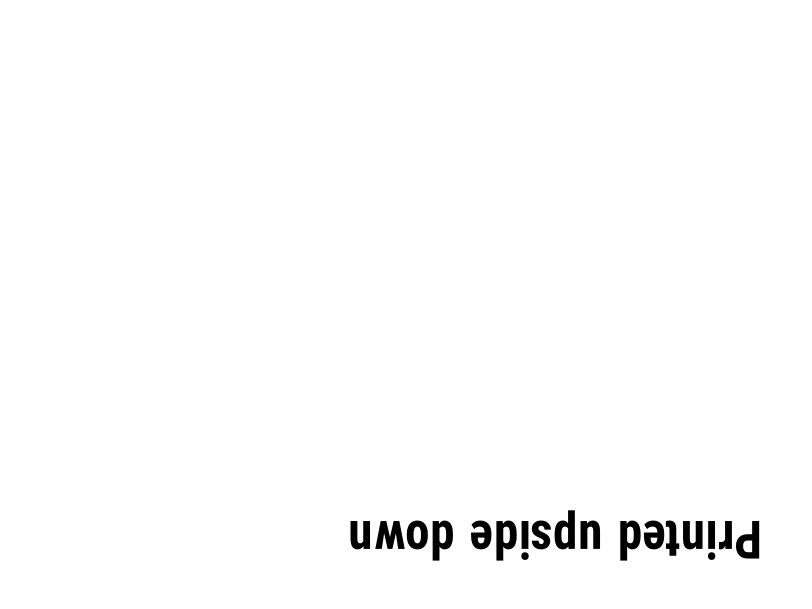
^PO |
Stampa l'etichetta normalmente (N) o capovolta (I). | Formato Etichetta | Rendered example |
^PM |
Specchia l'intera etichetta orizzontalmente quando impostato su Y. | Formato Etichetta | Rendered example |
^PQ |
Imposta quante etichette stampare; ognuna conta come un'etichetta nell'anteprima. | Formato Etichetta | Rendered example |
^MU |
Cambia l'unità di misura in punti, pollici o millimetri. | Formato Etichetta | Rendered example |
^CI |
Seleziona il set di caratteri. ^CI28 è UTF-8. | Formato Etichetta | Rendered example |
^FO |
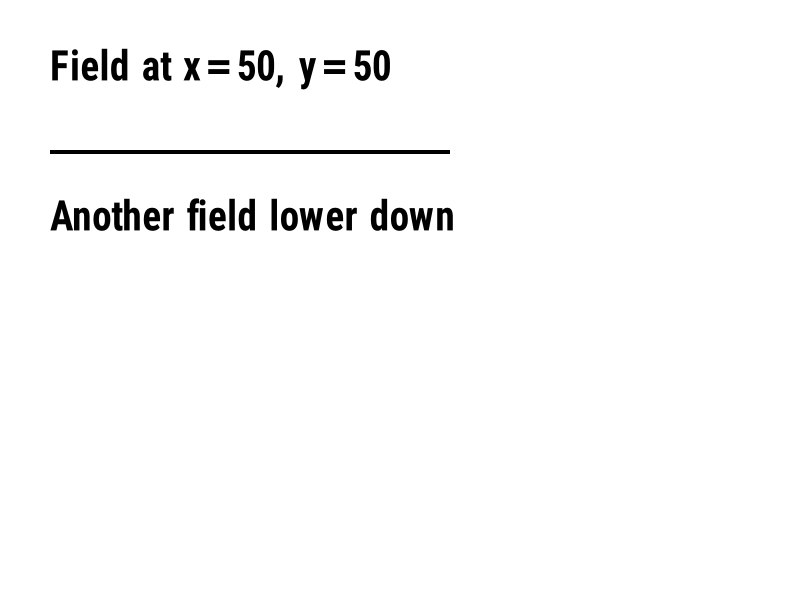
Imposta la posizione del campo: coordinate x, y in punti dall'angolo in alto a sinistra. | Campi e posizione | Rendered example |
^FT |
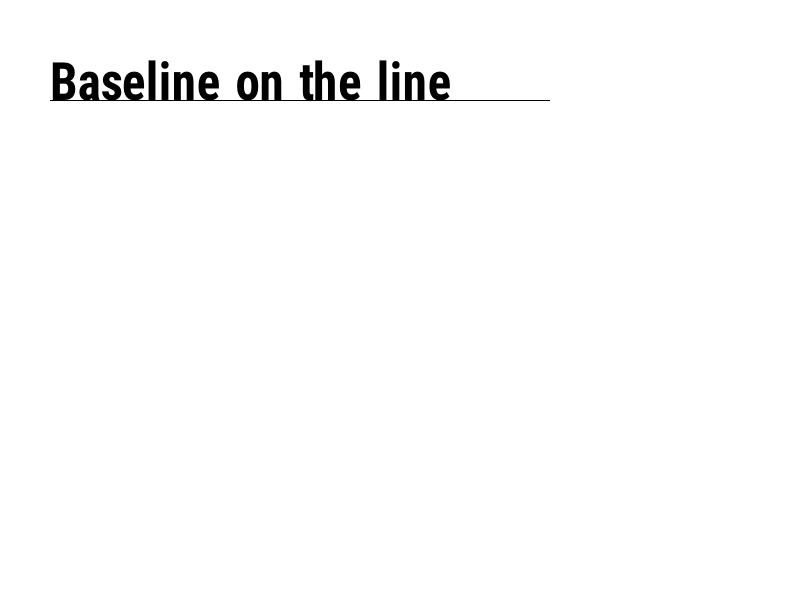
Posiziona un campo in base alla sua linea di base invece dell'angolo in alto a sinistra. | Campi e posizione | Rendered example |
^FD |
I dati di testo o codice a barre del campo attuale. | Campi e posizione | Rendered example |
^FS |
Termina il campo attuale. | Campi e posizione | Rendered example |
^FB |
Avvolge il testo in un blocco con una larghezza, conteggio delle righe e allineamento. | Campi e posizione | Rendered example |
^FR |
Stampa il campo bianco su nero sopra qualsiasi cosa ci sia sotto. | Campi e posizione | Rendered example |
^FH |
Consente a ^FD di contenere escape esadecimali come _0D. | Campi e posizione | Rendered example |
^FW |
Imposta la rotazione predefinita per i campi che seguono. | Campi e posizione | Rendered example |
^FN |
Nomina un campo variabile in un formato memorizzato. | Campi e posizione | Rendered example |
^FX |
Un commento. La stampante ignora tutto fino al prossimo comando. | Campi e posizione | Rendered example |
^SN |
Stampa un numero che aumenta ad ogni etichetta. | Campi e posizione | PartialRead but not drawn: the serial field is left out and copies aren't incremented (the same as Labelary's preview). Rendered example |
^A |
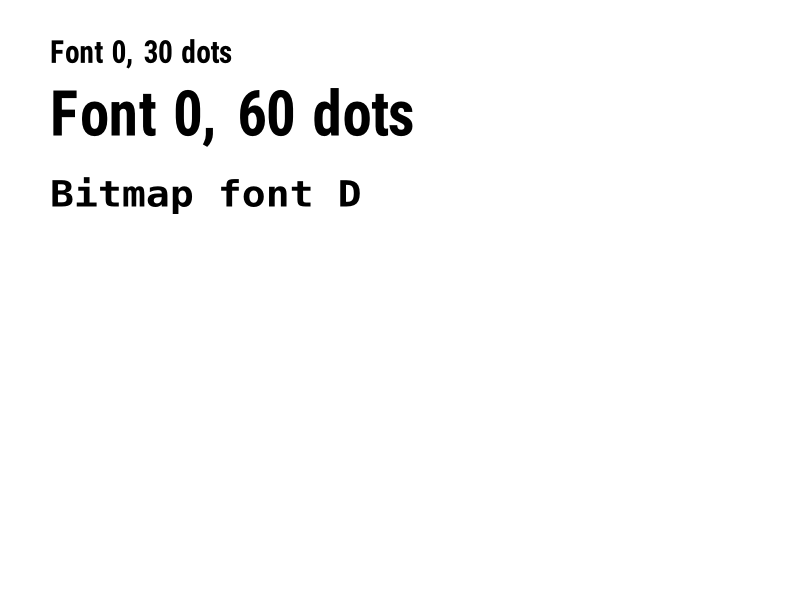
Seleziona il font, la rotazione e la dimensione per il prossimo campo di testo. | Testo e font | Rendered example |
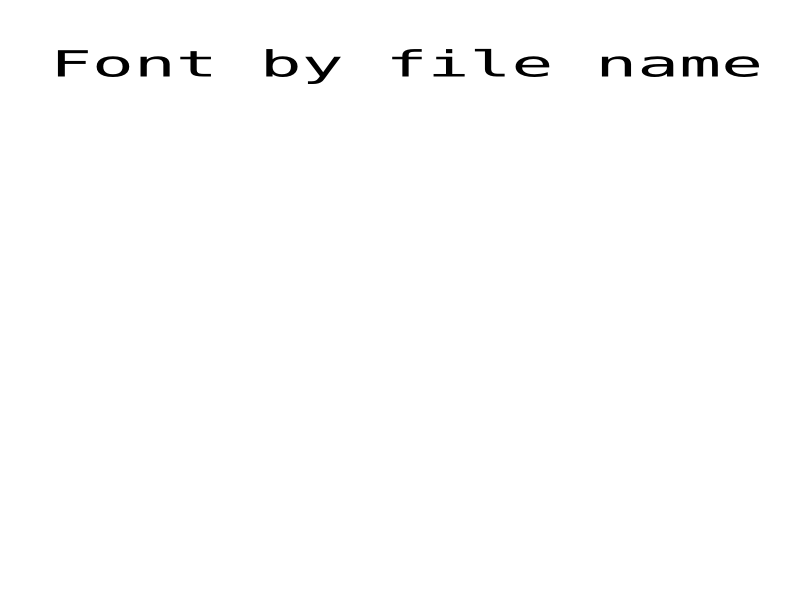
^A@ |
Seleziona un font in base al suo nome file sulla stampante. | Testo e font | Rendered example |
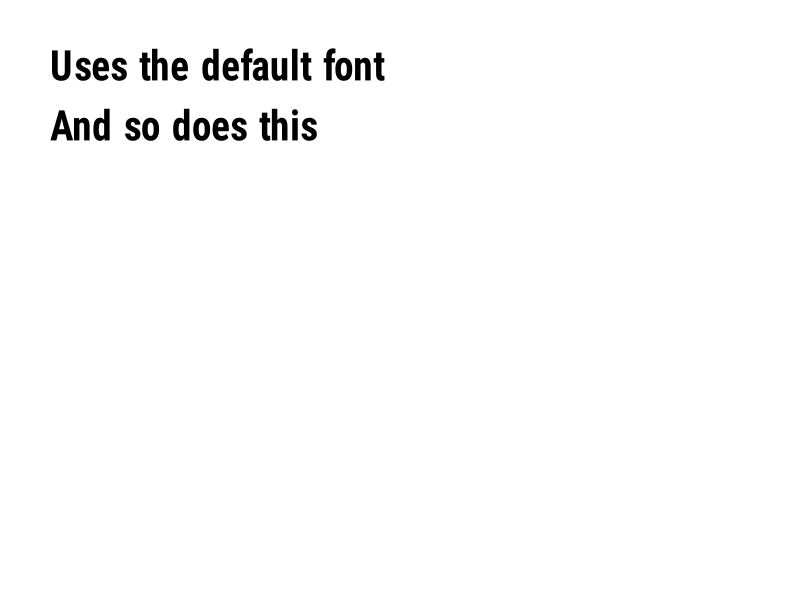
^CF |
Imposta il font e la dimensione utilizzati quando un campo non ha ^A. | Testo e font | Rendered example |
^CW |
Assegna un nome di una lettera a un file di font. | Testo e font | Stores or recalls data; no image of its own |
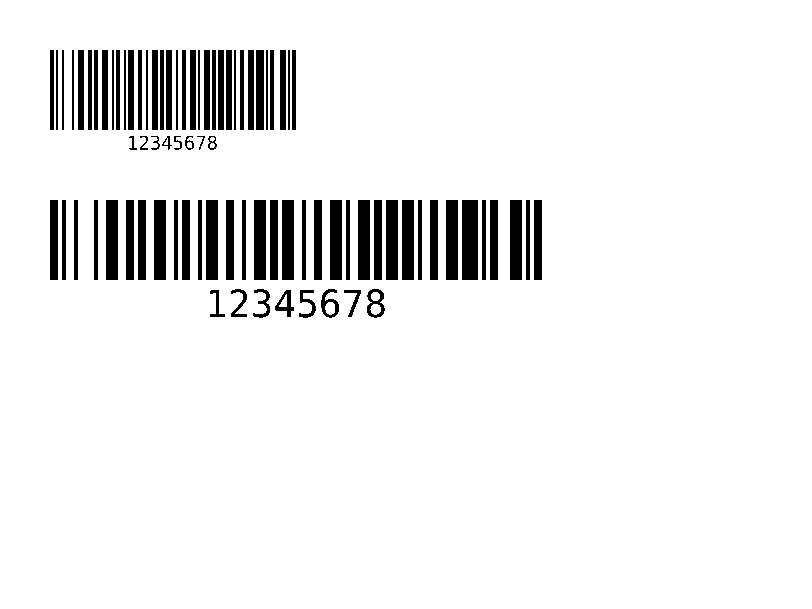
^BY |
Imposta la larghezza del modulo, il rapporto tra largo e stretto e l'altezza per i codici a barre che seguono. | Codici a barre | Rendered example |
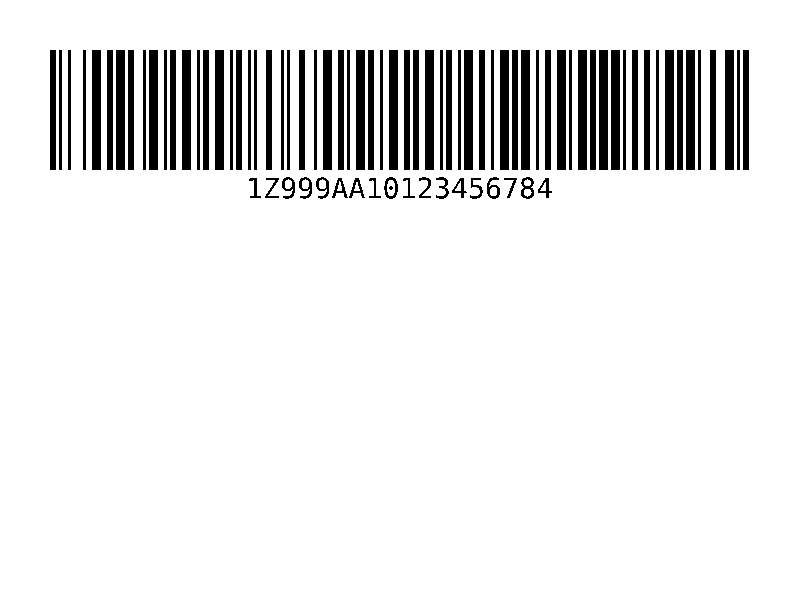
^BC |
Codice a barre 128, il più comune sulle etichette di spedizione. | Codici a barre | Rendered example |
^B3 |
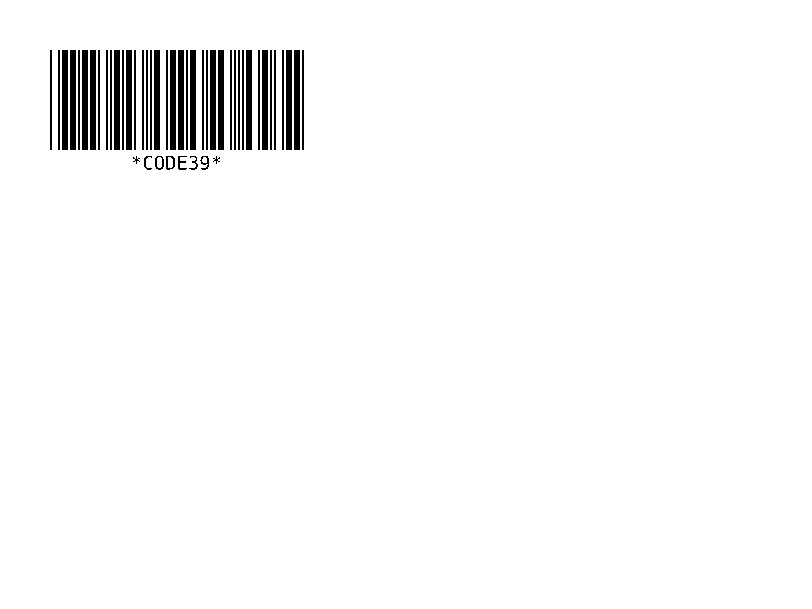
Codice a barre 39. | Codici a barre | Rendered example |
^B2 |
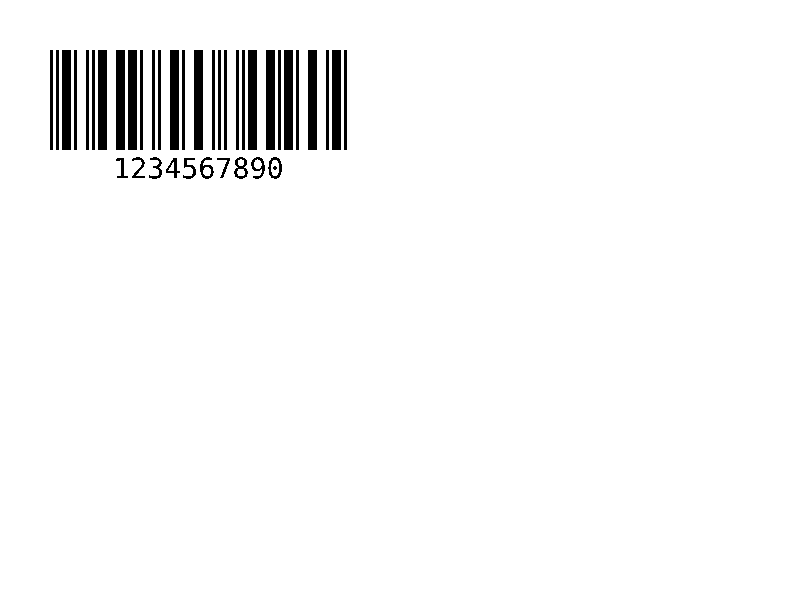
Codice a barre interlacciato 2 di 5, solo numerico. | Codici a barre | Rendered example |
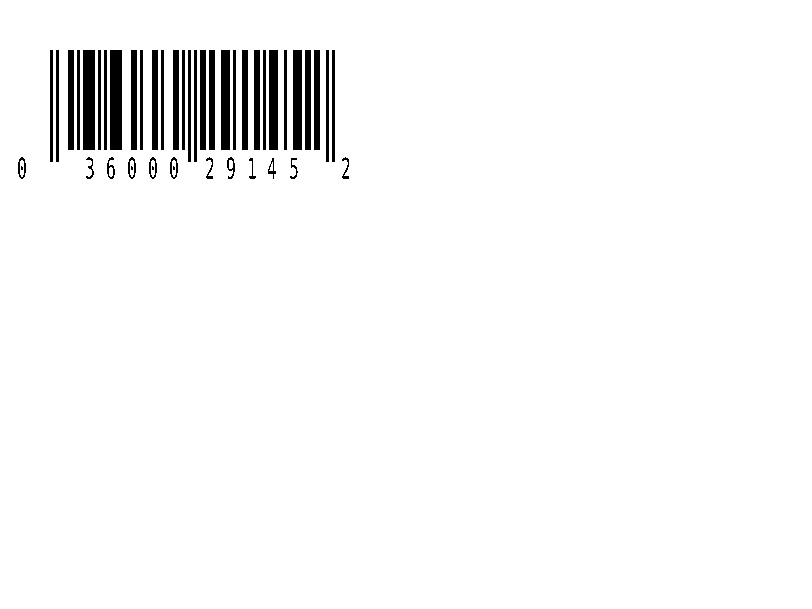
^BE |
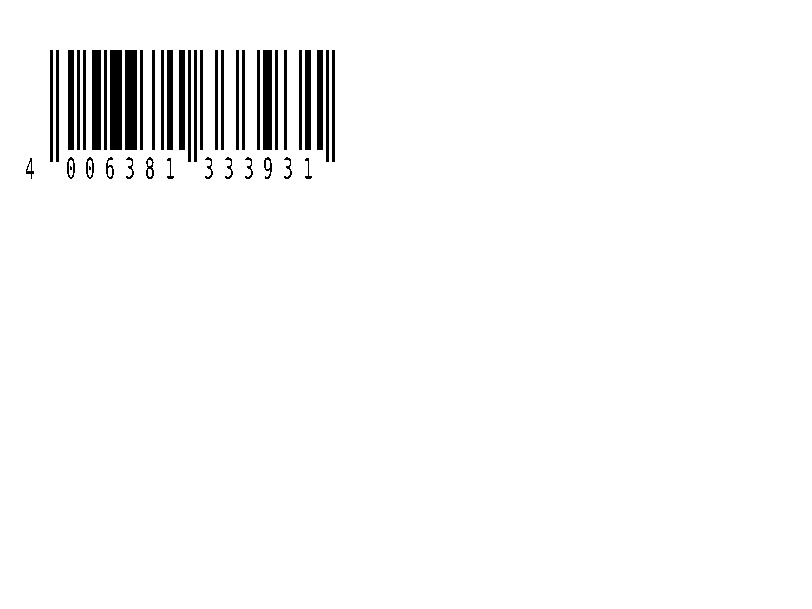
Codice a barre EAN-13. | Codici a barre | Rendered example |
^B8 |
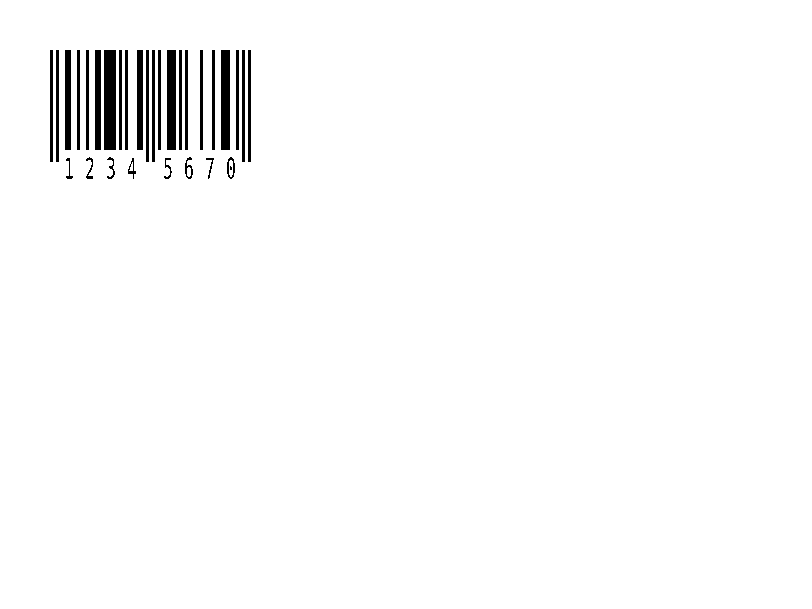
Codice a barre EAN-8. | Codici a barre | Rendered example |
^BU |
Codice a barre UPC-A. | Codici a barre | Rendered example |
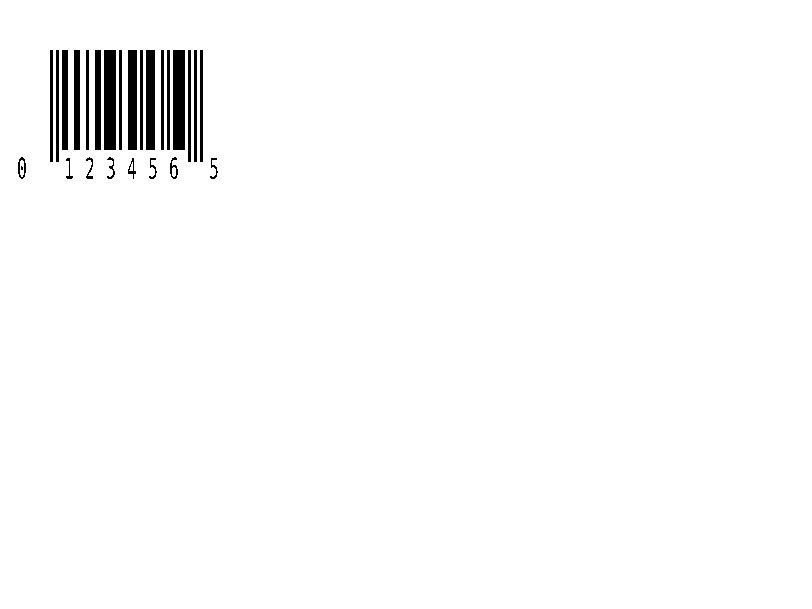
^B9 |
Codice a barre UPC-E. | Codici a barre | Rendered example |
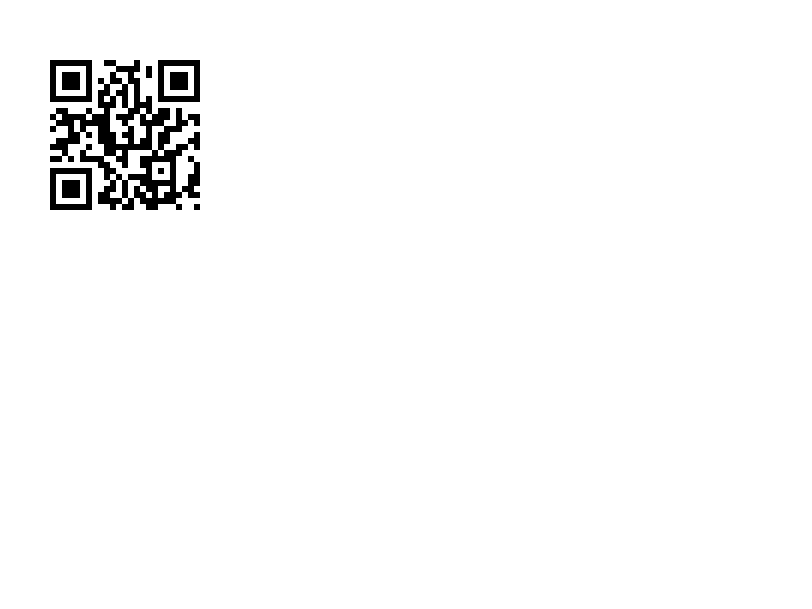
^BQ |
QR Code. I dati iniziano con una correzione d'errore e una modalità di input, ad es. QA, | Codici a barre | Rendered example |
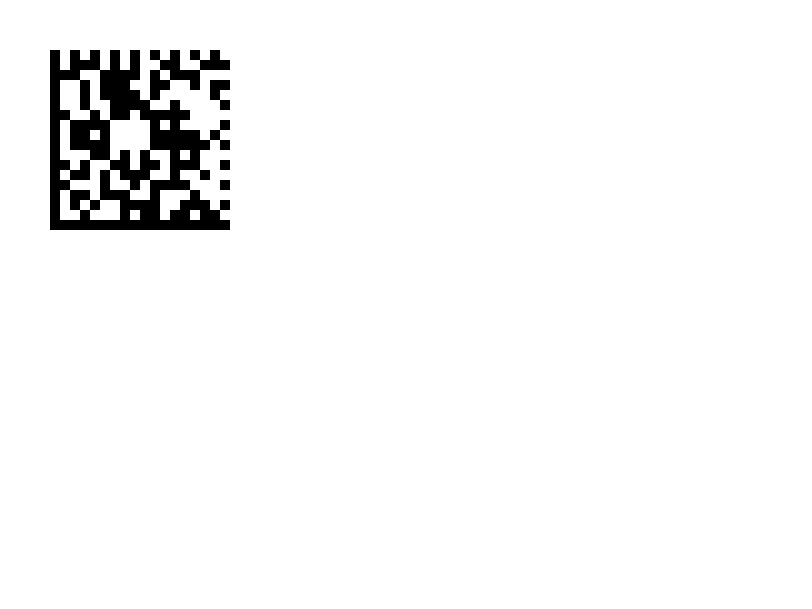
^BX |
Codice a barre 2D Data Matrix. | Codici a barre | Rendered example |
^B7 |
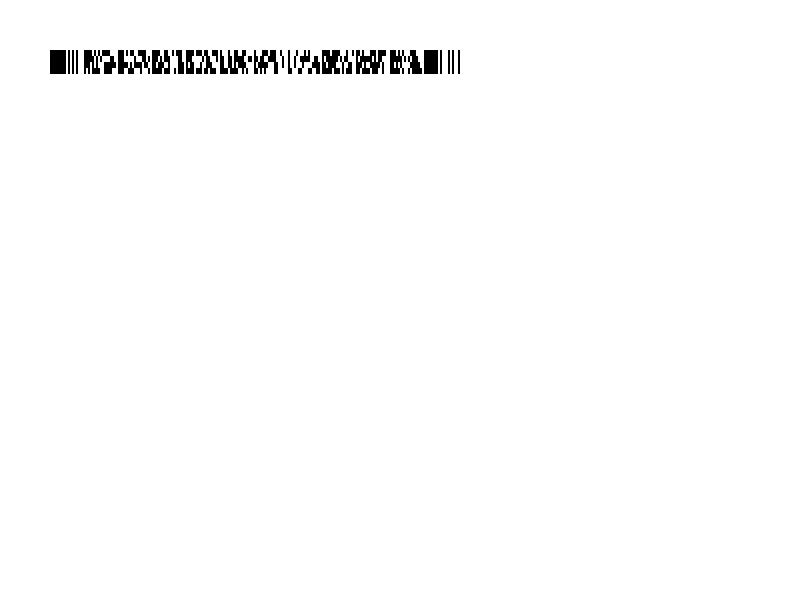
Codice a barre 2D PDF417 impilato. | Codici a barre | Rendered example |
^BO |
Codice a barre 2D Aztec. | Codici a barre | Rendered example |
^BD |
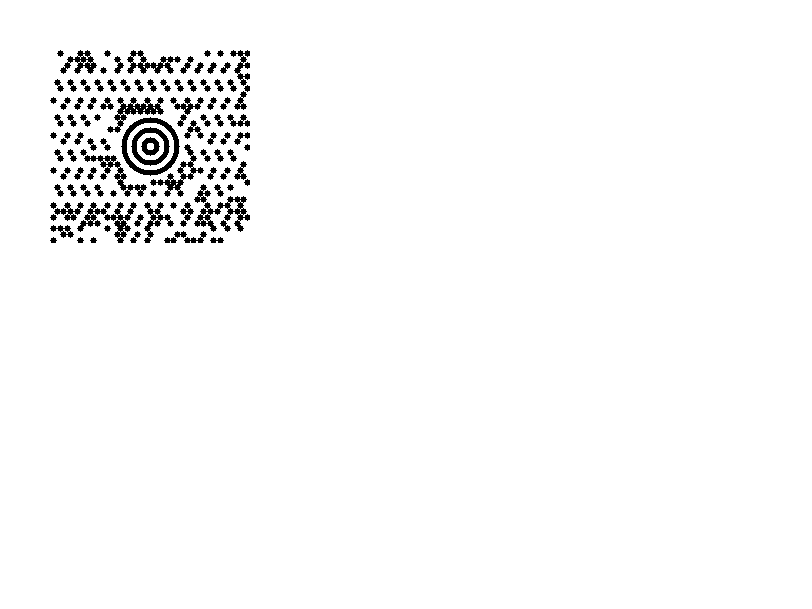
MaxiCode, utilizzato da UPS. | Codici a barre | Rendered example |
^GB |
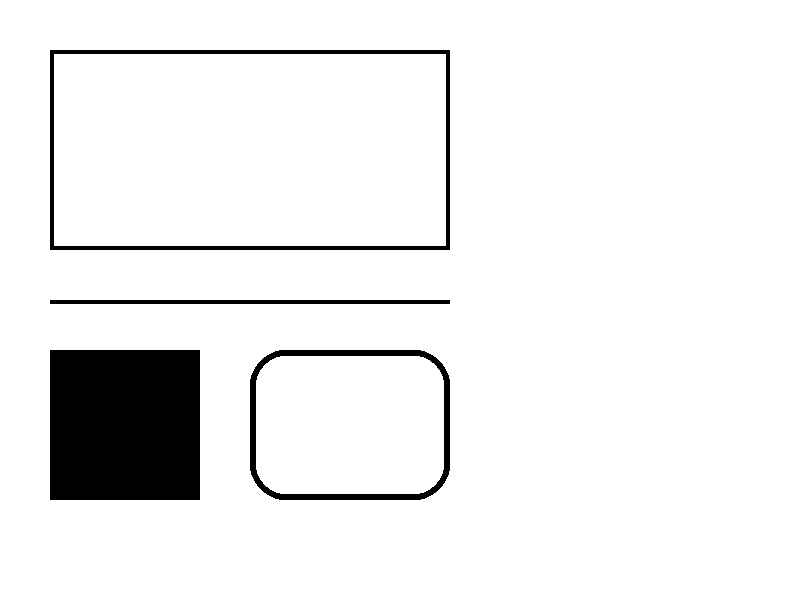
Disegna una casella o una linea: larghezza, altezza, spessore del bordo, colore e arrotondamenti. | Grafica | Rendered example |
^GC |
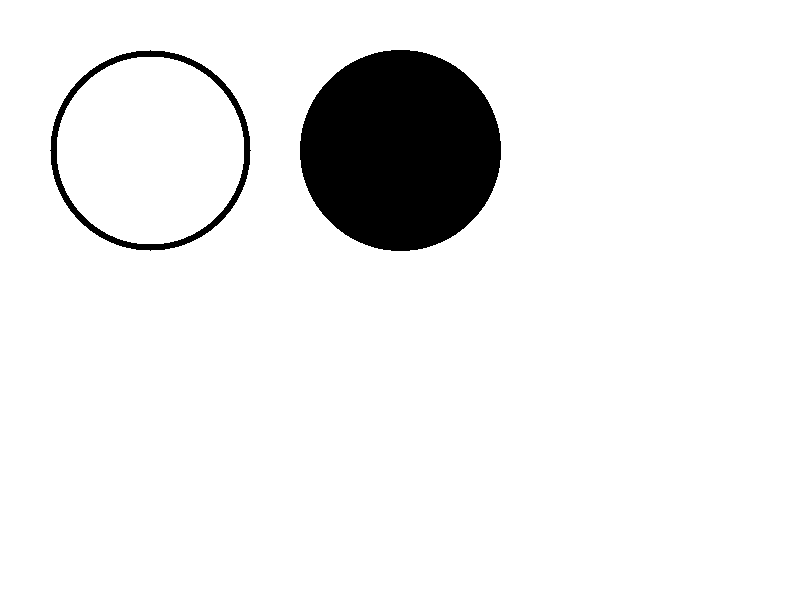
Disegna un cerchio: diametro, spessore del bordo e colore. | Grafica | Rendered example |
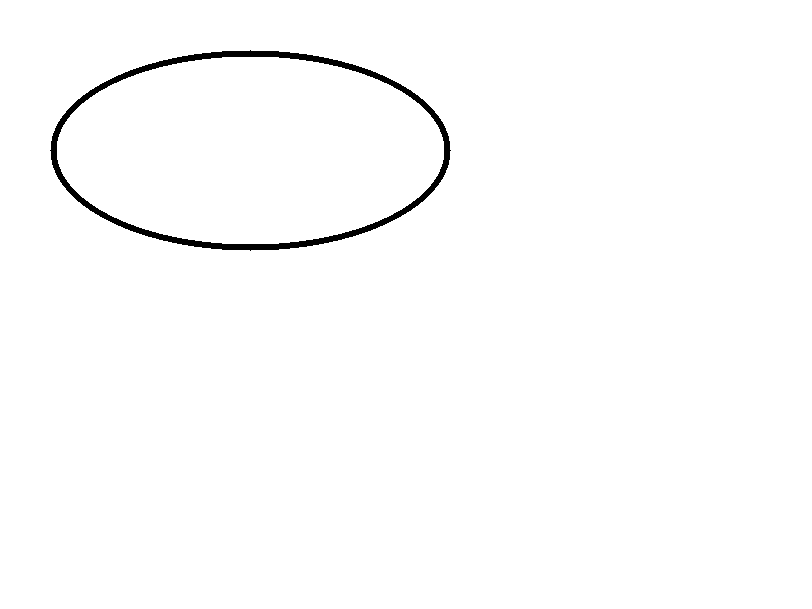
^GE |
Disegna un'ellisse. | Grafica | Rendered example |
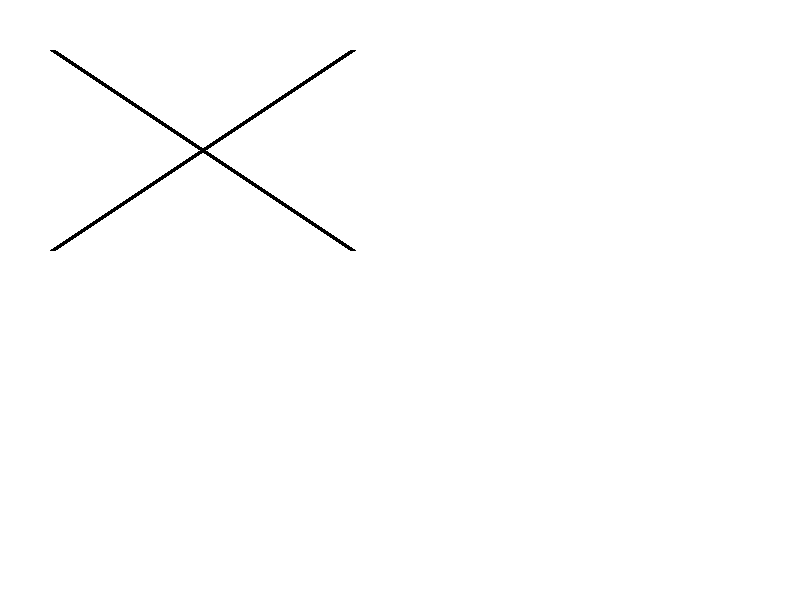
^GD |
Disegna una linea diagonale. | Grafica | Rendered example |
^GF |
Incorpora un'immagine bitmap nell'etichetta (ASCII esadecimale, binario o Z64). | Grafica | Rendered example |
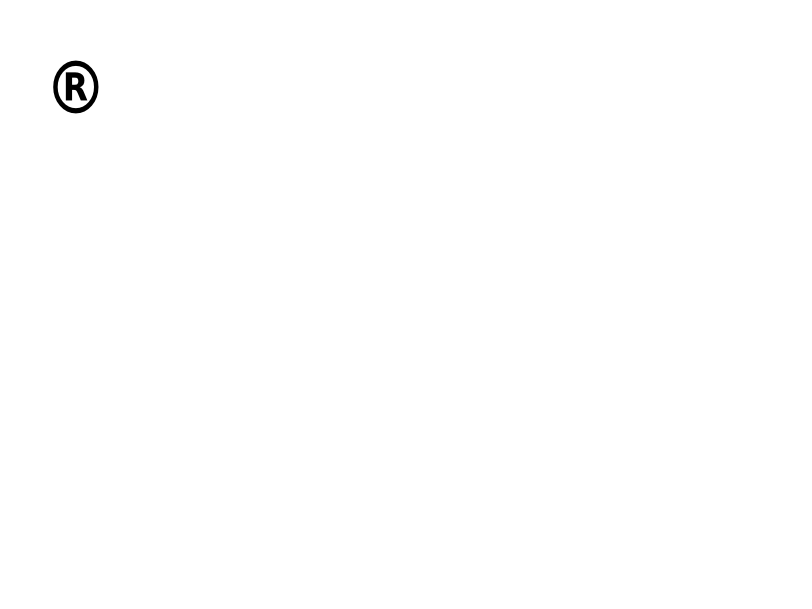
^GS |
Stampa un simbolo registrato, di copyright o altro. | Grafica | Rendered example |
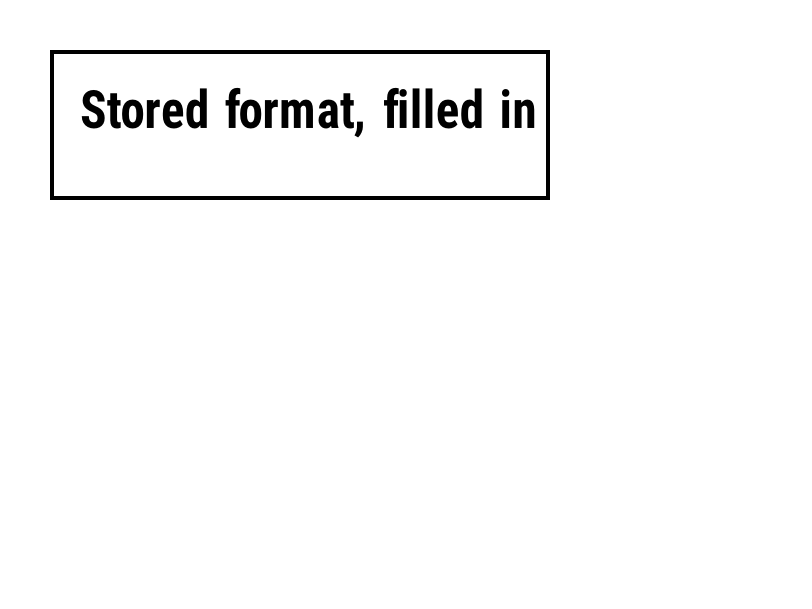
^DF |
Memorizza il formato dell'etichetta sulla stampante sotto un nome. | Formati e immagini memorizzati | Rendered example |
^XF |
Richiama un formato memorizzato per compilare i suoi campi ^FN. | Formati e immagini memorizzati | Rendered example |
~DG |
Memorizza un'immagine sulla stampante sotto un nome. | Formati e immagini memorizzati | Stores or recalls data; no image of its own |
^XG |
Stampa un'immagine memorizzata con ~DG. | Formati e immagini memorizzati | Stores or recalls data; no image of its own |
^IM |
Stampa un'immagine memorizzata all'origine del campo attuale. | Formati e immagini memorizzati | Stores or recalls data; no image of its own |


Ignored on purpose
These commands set up the printer, not the label. The API accepts them and renders the label as if they weren't there; we checked that the image is byte-identical without them.
| Group | Commands |
|---|---|
| Media and sensors | ^MM, ^MN, ^MT, ^MF, ~JS |
| Speed, darkness and tear-off | ^PR, ~SD, ^MD, ~TA |
| Calibration and printer state | ~JC, ~JA, ~JR, ^JU, ~HS |
| Network, RFID setup and host queries | ^NC, ^NI, ^RS, ~HI, ~HM |
Not supported yet
Each one was tested by placing it in a label at 8 dpmm. None of them fails the request: the label renders, without the symbol.
| Command | Symbology or feature | What the engine does today |
|---|---|---|
^TB | Text block | Text is drawn on one line; the block doesn't wrap. Use ^FB instead. |
^B0 | Aztec (alias) | No symbol drawn. ^BO, the other Aztec command, is drawn. |
^B1 | Code 11 | No bars; the data is printed as text. |
^B4 | Code 49 | No bars; the data is printed as text. |
^B5 | Planet Code | No bars; the data is printed as text. |
^BA | Code 93 | No bars; the data is printed as text. |
^BB | CODABLOCK | No symbol; the data is printed as text. |
^BF | MicroPDF417 | No symbol; the data is printed as text. |
^BK | ANSI Codabar | No bars; the data is printed as text. |
^BL | LOGMARS | No bars; the data is printed as text. |
^BM | MSI | No bars; the data is printed as text. |
^BP | Plessey | No bars; the data is printed as text. |
^BR | GS1 DataBar | No symbol; the data is printed as text. |
^BS | UPC/EAN extensions | No bars; the data is printed as text. |
^BT | TLC39 | No symbol; the data is printed as text. |
^BZ | POSTAL | No bars; the data is printed as text. |
Known differences
- A format with no fields, such as
^XA^XZ, returns400 ERROR: No labels found in the ZPLinstead of a blank image. - Fonts: Zebra's font 0 (CG Triumvirate Bold Condensed) can't be bundled, so
^A0is drawn with Roboto Condensed Bold, with spacing calibrated per character. The bitmap fonts^AA–^AHare drawn with DejaVu Sans Mono. Text widths can differ by a few dots from a given printer. - An RFID write (
^RFfollowed by^FD…^FS) draws its data as text; a printer encodes it in the tag and prints nothing.
Moving from Labelary
The API keeps Labelary's v1 paths and headers, so most clients only change the host. See Migrate from Labelary for the tested differences and OpenZPL vs Labelary for the comparison.