ZPL compatibility of the OpenZPL engine
The OpenZPL engine draws the 51 ZPL commands of the command reference, one of them partially, and skips the ones that configure the printer. The barcode and text commands listed under “Not supported yet” don't draw correctly today.
Tested 2026-10-20 with openzpl-api 689632b at 8 dpmm.
How we test
Every example on this site is a fixture: a short synthetic label that the engine renders to a PNG when the site is built. If a fixture's ZPL changes and its image isn't rendered again, the build fails, so the image always shows what the engine does with that exact code.
The 116 fixtures are public in fixtures.json, with their size, density and image, under CC0. Use them to test any ZPL renderer.
A preview isn't a print. Darkness, media, firmware and the fonts installed on a printer change the result, so check critical labels on the printer itself.
Drawn
| Command | Apa yang dilakukannya | Category | Evidence |
|---|---|---|---|
^XA |
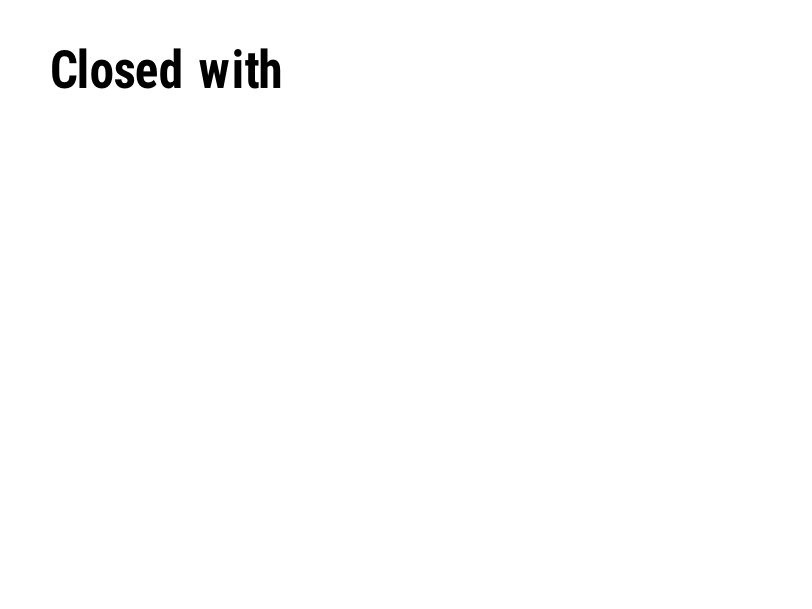
Membuka sebuah label. Segalanya sampai ^XZ adalah satu label. | Format Label | Rendered example |
^XZ |
Menutup label yang dibuka oleh ^XA dan mencetaknya. | Format Label | Rendered example |
^PW |
Menetapkan lebar label dalam titik. | Format Label | Rendered example |
^LL |
Menetapkan panjang label dalam titik. | Format Label | Rendered example |
^LH |
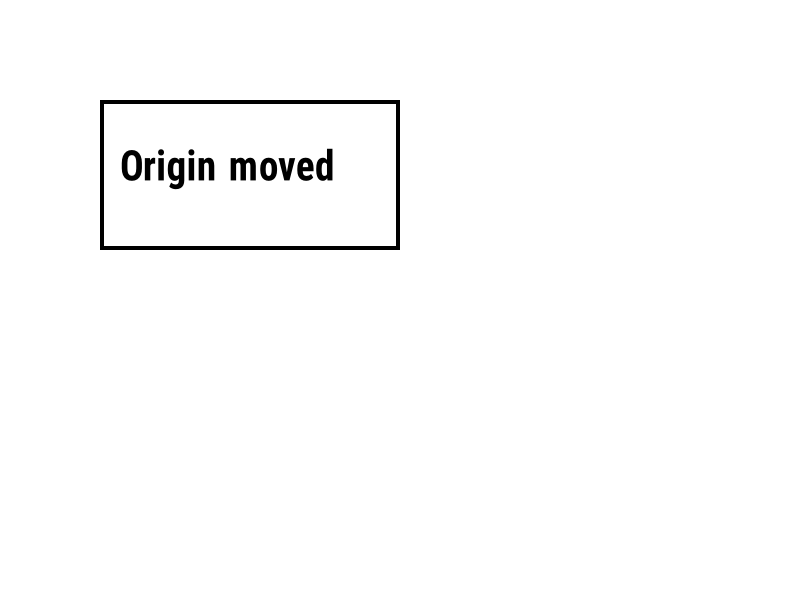
Memindahkan titik asal yang menjadi acuan setiap posisi field. | Format Label | Rendered example |
^LS |
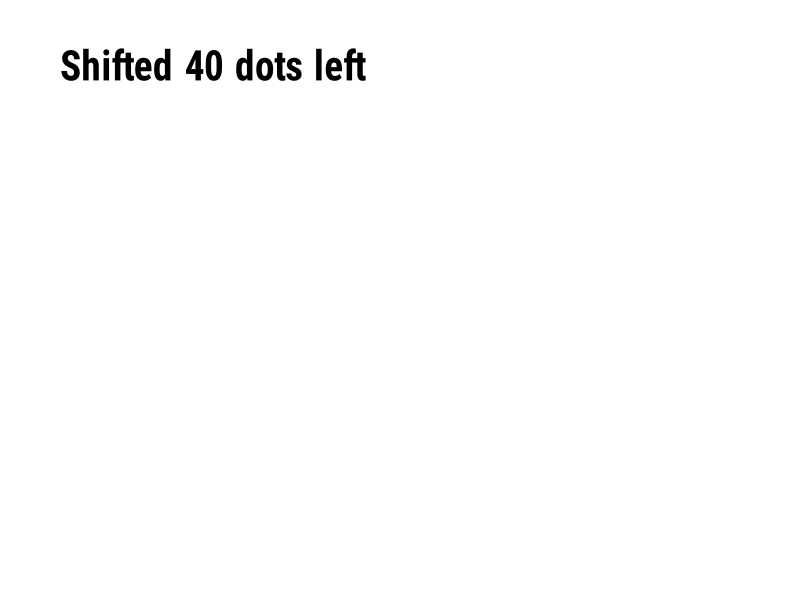
Memindahkan setiap bidang ke kiri sebanyak jumlah titik yang diberikan. | Format Label | Rendered example |
^LT |
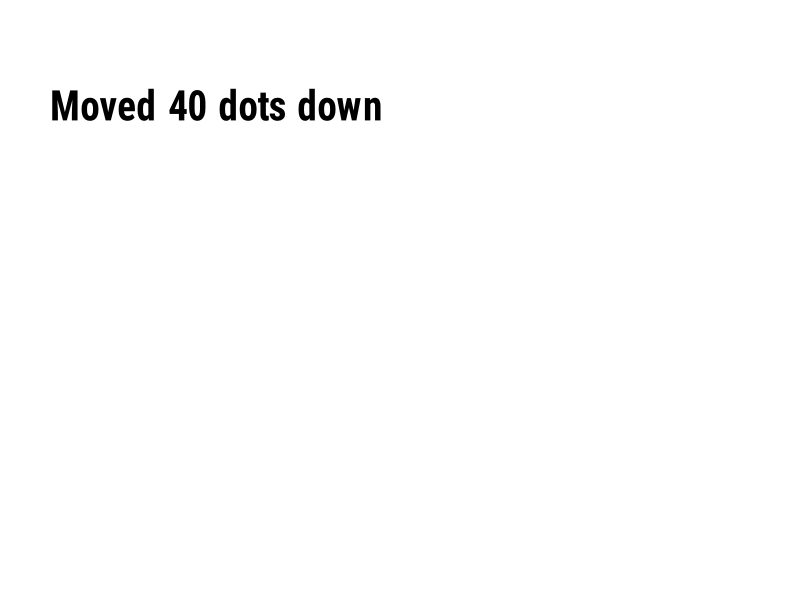
Memindahkan seluruh label ke atas atau ke bawah sebanyak jumlah baris titik yang diberikan. | Format Label | Rendered example |
^PO |
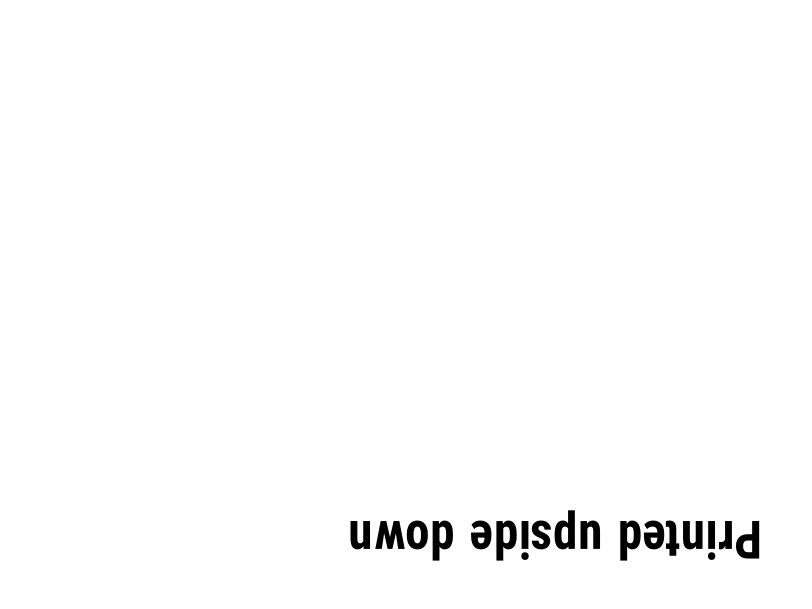
Mencetak label secara normal (N) atau terbalik (I). | Format Label | Rendered example |
^PM |
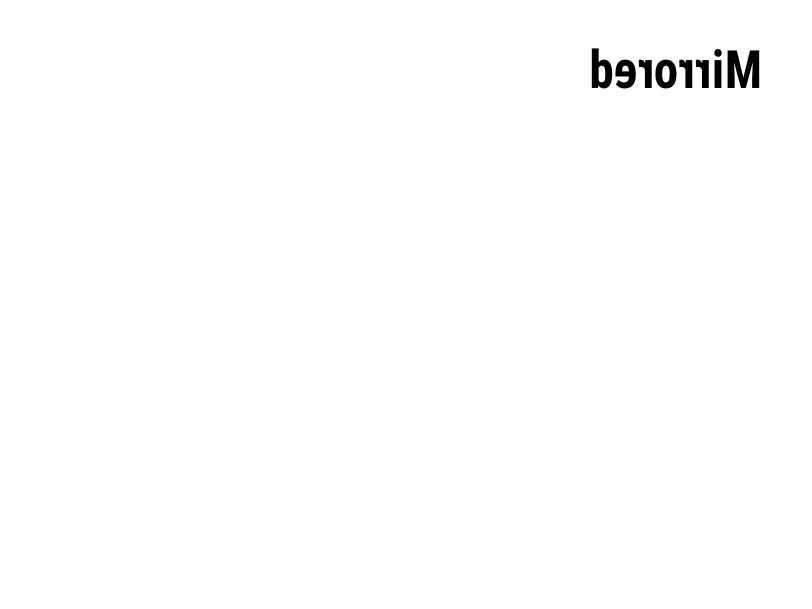
Cermin seluruh label secara horizontal saat diatur ke Y. | Format Label | Rendered example |
^PQ |
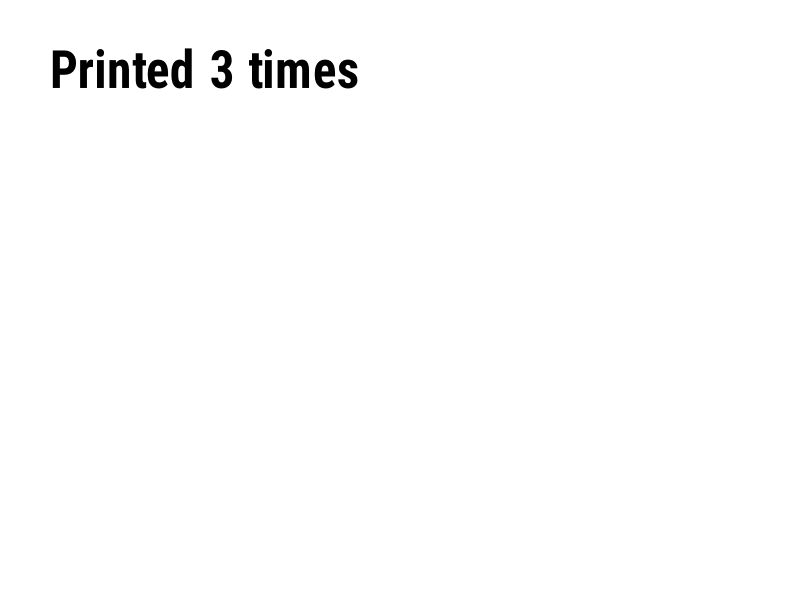
Menetapkan berapa banyak label yang akan dicetak; masing-masing dihitung sebagai label dalam pratayang. | Format Label | Rendered example |
^MU |
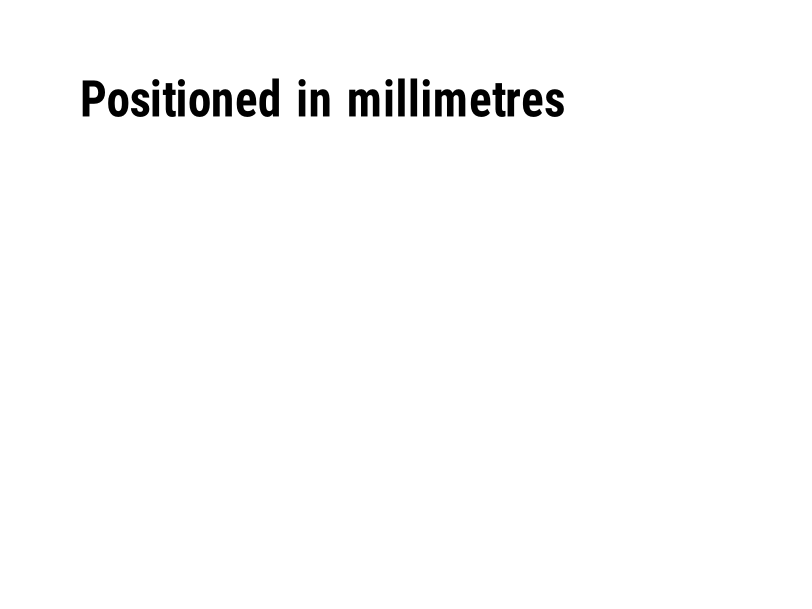
Mengubah satuan ukuran menjadi titik, inci, atau milimeter. | Format Label | Rendered example |
^CI |
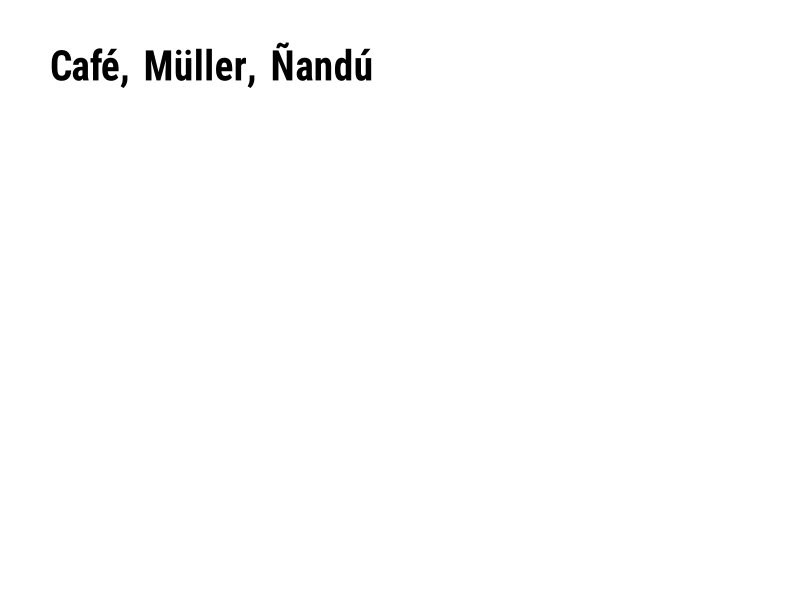
Memilih set karakter. ^CI28 adalah UTF-8. | Format Label | Rendered example |
^FO |
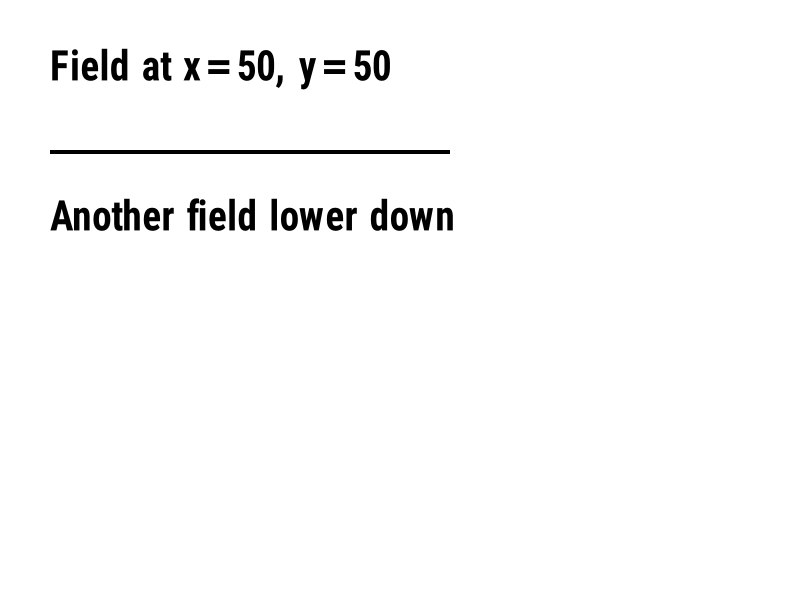
Menetapkan posisi bidang: koordinat x, y dalam titik dari sudut kiri atas. | Field dan posisi | Rendered example |
^FT |
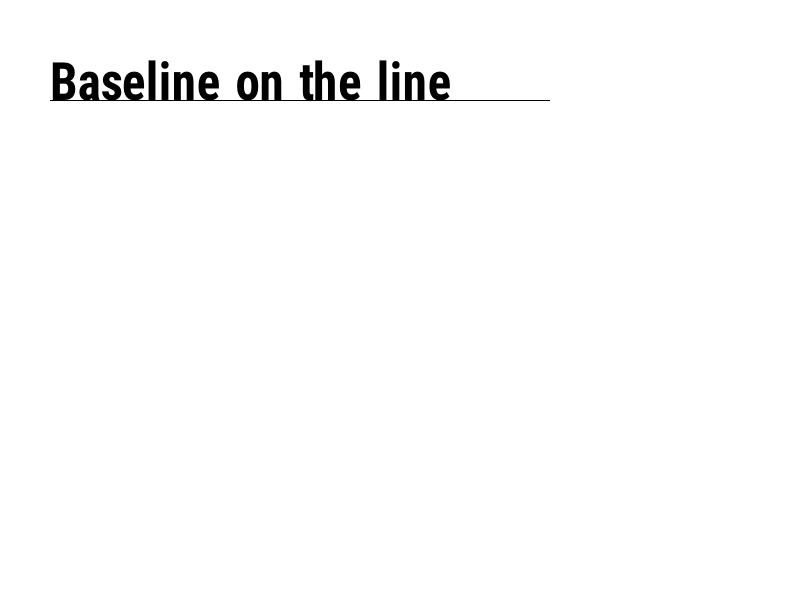
Menempatkan sebuah bidang berdasarkan garis dasarnya alih-alih sudut kiri atasnya. | Field dan posisi | Rendered example |
^FD |
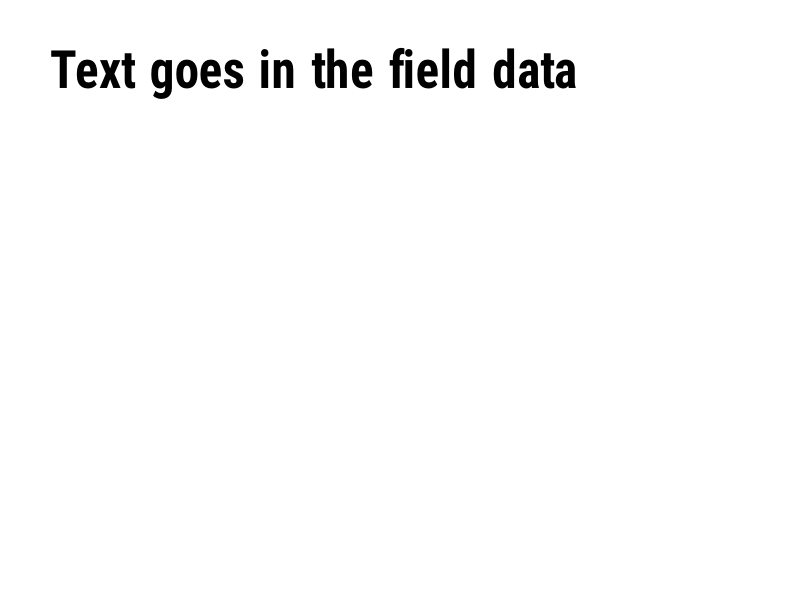
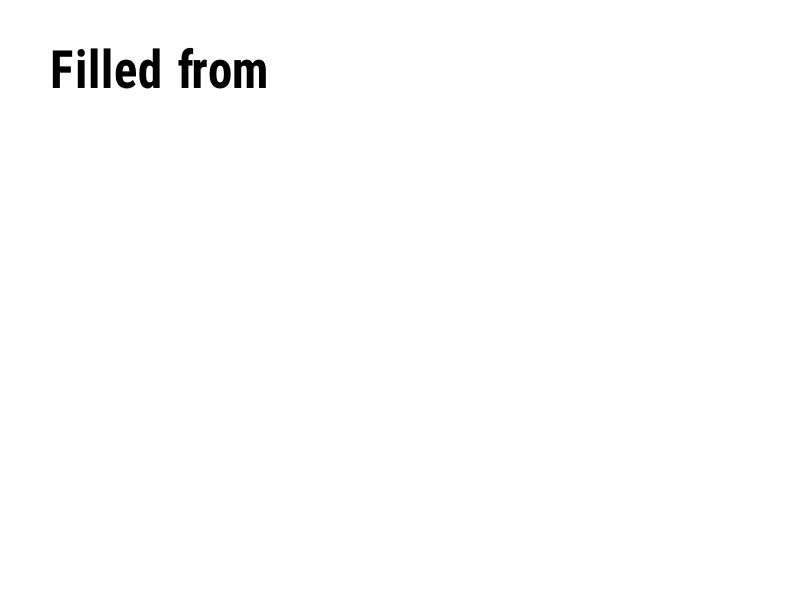
Teks atau data barcode dari bidang saat ini. | Field dan posisi | Rendered example |
^FS |
Mengakhiri bidang saat ini. | Field dan posisi | Rendered example |
^FB |
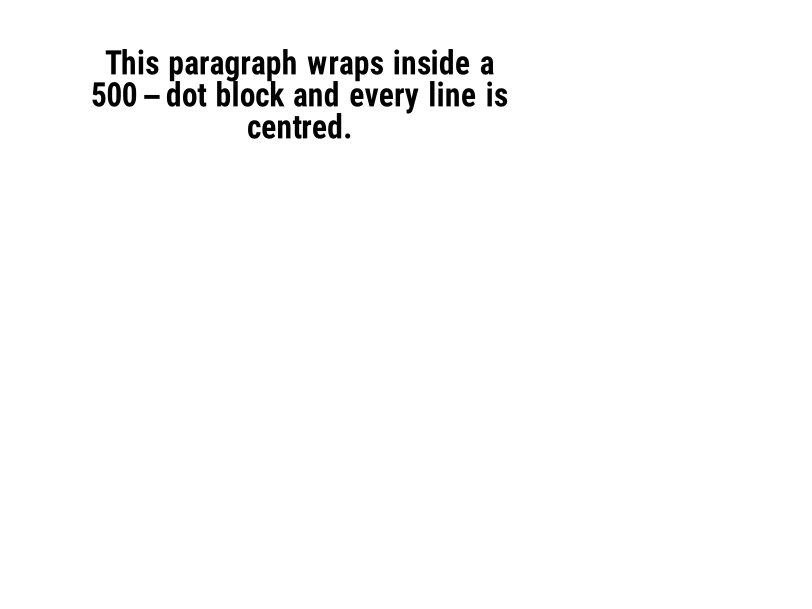
Membungkus teks ke dalam blok dengan lebar, jumlah baris dan perataan. | Field dan posisi | Rendered example |
^FR |
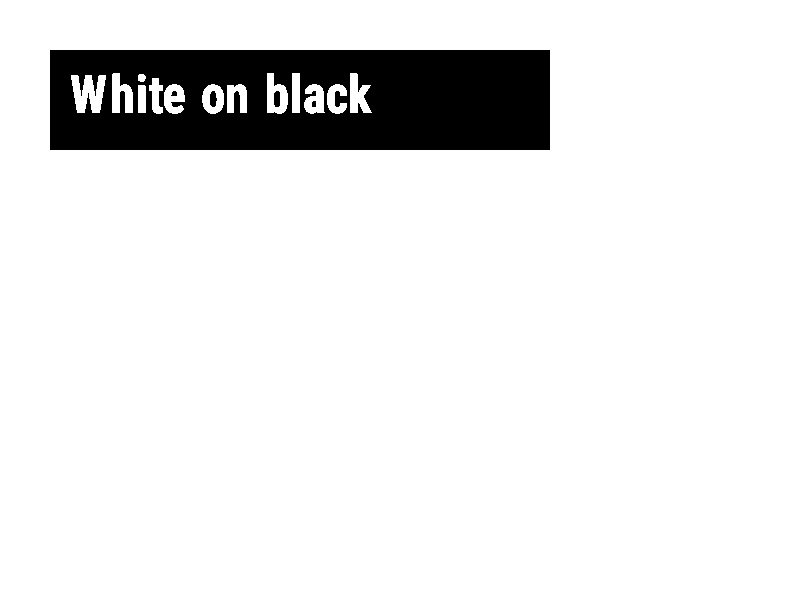
Mencetak bidang putih di atas hitam dari apa pun yang ada di bawahnya. | Field dan posisi | Rendered example |
^FH |
Biarkan ^FD mengandung escape hex seperti _0D. | Field dan posisi | Rendered example |
^FW |
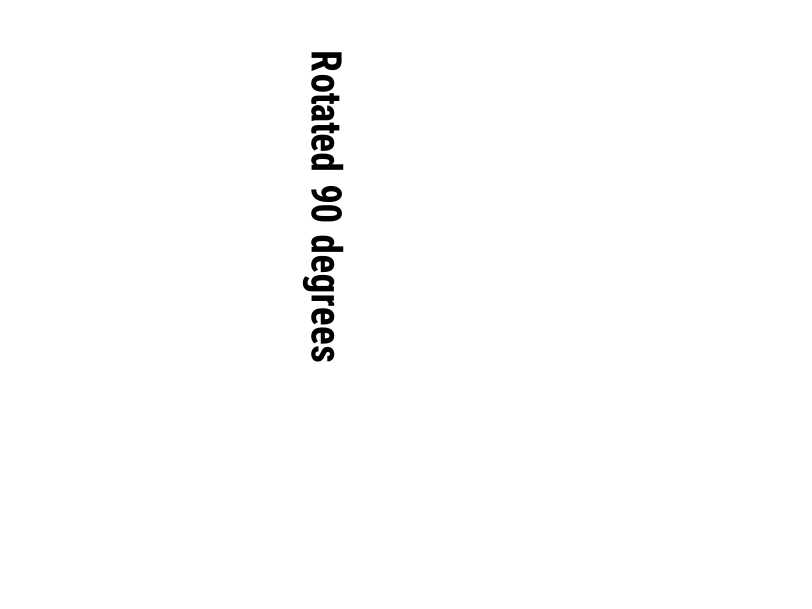
Menetapkan rotasi default untuk bidang yang mengikuti. | Field dan posisi | Rendered example |
^FN |
Menamai field variabel dalam format yang disimpan. | Field dan posisi | Rendered example |
^FX |
Sebuah komentar. Printer mengabaikan segala sesuatu hingga perintah berikutnya. | Field dan posisi | Rendered example |
^SN |
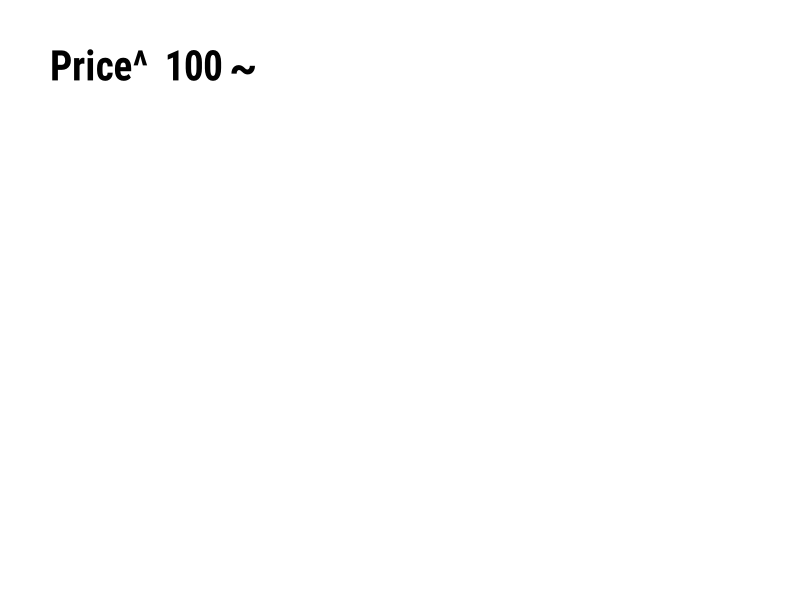
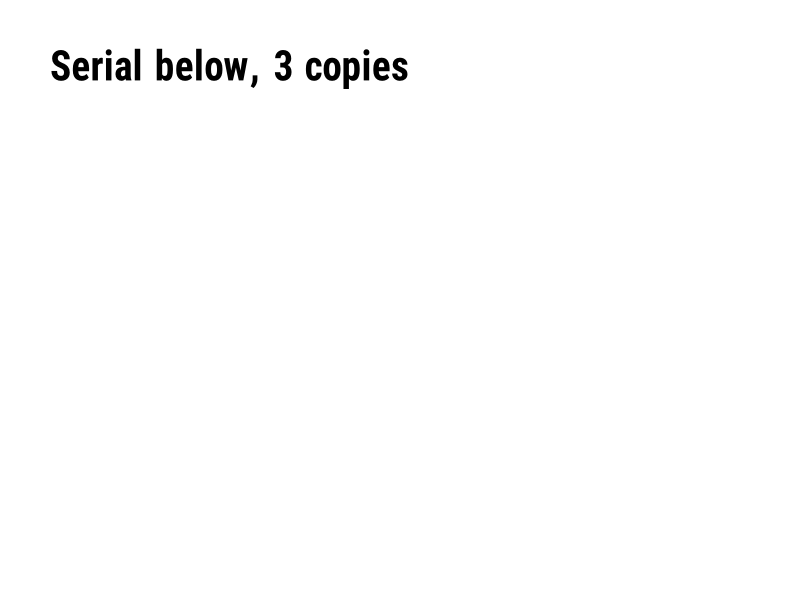
Mencetak angka yang meningkat pada setiap label. | Field dan posisi | PartialRead but not drawn: the serial field is left out and copies aren't incremented (the same as Labelary's preview). Rendered example |
^A |
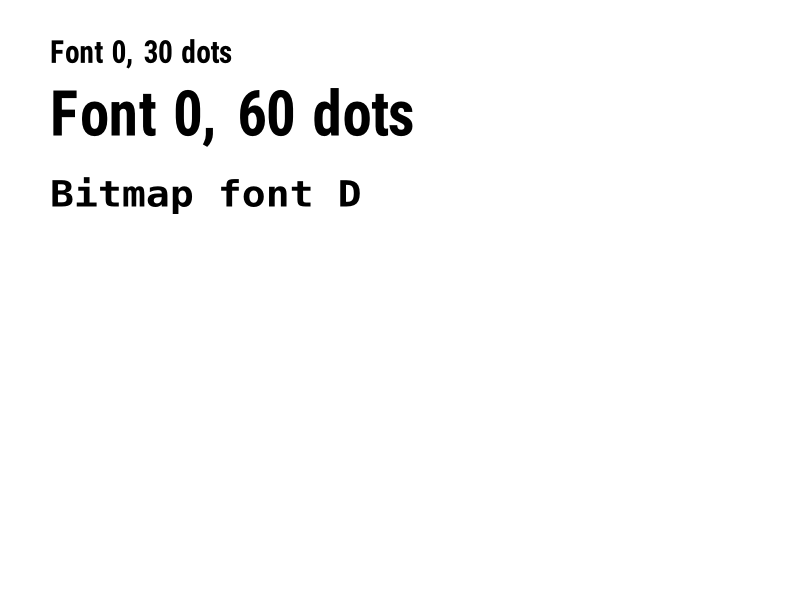
Memilih font, rotasi, dan ukuran untuk bidang teks berikutnya. | Teks dan font | Rendered example |
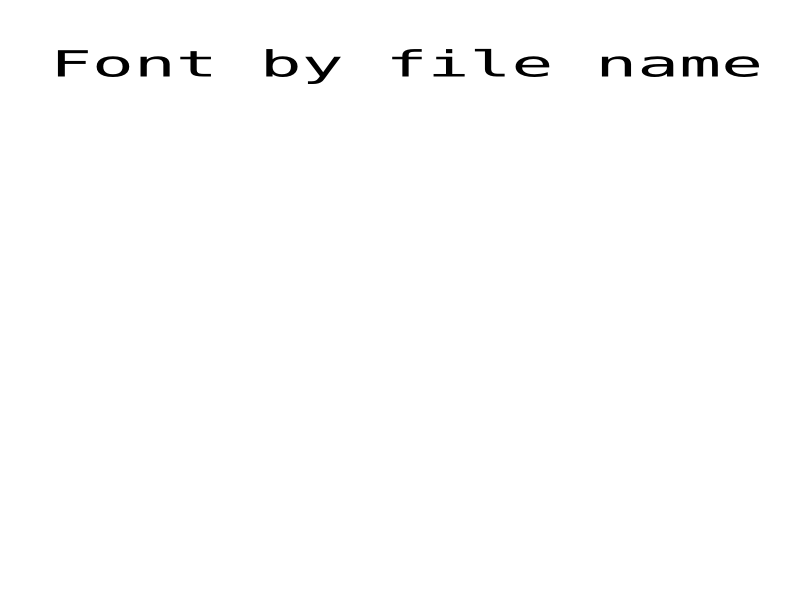
^A@ |
Memilih font berdasarkan nama file-nya di printer. | Teks dan font | Rendered example |
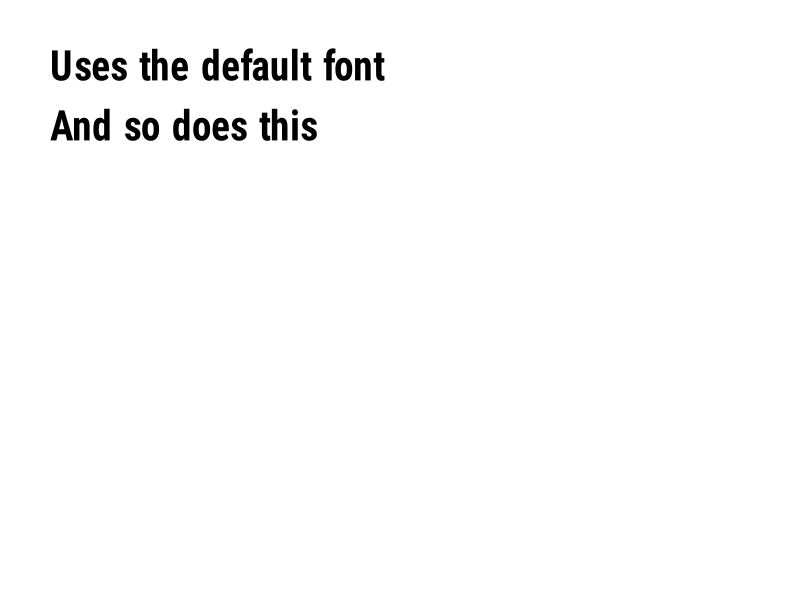
^CF |
Menetapkan font dan ukuran yang digunakan ketika bidang tidak memiliki ^A. | Teks dan font | Rendered example |
^CW |
Menetapkan nama satu huruf untuk file font. | Teks dan font | Stores or recalls data; no image of its own |
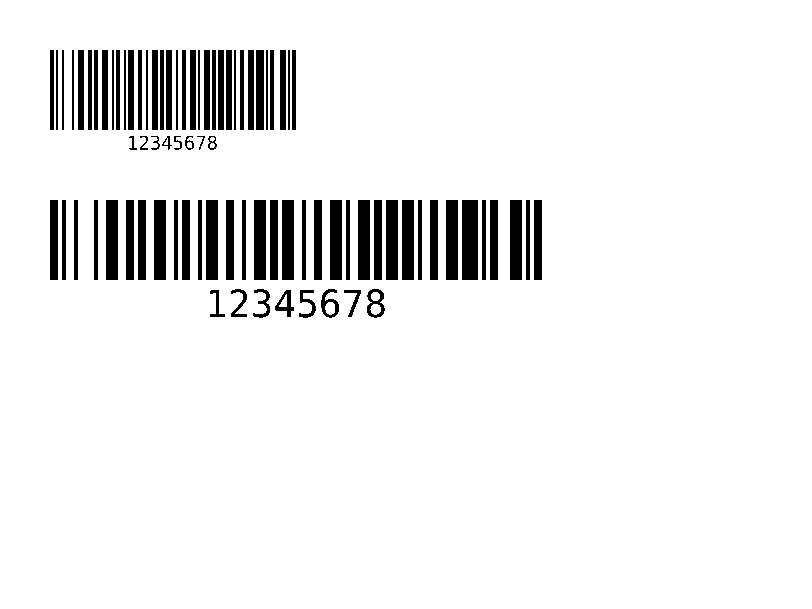
^BY |
Menetapkan lebar modul, rasio lebar-ke-sempit dan tinggi untuk barcode yang mengikuti. | Kode batang | Rendered example |
^BC |
Kode 128 barcode, yang paling umum pada label pengiriman. | Kode batang | Rendered example |
^B3 |
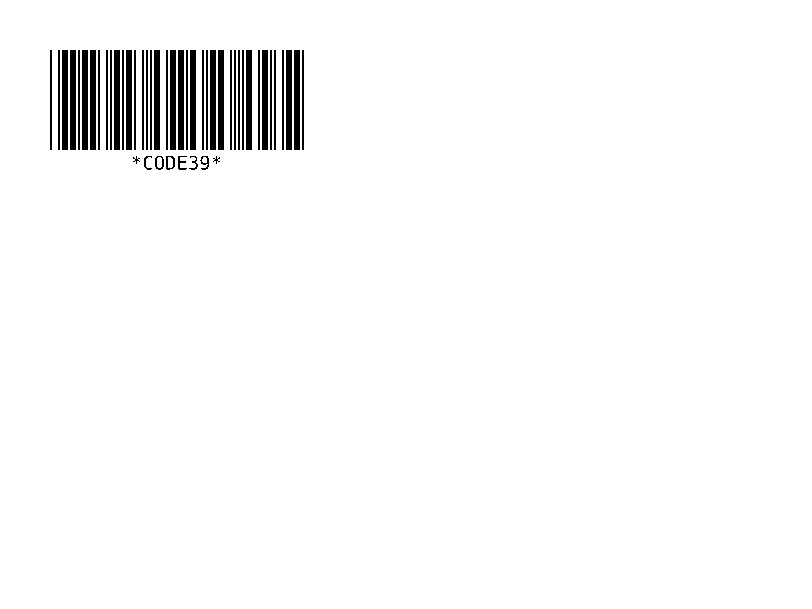
Kode 39 barcode. | Kode batang | Rendered example |
^B2 |
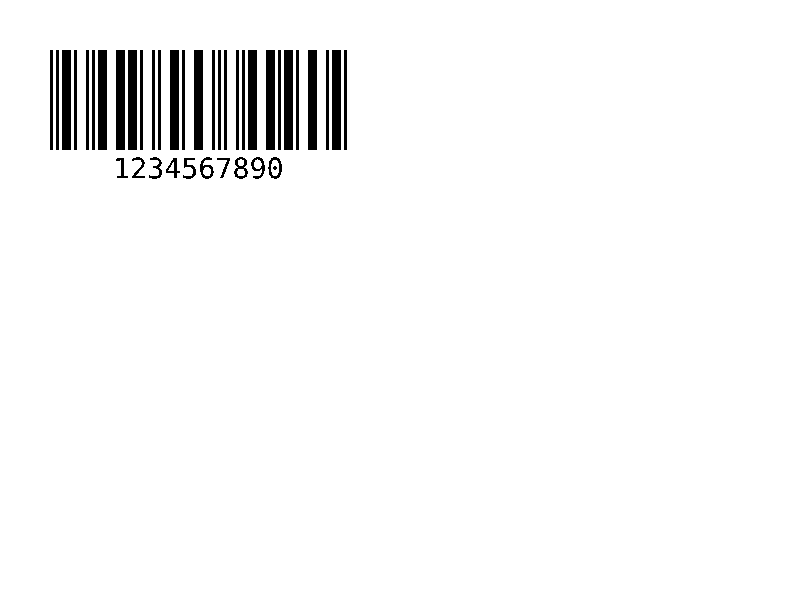
Kode batang Interleaved 2 dari 5, hanya numerik. | Kode batang | Rendered example |
^BE |
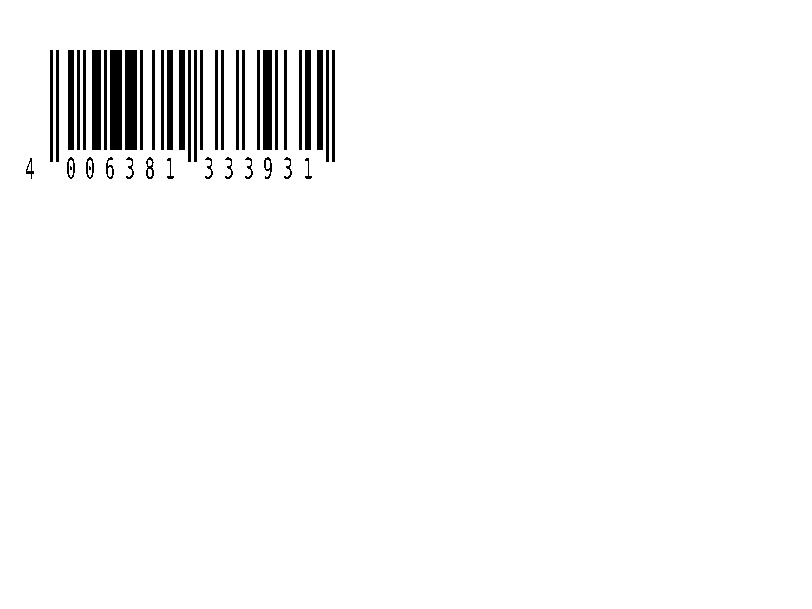
Barcode ritel EAN-13. | Kode batang | Rendered example |
^B8 |
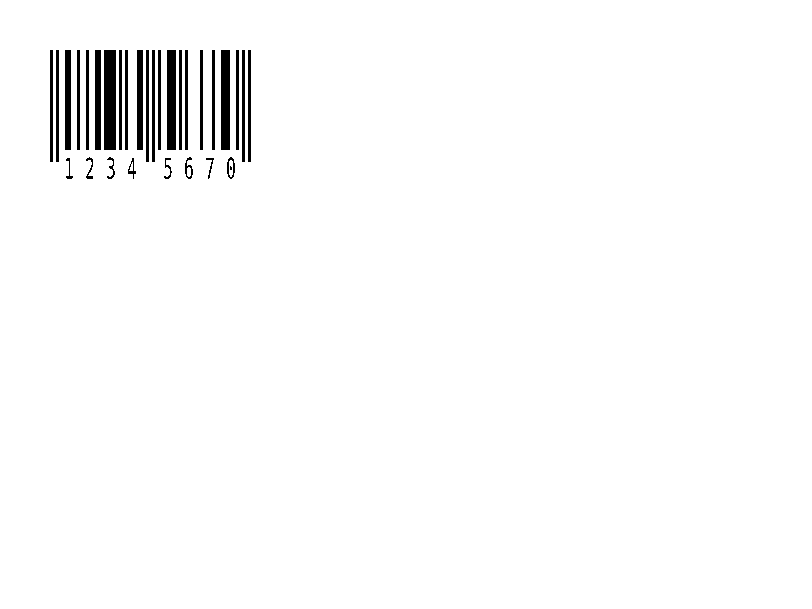
Barcode ritel EAN-8. | Kode batang | Rendered example |
^BU |
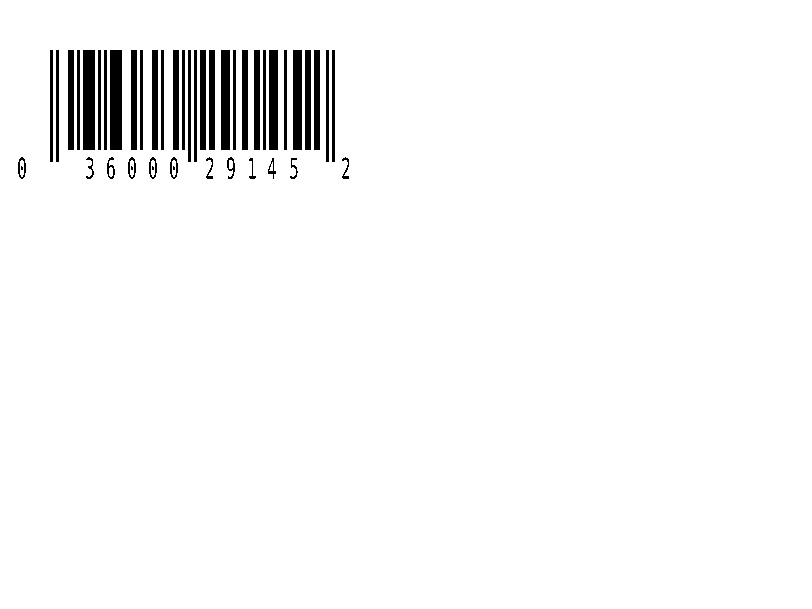
Barcode ritel UPC-A. | Kode batang | Rendered example |
^B9 |
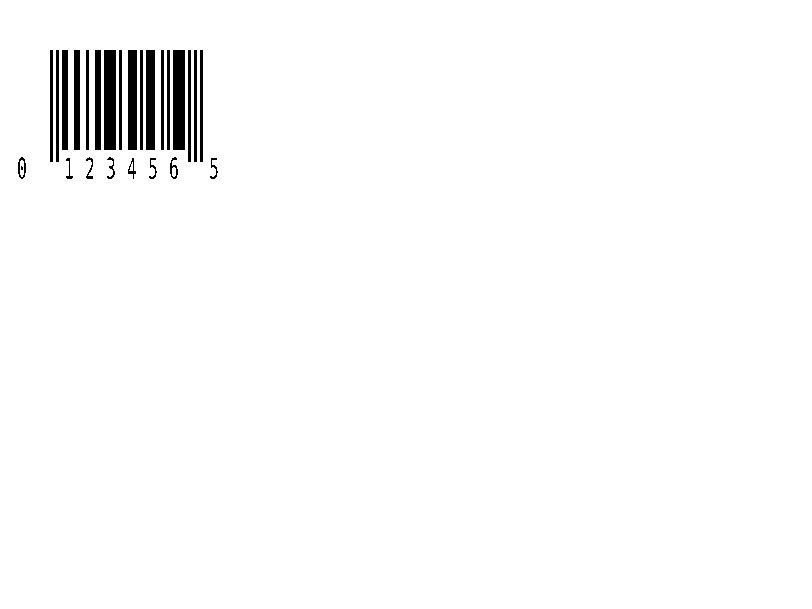
Barcode ritel UPC-E. | Kode batang | Rendered example |
^BQ |
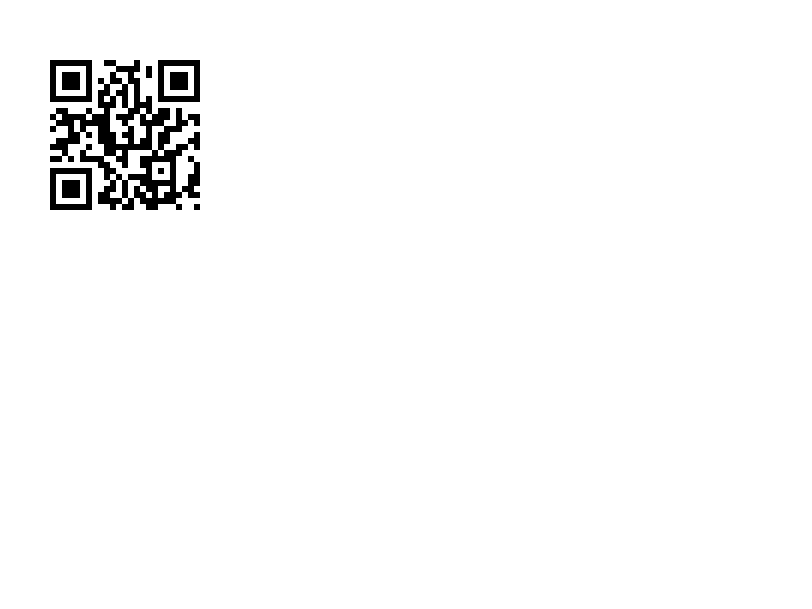
QR Code. Data field dimulai dengan level koreksi kesalahan dan mode input, seperti di ^FDQA,text. | Kode batang | Rendered example |
^BX |
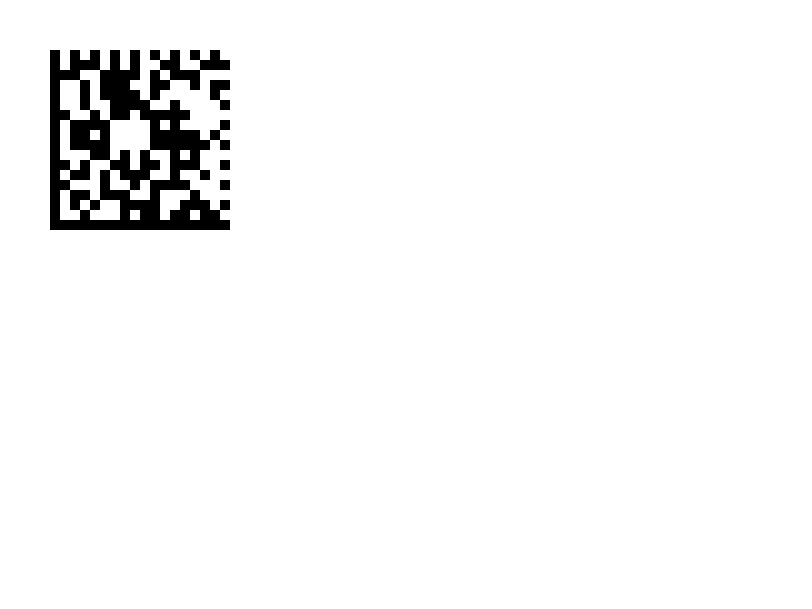
Barcode 2D Data Matrix. | Kode batang | Rendered example |
^B7 |
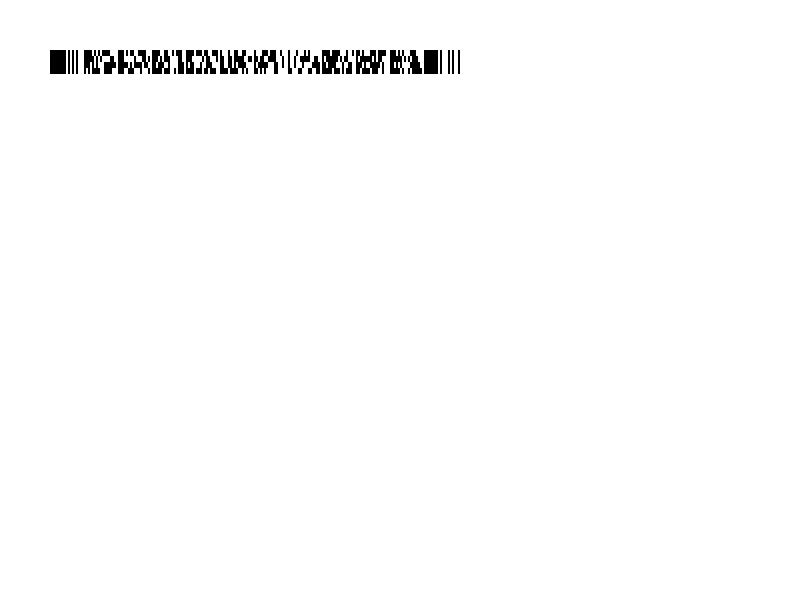
Kode batang 2D terstack PDF417. | Kode batang | Rendered example |
^BO |
Kode batang 2D Aztec. | Kode batang | Rendered example |
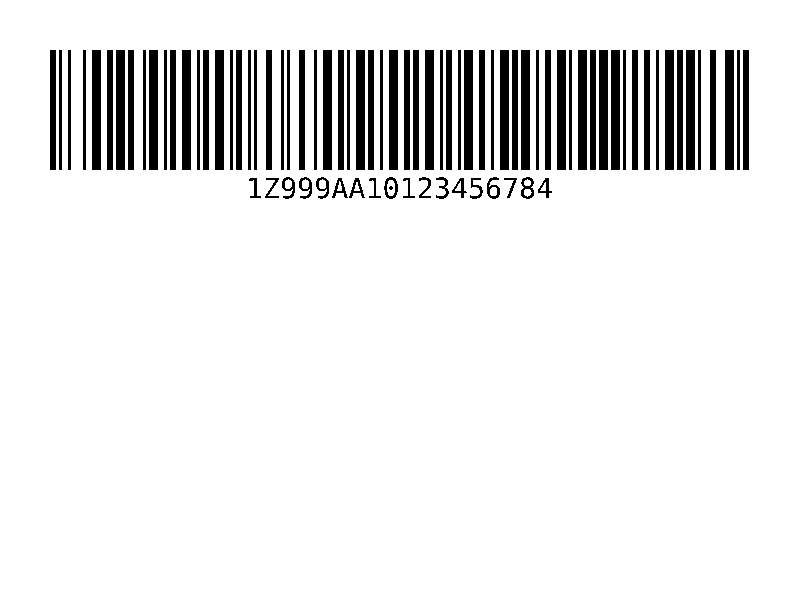
^BD |
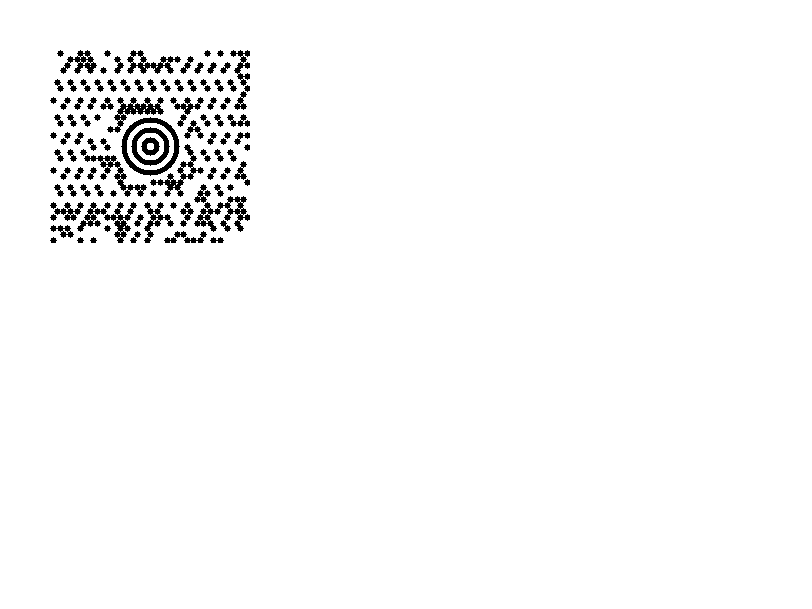
MaxiCode, digunakan oleh UPS. | Kode batang | Rendered example |
^GB |
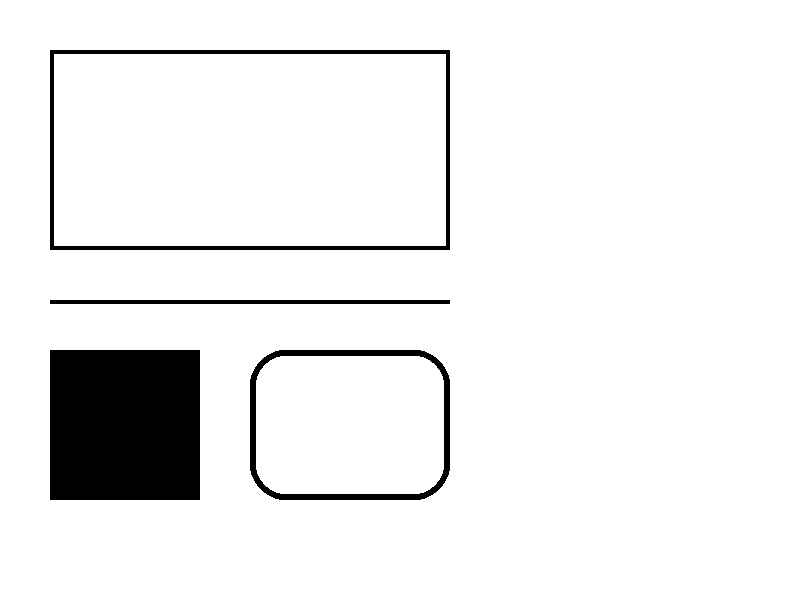
Menggambar kotak atau garis: lebar, tinggi, ketebalan batas, warna, dan pembulatan. | Grafis | Rendered example |
^GC |
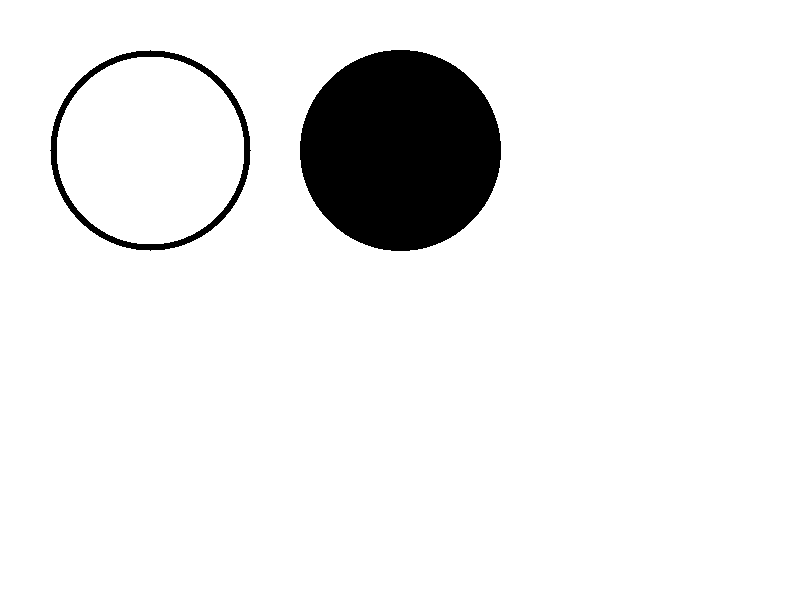
Menggambar lingkaran: diameter, ketebalan batas, dan warna. | Grafis | Rendered example |
^GE |
Menggambar elips. | Grafis | Rendered example |
^GD |
Menggambar garis diagonal. | Grafis | Rendered example |
^GF |
Menyematkan gambar bitmap dalam label (ASCII hex, biner, atau Z64). | Grafis | Rendered example |
^GS |
Mencetak simbol terdaftar, hak cipta, atau simbol lainnya. | Grafis | Rendered example |
^DF |
Menyimpan format label di printer dengan nama. | Format dan gambar yang disimpan | Rendered example |
^XF |
Mengingat format yang disimpan untuk mengisi bidang ^FN-nya. | Format dan gambar yang disimpan | Rendered example |
~DG |
Menyimpan gambar di printer dengan nama. | Format dan gambar yang disimpan | Stores or recalls data; no image of its own |
^XG |
Mencetak gambar yang disimpan dengan ~DG. | Format dan gambar yang disimpan | Stores or recalls data; no image of its own |
^IM |
Mencetak gambar yang disimpan di posisi bidang saat ini. | Format dan gambar yang disimpan | Stores or recalls data; no image of its own |



Ignored on purpose
These commands set up the printer, not the label. The API accepts them and renders the label as if they weren't there; we checked that the image is byte-identical without them.
| Group | Commands |
|---|---|
| Media and sensors | ^MM, ^MN, ^MT, ^MF, ~JS |
| Speed, darkness and tear-off | ^PR, ~SD, ^MD, ~TA |
| Calibration and printer state | ~JC, ~JA, ~JR, ^JU, ~HS |
| Network, RFID setup and host queries | ^NC, ^NI, ^RS, ~HI, ~HM |
Not supported yet
Each one was tested by placing it in a label at 8 dpmm. None of them fails the request: the label renders, without the symbol.
| Command | Symbology or feature | What the engine does today |
|---|---|---|
^TB | Text block | Text is drawn on one line; the block doesn't wrap. Use ^FB instead. |
^B0 | Aztec (alias) | No symbol drawn. ^BO, the other Aztec command, is drawn. |
^B1 | Code 11 | No bars; the data is printed as text. |
^B4 | Code 49 | No bars; the data is printed as text. |
^B5 | Planet Code | No bars; the data is printed as text. |
^BA | Code 93 | No bars; the data is printed as text. |
^BB | CODABLOCK | No symbol; the data is printed as text. |
^BF | MicroPDF417 | No symbol; the data is printed as text. |
^BK | ANSI Codabar | No bars; the data is printed as text. |
^BL | LOGMARS | No bars; the data is printed as text. |
^BM | MSI | No bars; the data is printed as text. |
^BP | Plessey | No bars; the data is printed as text. |
^BR | GS1 DataBar | No symbol; the data is printed as text. |
^BS | UPC/EAN extensions | No bars; the data is printed as text. |
^BT | TLC39 | No symbol; the data is printed as text. |
^BZ | POSTAL | No bars; the data is printed as text. |
Known differences
- A format with no fields, such as
^XA^XZ, returns400 ERROR: No labels found in the ZPLinstead of a blank image. - Fonts: Zebra's font 0 (CG Triumvirate Bold Condensed) can't be bundled, so
^A0is drawn with Roboto Condensed Bold, with spacing calibrated per character. The bitmap fonts^AA–^AHare drawn with DejaVu Sans Mono. Text widths can differ by a few dots from a given printer. - An RFID write (
^RFfollowed by^FD…^FS) draws its data as text; a printer encodes it in the tag and prints nothing.
Moving from Labelary
The API keeps Labelary's v1 paths and headers, so most clients only change the host. See Migrate from Labelary for the tested differences and OpenZPL vs Labelary for the comparison.