ZPL compatibility of the OpenZPL engine
The OpenZPL engine draws the 64 ZPL commands of the command reference, one of them partially, and skips the ones that configure the printer. The barcode and text commands listed under “Not supported yet” don't draw correctly today.
Tested 2026-10-26 with openzpl-api 10d0497 at 8 dpmm.
How we test
Every example on this site is a fixture: a short synthetic label that the engine renders to a PNG when the site is built. If a fixture's ZPL changes and its image isn't rendered again, the build fails, so the image always shows what the engine does with that exact code.
The 140 fixtures are public in fixtures.json, with their size, density and image, under CC0. Use them to test any ZPL renderer.
A preview isn't a print. Darkness, media, firmware and the fonts installed on a printer change the result, so check critical labels on the printer itself.
Drawn
| Command | Mit csinál | Category | Evidence |
|---|---|---|---|
^XA |
Megnyit egy címkét. Minden, ami a ^XZ-ig terjed, egy címke. | Címke formátum | Rendered example |
^XZ |
Bezárja a ^XA-val megnyitott címkét, és kinyomtatja azt. | Címke formátum | Rendered example |
^PW |
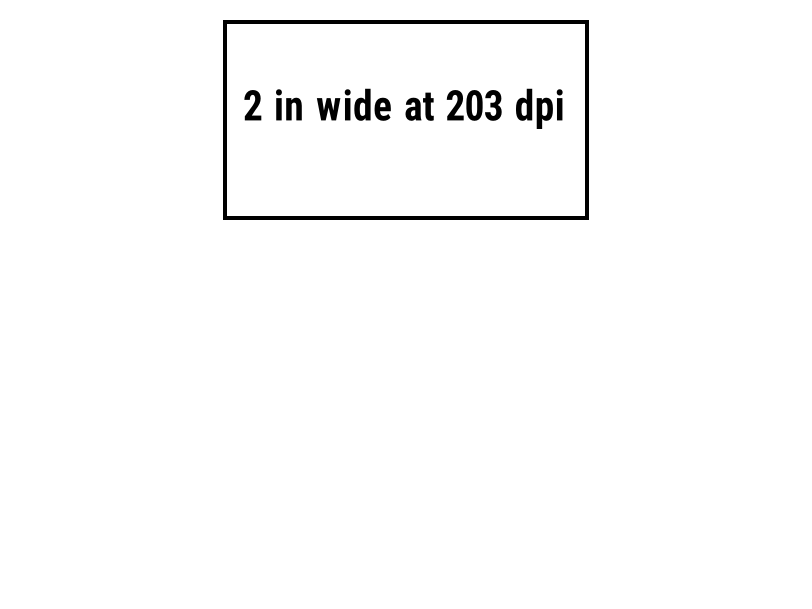
Beállítja a címke szélességét pontban. | Címke formátum | Rendered example |
^LL |
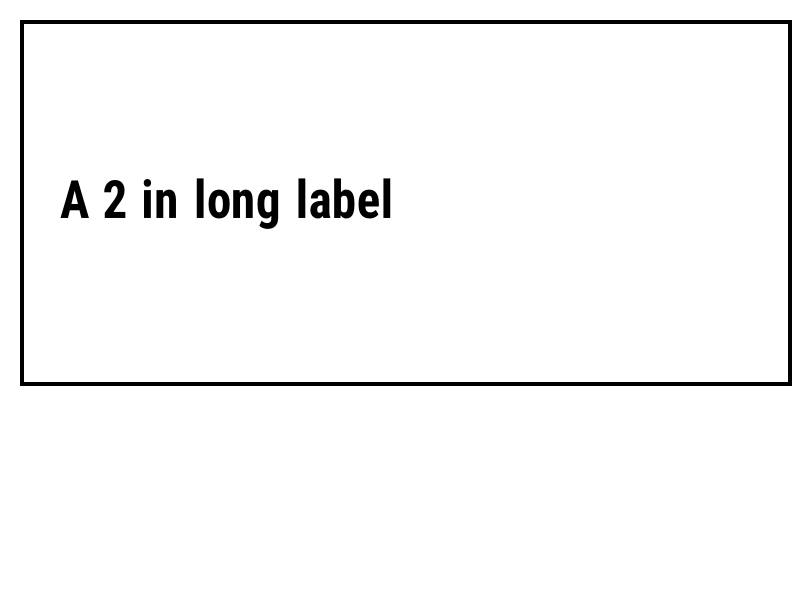
Beállítja a címke hosszát pontban. | Címke formátum | Rendered example |
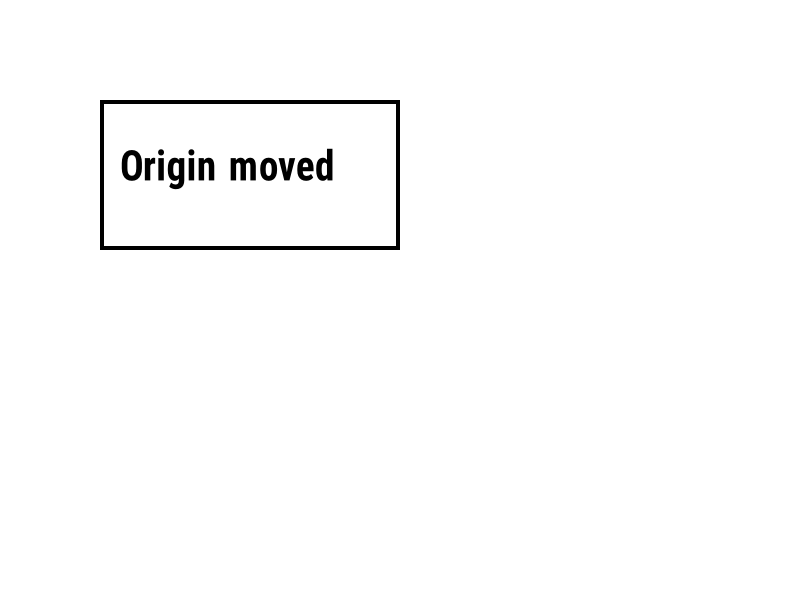
^LH |
Mozgatja az alaphelyzetet, ahonnan minden mező pozíciója mérve van. | Címke formátum | Rendered example |
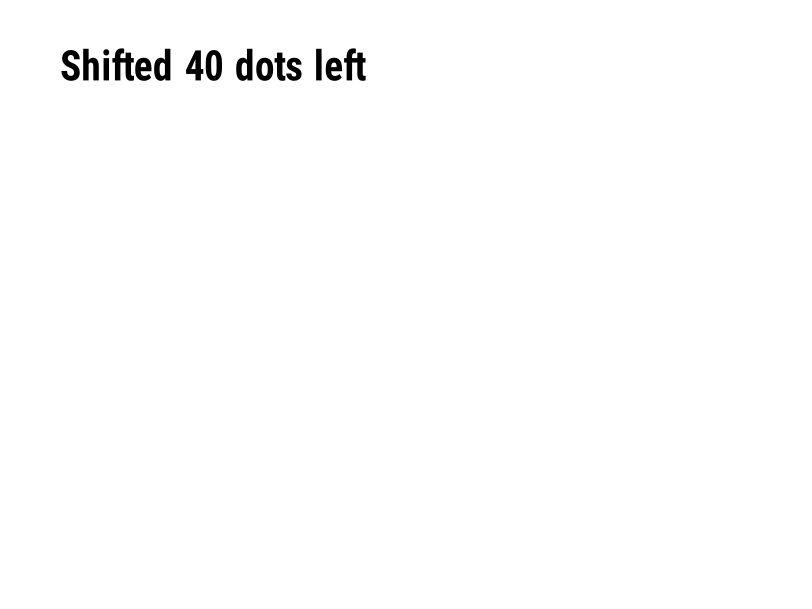
^LS |
Elmozdítja minden mezőt balra a megadott számú ponttal. | Címke formátum | Rendered example |
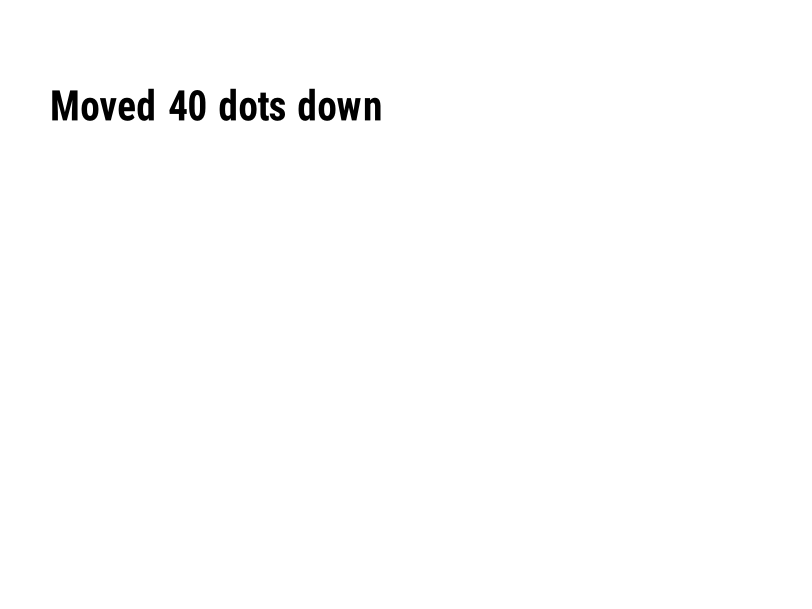
^LT |
Mozgatja az egész címkét felfelé vagy lefelé a megadott pontsorok számával. | Címke formátum | Rendered example |
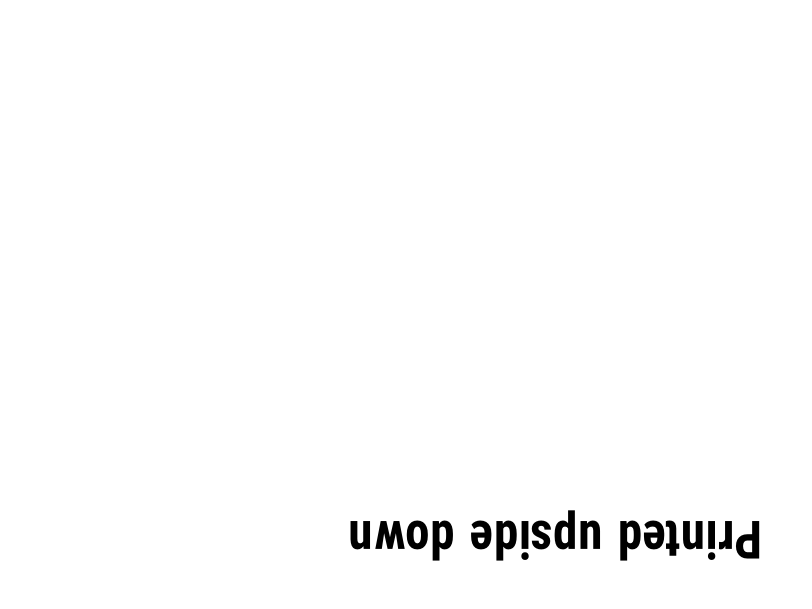
^PO |
A címkét normálisan (N) vagy fejjel lefelé (I) nyomtatja. | Címke formátum | Rendered example |
^PM |
A teljes címke vízszintesen tükrözve lesz, ha Y-ra van állítva. | Címke formátum | Rendered example |
^PQ |
Beállítja, hány címkét kell nyomtatni; mindegyik címkének számít a előnézetben. | Címke formátum | Rendered example |
^MU |
A mértékegységet pontokra, hüvelykre vagy milliméterekre változtatja. | Címke formátum | Rendered example |
^CI |
Karakterkészlet kiválasztása. A ^CI28 UTF-8. | Címke formátum | Rendered example |
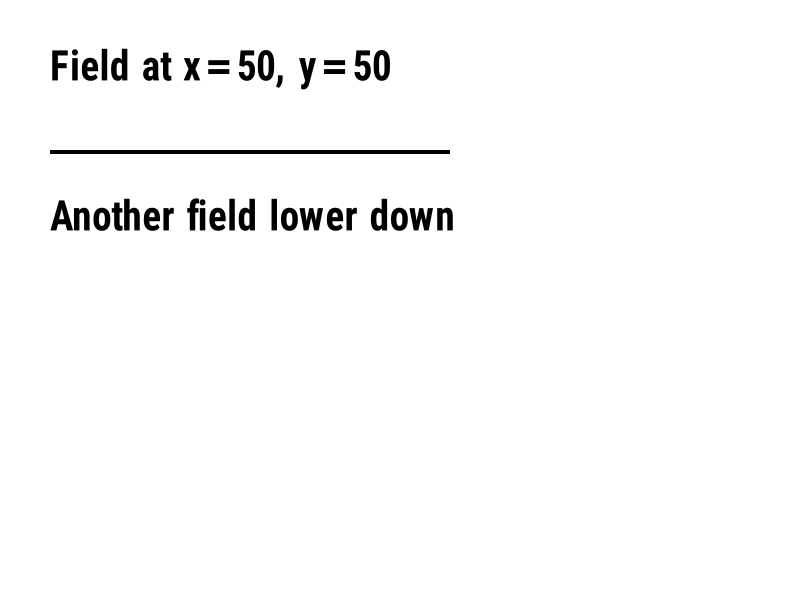
^FO |
Beállítja a mező pozícióját: x, y koordináták pontban a bal felső saroktól. | Mezők és helyezés | Rendered example |
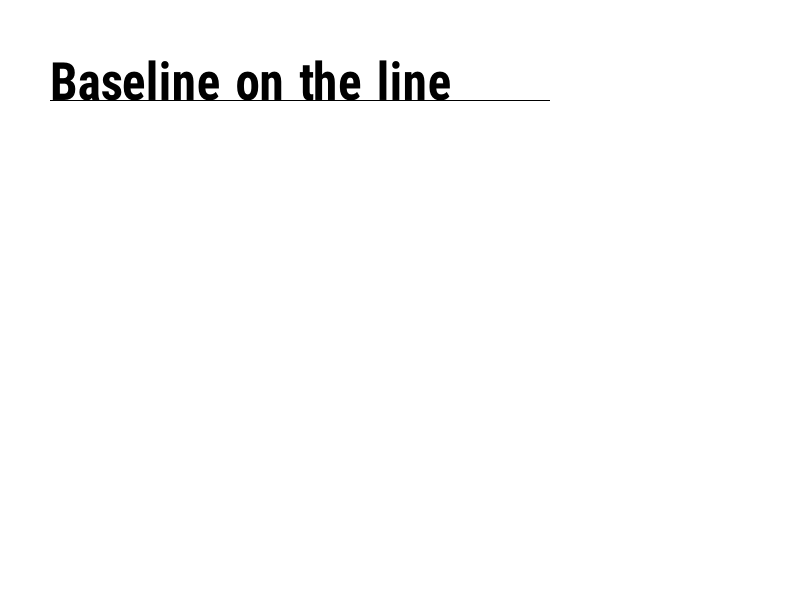
^FT |
Egy mezőt az alapvonalához képest helyez el, nem a bal felső sarokhoz. | Mezők és helyezés | Rendered example |
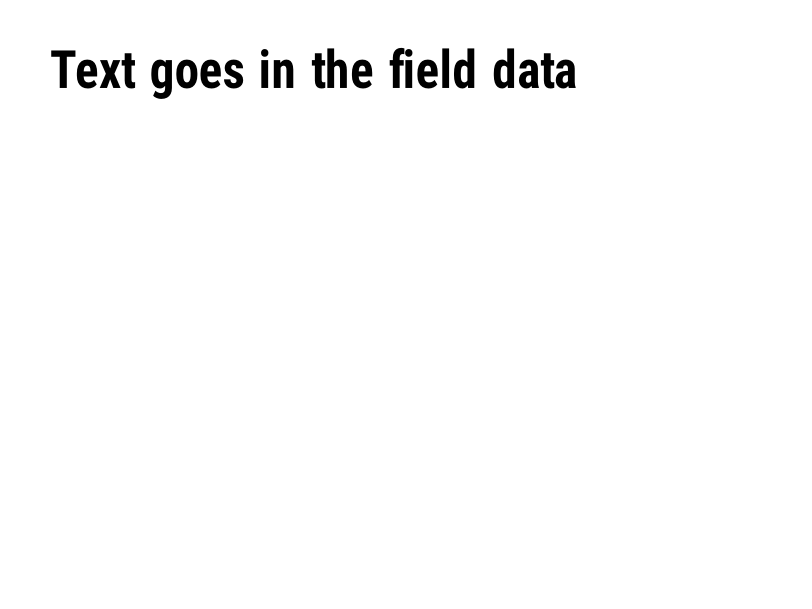
^FD |
A jelenlegi mező szöveg- vagy vonalkódadatai. | Mezők és helyezés | Rendered example |
^FS |
Befejezi a jelenlegi mezőt. | Mezők és helyezés | Rendered example |
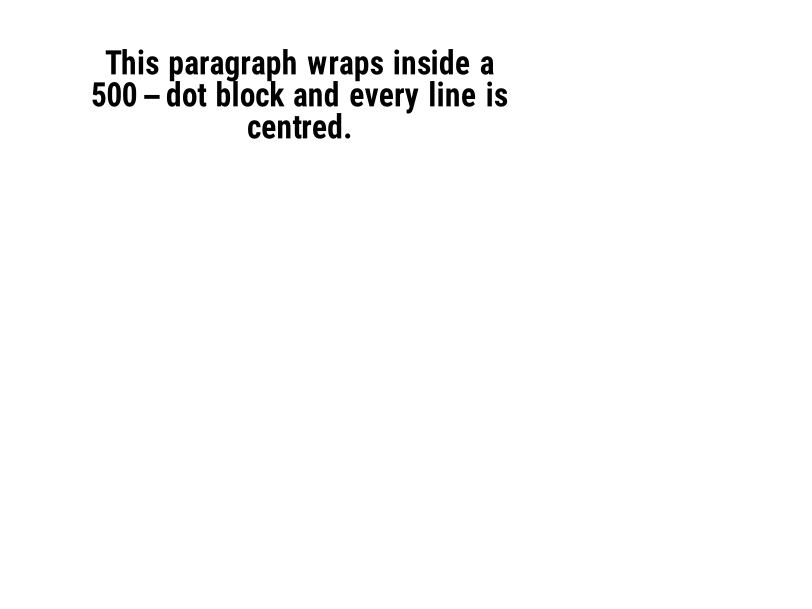
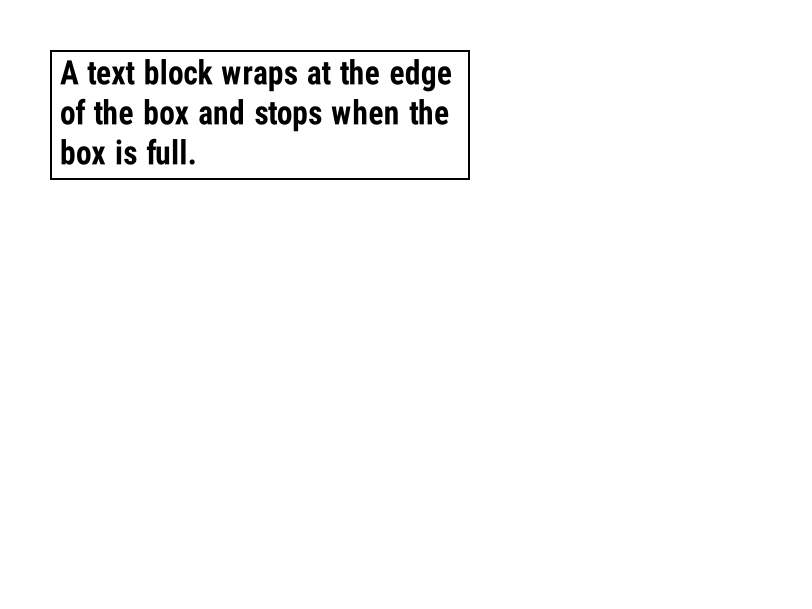
^FB |
A szöveget egy szélességű, sorok számával és igazítással rendelkező blokkba csomagolja. | Mezők és helyezés | Rendered example |
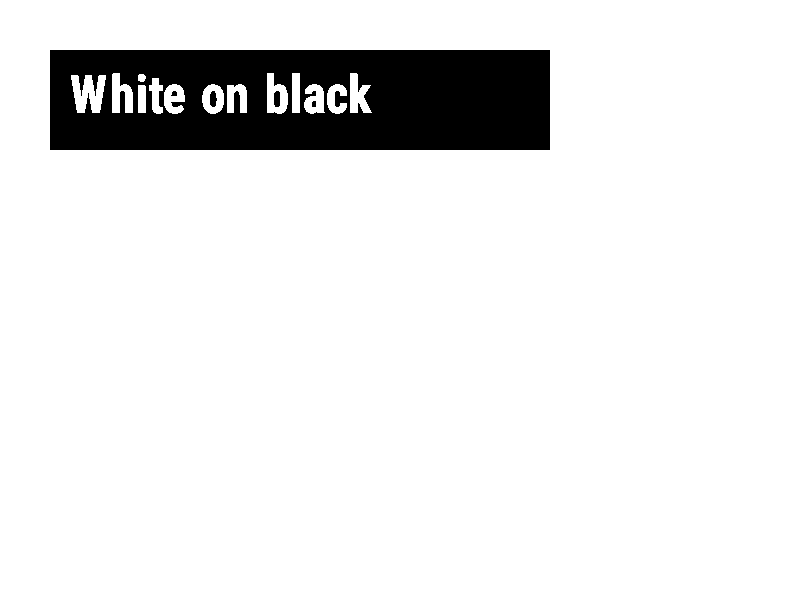
^FR |
A mezőt fehérre nyomtatja fekete alapon, bármi is legyen alatta. | Mezők és helyezés | Rendered example |
^FH |
Megengedi, hogy a ^FD hex meneküléseket tartalmazzon, mint például _0D. | Mezők és helyezés | Rendered example |
^FW |
Beállítja az alapértelmezett forgatást a következő mezőknek. | Mezők és helyezés | Rendered example |
^FN |
Nevezzen el egy változó mezőt tárolt formátumban. | Mezők és helyezés | Rendered example |
^FX |
A megjegyzés. A nyomtató figyelmen kívül hagy mindent a következő parancsig. | Mezők és helyezés | Rendered example |
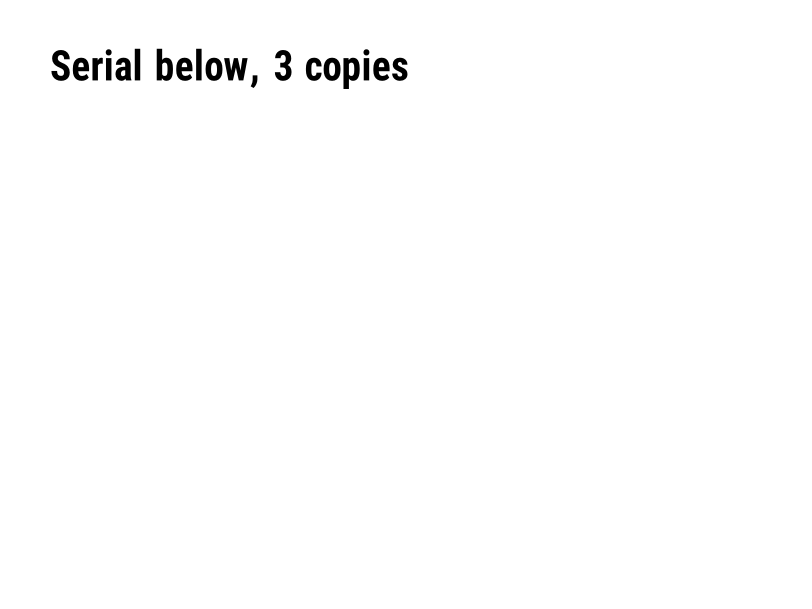
^SN |
Olyan számot nyomtat, amely minden címkén növekszik. | Mezők és helyezés | PartialRead but not drawn: the serial field is left out and copies aren't incremented (the same as Labelary's preview). Rendered example |
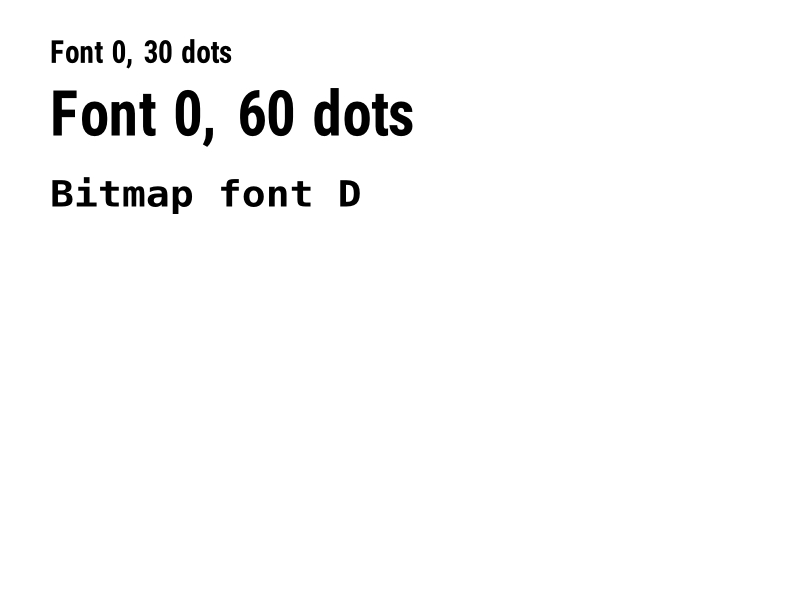
^A |
Betűtípus, forgatás és méret kiválasztása a következő szövegmezőhöz. | Szöveg és betűtípusok | Rendered example |
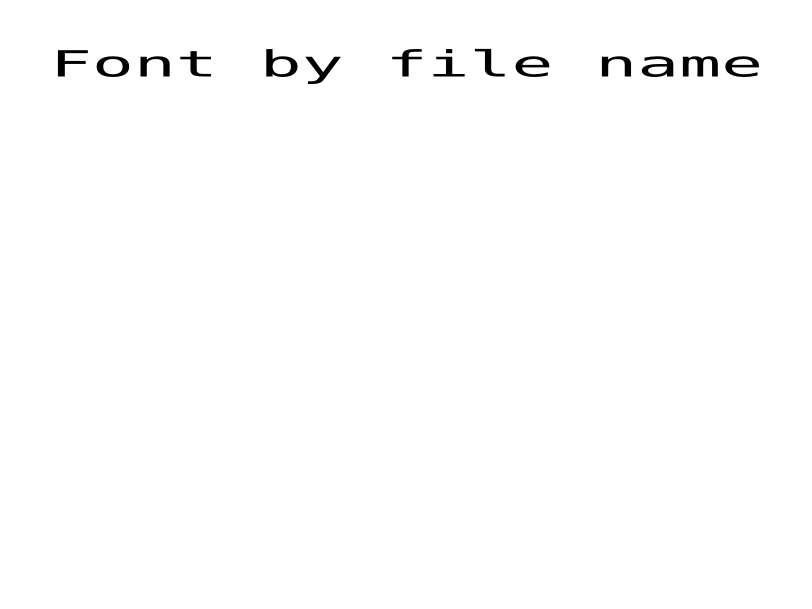
^A@ |
Betűtípus kiválasztása a nyomtatón található fájl neve alapján. | Szöveg és betűtípusok | Rendered example |
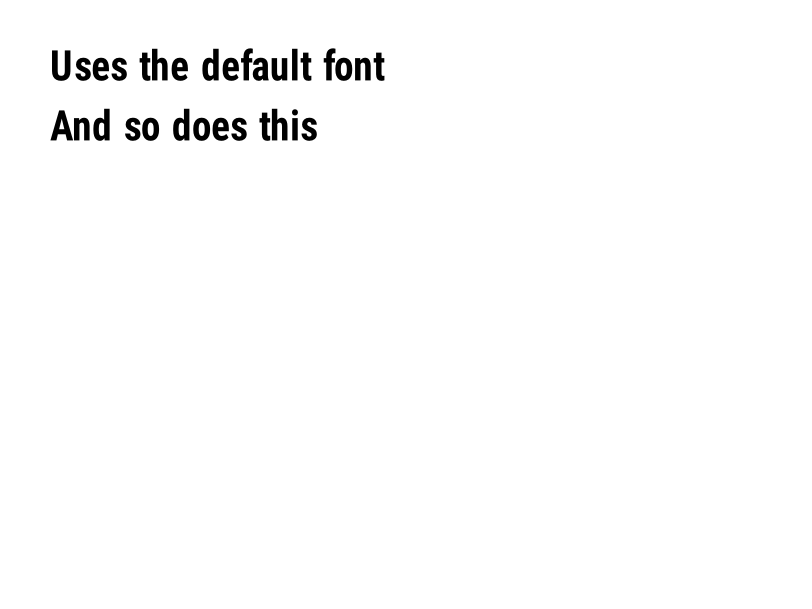
^CF |
Beállítja a betűtípust és méretet, amelyet akkor használnak, ha egy mező nem tartalmaz ^A-t. | Szöveg és betűtípusok | Rendered example |
^TB |
Egy szövegmezőt zár el egy megadott szélességű és magasságú dobozban. | Szöveg és betűtípusok | Rendered example |
^CW |
Egy egybetűs nevet rendel egy betűtípus fájlhoz. | Szöveg és betűtípusok | Stores or recalls data; no image of its own |
^BY |
Beállítja a modul szélességét, a széles és keskeny arányt, valamint a magasságot a következő vonalkódokhoz. | Vonalkódok | Rendered example |
^BC |
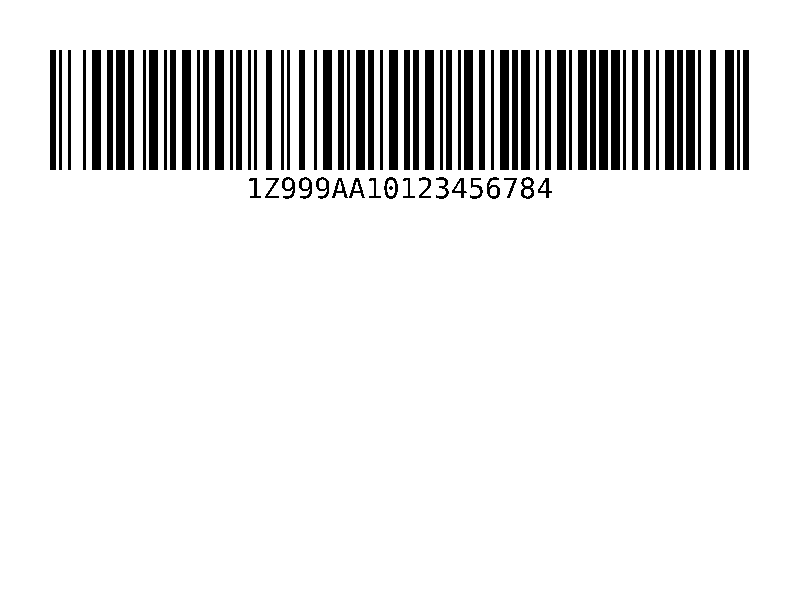
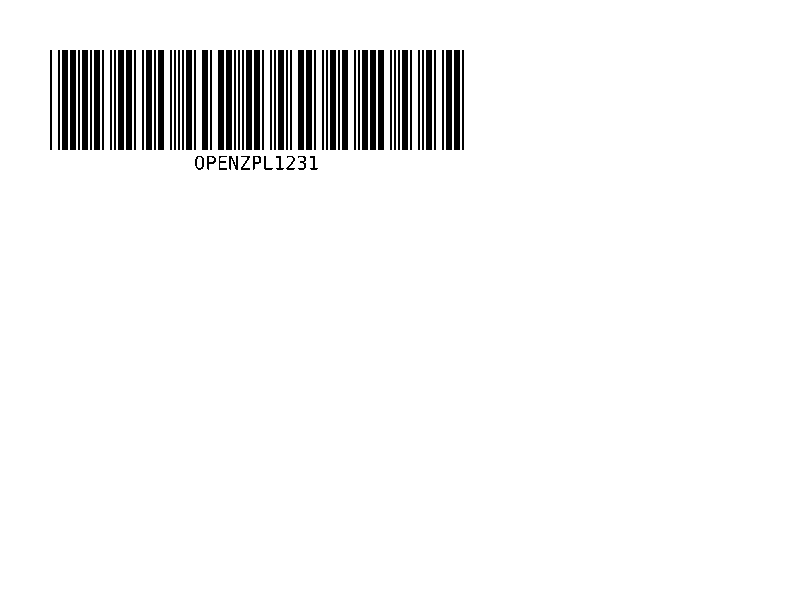
Code 128 vonalkód, a leggyakoribb szállítmánylevél címkén. | Vonalkódok | Rendered example |
^B3 |
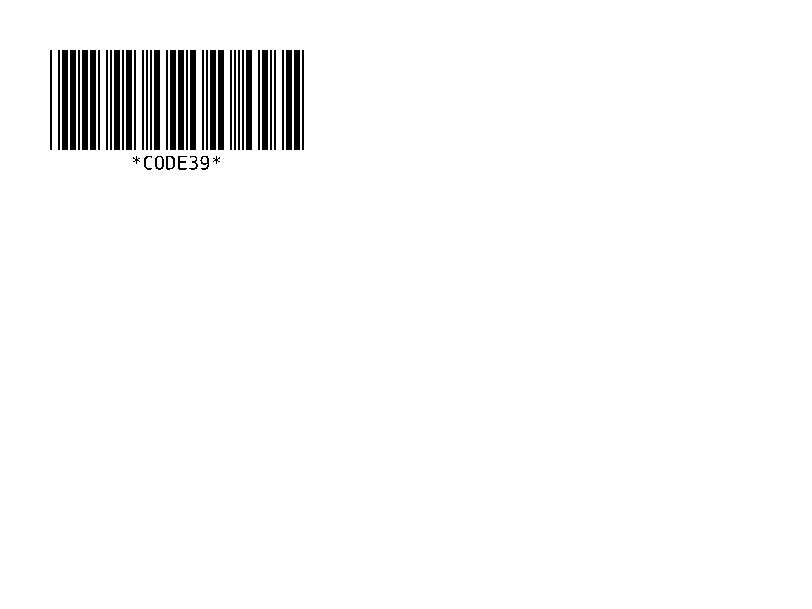
Code 39 vonalkód. | Vonalkódok | Rendered example |
^B2 |
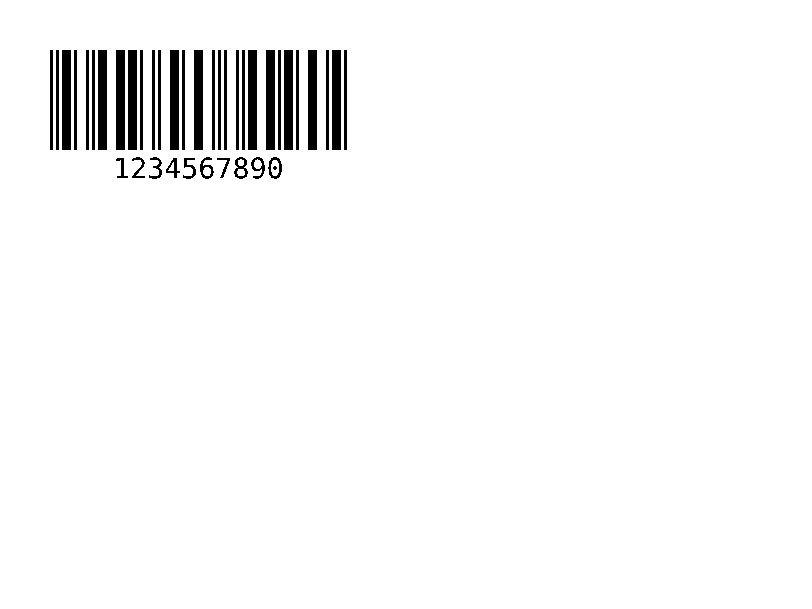
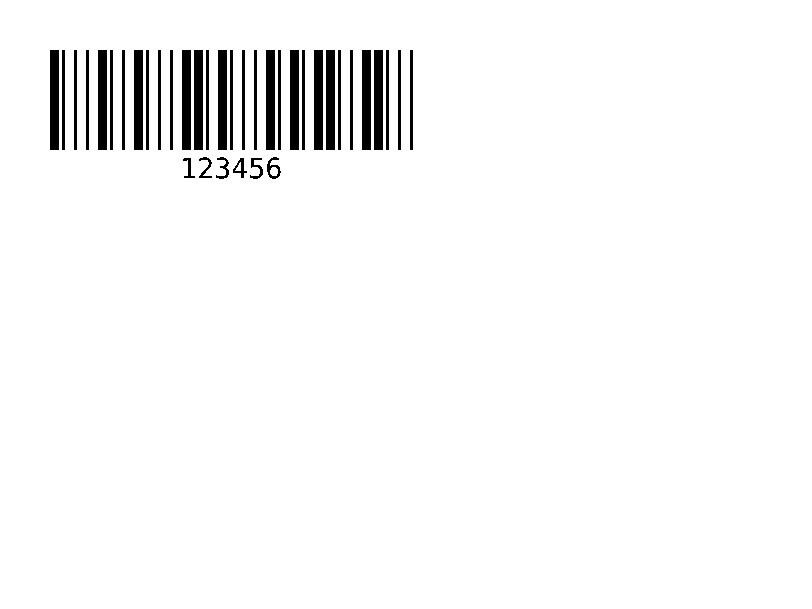
Interleaved 2 of 5 vonalkód, csak számok. | Vonalkódok | Rendered example |
^BE |
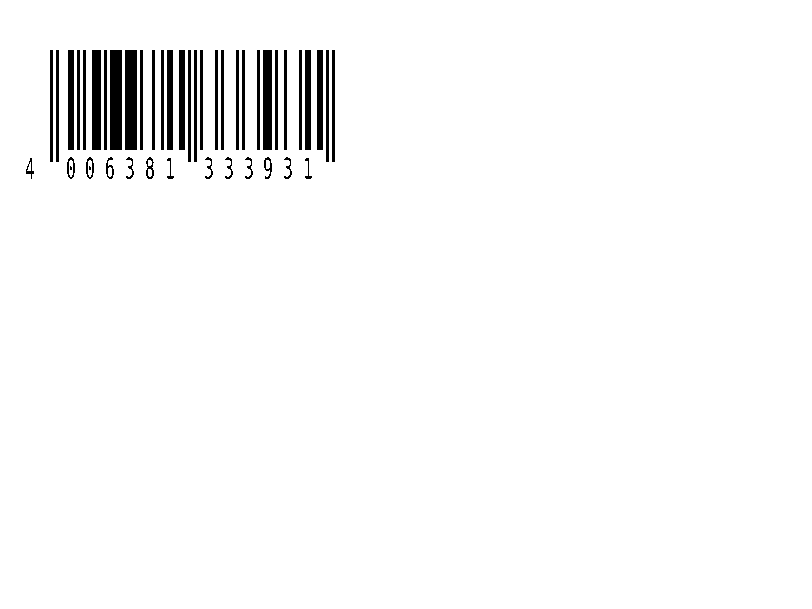
EAN-13 kiskereskedelmi vonalkód. | Vonalkódok | Rendered example |
^B8 |
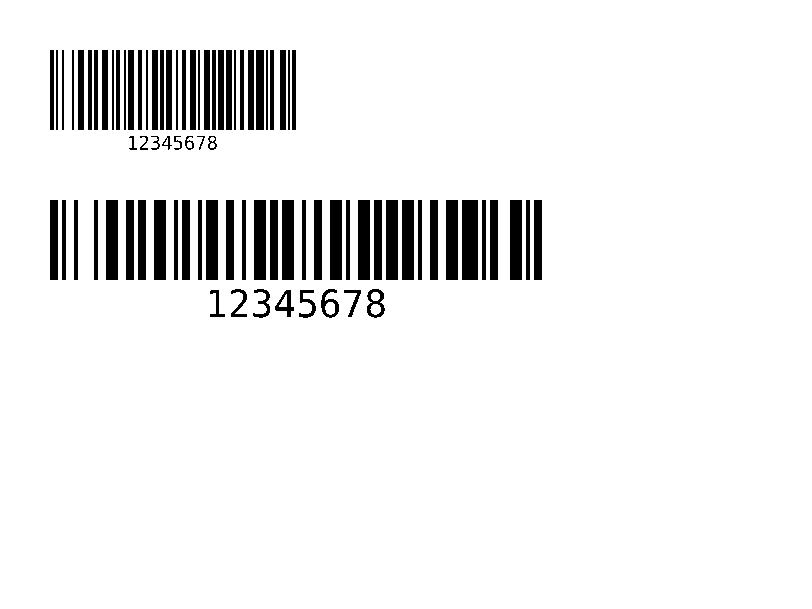
EAN-8 kiskereskedelmi vonalkód. | Vonalkódok | Rendered example |
^BU |
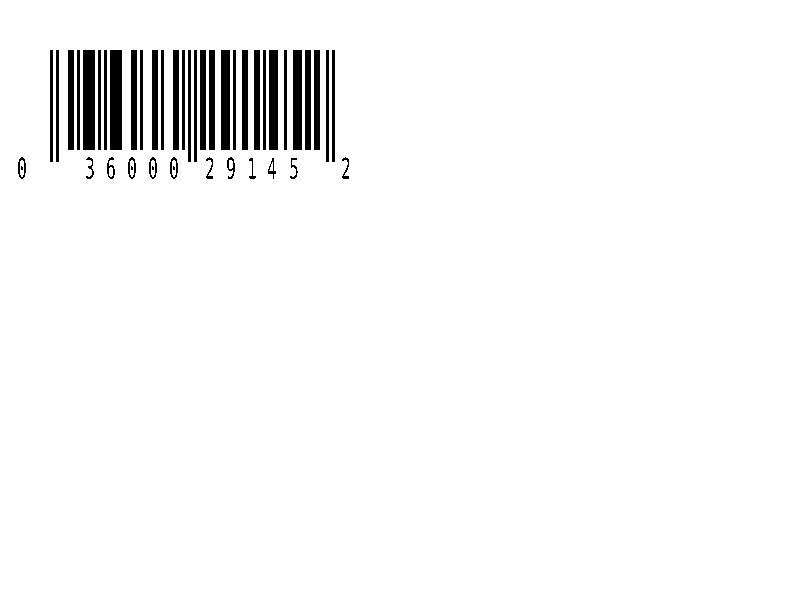
UPC-A kiskereskedelmi vonalkód. | Vonalkódok | Rendered example |
^B9 |
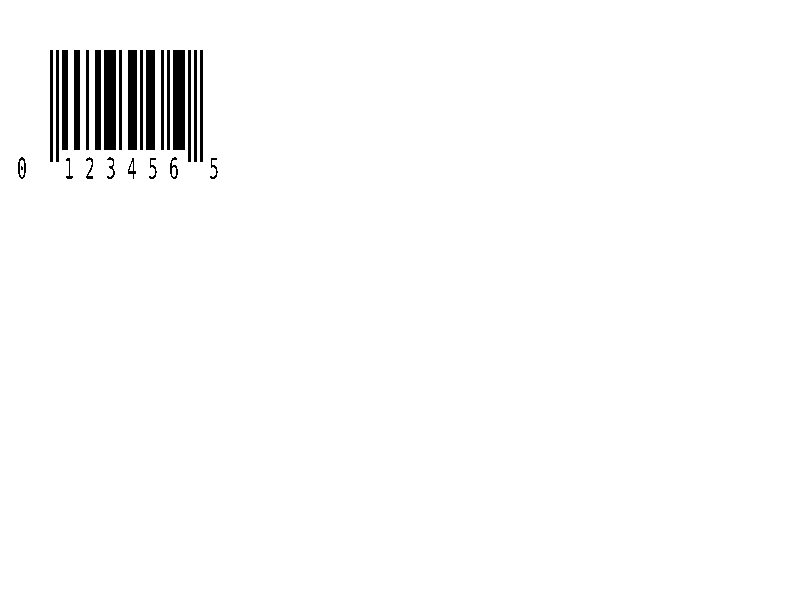
UPC-E kiskereskedelmi vonalkód. | Vonalkódok | Rendered example |
^BQ |
QR Code. A mező adat a hibajavító szinttel és a bemeneti móddal kezdődik, mint a ^FDQA,text esetében. | Vonalkódok | Rendered example |
^BX |
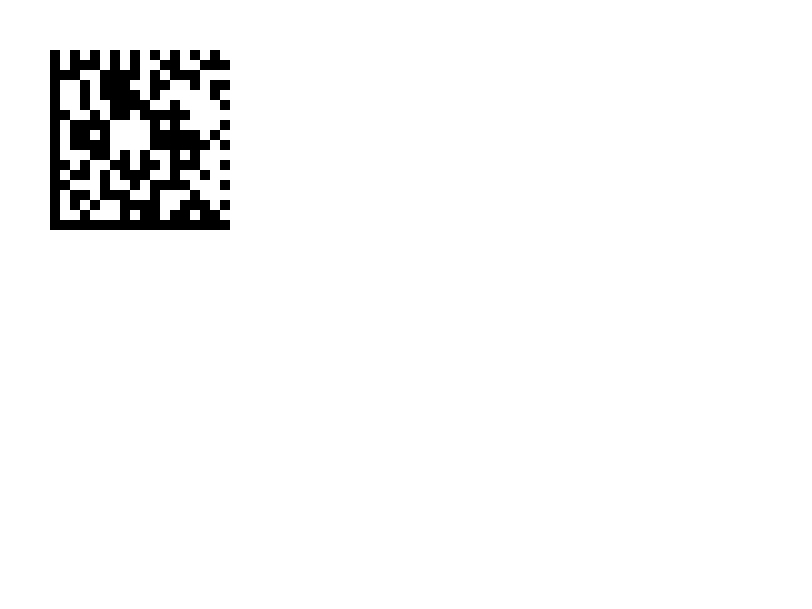
Data Matrix 2D vonalkód. | Vonalkódok | Rendered example |
^B7 |
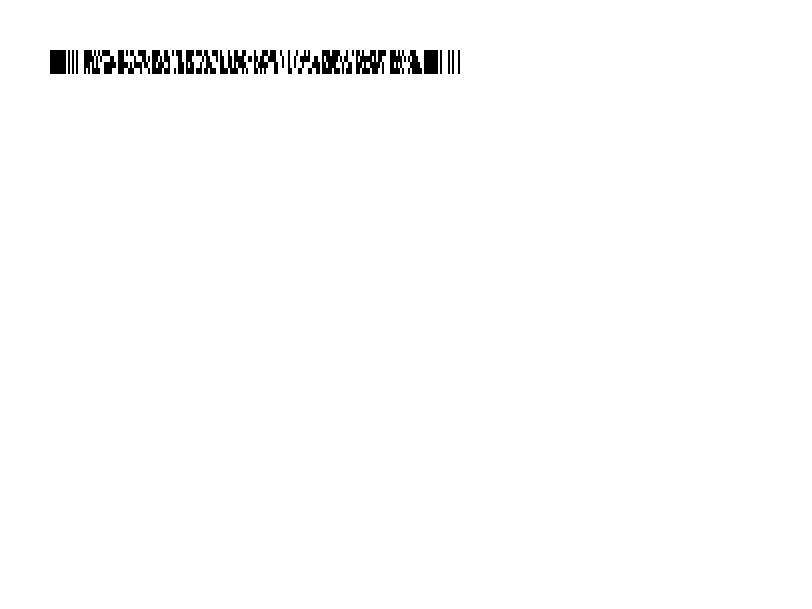
PDF417 rétegzett 2D vonalkód. | Vonalkódok | Rendered example |
^BO |
Aztec 2D vonalkód. | Vonalkódok | Rendered example |
^BD |
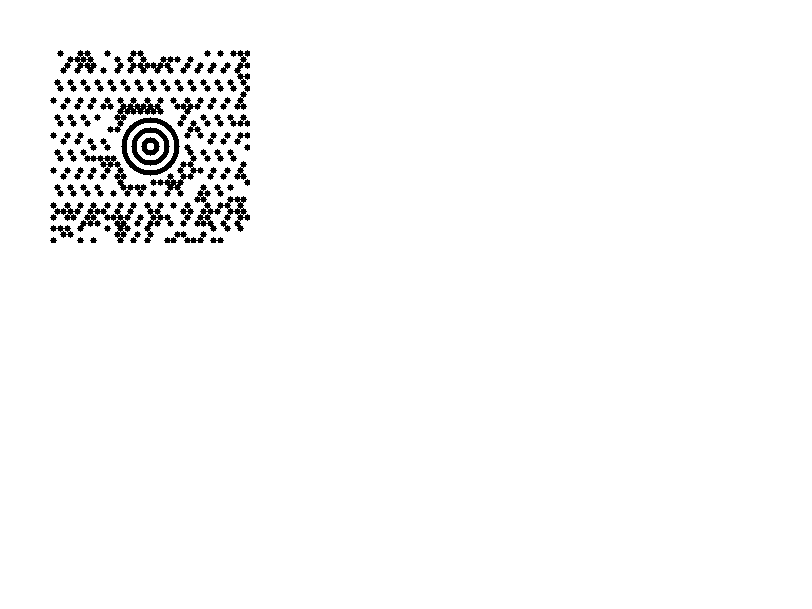
MaxiCode, amelyet a UPS használ. | Vonalkódok | Rendered example |
^B0 |
Aztec 2D vonalkód; ugyanaz a parancs, mint a ^BO. | Vonalkódok | Rendered example |
^BA |
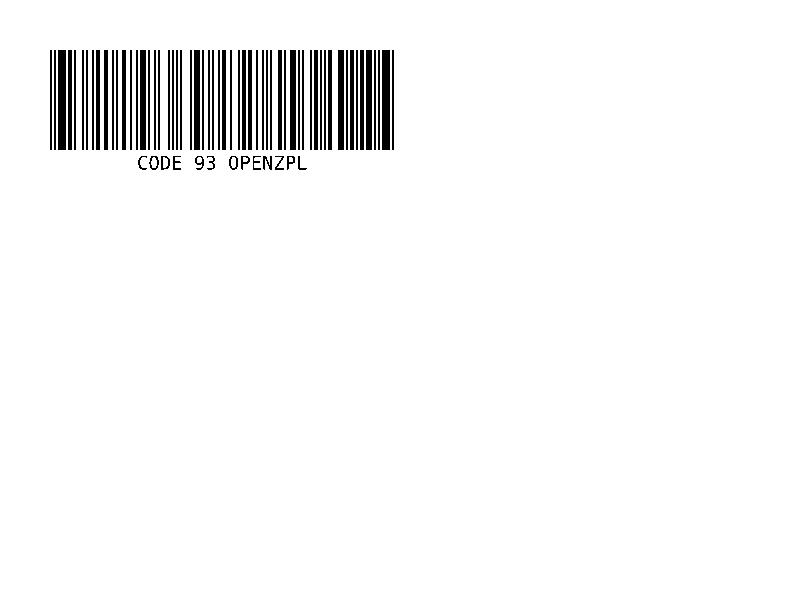
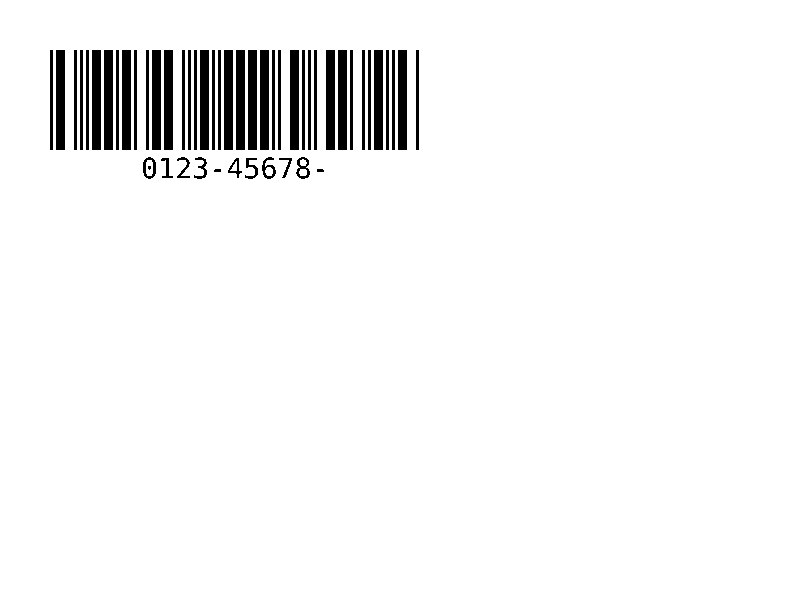
Code 93 vonalkód: sűrűbb, mint a Code 39, két beépített ellenőrző karakterrel. | Vonalkódok | Rendered example |
^BK |
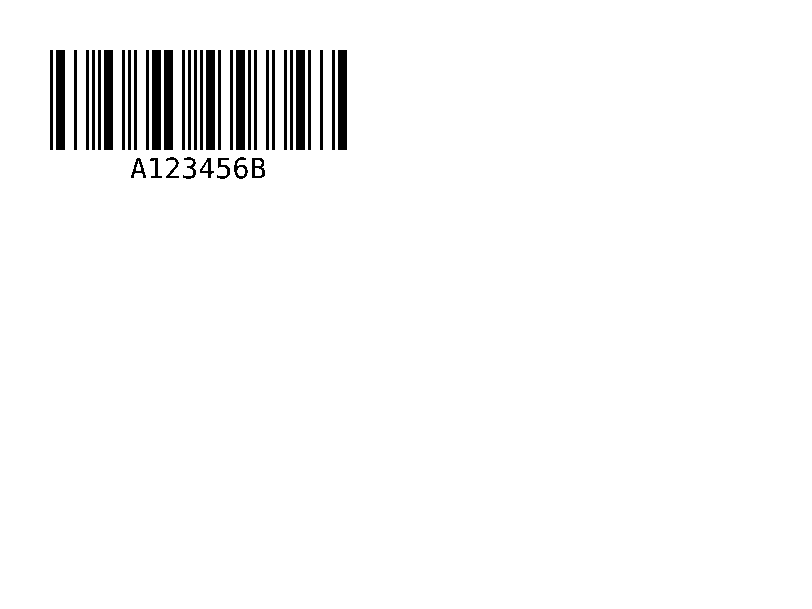
Codabar vonalkód, amelyet könyvtárak, vérbankok és néhány futár használ. | Vonalkódok | Rendered example |
^BL |
LOGMARS vonalkód, az Egyesült Államok hadseregének 39-es kódja kötelező ellenőrző számjeggyel. | Vonalkódok | Rendered example |
^B1 |
Code 11 vonalkód, numerikus, telekommunikációs berendezéseken használják. | Vonalkódok | Rendered example |
^BM |
MSI (Módosított Plessey) vonalkód, számjegy alapú, polc címkéken használják. | Vonalkódok | Rendered example |
^BP |
Plessey vonalkód, számjegy alapú, CRC ellenőrző számjeggyel. | Vonalkódok | Rendered example |
^BS |
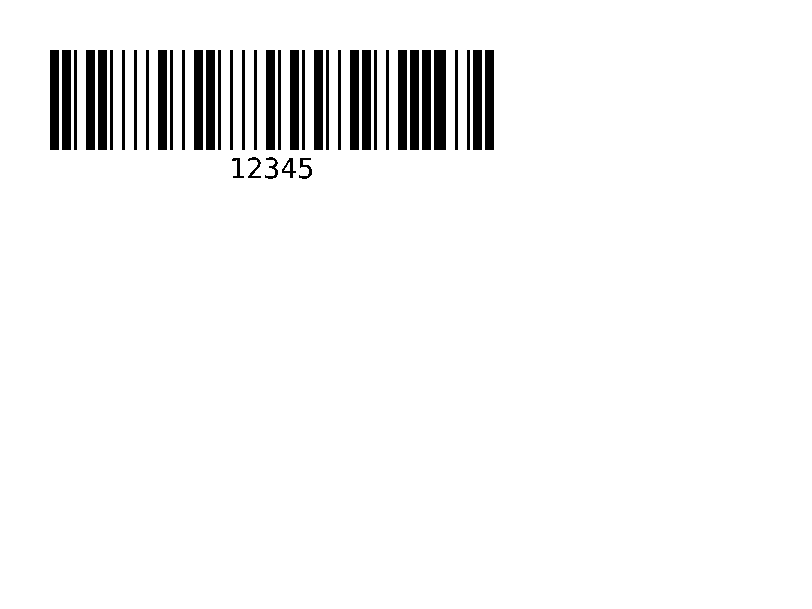
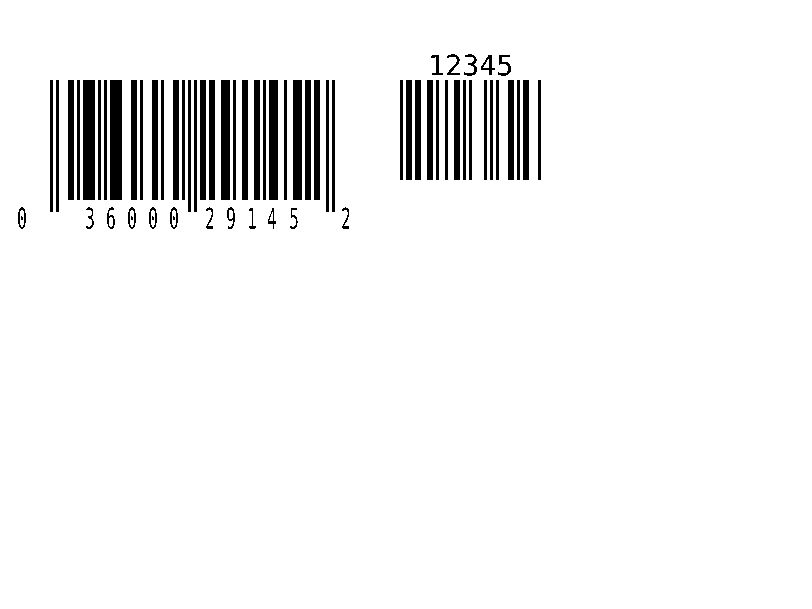
A 2- vagy 5-jegyű kiegészítő, amely a UPC vagy EAN kód mellett kerül nyomtatásra. | Vonalkódok | Rendered example |
^BZ |
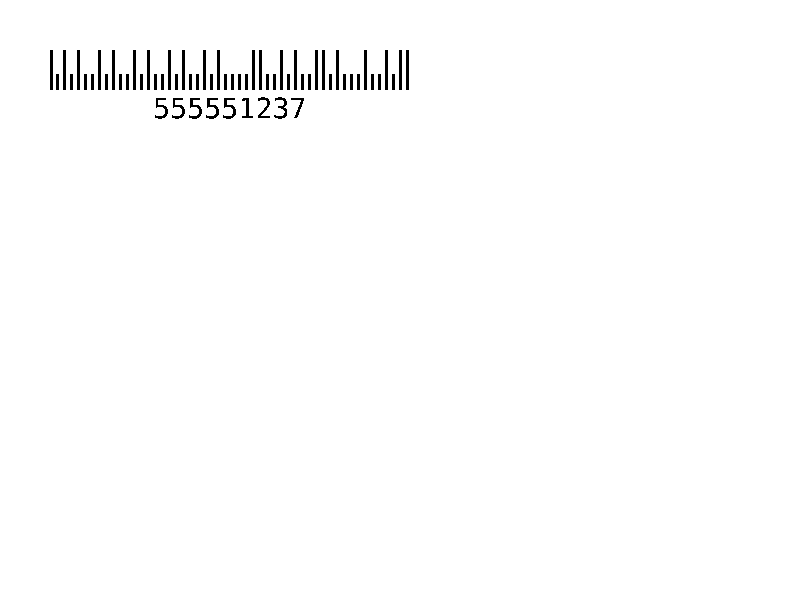
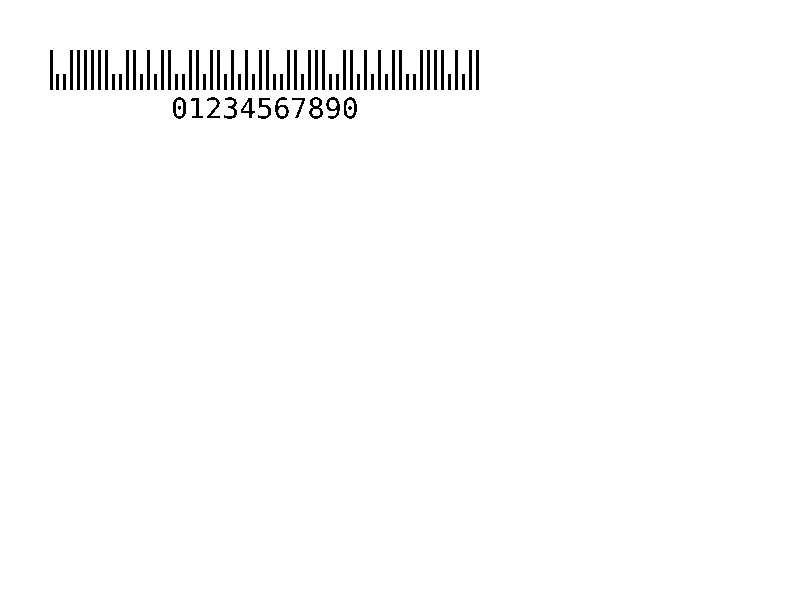
Amerikai postai vonalkódok: POSTNET, PLANET és Intelligent Mail. | Vonalkódok | Rendered example |
^B5 |
USPS PLANET vonalkód. | Vonalkódok | Rendered example |
^BR |
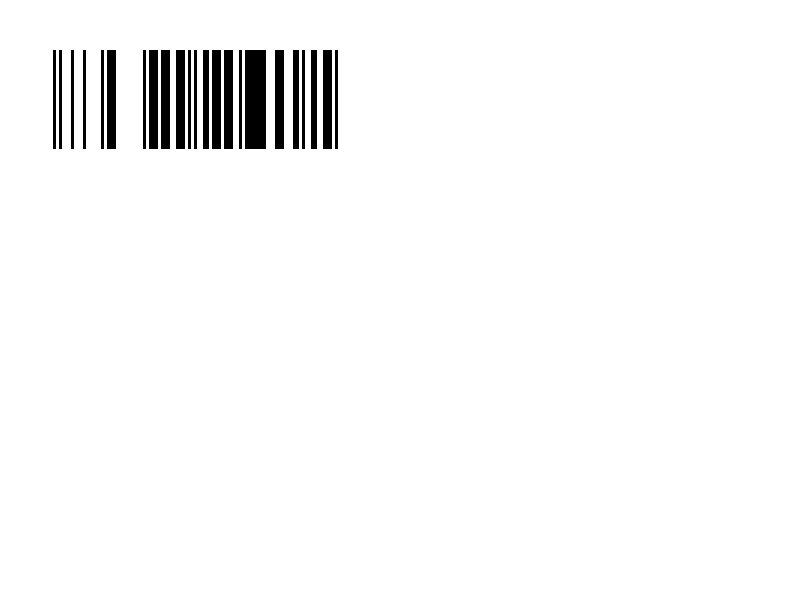
GS1 DataBar (korábban RSS): tömör GTIN vonalkódok a terményekhez és kuponokhoz. | Vonalkódok | PartialGS1 DataBar types 1 to 6 are drawn. Type 6 (Expanded) encodes the data as written and scans the same as Labelary's, but its last characters can differ; types 7 to 12 (UPC/EAN composites) print the data as text. Rendered example |
^BF |
A MicroPDF417 egy kisebb PDF417 kis címkékhez. | Vonalkódok | Rendered example |
^GB |
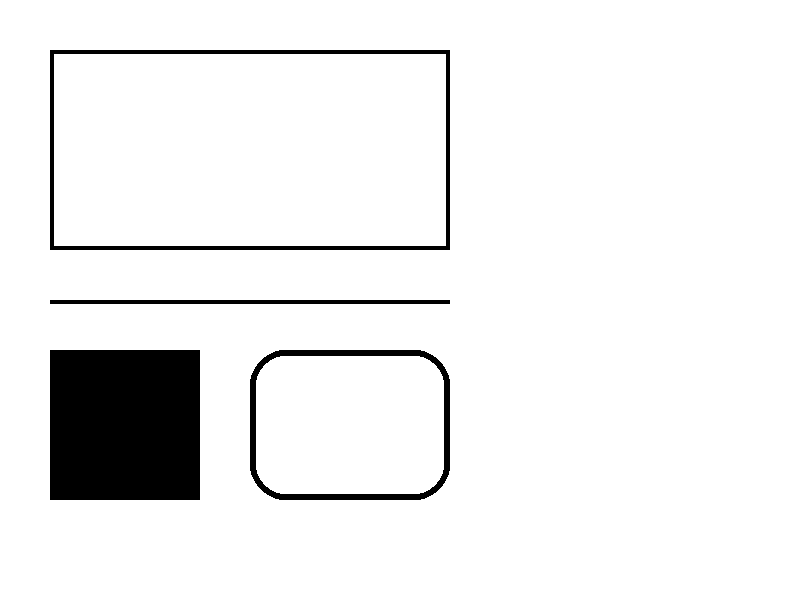
Négyzetet vagy vonalat rajzol: szélesség, magasság, kerethossz, szín és kerekítés. | Grafika | Rendered example |
^GC |
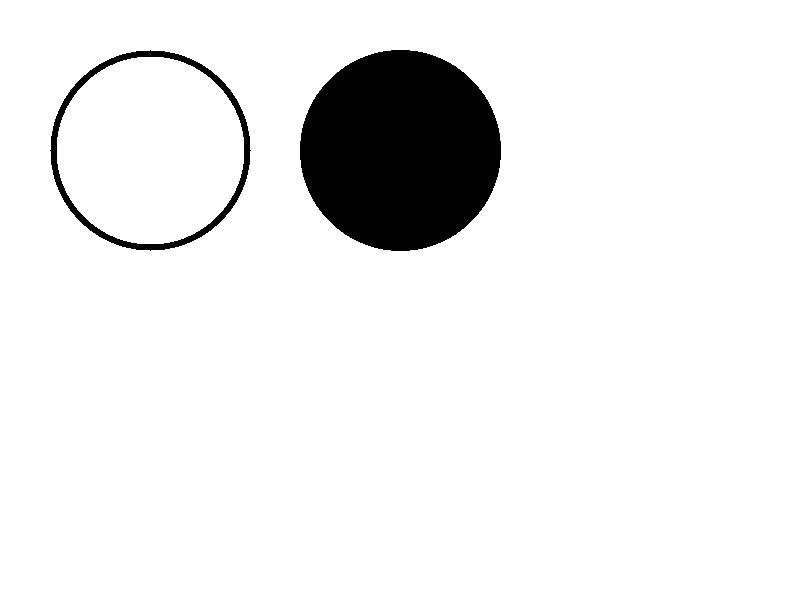
Kört rajzol: átmérő, kerethossz és szín. | Grafika | Rendered example |
^GE |
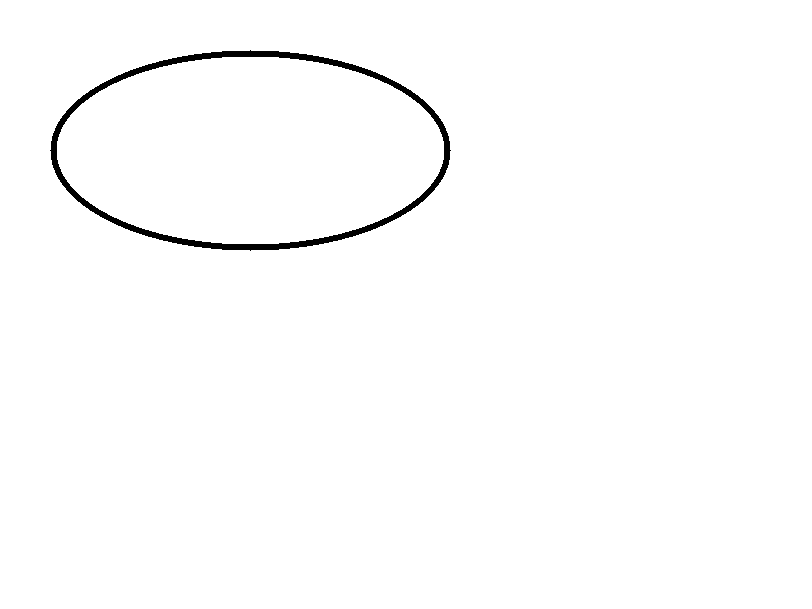
Ellipszist rajzol. | Grafika | Rendered example |
^GD |
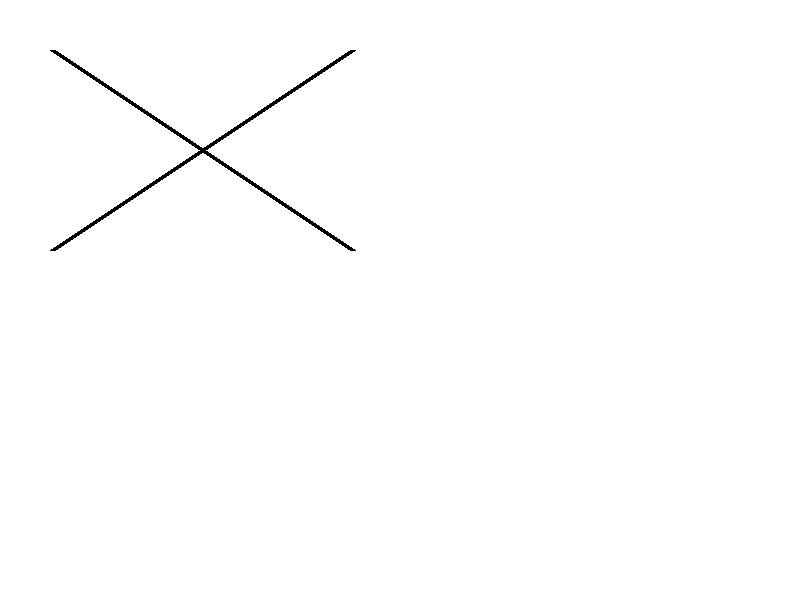
Átlós vonalat rajzol. | Grafika | Rendered example |
^GF |
Bitképet ágyaz a címkébe (ASCII hex, bináris vagy Z64). | Grafika | Rendered example |
^GS |
Regisztrált, szerzői jogi vagy egyéb szimbólumot nyomtat. | Grafika | Rendered example |
^DF |
Ment egy címkeformátumot a nyomtatón egy név alatt. | Mentett formátumok és képek | Rendered example |
^XF |
Egy tárolt formátumot hív vissza, hogy kitöltse a ^FN mezőit. | Mentett formátumok és képek | Rendered example |
~DG |
Ment egy képet a nyomtatón egy név alatt. | Mentett formátumok és képek | Stores or recalls data; no image of its own |
^XG |
A ~DG paranccsal tárolt képet nyomtat. | Mentett formátumok és képek | Stores or recalls data; no image of its own |
^IM |
A jelenlegi mező kezdőpontján tárolt képet nyomtat. | Mentett formátumok és képek | Stores or recalls data; no image of its own |










Ignored on purpose
These commands set up the printer, not the label. The API accepts them and renders the label as if they weren't there; we checked that the image is byte-identical without them.
| Group | Commands |
|---|---|
| Media and sensors | ^MM, ^MN, ^MT, ^MF, ~JS |
| Speed, darkness and tear-off | ^PR, ~SD, ^MD, ~TA |
| Calibration and printer state | ~JC, ~JA, ~JR, ^JU, ~HS |
| Network, RFID setup and host queries | ^NC, ^NI, ^RS, ~HI, ~HM |
Not supported yet
Each one was tested by placing it in a label at 8 dpmm. None of them fails the request: the label renders, without the symbol.
| Command | Symbology or feature | What the engine does today |
|---|---|---|
^B4 | Code 49 | No bars; the data is printed as text (Labelary doesn't draw it either). |
^BB | CODABLOCK | No symbol; the data is printed as text (Labelary doesn't draw it either). |
^BT | TLC39 | No symbol; the data is printed as text (Labelary doesn't draw it either). |
Known differences
- A format with no fields, such as
^XA^XZ, returns400 ERROR: No labels found in the ZPLinstead of a blank image. - Fonts: Zebra's font 0 (CG Triumvirate Bold Condensed) can't be bundled, so
^A0is drawn with Roboto Condensed Bold, with spacing calibrated per character. The bitmap fonts^AA–^AHare drawn with DejaVu Sans Mono. Text widths can differ by a few dots from a given printer. - An RFID write (
^RFfollowed by^FD…^FS) draws its data as text; a printer encodes it in the tag and prints nothing. - EPL reverse text (the
Rflag ofA) gets a black box the size of the character cells, as on the printer; it can run past the last character because the substitute font is narrower than EPL's bitmap fonts.
Átállás a Labelary-ról
The API keeps Labelary's v1 paths and headers, so most clients only change the host. See Migrate from Labelary for the tested differences and OpenZPL vs Labelary for the comparison.