ZPL compatibility of the OpenZPL engine
The OpenZPL engine draws the 51 ZPL commands of the command reference, one of them partially, and skips the ones that configure the printer. The barcode and text commands listed under “Not supported yet” don't draw correctly today.
Tested 2026-10-20 with openzpl-api 689632b at 8 dpmm.
How we test
Every example on this site is a fixture: a short synthetic label that the engine renders to a PNG when the site is built. If a fixture's ZPL changes and its image isn't rendered again, the build fails, so the image always shows what the engine does with that exact code.
The 115 fixtures are public in fixtures.json, with their size, density and image, under CC0. Use them to test any ZPL renderer.
A preview isn't a print. Darkness, media, firmware and the fonts installed on a printer change the result, so check critical labels on the printer itself.
Drawn
| Command | Was es tut | Category | Evidence |
|---|---|---|---|
^XA |
Öffnet ein Etikett. Alles bis ^XZ ist ein Etikett. | Etikettenformat | Rendered example |
^XZ |
Schließt das durch ^XA geöffnete Etikett und druckt es. | Etikettenformat | Rendered example |
^PW |
Legt die Etikettenbreite in Punkten fest. | Etikettenformat | Rendered example |
^LL |
Legt die Etikettenlänge in Punkten fest. | Etikettenformat | Rendered example |
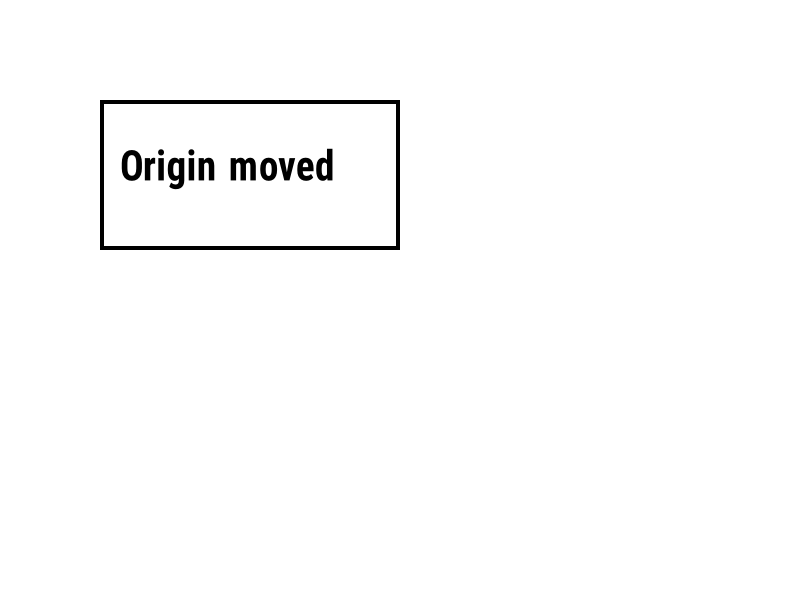
^LH |
Verschiebt den Ursprung, von dem jede Feldposition gemessen wird. | Etikettenformat | Rendered example |
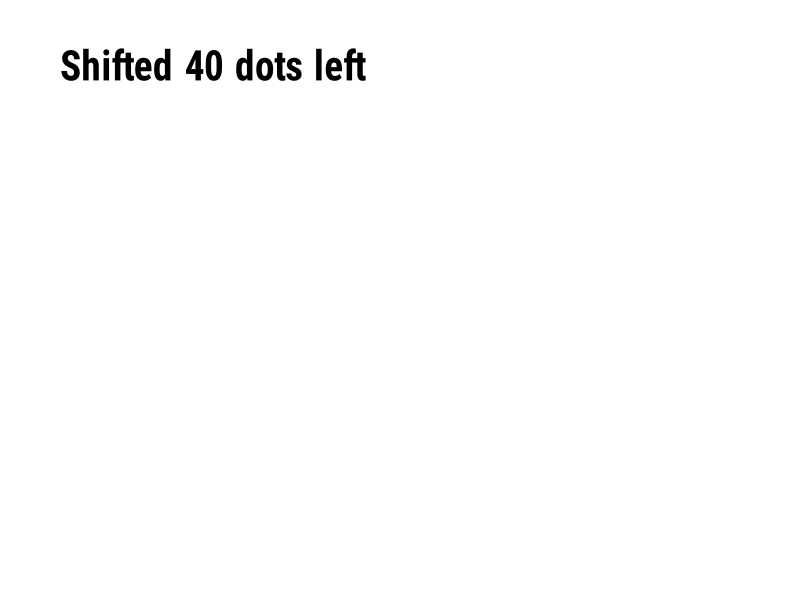
^LS |
Verschiebt jedes Feld um die angegebene Anzahl Punkte nach links. | Etikettenformat | Rendered example |
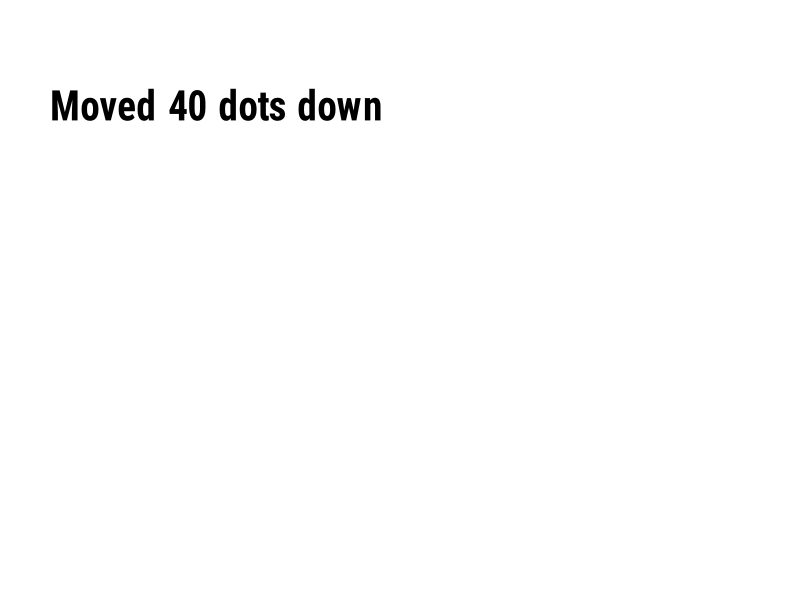
^LT |
Verschiebt das gesamte Etikett um die angegebene Anzahl von Punktzeilen nach oben oder unten. | Etikettenformat | Rendered example |
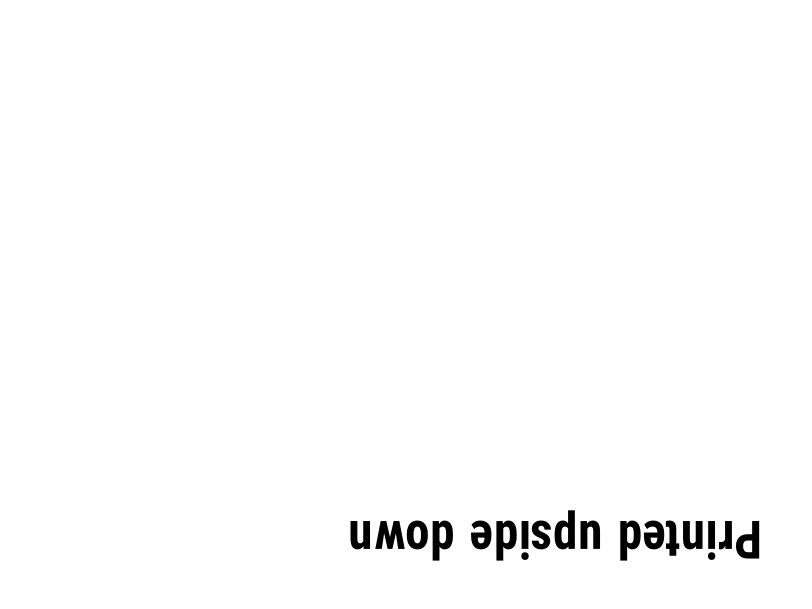
^PO |
Druckt das Etikett normal (N) oder auf dem Kopf (I). | Etikettenformat | Rendered example |
^PM |
Spiegelt das gesamte Etikett horizontal, wenn auf Y gesetzt. | Etikettenformat | Rendered example |
^PQ |
Legt fest, wie viele Etiketten gedruckt werden sollen; jedes zählt als ein Etikett in der Vorschau. | Etikettenformat | Rendered example |
^MU |
Ändert die Einheit der Messung in Punkte, Zoll oder Millimeter. | Etikettenformat | Rendered example |
^CI |
Wählt das Zeichensatz. ^CI28 ist UTF-8. | Etikettenformat | Rendered example |
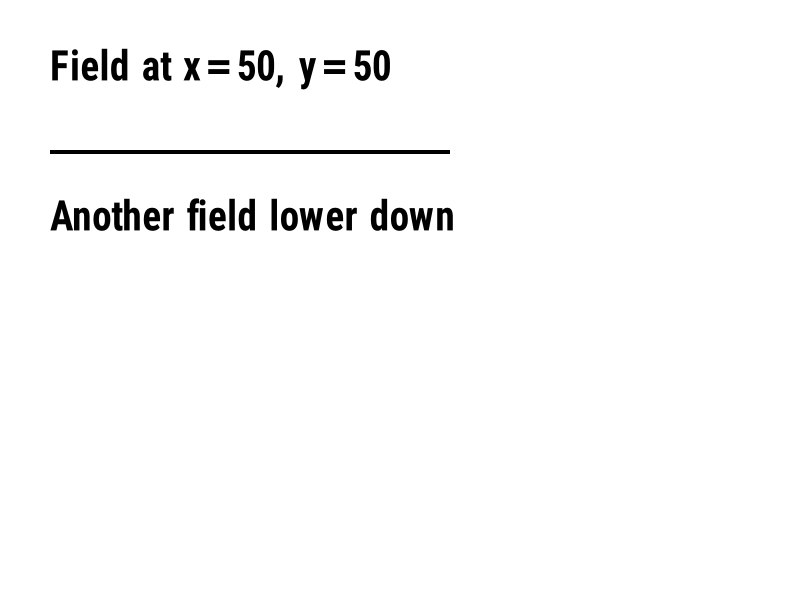
^FO |
Legt die Feldposition fest: x, y-Koordinaten in Punkten von der oberen linken Ecke. | Felder und Position | Rendered example |
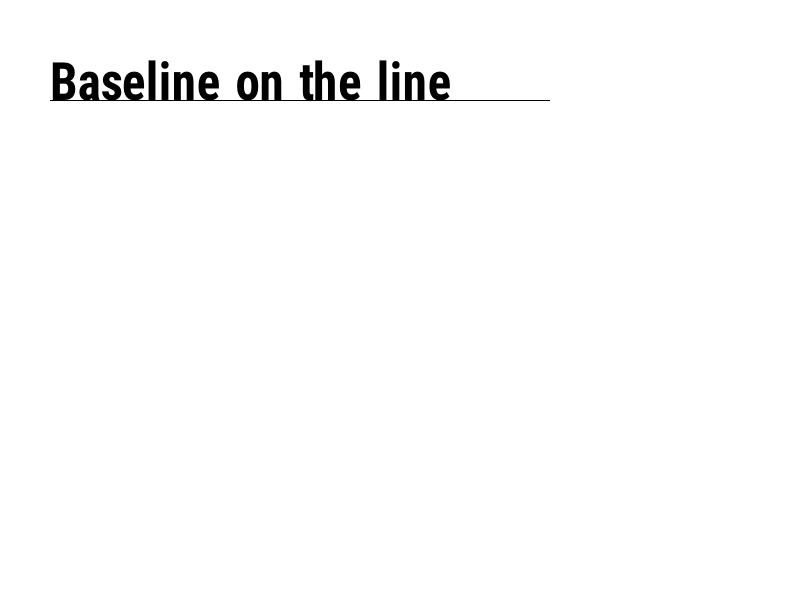
^FT |
Positioniert ein Feld nach seiner Basislinie anstelle seiner oberen linken Ecke. | Felder und Position | Rendered example |
^FD |
Die Text- oder Barcode-Daten des aktuellen Feldes. | Felder und Position | Rendered example |
^FS |
Beendet das aktuelle Feld. | Felder und Position | Rendered example |
^FB |
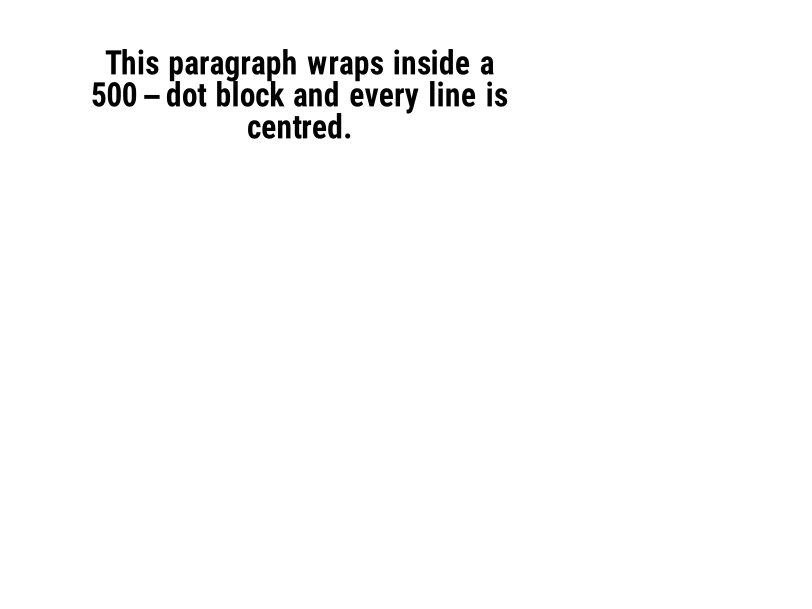
Umwickelt den Text in einen Block mit Breite, Zeilenanzahl und Ausrichtung. | Felder und Position | Rendered example |
^FR |
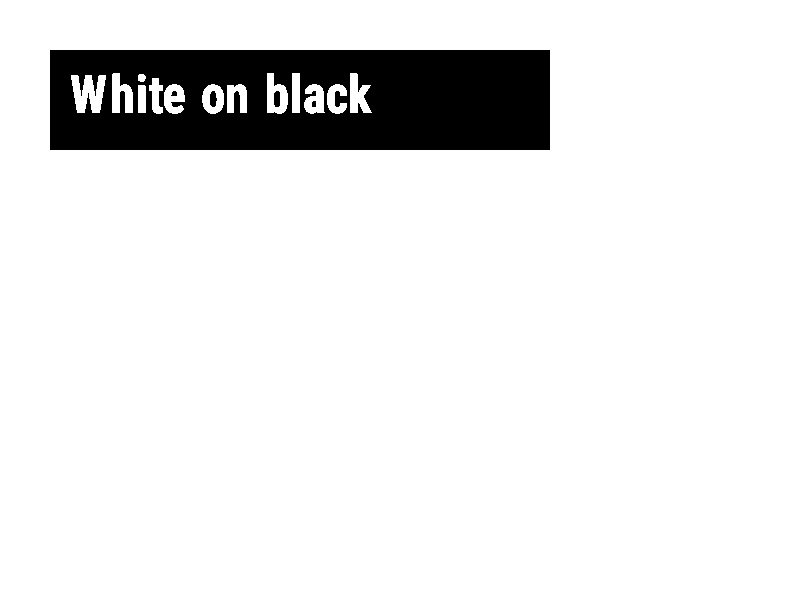
Druckt das Feld weiß auf schwarz über allem, was darunter liegt. | Felder und Position | Rendered example |
^FH |
Lässt ^FD hexadezimale Escape-Sequenzen wie _0D enthalten. | Felder und Position | Rendered example |
^FW |
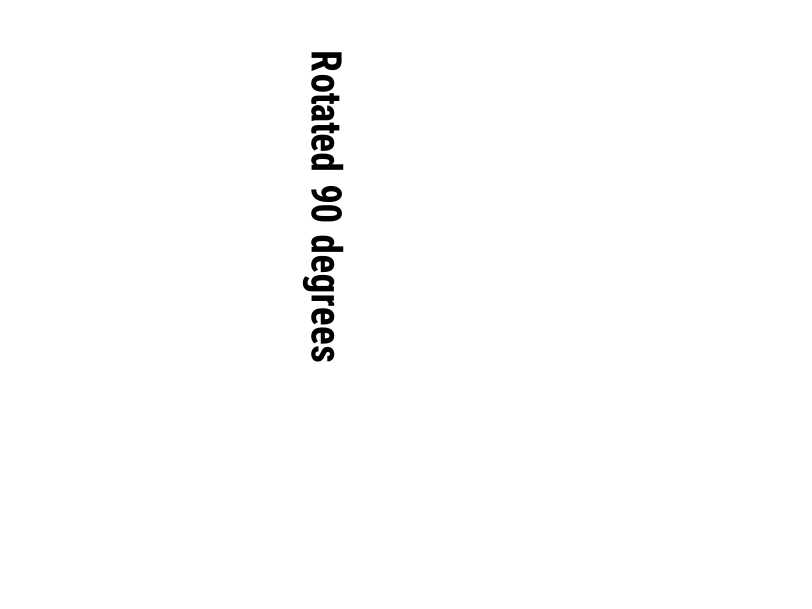
Legt die Standarddrehung für die folgenden Felder fest. | Felder und Position | Rendered example |
^FN |
Benannt ein variables Feld in einem gespeicherten Format. | Felder und Position | Rendered example |
^FX |
Ein Kommentar. Der Drucker ignoriert alles bis zum nächsten Befehl. | Felder und Position | Rendered example |
^SN |
Druckt eine Nummer, die sich auf jedem Etikett erhöht. | Felder und Position | PartialRead but not drawn: the serial field is left out and copies aren't incremented (the same as Labelary's preview). Rendered example |
^A |
Wählt die Schriftart, Drehung und Größe für das nächste Textfeld aus. | Text und Schriftarten | Rendered example |
^A@ |
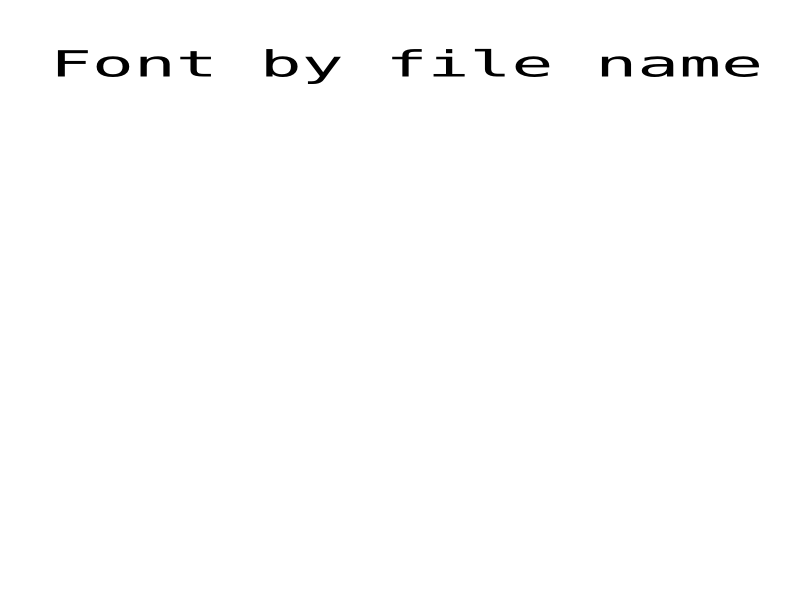
Wählt eine Schriftart nach ihrem Dateinamen auf dem Drucker aus. | Text und Schriftarten | Rendered example |
^CF |
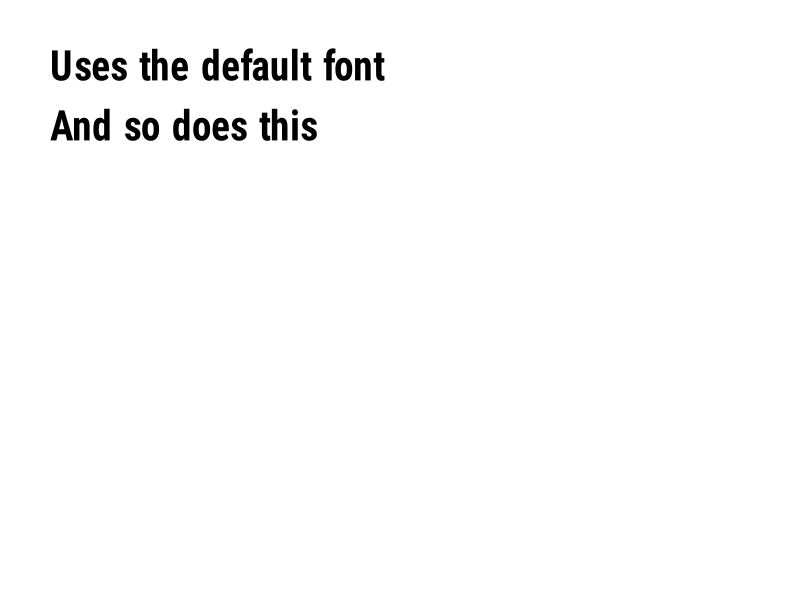
Legt die Schriftart und Größe fest, die verwendet wird, wenn ein Feld kein ^A hat. | Text und Schriftarten | Rendered example |
^CW |
Weist einer Schriftdatei einen einbuchstabigen Namen zu. | Text und Schriftarten | Stores or recalls data; no image of its own |
^BY |
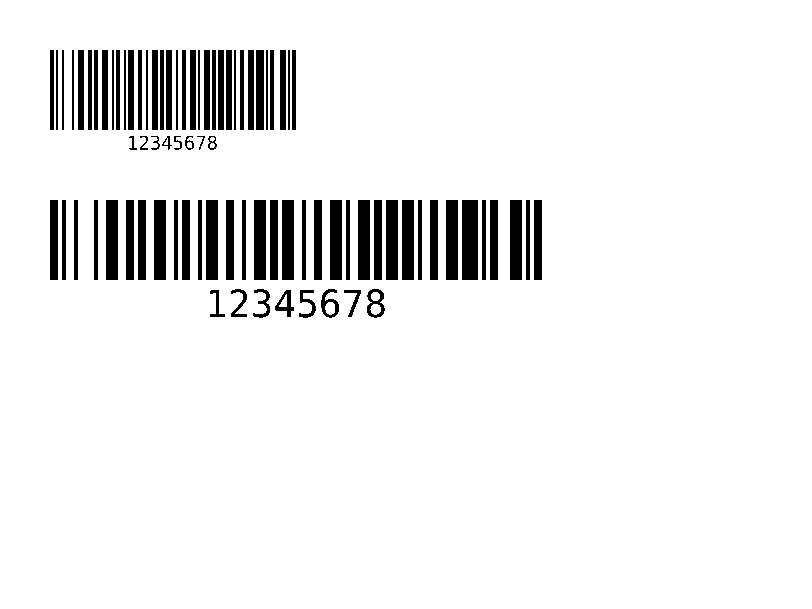
Legt die Modullänge, das Verhältnis von breit zu schmal und die Höhe für die folgenden Barcodes fest. | Barcode | Rendered example |
^BC |
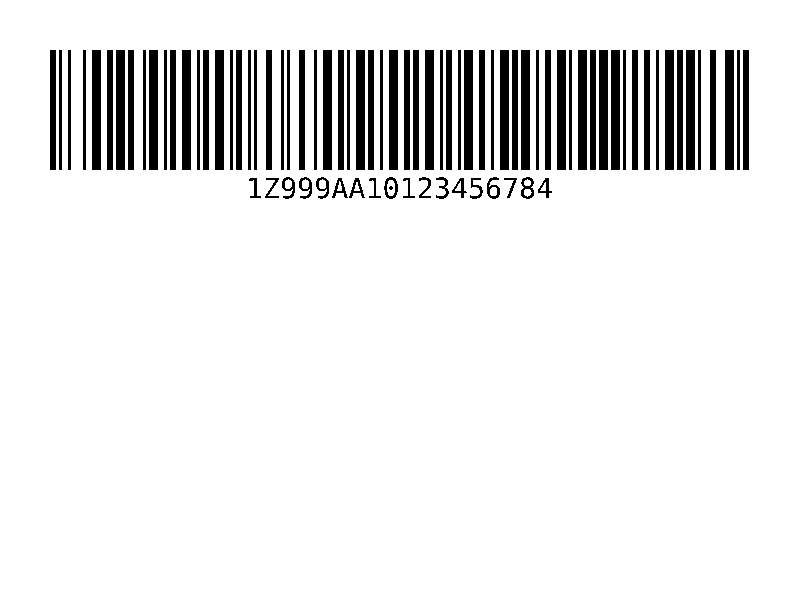
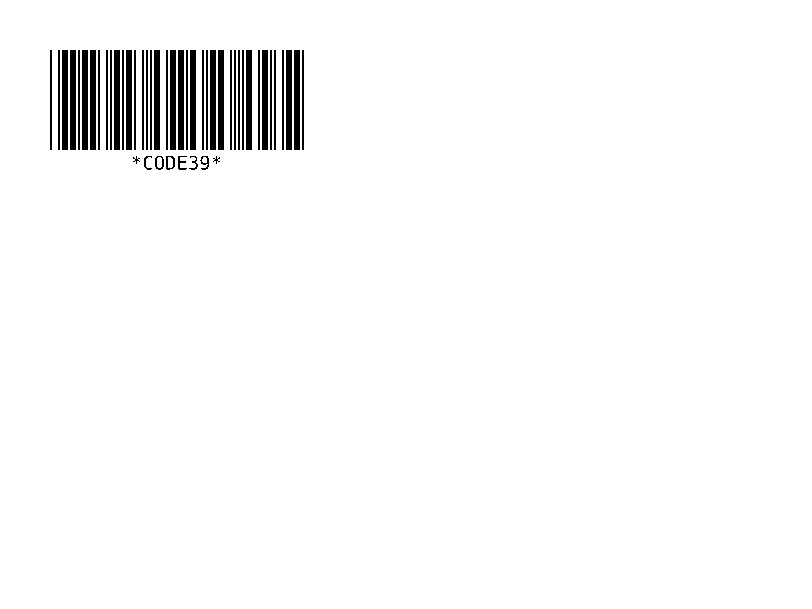
Code 128 Barcode, der häufigste auf Versandetiketten. | Barcode | Rendered example |
^B3 |
Code 39 Barcode. | Barcode | Rendered example |
^B2 |
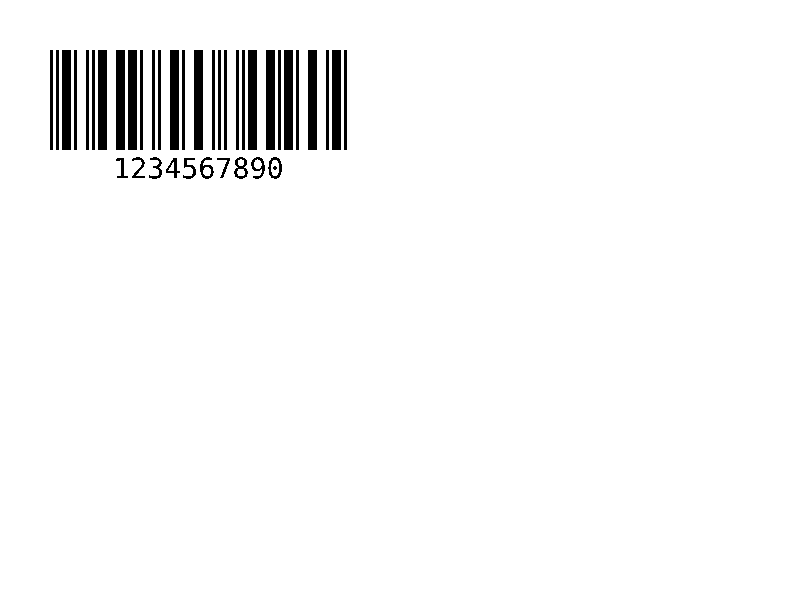
Interleaved 2 von 5 Barcode, nur numerisch. | Barcode | Rendered example |
^BE |
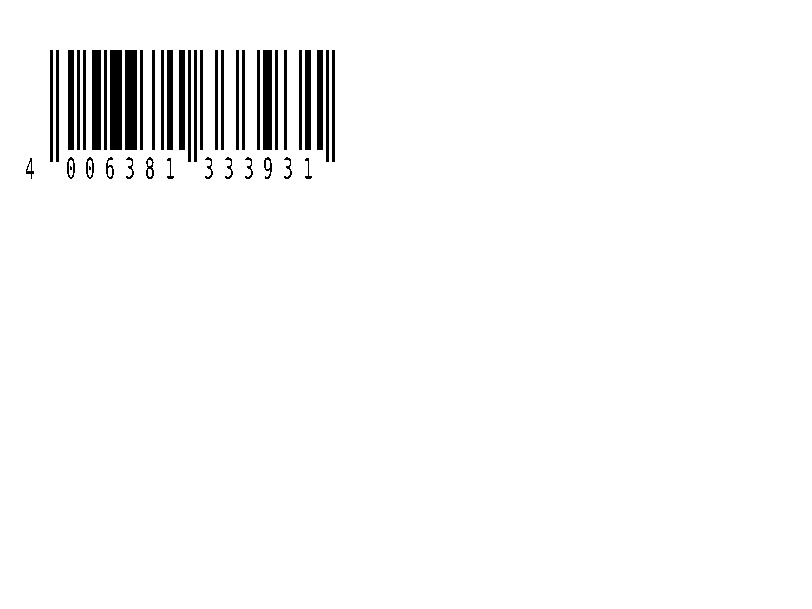
EAN-13 Einzelhandels-Barcode. | Barcode | Rendered example |
^B8 |
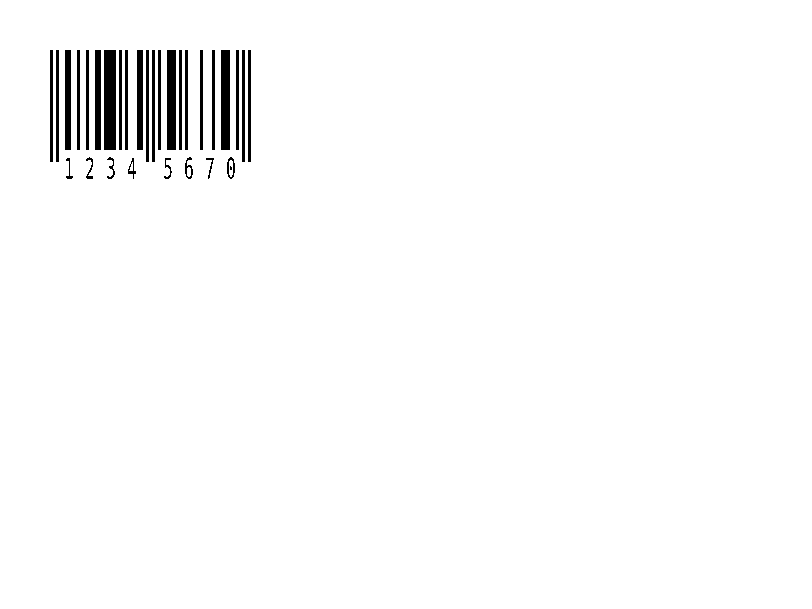
EAN-8 Einzelhandels-Barcode. | Barcode | Rendered example |
^BU |
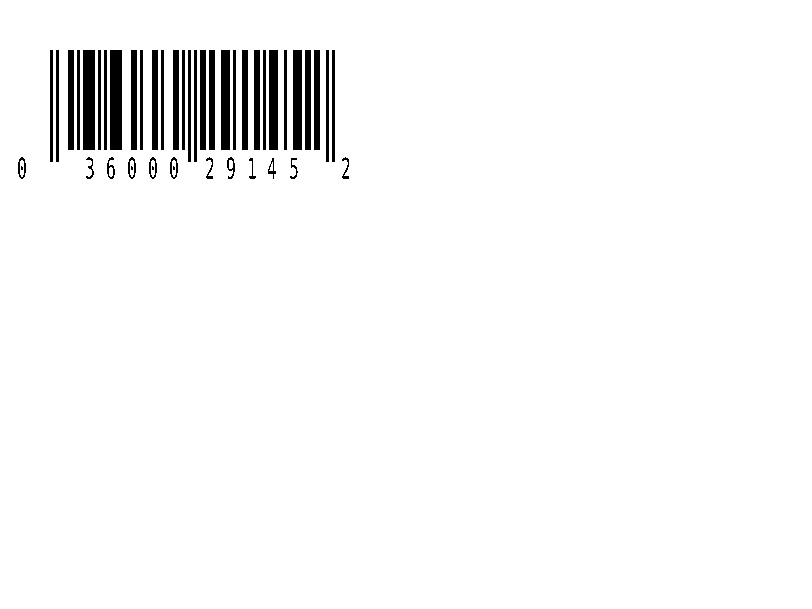
UPC-A Einzelhandels-Barcode. | Barcode | Rendered example |
^B9 |
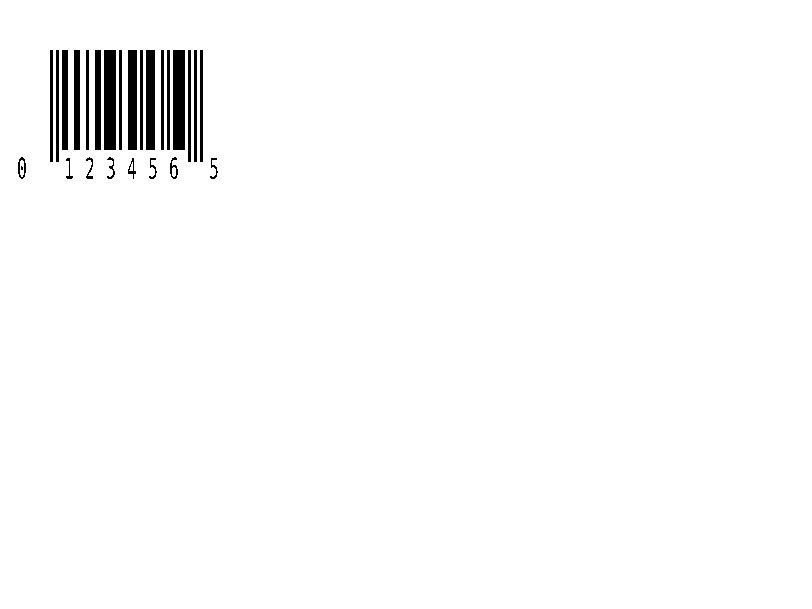
UPC-E Einzelhandels-Barcode. | Barcode | Rendered example |
^BQ |
QR-Code. Die Daten beginnen mit einer Fehlerkorrektur und Eingabemodus, z.B. QA, | Barcode | Rendered example |
^BX |
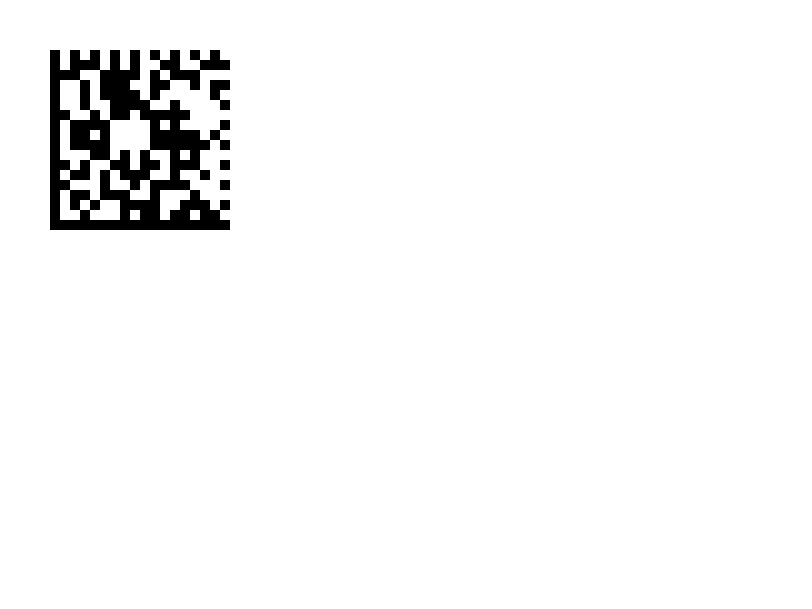
Data Matrix 2D-Barcode. | Barcode | Rendered example |
^B7 |
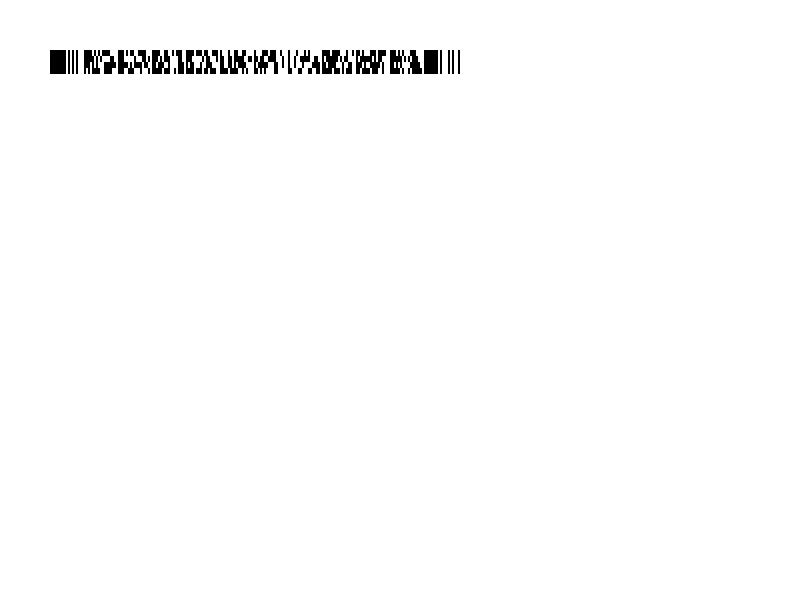
PDF417 gestapelter 2D-Barcode. | Barcode | Rendered example |
^BO |
Aztec 2D-Barcode. | Barcode | Rendered example |
^BD |
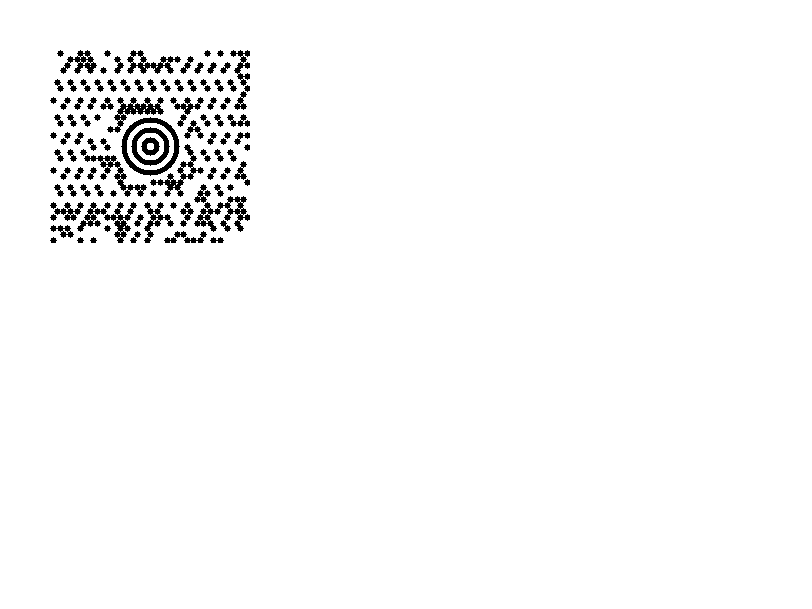
MaxiCode, von UPS verwendet. | Barcode | Rendered example |
^GB |
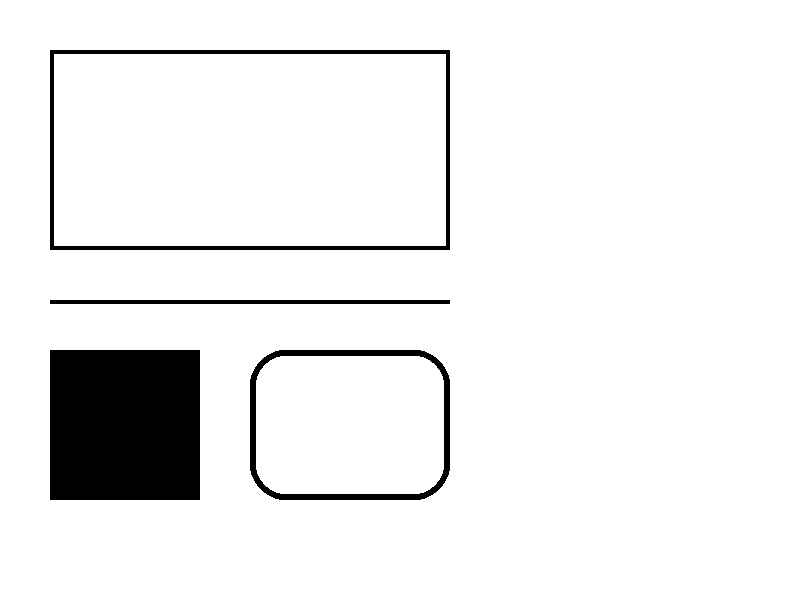
Zeichnet ein Kästchen oder eine Linie: Breite, Höhe, Randdicke, Farbe und Rundung. | Grafiken | Rendered example |
^GC |
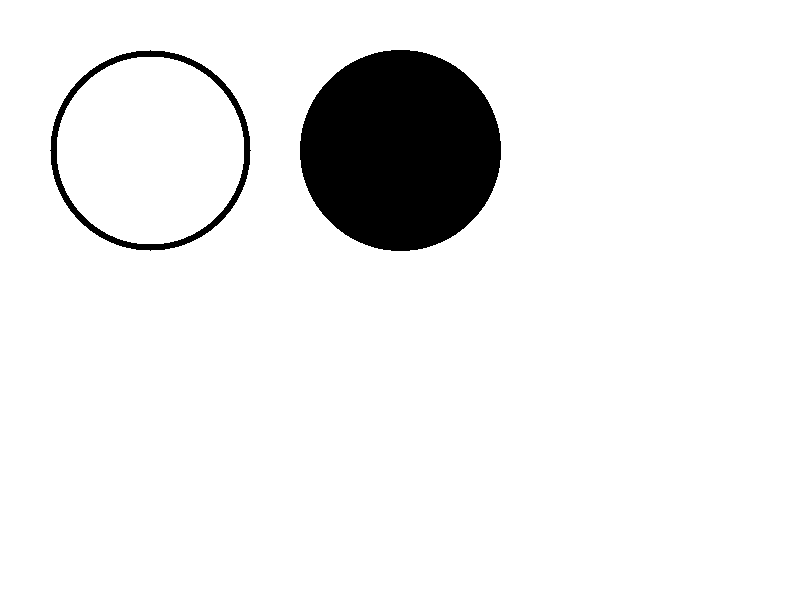
Zeichnet einen Kreis: Durchmesser, Randdicke und Farbe. | Grafiken | Rendered example |
^GE |
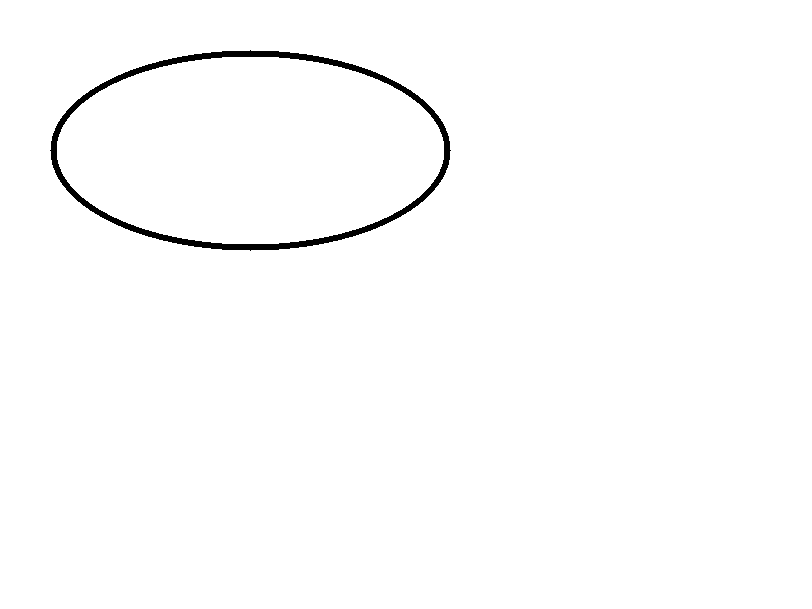
Zeichnet eine Ellipse. | Grafiken | Rendered example |
^GD |
Zeichnet eine diagonale Linie. | Grafiken | Rendered example |
^GF |
Betten Sie ein Bitmap-Bild in das Etikett ein (ASCII hex, binär oder Z64). | Grafiken | Rendered example |
^GS |
Druckt ein registriertes, Copyright- oder anderes Symbol. | Grafiken | Rendered example |
^DF |
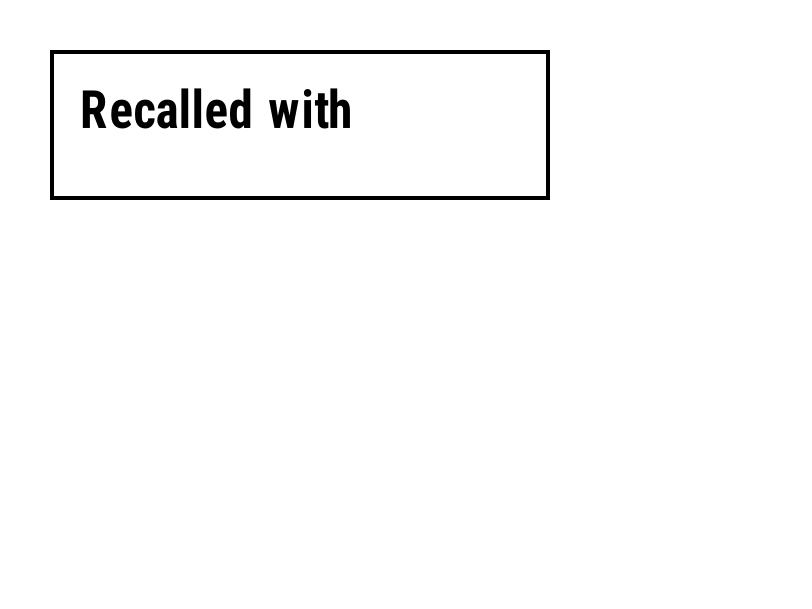
Speichert das Etikettenformat auf dem Drucker unter einem Namen. | Gespeicherte Formate und Bilder | Rendered example |
^XF |
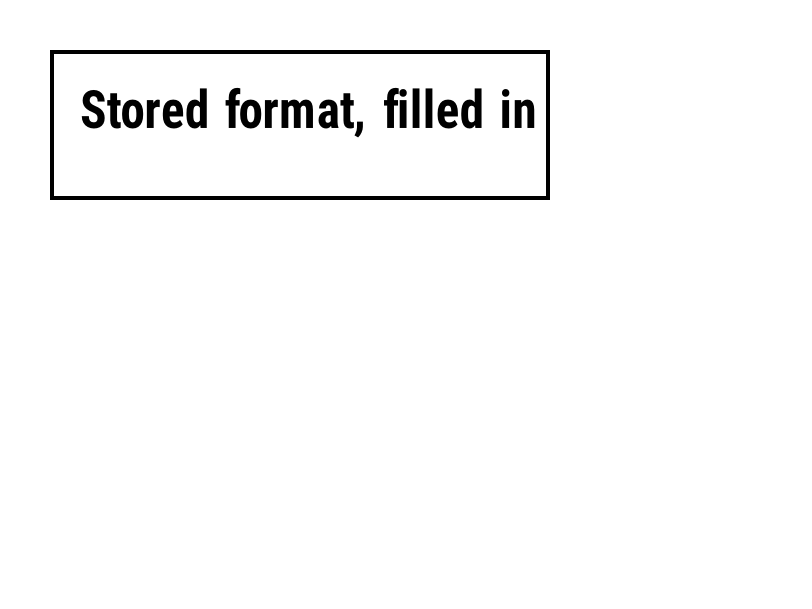
Ruft ein gespeichertes Format ab, um seine ^FN-Felder auszufüllen. | Gespeicherte Formate und Bilder | Rendered example |
~DG |
Speichert ein Bild auf dem Drucker unter einem Namen. | Gespeicherte Formate und Bilder | Stores or recalls data; no image of its own |
^XG |
Druckt ein mit ~DG gespeichertes Bild. | Gespeicherte Formate und Bilder | Stores or recalls data; no image of its own |
^IM |
Druckt ein gespeichertes Bild an der aktuellen Feldursprung. | Gespeicherte Formate und Bilder | Stores or recalls data; no image of its own |




Ignored on purpose
These commands set up the printer, not the label. The API accepts them and renders the label as if they weren't there; we checked that the image is byte-identical without them.
| Group | Commands |
|---|---|
| Media and sensors | ^MM, ^MN, ^MT, ^MF, ~JS |
| Speed, darkness and tear-off | ^PR, ~SD, ^MD, ~TA |
| Calibration and printer state | ~JC, ~JA, ~JR, ^JU, ~HS |
| Network, RFID setup and host queries | ^NC, ^NI, ^RS, ~HI, ~HM |
Not supported yet
Each one was tested by placing it in a label at 8 dpmm. None of them fails the request: the label renders, without the symbol.
| Command | Symbology or feature | What the engine does today |
|---|---|---|
^TB | Text block | Text is drawn on one line; the block doesn't wrap. Use ^FB instead. |
^B0 | Aztec (alias) | No symbol drawn. ^BO, the other Aztec command, is drawn. |
^B1 | Code 11 | No bars; the data is printed as text. |
^B4 | Code 49 | No bars; the data is printed as text. |
^B5 | Planet Code | No bars; the data is printed as text. |
^BA | Code 93 | No bars; the data is printed as text. |
^BB | CODABLOCK | No symbol; the data is printed as text. |
^BF | MicroPDF417 | No symbol; the data is printed as text. |
^BK | ANSI Codabar | No bars; the data is printed as text. |
^BL | LOGMARS | No bars; the data is printed as text. |
^BM | MSI | No bars; the data is printed as text. |
^BP | Plessey | No bars; the data is printed as text. |
^BR | GS1 DataBar | No symbol; the data is printed as text. |
^BS | UPC/EAN extensions | No bars; the data is printed as text. |
^BT | TLC39 | No symbol; the data is printed as text. |
^BZ | POSTAL | No bars; the data is printed as text. |
Known differences
- A format with no fields, such as
^XA^XZ, returns400 ERROR: No labels found in the ZPLinstead of a blank image. - Fonts: Zebra's font 0 (CG Triumvirate Bold Condensed) can't be bundled, so
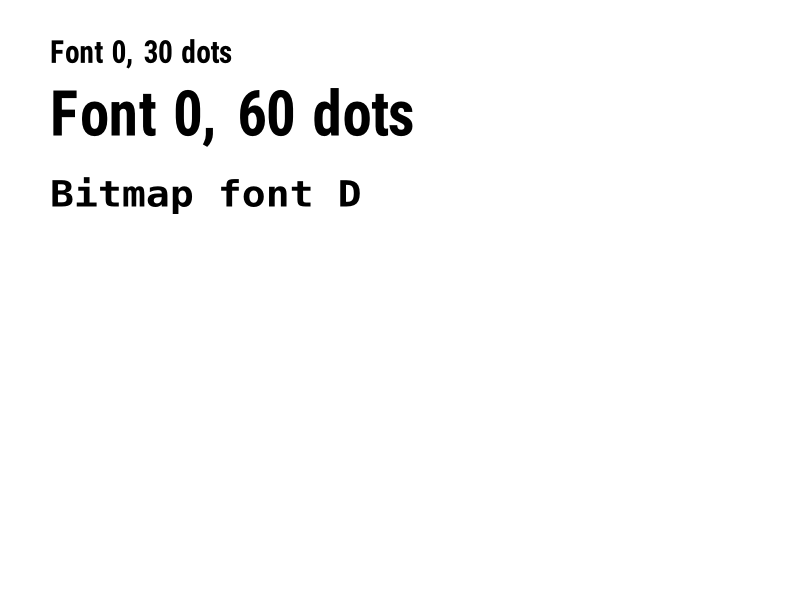
^A0is drawn with Roboto Condensed Bold, with spacing calibrated per character. The bitmap fonts^AA–^AHare drawn with DejaVu Sans Mono. Text widths can differ by a few dots from a given printer. - An RFID write (
^RFfollowed by^FD…^FS) draws its data as text; a printer encodes it in the tag and prints nothing.
Moving from Labelary
The API keeps Labelary's v1 paths and headers, so most clients only change the host. See Migrate from Labelary for the tested differences and OpenZPL vs Labelary for the comparison.