ZPL compatibility of the OpenZPL engine
The OpenZPL engine draws the 51 ZPL commands of the command reference, one of them partially, and skips the ones that configure the printer. The barcode and text commands listed under “Not supported yet” don't draw correctly today.
Tested 2026-10-20 with openzpl-api 689632b at 8 dpmm.
How we test
Every example on this site is a fixture: a short synthetic label that the engine renders to a PNG when the site is built. If a fixture's ZPL changes and its image isn't rendered again, the build fails, so the image always shows what the engine does with that exact code.
The 116 fixtures are public in fixtures.json, with their size, density and image, under CC0. Use them to test any ZPL renderer.
A preview isn't a print. Darkness, media, firmware and the fonts installed on a printer change the result, so check critical labels on the printer itself.
Drawn
| Command | Co to dělá | Category | Evidence |
|---|---|---|---|
^XA |
Otevírá štítek. Všechno až do ^XZ je jeden štítek. | Formát štítku | Rendered example |
^XZ |
Zavře štítek otevřený příkazem ^XA a vytiskne ho. | Formát štítku | Rendered example |
^PW |
Nastaví šířku štítku v bodech. | Formát štítku | Rendered example |
^LL |
Nastaví délku štítku v bodech. | Formát štítku | Rendered example |
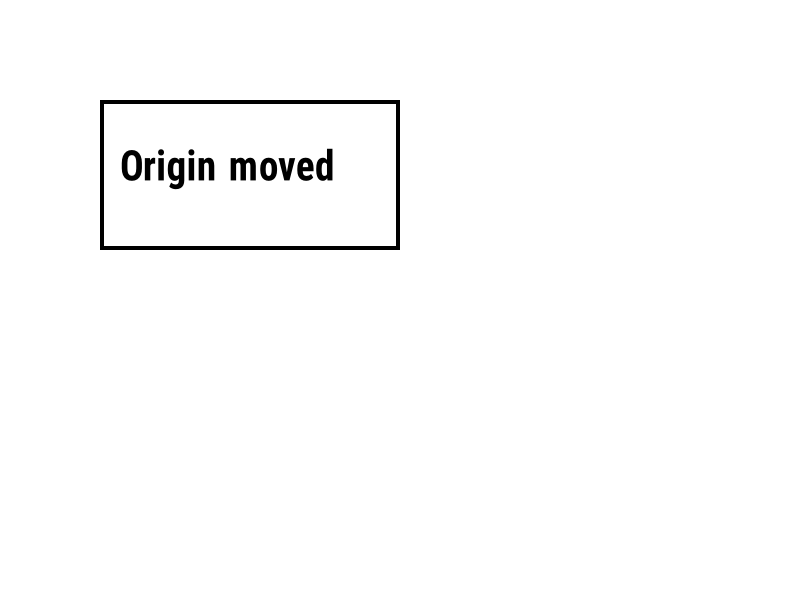
^LH |
Posune počátek, ze kterého se měří každá pozice pole. | Formát štítku | Rendered example |
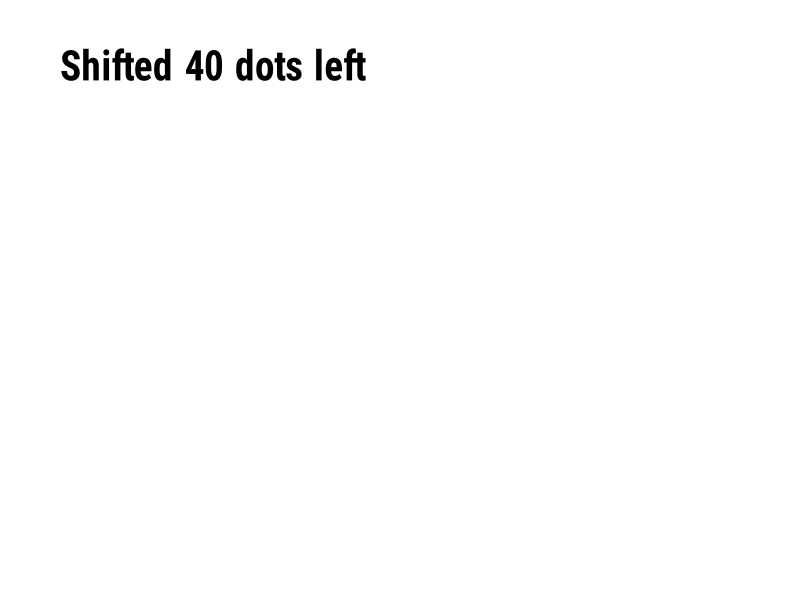
^LS |
Posune každé pole doleva o daný počet bodů. | Formát štítku | Rendered example |
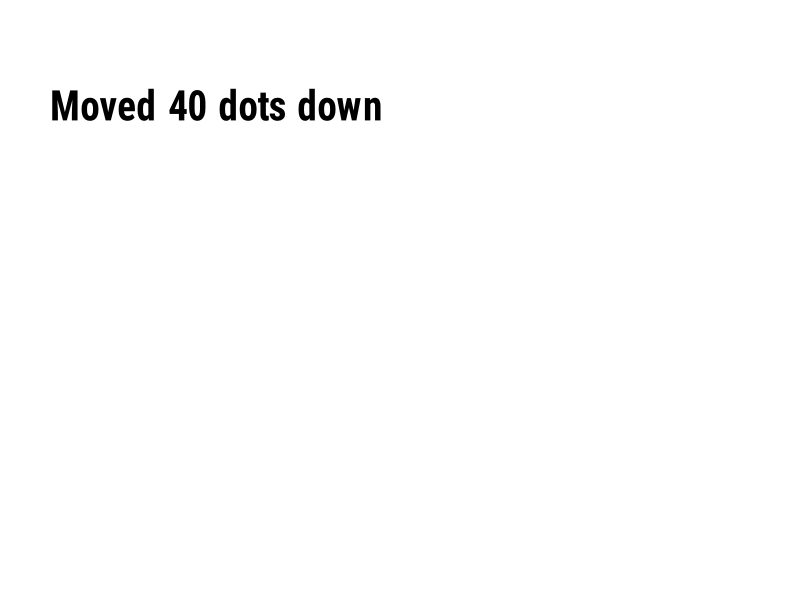
^LT |
Posune celou etiketu nahoru nebo dolů o daný počet řádků bodů. | Formát štítku | Rendered example |
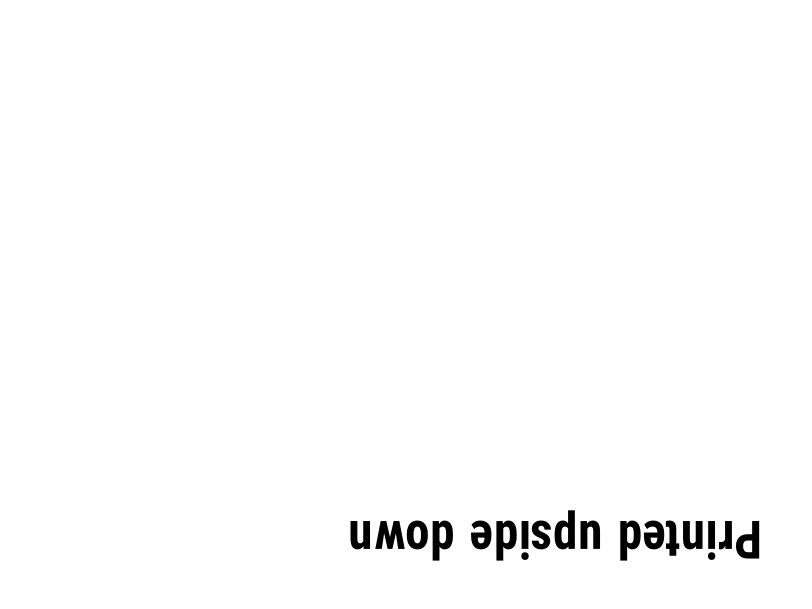
^PO |
Tiskne štítek normálně (N) nebo vzhůru nohama (I). | Formát štítku | Rendered example |
^PM |
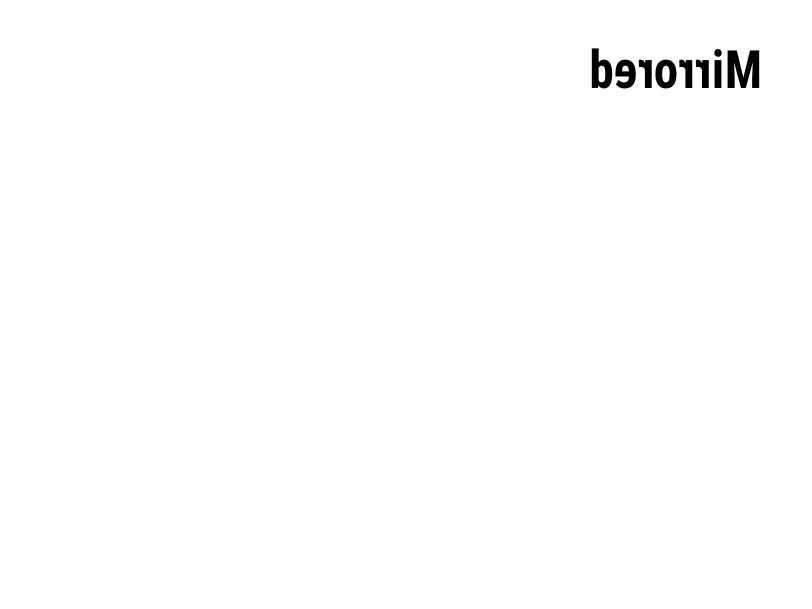
Zrcadlí celou etiketu horizontálně, když je nastavena na Y. | Formát štítku | Rendered example |
^PQ |
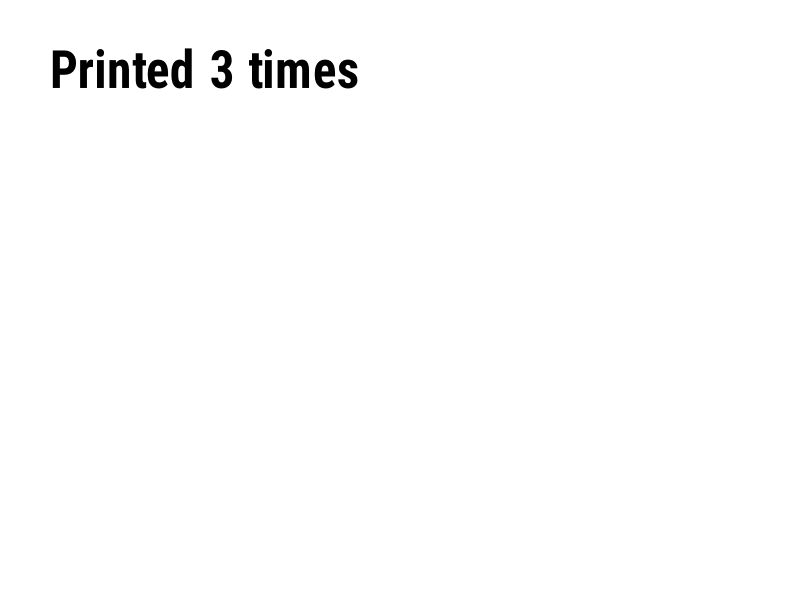
Nastaví, kolik štítků se vytiskne; každý se počítá jako štítek v náhledu. | Formát štítku | Rendered example |
^MU |
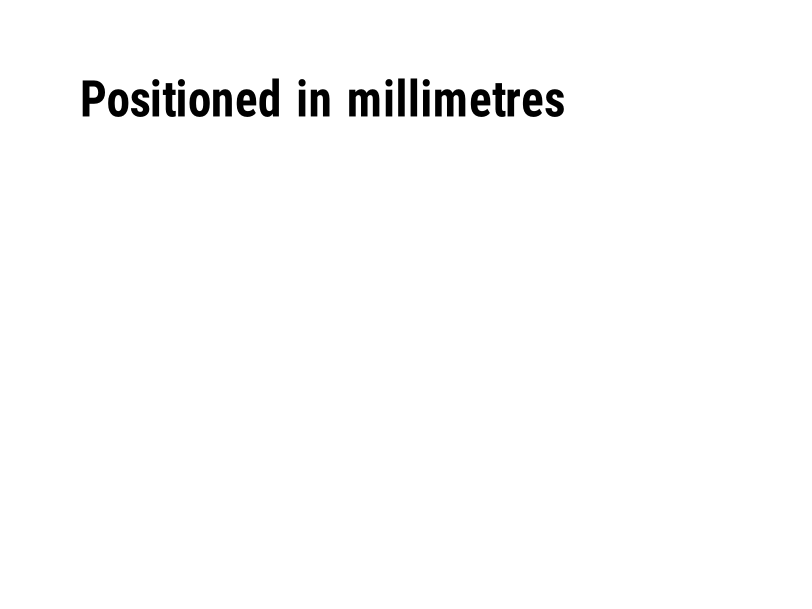
Změní jednotku měření na body, palce nebo milimetry. | Formát štítku | Rendered example |
^CI |
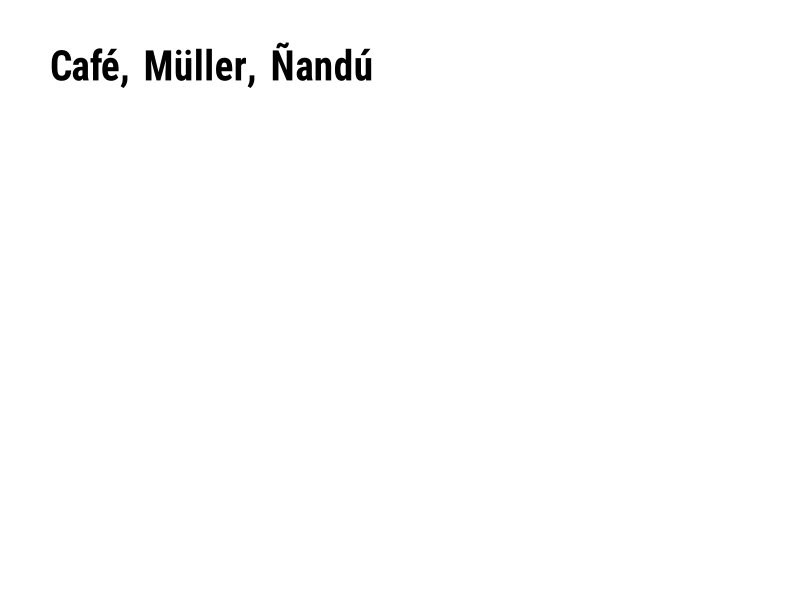
Vybere znakový soubor. ^CI28 je UTF-8. | Formát štítku | Rendered example |
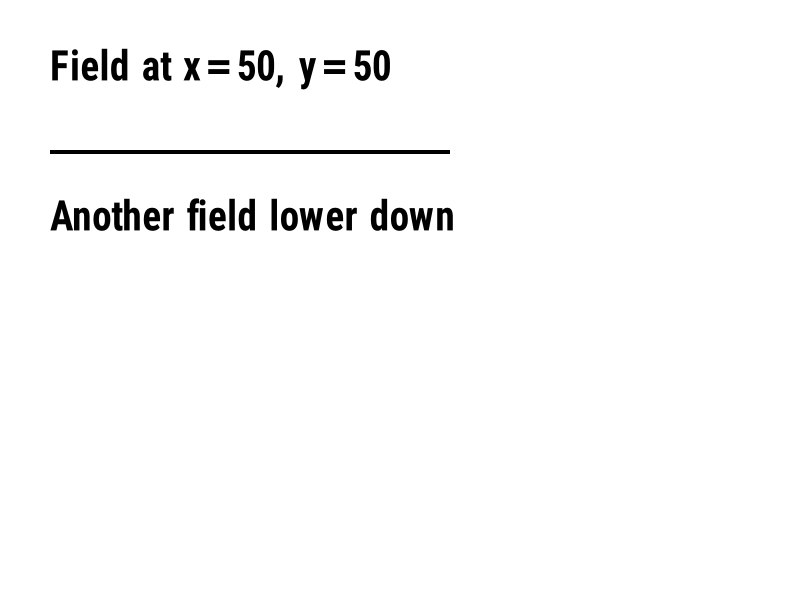
^FO |
Nastaví pozici pole: x, y souřadnice v bodech od levého horního rohu. | Pola a pozice | Rendered example |
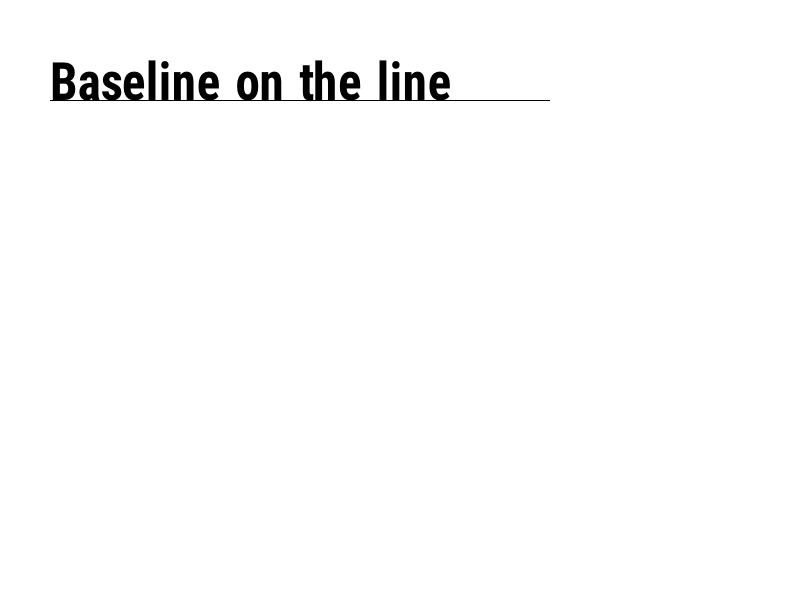
^FT |
Umístí pole podle jeho základní linie místo podle jeho levého horního rohu. | Pola a pozice | Rendered example |
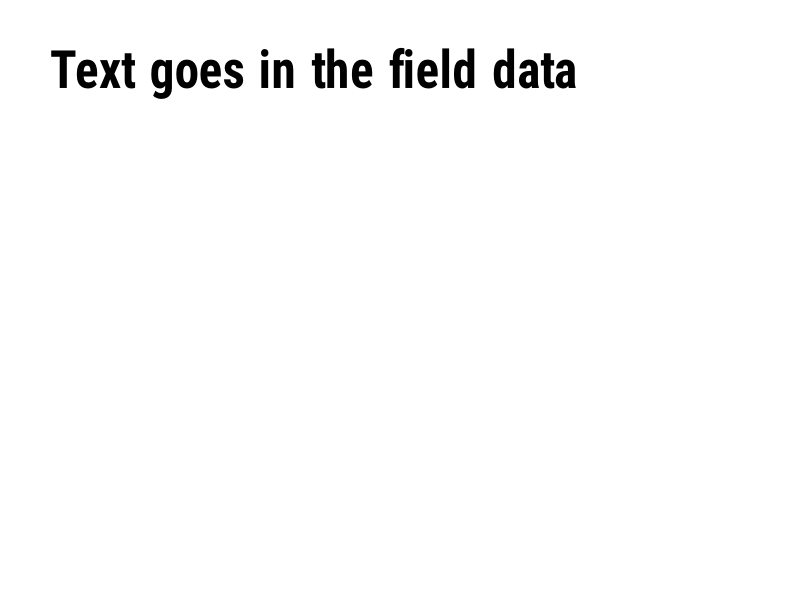
^FD |
Text nebo data čárového kódu aktuálního pole. | Pola a pozice | Rendered example |
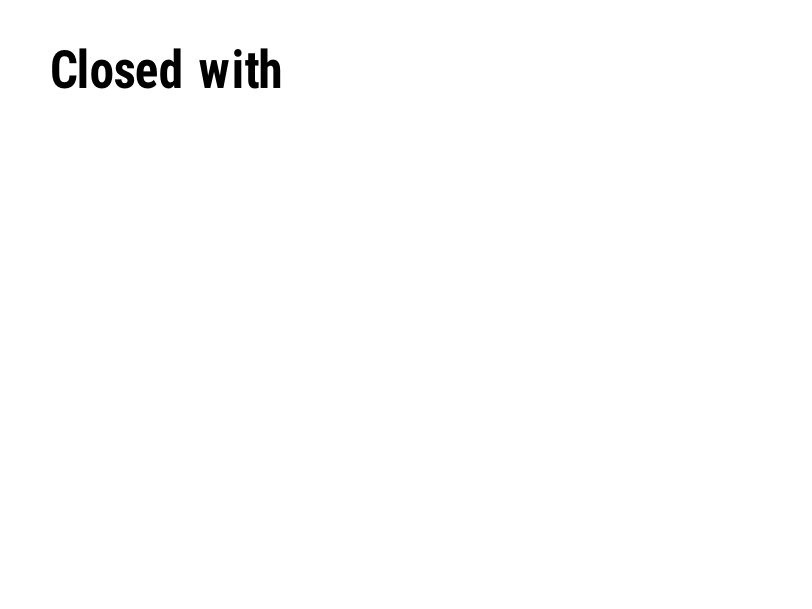
^FS |
Ukončuje aktuální pole. | Pola a pozice | Rendered example |
^FB |
Ovinout text do bloku se šířkou, počtem řádků a zarovnáním. | Pola a pozice | Rendered example |
^FR |
Tiskne pole bílé na černé přes cokoli, co je pod ním. | Pola a pozice | Rendered example |
^FH |
Umožňuje, aby ^FD obsahovalo hex úniky, jako je _0D. | Pola a pozice | Rendered example |
^FW |
Nastaví výchozí otočení pro následující pole. | Pola a pozice | Rendered example |
^FN |
Pojmenovává proměnné pole ve uloženém formátu. | Pola a pozice | Rendered example |
^FX |
Komentář. Tiskárna ignoruje vše až do dalšího příkazu. | Pola a pozice | Rendered example |
^SN |
Tiskne číslo, které se na každém štítku zvyšuje. | Pola a pozice | PartialRead but not drawn: the serial field is left out and copies aren't incremented (the same as Labelary's preview). Rendered example |
^A |
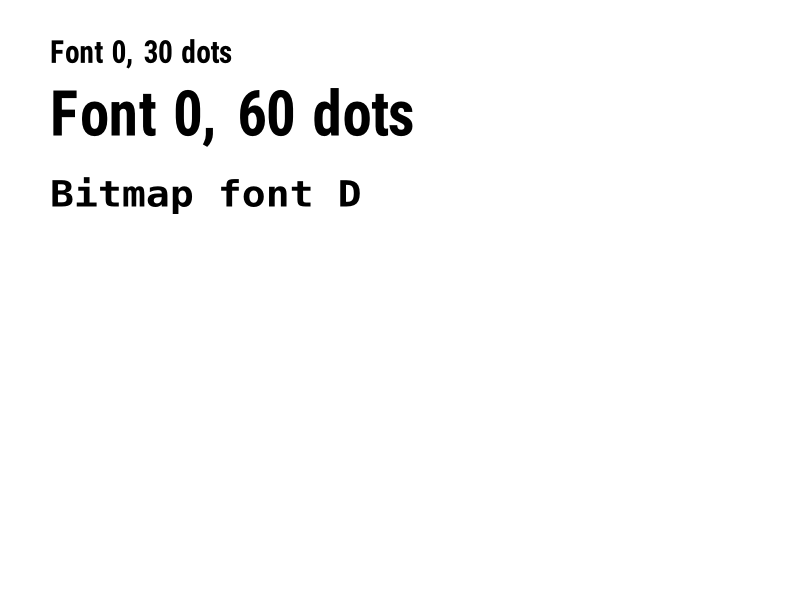
Vybere písmo, otočení a velikost pro další textové pole. | Text a písma | Rendered example |
^A@ |
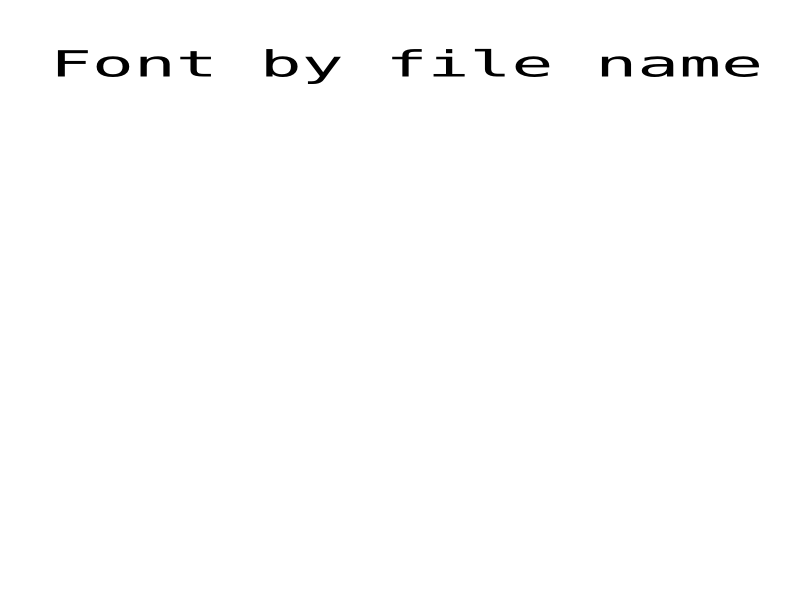
Vybere písmo podle jeho názvu souboru na tiskárně. | Text a písma | Rendered example |
^CF |
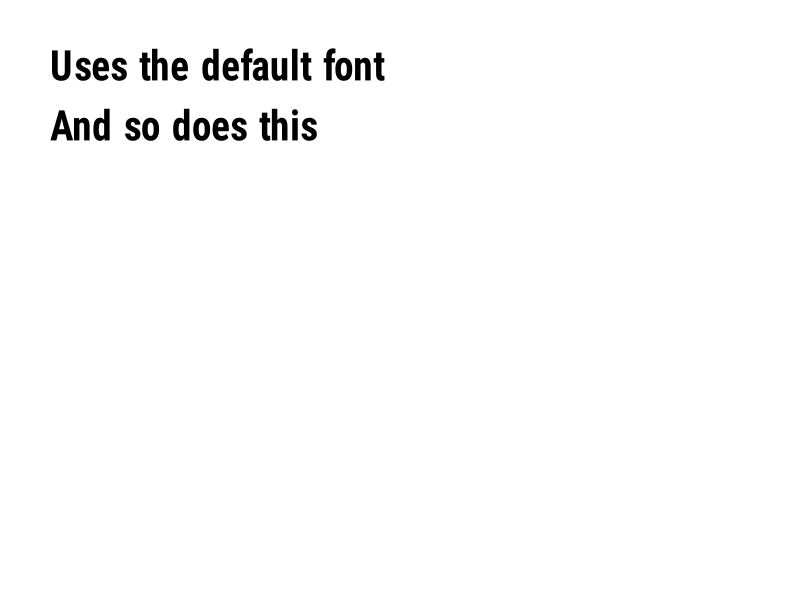
Nastaví písmo a velikost, které se použijí, když pole nemá žádné ^A. | Text a písma | Rendered example |
^CW |
Přiřazuje jednoznakový název k souboru písma. | Text a písma | Stores or recalls data; no image of its own |
^BY |
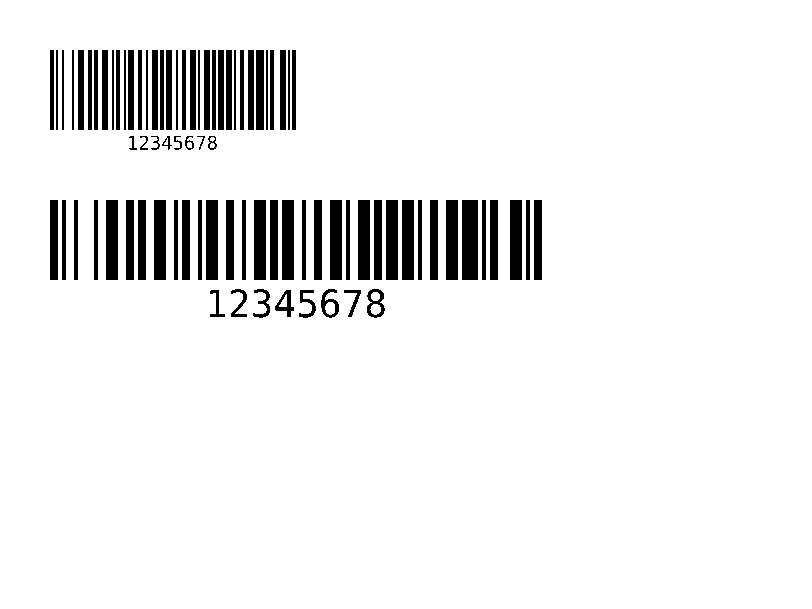
Nastaví šířku modulu, poměr širokého k úzkému a výšku pro následující čárové kódy. | Čárové kódy | Rendered example |
^BC |
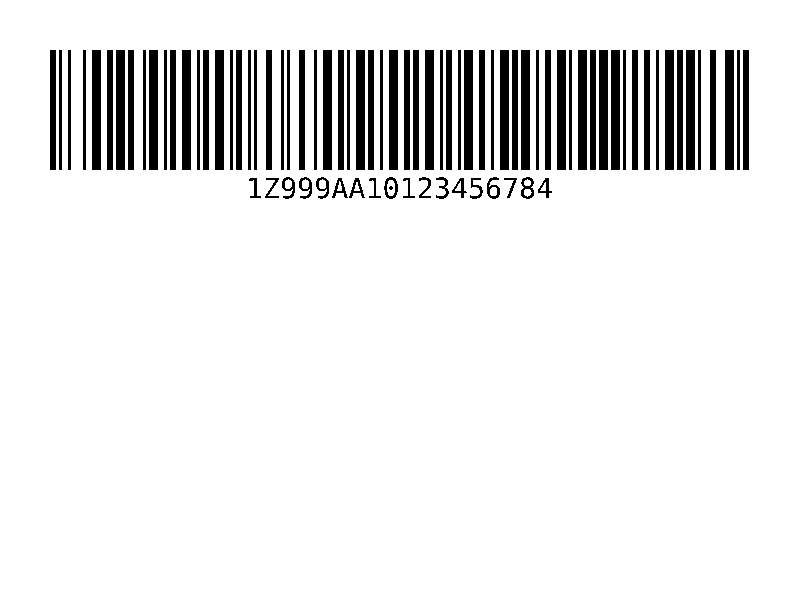
Čárový kód Code 128, nejběžnější na přepravních štítcích. | Čárové kódy | Rendered example |
^B3 |
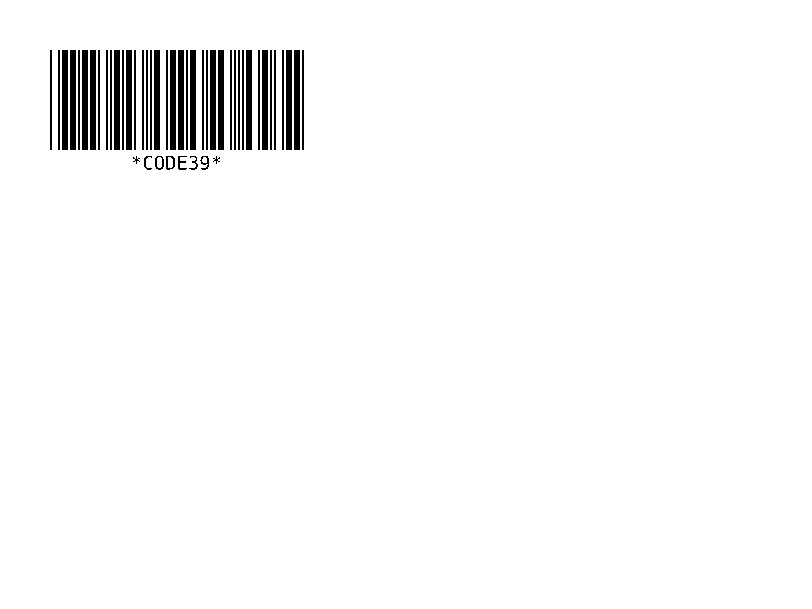
Čárový kód Code 39. | Čárové kódy | Rendered example |
^B2 |
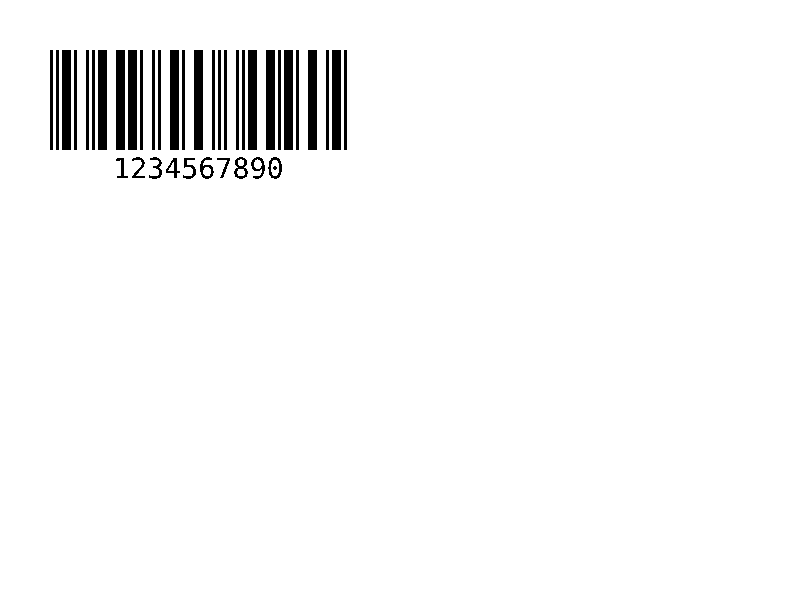
Propletený 2 z 5 čárový kód, pouze číselný. | Čárové kódy | Rendered example |
^BE |
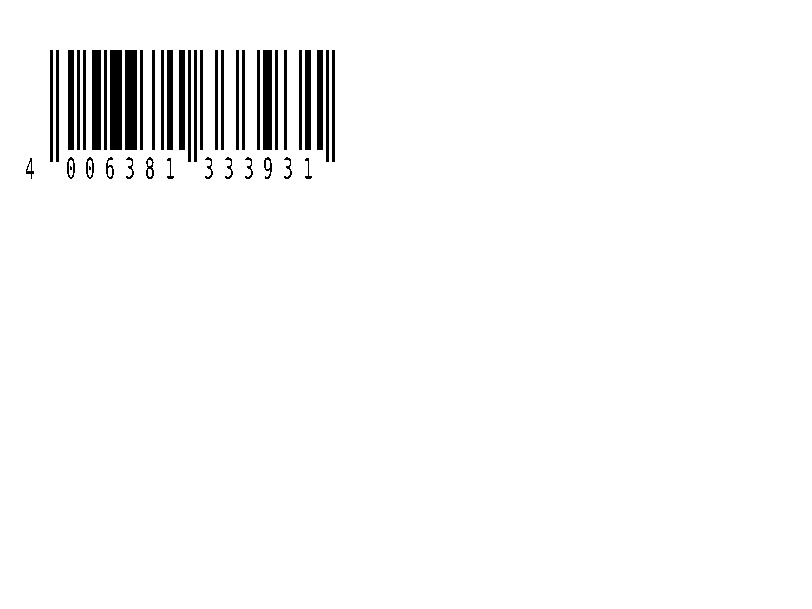
EAN-13 maloobchodní čárový kód. | Čárové kódy | Rendered example |
^B8 |
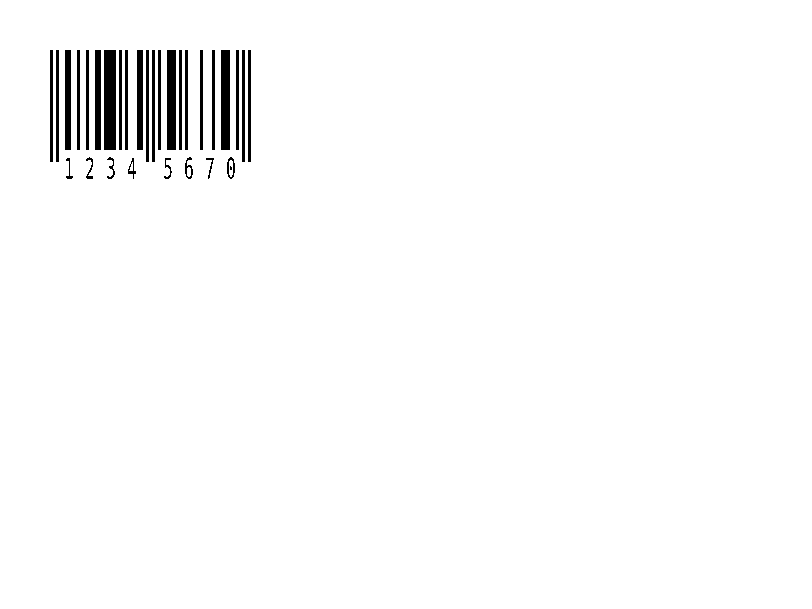
EAN-8 maloobchodní čárový kód. | Čárové kódy | Rendered example |
^BU |
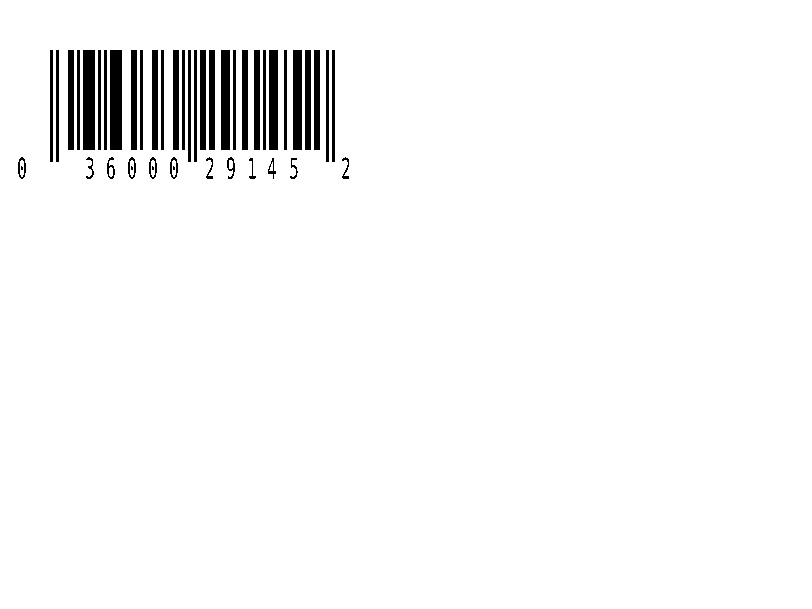
Retailový čárový kód UPC-A. | Čárové kódy | Rendered example |
^B9 |
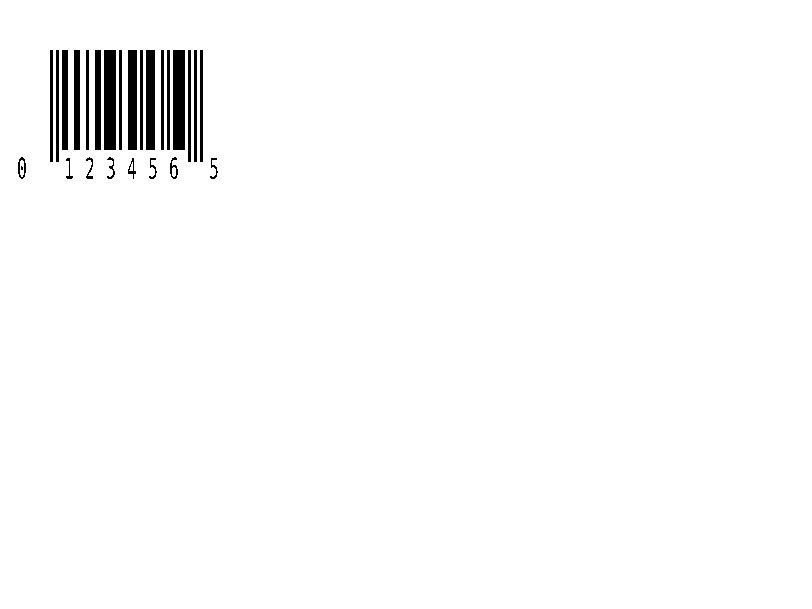
Retailový čárový kód UPC-E. | Čárové kódy | Rendered example |
^BQ |
QR kód. Data pole začínají volbou úrovně korekce chyb a režimu vstupu, jak je uvedeno v ^FDQA,text. | Čárové kódy | Rendered example |
^BX |
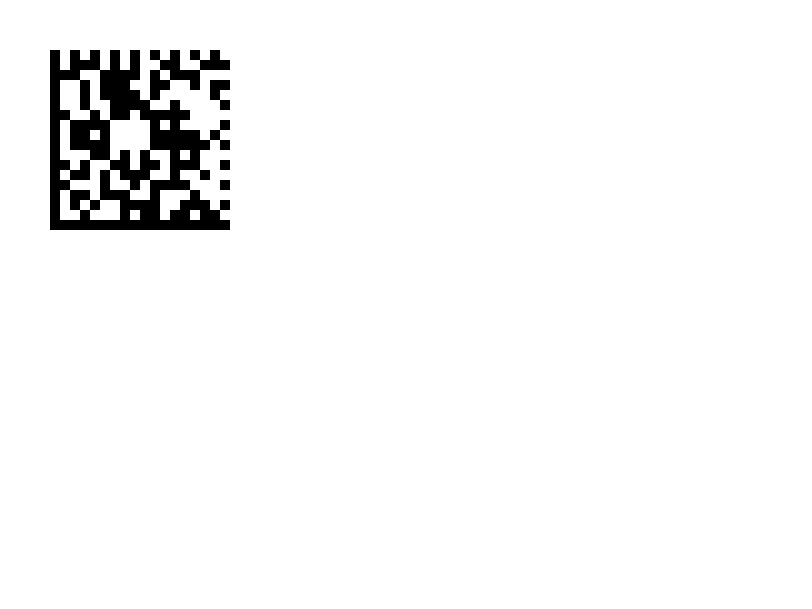
2D čárový kód Data Matrix. | Čárové kódy | Rendered example |
^B7 |
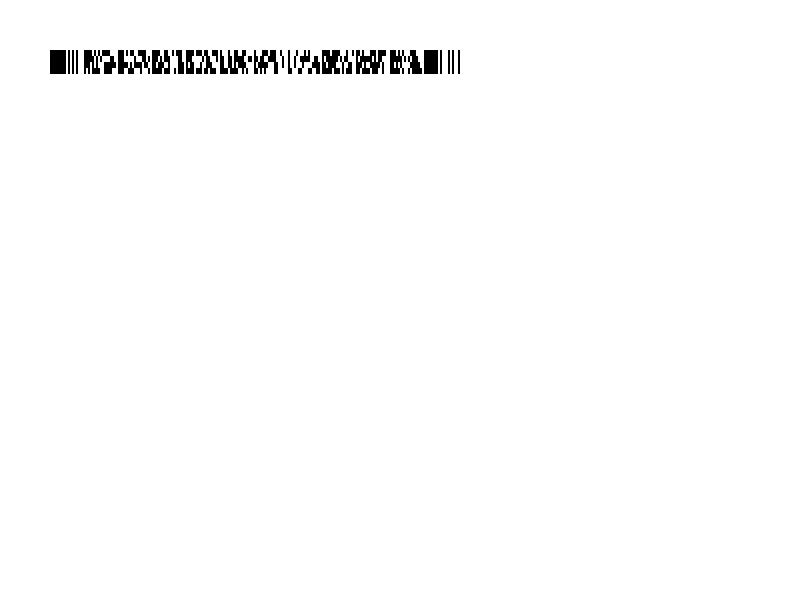
PDF417 vrstvený 2D čárový kód. | Čárové kódy | Rendered example |
^BO |
Aztek 2D čárový kód. | Čárové kódy | Rendered example |
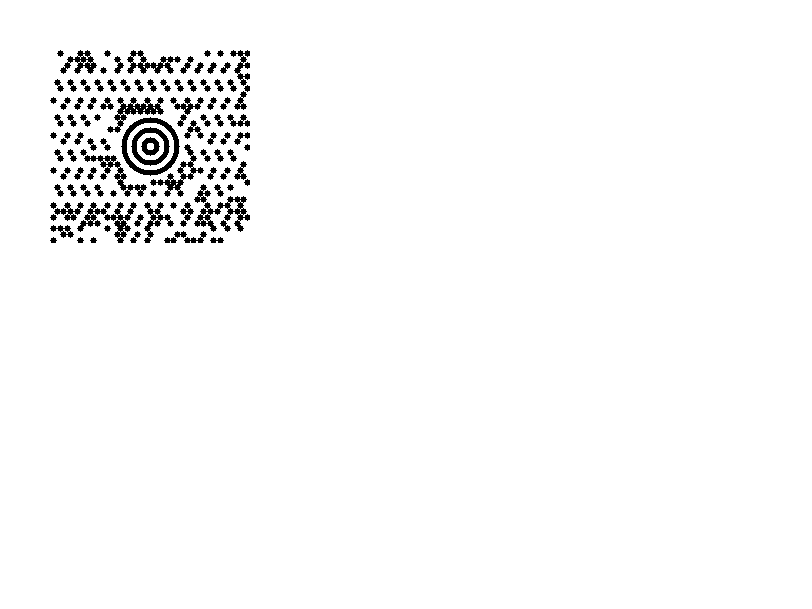
^BD |
MaxiCode, používaný UPS. | Čárové kódy | Rendered example |
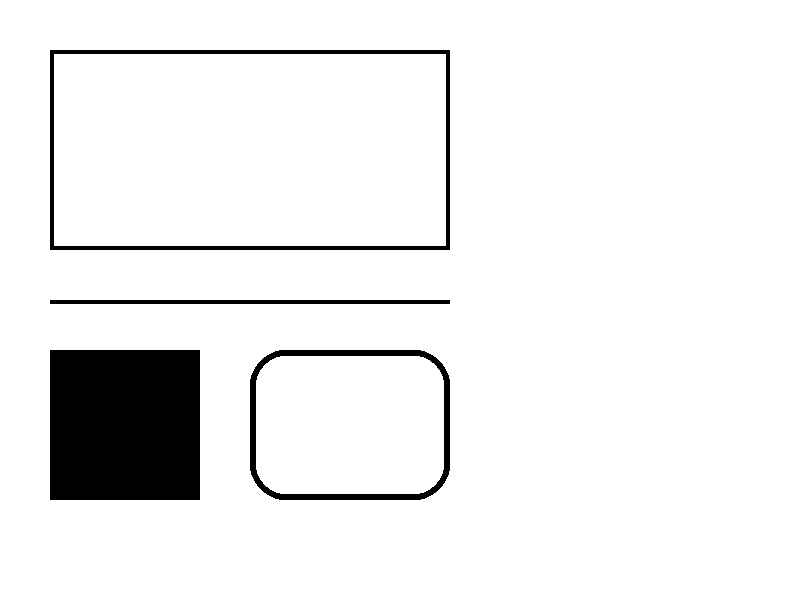
^GB |
Kreslí obdélník nebo čáru: šířka, výška, tloušťka okraje, barva a zaoblení. | Grafika | Rendered example |
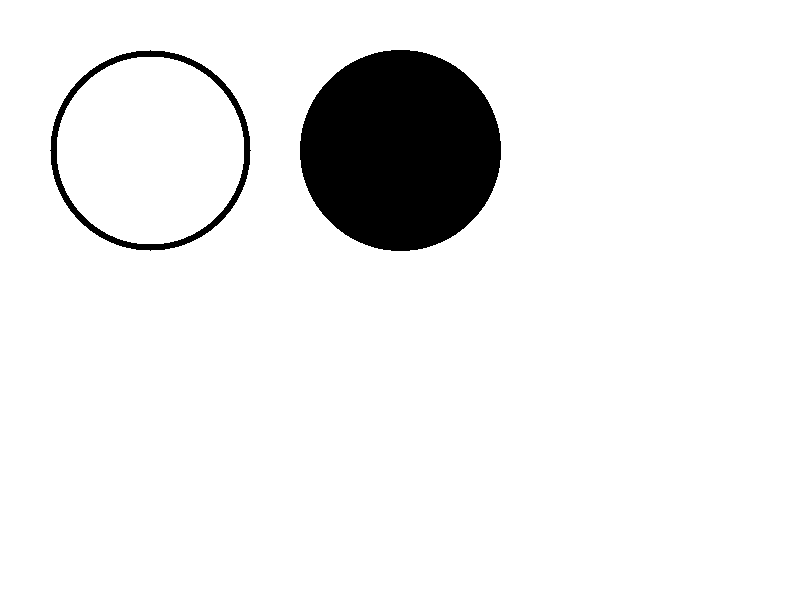
^GC |
Kreslí kruh: průměr, tloušťka okraje a barva. | Grafika | Rendered example |
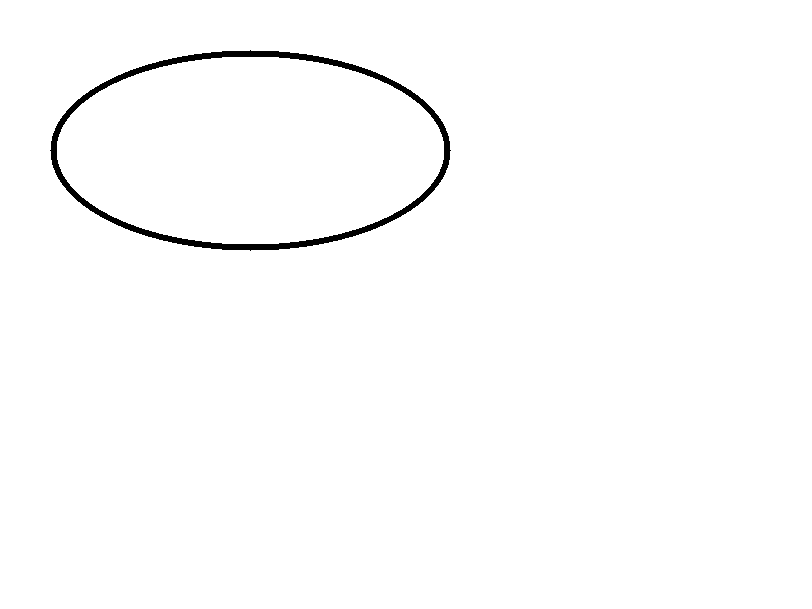
^GE |
Kreslí elipsu. | Grafika | Rendered example |
^GD |
Kreslí diagonální čáru. | Grafika | Rendered example |
^GF |
Vkládá bitmapový obrázek do štítku (ASCII hex, binární nebo Z64). | Grafika | Rendered example |
^GS |
Tiskne registrovaný, autorský nebo jiný symbol. | Grafika | Rendered example |
^DF |
Uloží formát štítku na tiskárně pod názvem. | Uložené formáty a obrázky | Rendered example |
^XF |
Připomene uložený formát pro vyplnění jeho polí ^FN. | Uložené formáty a obrázky | Rendered example |
~DG |
Uloží obrázek na tiskárně pod názvem. | Uložené formáty a obrázky | Stores or recalls data; no image of its own |
^XG |
Tiskne obrázek uložený s ~DG. | Uložené formáty a obrázky | Stores or recalls data; no image of its own |
^IM |
Tiskne uložený obrázek na aktuálním počátku pole. | Uložené formáty a obrázky | Stores or recalls data; no image of its own |




Ignored on purpose
These commands set up the printer, not the label. The API accepts them and renders the label as if they weren't there; we checked that the image is byte-identical without them.
| Group | Commands |
|---|---|
| Media and sensors | ^MM, ^MN, ^MT, ^MF, ~JS |
| Speed, darkness and tear-off | ^PR, ~SD, ^MD, ~TA |
| Calibration and printer state | ~JC, ~JA, ~JR, ^JU, ~HS |
| Network, RFID setup and host queries | ^NC, ^NI, ^RS, ~HI, ~HM |
Not supported yet
Each one was tested by placing it in a label at 8 dpmm. None of them fails the request: the label renders, without the symbol.
| Command | Symbology or feature | What the engine does today |
|---|---|---|
^TB | Text block | Text is drawn on one line; the block doesn't wrap. Use ^FB instead. |
^B0 | Aztec (alias) | No symbol drawn. ^BO, the other Aztec command, is drawn. |
^B1 | Code 11 | No bars; the data is printed as text. |
^B4 | Code 49 | No bars; the data is printed as text. |
^B5 | Planet Code | No bars; the data is printed as text. |
^BA | Code 93 | No bars; the data is printed as text. |
^BB | CODABLOCK | No symbol; the data is printed as text. |
^BF | MicroPDF417 | No symbol; the data is printed as text. |
^BK | ANSI Codabar | No bars; the data is printed as text. |
^BL | LOGMARS | No bars; the data is printed as text. |
^BM | MSI | No bars; the data is printed as text. |
^BP | Plessey | No bars; the data is printed as text. |
^BR | GS1 DataBar | No symbol; the data is printed as text. |
^BS | UPC/EAN extensions | No bars; the data is printed as text. |
^BT | TLC39 | No symbol; the data is printed as text. |
^BZ | POSTAL | No bars; the data is printed as text. |
Known differences
- A format with no fields, such as
^XA^XZ, returns400 ERROR: No labels found in the ZPLinstead of a blank image. - Fonts: Zebra's font 0 (CG Triumvirate Bold Condensed) can't be bundled, so
^A0is drawn with Roboto Condensed Bold, with spacing calibrated per character. The bitmap fonts^AA–^AHare drawn with DejaVu Sans Mono. Text widths can differ by a few dots from a given printer. - An RFID write (
^RFfollowed by^FD…^FS) draws its data as text; a printer encodes it in the tag and prints nothing.
Moving from Labelary
The API keeps Labelary's v1 paths and headers, so most clients only change the host. See Migrate from Labelary for the tested differences and OpenZPL vs Labelary for the comparison.