Code 39 barcodes in ZPL with ^B3
To print a Code 39 barcode in ZPL, set ^BY and use ^B3N: ^BY2,3,120^FO60,60^B3N,N,120,Y,N^FDOZ-0042^FS. Code 39 accepts digits, capital letters, space and - . $ / + %, and is wider than Code 128 for the same data.
Atualizado 2026-10-20 · Renders made with the OpenZPL engine
Open in the viewerGenerator
4 × 2 in label at 203 dpi. A preview shows how the printer draws the code; confirm with a scanner before printing a run.
The ^B3 command
| Parâmetro | O que faz | Valores |
|---|---|---|
^BY w, r | Module width and wide-to-narrow ratio | ^BY2,3: 2 dots, ratio 3 |
^B3 o | Orientation | N, R, I, B |
^B3 e | Mod-43 check digit | Y or N |
^B3 h | Bar height, in dots | for example 120 |
^B3 f | Print the human-readable line | Y or N |
^B3 g | Print that line above the bars | Y or N |
^XA
^BY2,3,120
^FO60,60^B3N,N,120,Y,N
^FDOZ-0042^FS
^XZ
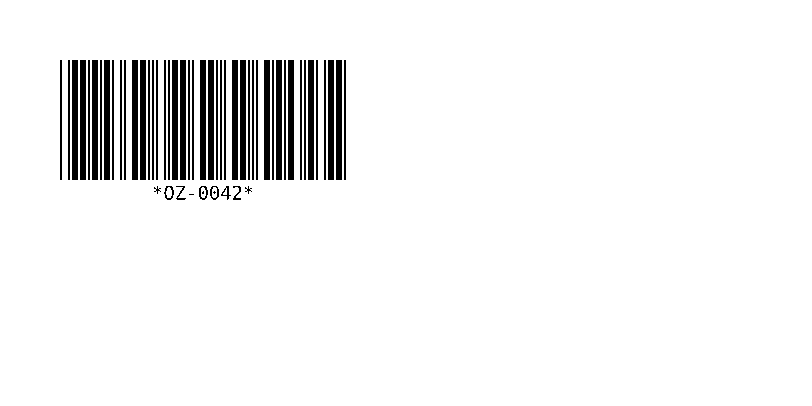
The human-readable line shows the asterisks that start and stop every Code 39 symbol; they are not part of the data. The ratio changes the width: OZ-0042 measures 286 dots at ^BY2,3 and 232 dots at ^BY2,2.
^BY2,2: 232 dots
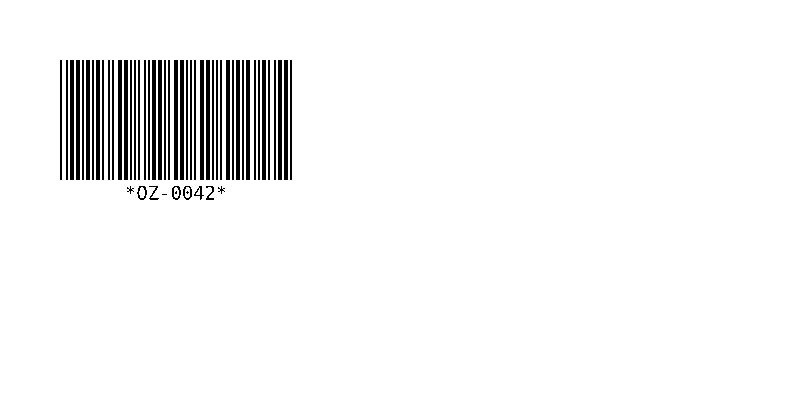
^XA
^BY2,2,120
^FO60,60^B3N,N,120,Y,N
^FDOZ-0042^FS
^XZ
^BY2,3: 286 dots
^XA
^BY2,3,120
^FO60,60^B3N,N,120,Y,N
^FDOZ-0042^FS
^XZ
Valid and invalid data
| Data | Result in the OpenZPL engine |
|---|---|
OZ-0042 | Valid |
oz-0042 | Drawn as OZ-0042: lower case is printed as capitals |
OZ_0042 | Not drawn: the API answers 400 Bad Request with ERROR: Code 39: invalid character '_' |
If you need lower case or symbols such as _, use Code 128, which encodes all of ASCII in less space.
^B3N,Y,…) is not added by the OpenZPL engine yet: the code renders without it. If your scanner requires it, check the result on the printer; see compatibility.Check a barcode before printing a run
A preview shows how the printer will draw the code: bar widths, quiet zone and the human-readable line. It does not prove that every scanner reads it on your media. Print one label at the real density and scan it with the scanner your customer or carrier uses; for retail and logistics codes, a barcode verifier grades the print quality.
Perguntas
Code 39 or Code 128?
Code 128 for new labels: it is shorter and takes any ASCII character. Code 39 stays where a customer or an older system requires it.
Why are there asterisks under my Code 39 barcode?
They are the start and stop characters, printed in the human-readable line by convention. Scanners don't return them.