Code 39 barcodes in ZPL with ^B3
To print a Code 39 barcode in ZPL, set ^BY and use ^B3N: ^BY2,3,120^FO60,60^B3N,N,120,Y,N^FDOZ-0042^FS. Code 39 accepts digits, capital letters, space and - . $ / + %, and is wider than Code 128 for the same data.
Actualizado 2026-10-20 · Renderizados hechos con el motor de OpenZPL
Abrir en el visorGenerador
Etiqueta de 4 × 2 pulgadas a 203 dpi. Una vista previa muestra cómo la impresora dibuja el código; confirme con un escáner antes de imprimir una serie.
The ^B3 command
| Parámetro | Qué hace | Valores |
|---|---|---|
^BY w, r | Module width and wide-to-narrow ratio | ^BY2,3: 2 dots, ratio 3 |
^B3 o | Orientación | N, R, I, B |
^B3 e | Mod-43 check digit | Y or N |
^B3 h | Bar height, in dots | for example 120 |
^B3 f | Print the human-readable line | Y or N |
^B3 g | Print that line above the bars | Y or N |
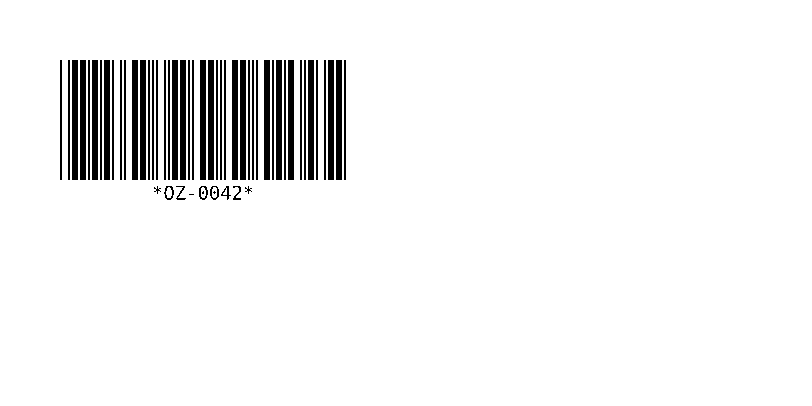
^XA
^BY2,3,120
^FO60,60^B3N,N,120,Y,N
^FDOZ-0042^FS
^XZ
The human-readable line shows the asterisks that start and stop every Code 39 symbol; they are not part of the data. The ratio changes the width: OZ-0042 measures 286 dots at ^BY2,3 and 232 dots at ^BY2,2.
^BY2,2: 232 dots
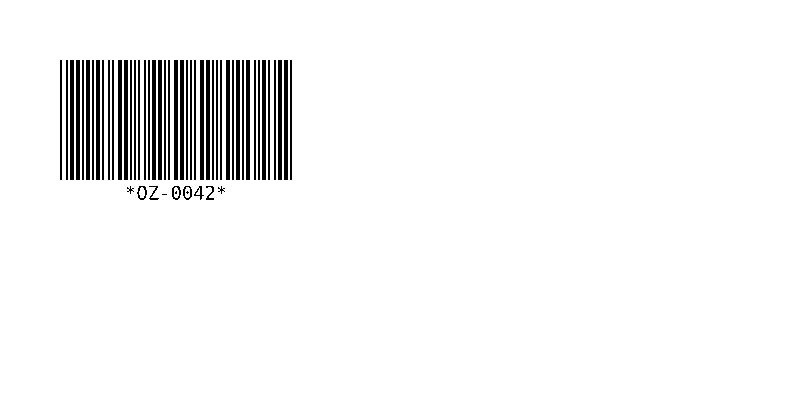
^XA
^BY2,2,120
^FO60,60^B3N,N,120,Y,N
^FDOZ-0042^FS
^XZ
^BY2,3: 286 dots
^XA
^BY2,3,120
^FO60,60^B3N,N,120,Y,N
^FDOZ-0042^FS
^XZ
Datos válidos e inválidos
| Datos | Result in the OpenZPL engine |
|---|---|
OZ-0042 | Válido |
oz-0042 | Drawn as OZ-0042: lower case is printed as capitals |
OZ_0042 | Not drawn: the API answers 400 Bad Request with ERROR: Code 39: invalid character '_' |
If you need lower case or symbols such as _, use Code 128, which encodes all of ASCII in less space.
^B3N,Y,…) is not added by the OpenZPL engine yet: the code renders without it. If your scanner requires it, check the result on the printer; see compatibility.Verifique un código de barras antes de imprimir una tanda
Una vista previa muestra cómo la impresora dibujará el código: anchos de barras, zona muerta y la línea legible por humanos. No prueba que cada escáner lo lea en su medio. Imprima una etiqueta a la densidad real y escáneela con el escáner que utiliza su cliente o transportista; para códigos de venta al por menor y logística, un verificador de códigos de barras califica la calidad de impresión.
Preguntas
Code 39 or Code 128?
Code 128 for new labels: it is shorter and takes any ASCII character. Code 39 stays where a customer or an older system requires it.
Why are there asterisks under my Code 39 barcode?
They are the start and stop characters, printed in the human-readable line by convention. Scanners don't return them.